
Saphalam
Version: 9.5
4.80MB
4.1
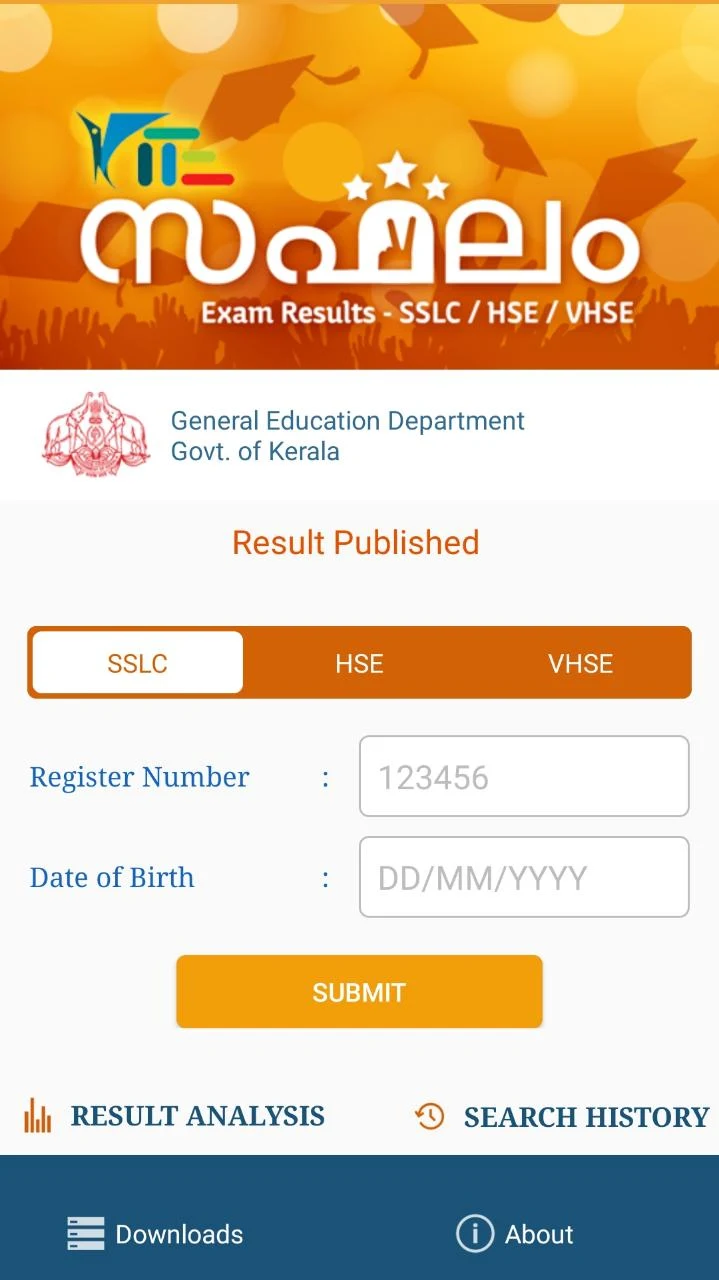
Saphalam is a compact daily planning app that combines personalized forecasts, calendar integration, and actionable recommendations to help users organize their days. It highlights auspicious timings, reminders, and routine suggestions in a clean interface, making it easy to align schedules and decisions with preferred personal insights.
Saphalam blends practical scheduling tools with intuitive guidance. The app delivers day-by-day forecasts tailored to the user, suggests optimal time windows for activities, and ties those suggestions to notifications and calendar events. It is designed for people who want a single companion app for planning, reminders, and light forecasting features.
Rather than replace a calendar, Saphalam enhances it. Users consult the app in the morning for a concise plan, let the app populate calendar slots for high-priority tasks, and receive nudges at opportune moments. This flow reduces decision fatigue by offering context-aware suggestions that adapt if plans shift during the day.
The app allows adjustments for notification frequency, preferred task categories, and the kinds of forecasts shown. You can prioritize work-related cues, family events, or health reminders and tune the level of detail you want in daily summaries. Saphalam also supports multiple languages and basic regional settings to reflect local time conventions.
Saphalam uses a minimalist layout to present recommendations clearly: a top-line summary, a timeline of suggested periods, and a list of actionable items. Interactive elements are large and easy to tap, and setting up calendar sync is guided with a step-by-step wizard. Visual cues such as color-coded time blocks make it quicker to scan and act.
Optimized for modern Android devices, Saphalam is built to be lightweight and responsive. Background tasks like sync and reminder dispatch are handled efficiently to minimize battery drain. The app is compatible with a wide range of Android versions and gracefully scales on different screen sizes, including tablets.
Saphalam stores personal schedules locally by default and offers optional cloud backup. Data shared with calendars remains under user control, and the app requests only the permissions necessary for its core functions. Clear privacy settings let users decide whether to enable analytics or personalized recommendations.
Begin by granting calendar access and selecting your preferred reminder types. Input a few recurring events or let the app analyze your calendar to create initial suggestions. New users benefit from the built-in tour that highlights key controls and demonstrates how to add suggested time slots to their calendar with one tap.
With its balance of scheduling tools and user-friendly forecasts, Saphalam helps users plan their days more intentionally. The app’s adaptable settings and straightforward interface make it suitable for anyone seeking a smarter way to manage time and reminders within a single Android application.