
MyBible
Version: 5.7.1
14.80MB
4.3
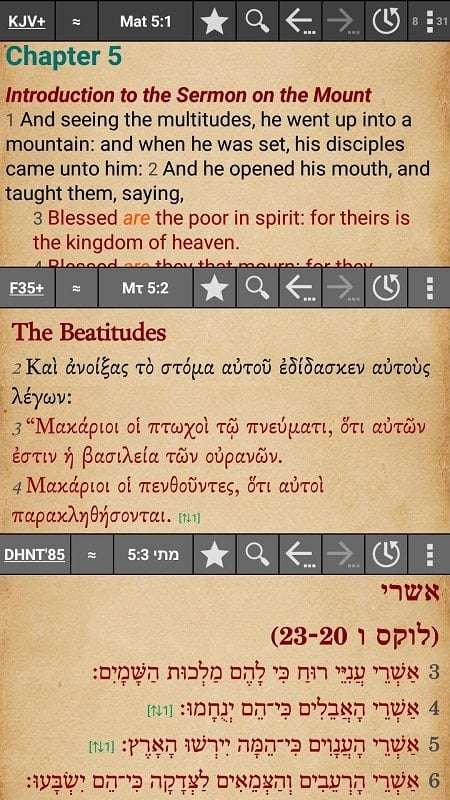
MyBible is a lightweight, offline-capable Bible app designed for daily reading, study, and devotional use. It provides multiple translations, reading plans, verse highlights, and annotation tools in a clean interface, helping users access scripture on phones and tablets with fast search and customizable display options.
At its core, MyBible focuses on making scripture accessible and easy to navigate. The app includes a library of translations, quick cross-reference links, and integrated search that finds words and phrases across books, chapters, and verses. Built-in reading plans help you maintain a steady rhythm, while adjustable font sizes and themes keep reading comfortable in any light.
The interface is intentionally uncluttered: a main reading pane, a bottom navigation bar for library and plans, and a swipeable panel for chapter selection. Page layout adapts to device orientation so you can read in portrait or landscape. Font controls, line spacing, and margin adjustments are accessible from a single appearance menu, making it simple to tailor the view to your preferences.
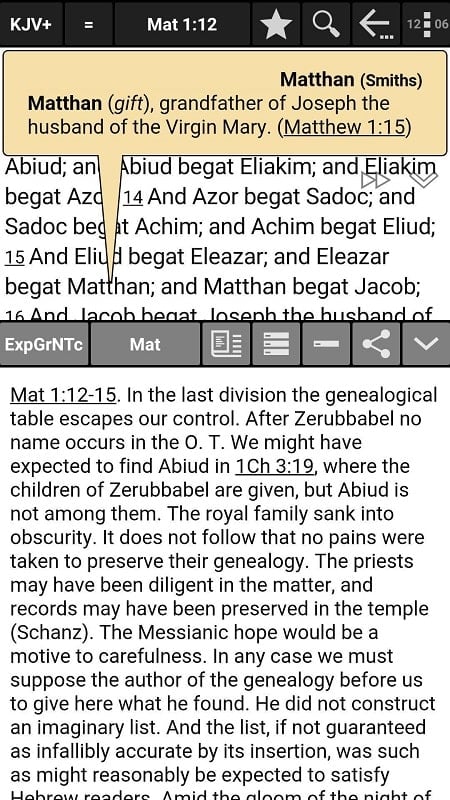
Beyond casual reading, MyBible includes features that support research and teaching. Verse tagging enables quick retrieval of key passages, and side-by-side comparisons let you view two translations concurrently. For deeper study, the app can display footnotes, original language references, and linked commentaries. These tools streamline sermon prep, academic work, and personal study sessions.
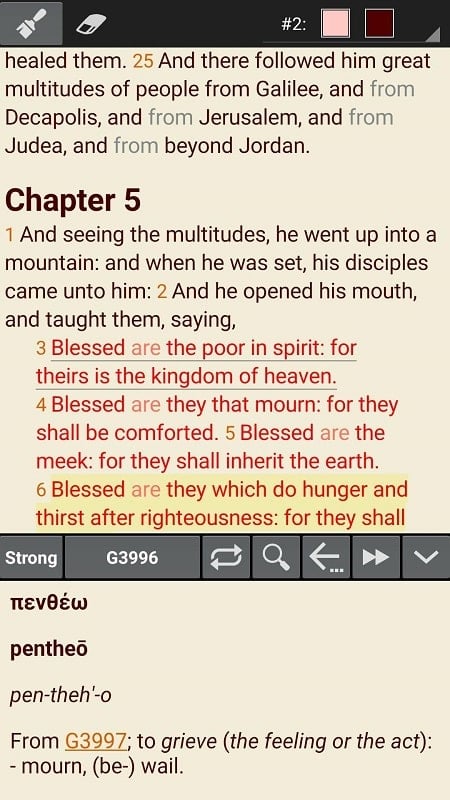
Organizing study materials is straightforward. Create collections of verses for topics like prayer, encouragement, or family readings. Annotations are searchable and can be exported or backed up. When you find a passage to share, built-in export options format verses with citation and preserve your selected translation. Sharing respects privacy: personal notes remain local unless explicitly exported.
MyBible prioritizes speed and battery efficiency. Resource usage is optimized so the app remains responsive on a wide range of Android devices, from older phones to modern tablets. Offline downloads are stored compactly to minimize storage impact. The app supports Android accessibility features, including adjustable text scaling and screen reader compatibility, ensuring a broader range of users can benefit.
Privacy is treated with care: the app requests minimal permissions and keeps local notes private by default. Optional cloud sync allows you to back up bookmarks, highlights, and reading progress to a personal account, which is useful when moving between devices. Sync can be disabled if you prefer a wholly local experience.
Installation and setup are straightforward. After installing MyBible, choose the translations you want and download them for offline use. Start a reading plan or import bookmarks from other apps if needed. The first-time tour highlights core controls and shows where to access audio, search, and annotation tools, so new users feel confident from the outset.
Whether you want a simple reading experience or a robust study environment, MyBible balances usability and depth. The app’s design keeps scripture at the center while offering practical tools for study, teaching, and daily devotion, making it a reliable companion for personal and group use.