Sideline
Version: 12.56.1
17.65MB
4.1

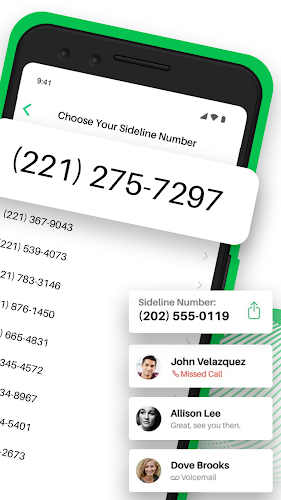
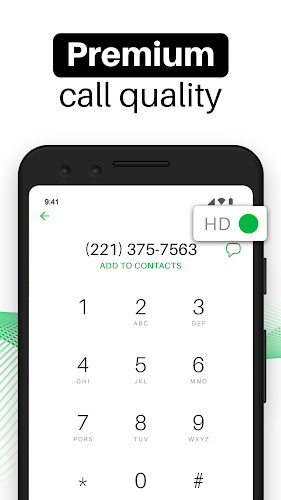
If you're the kind of user who juggles client calls and personal life, Sideline can give you a tidy way to keep both lines separate without extra hardware. This app supplies a dedicated second number that sits on your phone alongside your main line so you can route business messages, manage voicemail, and maintain privacy on a single device. The overview below breaks down setup, core tools, everyday scenarios and what to expect so you can decide if Sideline fits your workflow.
Install and choose a number: Download the app, pick an area code and select a local number that suits your needs — you can choose numbers from different regions if you want calls to appear local.
Link to your carrier: Sideline uses your cellular service for calls and texts, so there’s no reliance on Wi‑Fi calling; follow the in‑app prompts to verify and connect.
Profile and preferences: Set a custom voicemail greeting, enable voicemail transcription if desired, and add contact notes so each conversation is easier to manage later.
Second phone number: Maintain a separate business or project number without carrying another device, useful for freelancers, small teams, and side hustles.
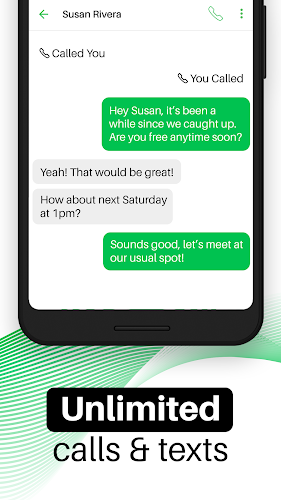
Unlimited calling and messaging: Make and receive calls and texts from your Sideline number with no per‑message or per‑minute hassles on supported plans.
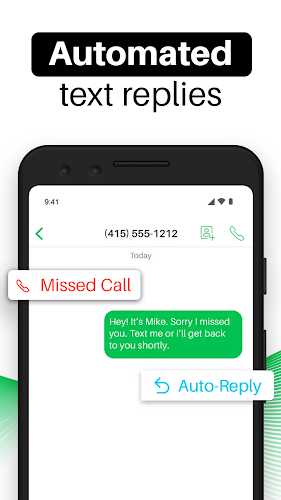
Auto-replies and auto-callback: Create automatic messages for missed calls and configure callbacks so callers get a clear response when you’re busy.
Media messaging: Send photos, videos and GIFs from the Sideline number to keep conversations expressive and professional when needed.
Contact management: Add notes to contacts, star favorites for quick access, and maintain a blacklist to block unwanted numbers.
Classifieds and listings: Hand out a Sideline number when selling items online so your personal number stays private and you can disable the line later if needed.
Temporary project contact: Use Sideline for a short-term gig or event so clients reach a dedicated line and you can keep notes and messages organized per project.
Keep your settings current: Review auto-reply messages and voicemail periodically so callers get the right impression and information.
Use contact notes: Adding brief notes about each caller makes follow-ups simpler and prevents repeated explanations when you handle multiple clients.
Understand number changes: You can change your Sideline number in the app, but plan the switch — missed messages to the old number won’t forward to the new one.
Sideline is a practical option if you want a clean separation between personal and professional calls without extra devices; it bundles voicemail transcription, contact controls, and media messaging into one app. If you value privacy and clear organization, give Sideline a try and see how a second number streamlines your communication.