Keys Cafe
Version: 3.2.1
20.10MB
4.3
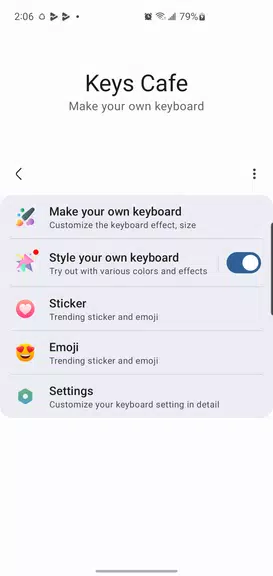
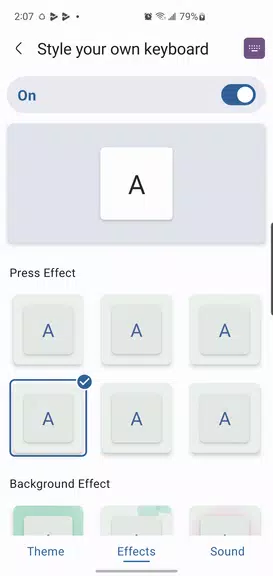
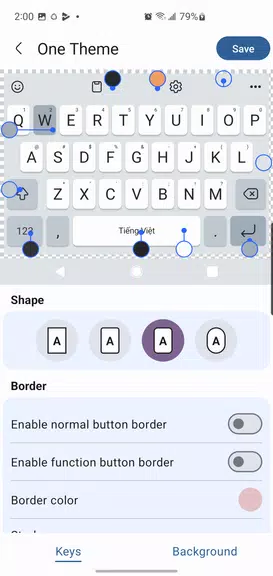

Keys Cafe is a compact productivity app that centralizes keyboard shortcuts, macros, and clipboards to speed up daily tasks on Android devices. It offers a clean interface for creating custom hotkeys, organizing frequently used snippets, and triggering actions with gestures or external keyboards, helping users work faster and stay organized.
Keys Cafe brings together multiple utility tools into a single package. You can create and manage custom hotkeys that launch apps, paste predefined text, or run multi-step macros. The clipboard history saves recent copies for quick access. Built-in templates accelerate common tasks like email signatures, addresses, or code snippets. Users can assign gestures or connect external keyboards to execute actions instantly.
The interface is designed for minimal friction. A compact dashboard displays recent shortcuts, active macros, and the clipboard vault. Creating a new key mapping uses a step-by-step dialog where you choose a trigger, action type, and optional conditions like time of day or app context. The streamlined workflow reduces setup time and keeps frequently used items one tap away.
Keys Cafe supports multiple profiles so you can switch contexts quickly — for example, separate work and personal setups. Each profile stores its own set of shortcuts, clipboard entries, and gesture assignments. You can customize visual themes, button sizes, and the behavior of the overlay tool so the app fits different screen sizes and accessibility needs.
Automation is a standout capability. Macros let you string actions such as opening an app, waiting for a specific interval, inputting text, and closing a window. Conditional branching and simple variables allow more advanced flows without requiring programming knowledge. This makes Keys Cafe well suited for repetitive workflows like form filling, templated responses, and multi-step launches.
Keys Cafe works with both on-screen and external keyboards and integrates with common Android features. It supports accessibility services for reliable input simulation and offers options to work alongside other productivity apps. The app is optimized for a wide range of devices and Android versions, providing consistent behavior across phones and tablets.
Designed to be lightweight, Keys Cafe minimizes background resource use while keeping hotkeys responsive. Actions execute quickly and macros run without perceptible lag on modern devices. The app includes battery-friendly settings that suspend non-critical features when power is low, and logs for troubleshooting if a shortcut behaves unexpectedly.
Keys Cafe keeps user data local by default. Clipboard history and saved snippets are stored on-device, and optional encrypted backups allow safe transfers between devices. Permission requests are explained within the app so users understand why accessibility, storage, or keyboard access are needed. There are granular controls to disable features that are not required for a particular workflow.
Start with a few high-value shortcuts like your most-used email signature, navigation to a specific app, or a clipboard item you paste frequently. Use profiles to avoid clutter and enable macros for repetitive tasks that cost time. Regularly prune the clipboard vault to keep the list manageable and secure. If you use an external keyboard, map function keys to important actions to boost productivity further.
Keys Cafe is ideal for professionals who handle repetitive input, students who want faster note-taking templates, and power users who like customizing their device behavior. The balance between simplicity and advanced automation makes it accessible for casual users while offering depth for those who want to build complex routines.
With quick setup, adaptable profiles, and powerful macro capabilities, Keys Cafe turns routine interactions into instant commands, saving time and reducing friction across everyday mobile tasks.