UPX Slot
Version: 115.0.5790.168
159.30MB
4.5
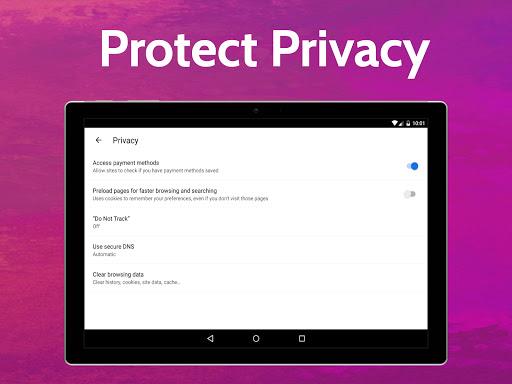
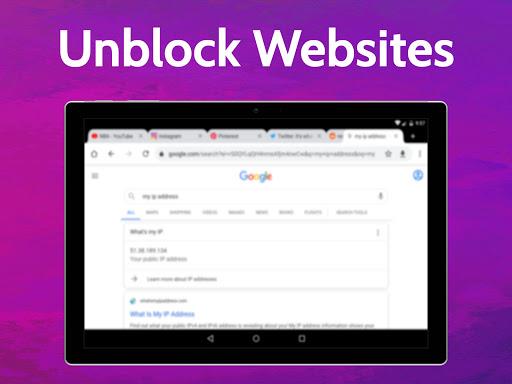
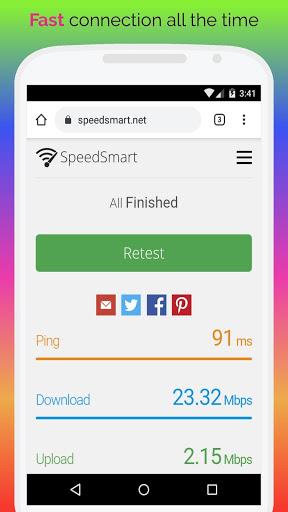
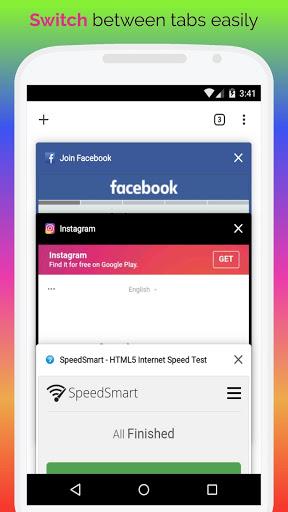
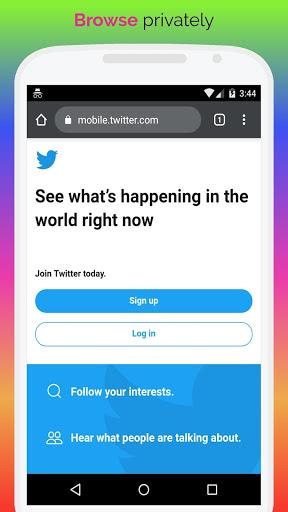
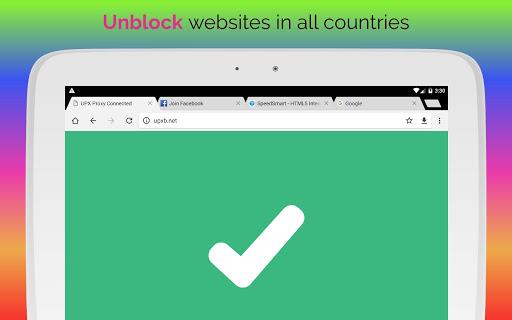
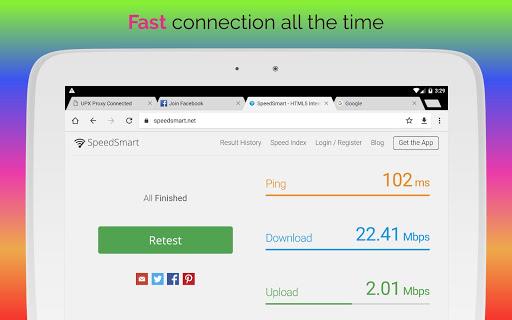
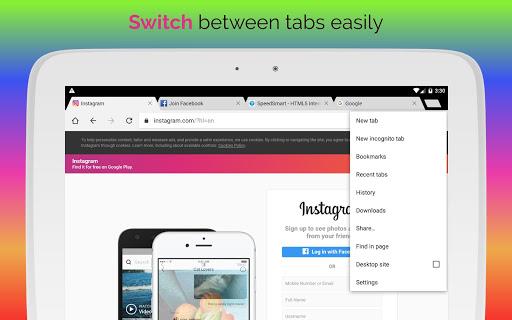
Privacy-focused mobile proxy browser and VPN alternative: UPX Slot brings private, fast access to the open web. Built for Android users who want a single app to mask their location, block annoying ads, and keep browsing secure on public networks, UPX Slot combines a Chromium-based browser shell with on-device controls and a network of remote proxy endpoints. It’s handy when you need to check online banking on an airport hotspot or stream a show that’s unavailable in your region while traveling. This review walks through the main tools, practical use cases, and what to expect from the app.
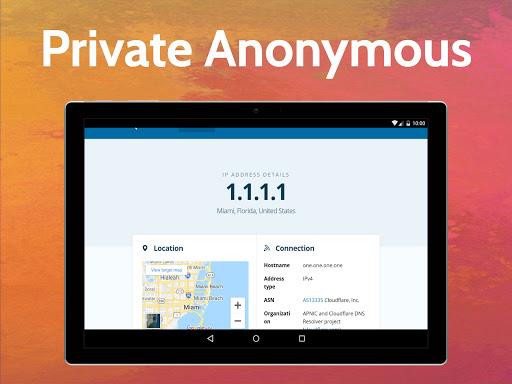
Integrated proxy and VPN: The browser routes pages through external servers so websites see a different IP and location, letting you bypass basic geo-blocks without installing a separate VPN client.
Built-in ad blocking: A default filter removes many pop-ups and banners, which speeds page load times and reduces data usage when you are on a limited connection.
Encryption at connection: Sessions are wrapped in transport-level encryption to shield your traffic from casual snooping on shared networks like cafes or airports.
Worldwide server options: Select from several server regions to lower latency for streaming and to view content as if you were browsing from another country.
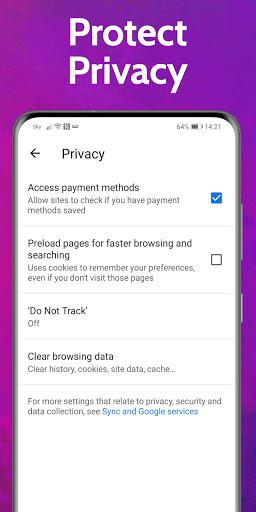
Privacy-first settings: The app includes toggles to limit data shared with sites, clear local history, and avoid storing browsing records on the service side.
Full browser mode: A Chromium-based interface where all tabs use the app's proxy and privacy rules, making standard web tasks feel familiar.
Proxy-only routing: Route traffic selectively for certain requests rather than every app on the device, useful when you want to keep other apps on a direct connection.
Auto-connect profiles: Predefined settings that activate a preferred server and privacy level when you join an unsecured Wi-Fi network.
Region picker: A simple list that lets you choose a country endpoint, so web services display content for that location without extra configuration.
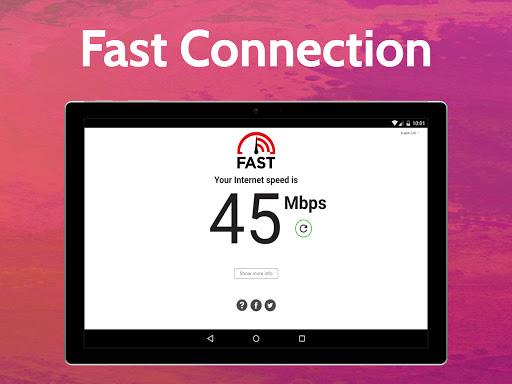
Pick nearby servers for speed: Choose a geographically close proxy when low latency matters, for example during live video or real-time browsing sessions.
Enable ad block on slow plans: Turning the blocker on saves bandwidth and decreases page rendering time when your mobile plan is metered.
Use auto-connect on untrusted Wi-Fi: Let the app switch into a protected profile automatically in public places so you don’t have to remember to manually enable protection.
Check privacy toggles before payments: Review per-site permissions and disable features that share payment details unless you explicitly allow them.
Do I need a separate VPN subscription?
No. UPX Slot includes its own proxy and encrypted routing within the browser, so you can access region-limited pages without adding another VPN service.
Will the app keep a log of my browsing?
The app promotes a no-logs approach and local privacy controls, but you should consult the app's privacy statement for the precise retention and telemetry practices used by each release.
Can I stream video with UPX Slot?
Yes, the service is designed to handle media playback and can reduce buffering when you connect to a fast proxy endpoint, although streaming performance depends on the chosen server and your base connection.
If you want a lightweight Android browser that bundles proxy routing, ad blocking, and basic privacy settings in one place, UPX Slot is a practical pick. It balances convenience and control for casual streaming, safer public Wi-Fi use, and occasional region switching, while power users should check the app's privacy policy and server options before relying on it for sensitive tasks.