HP Smart
Version: 18.13.0.5475-hpx
354.30MB
4.4
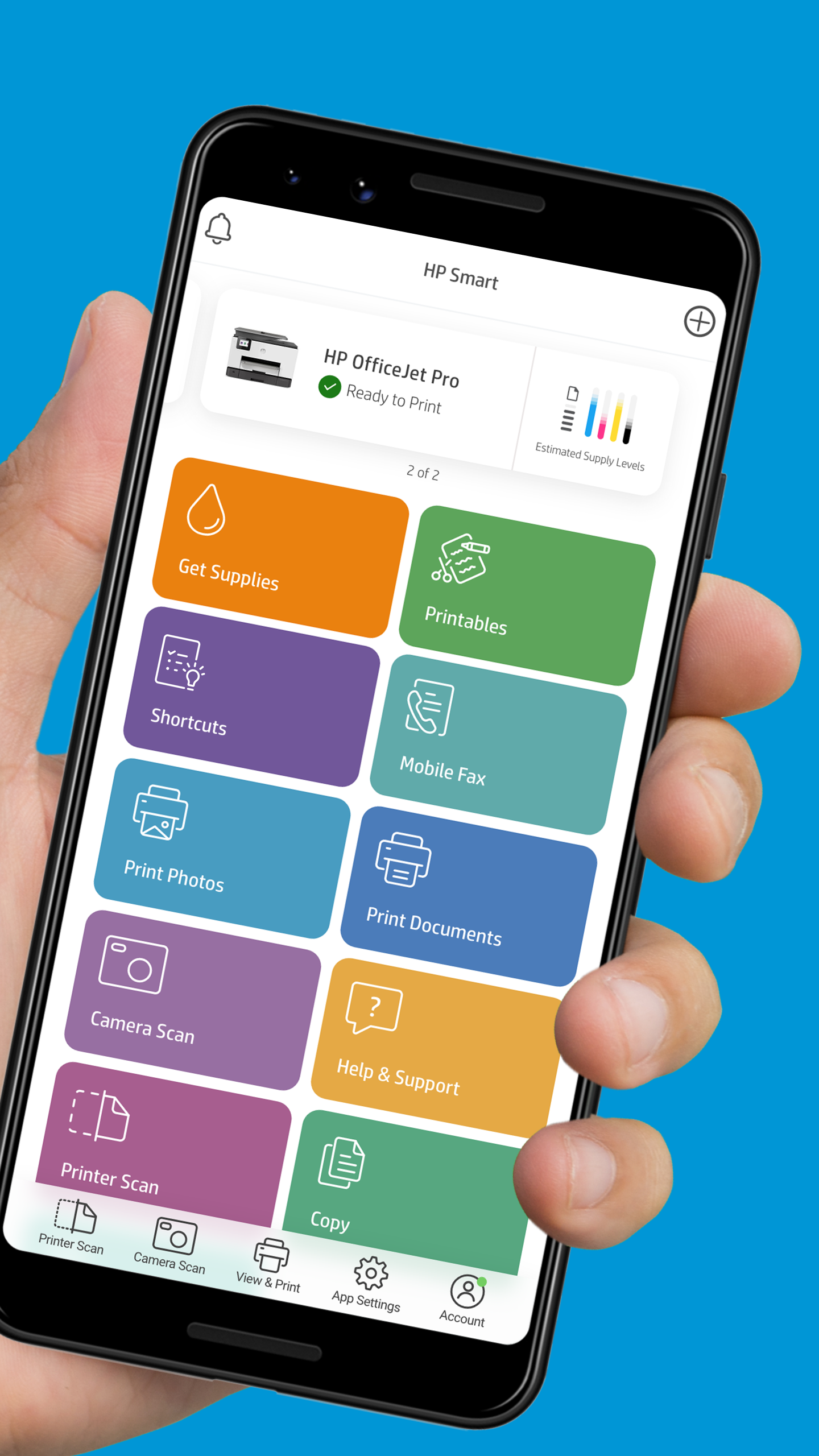
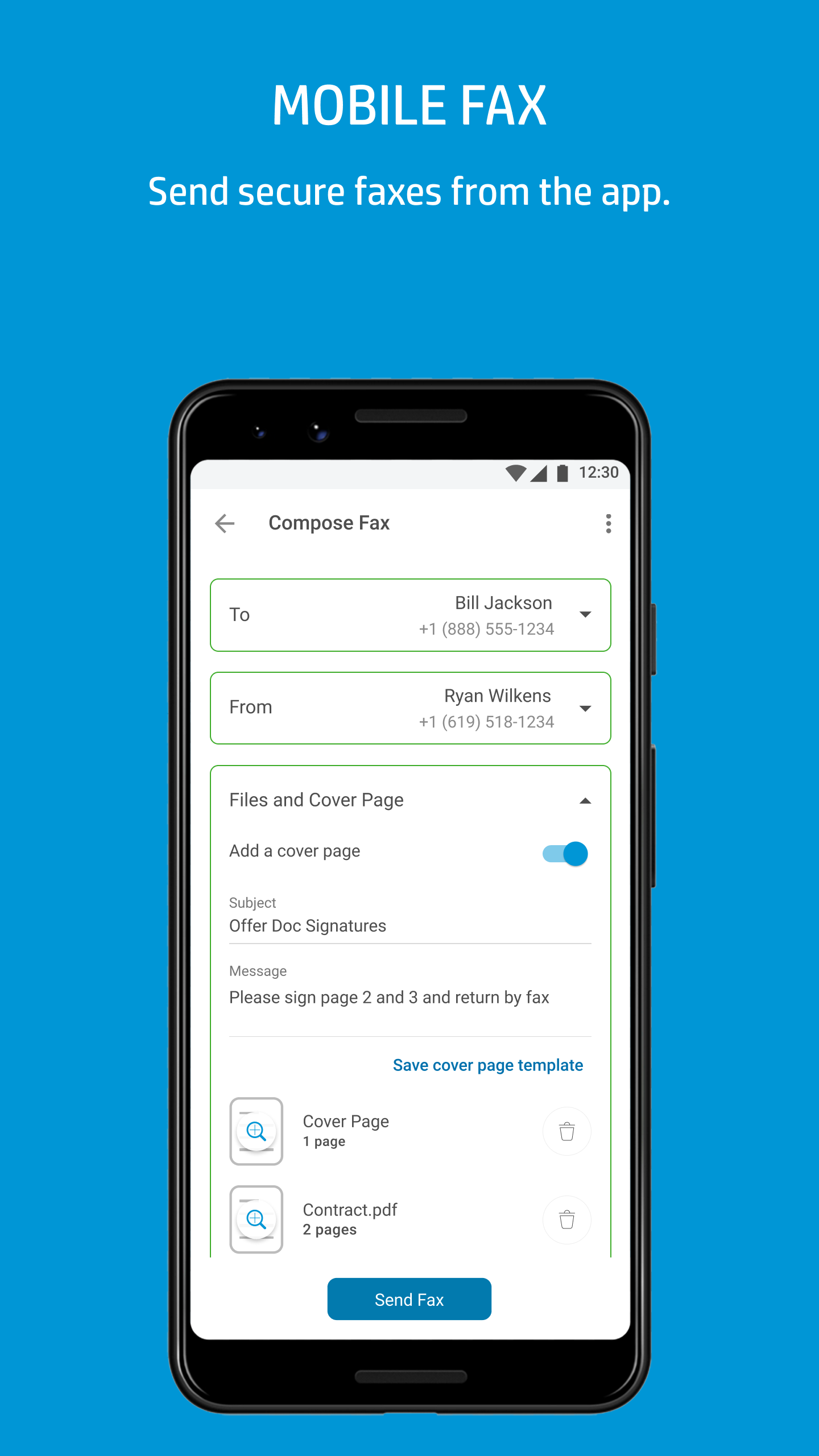
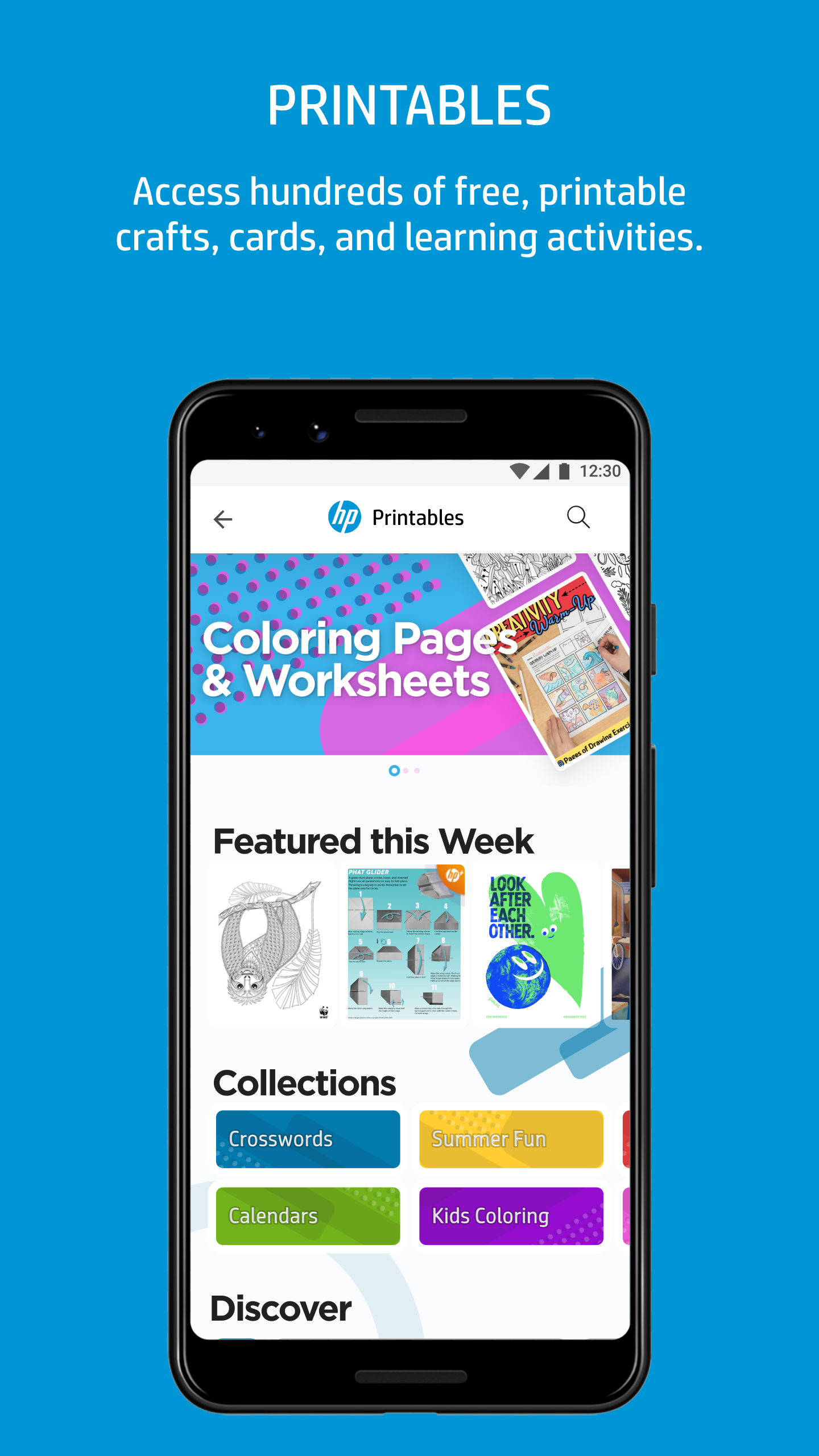
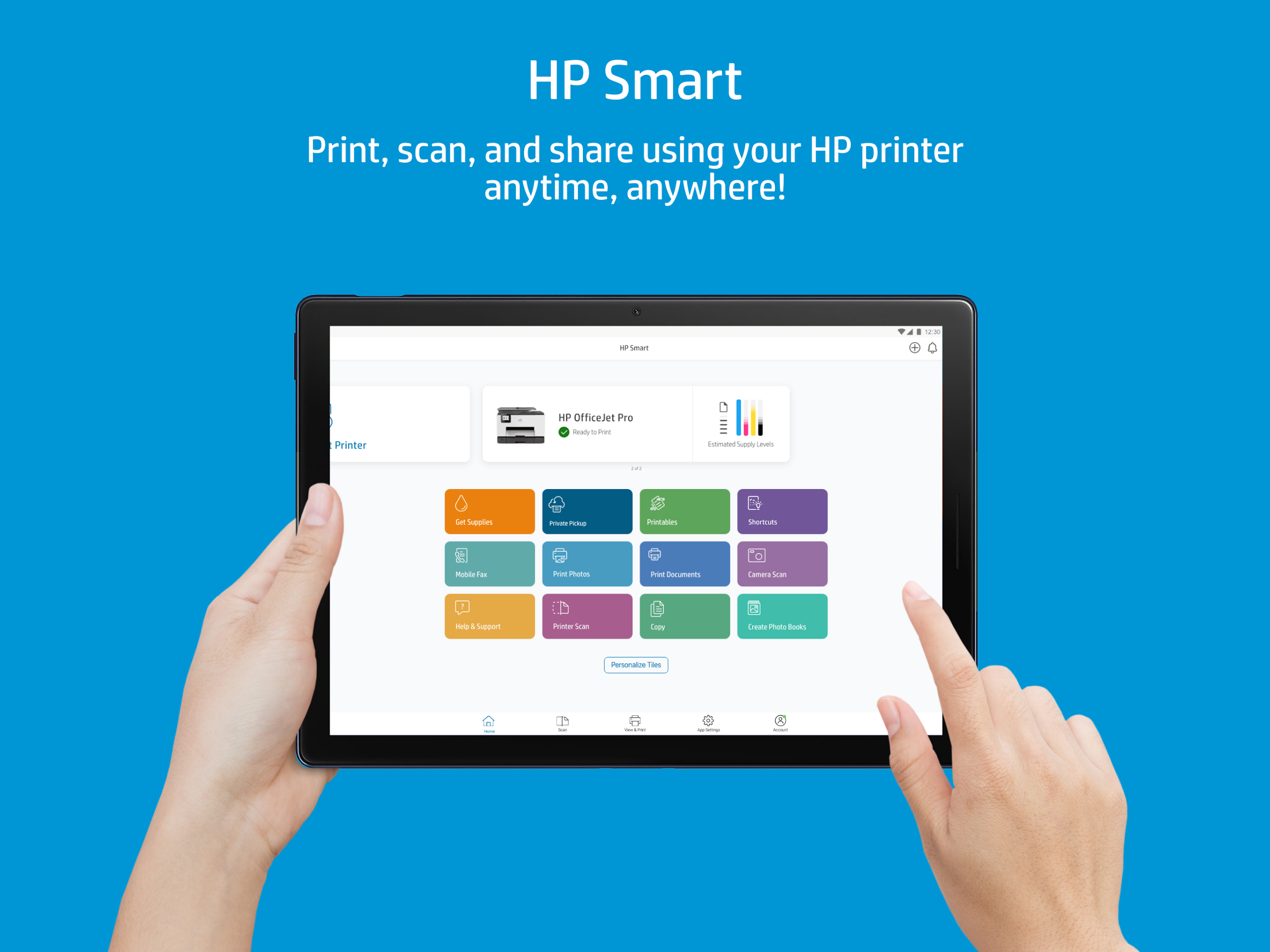
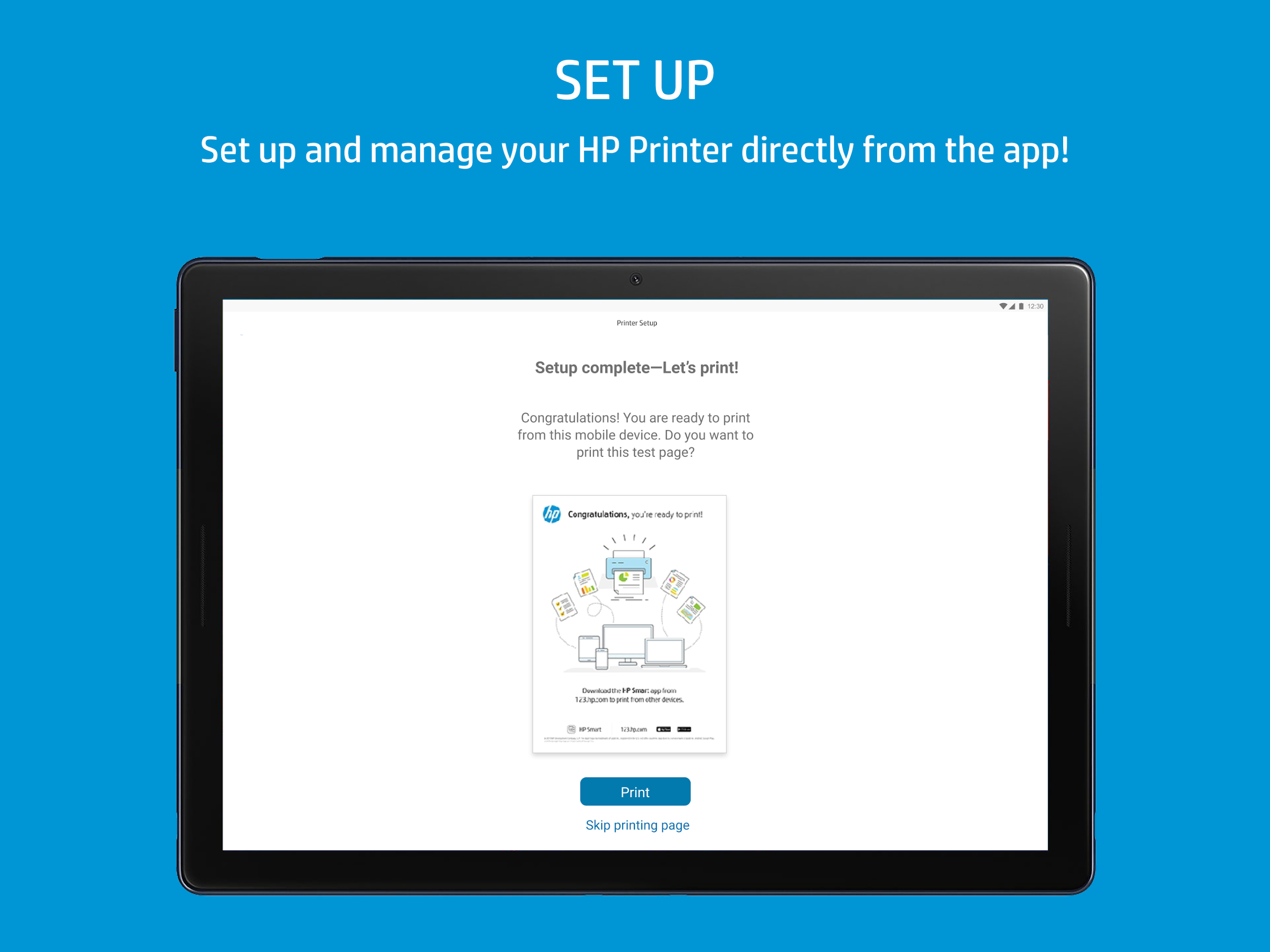
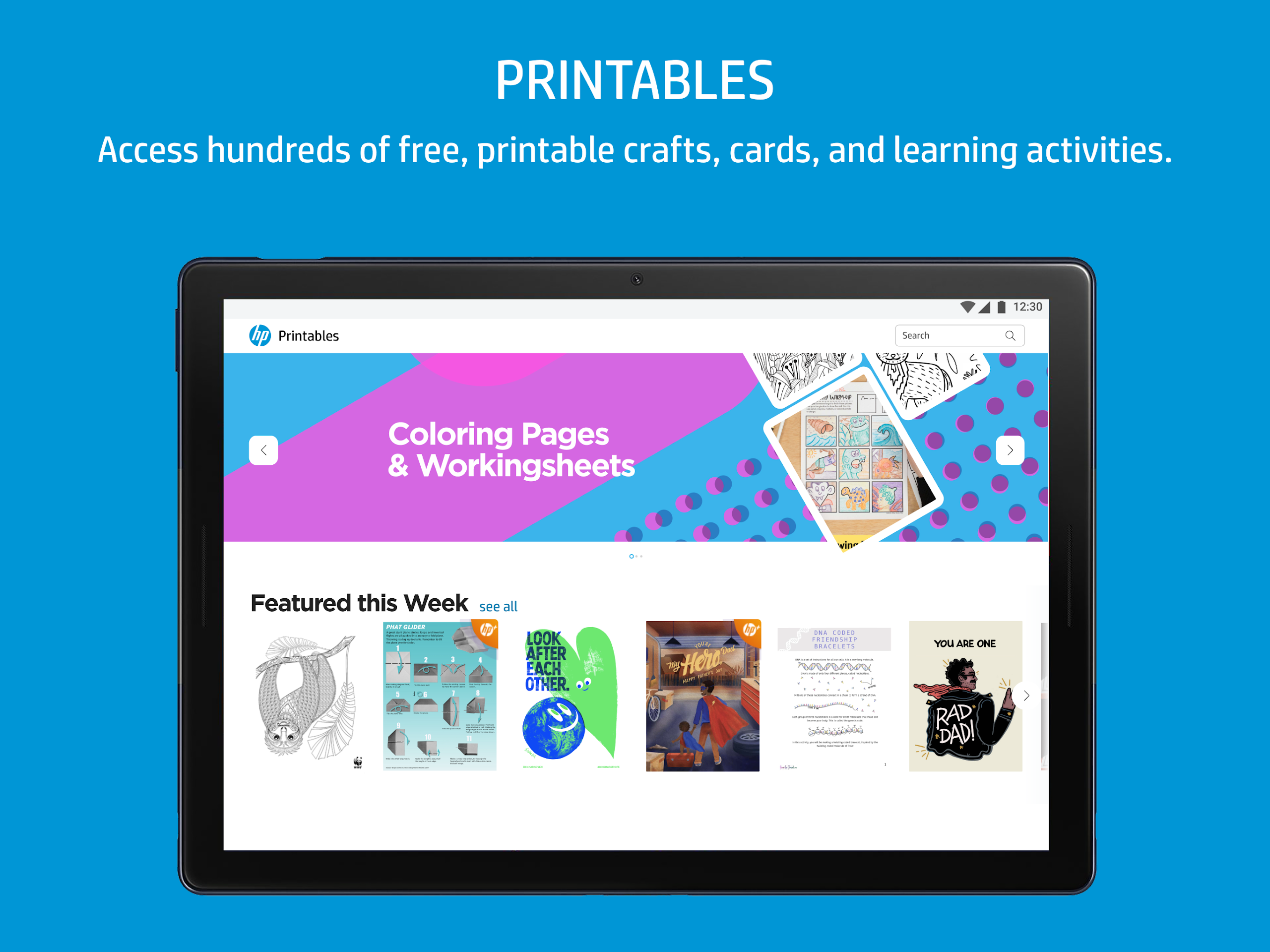
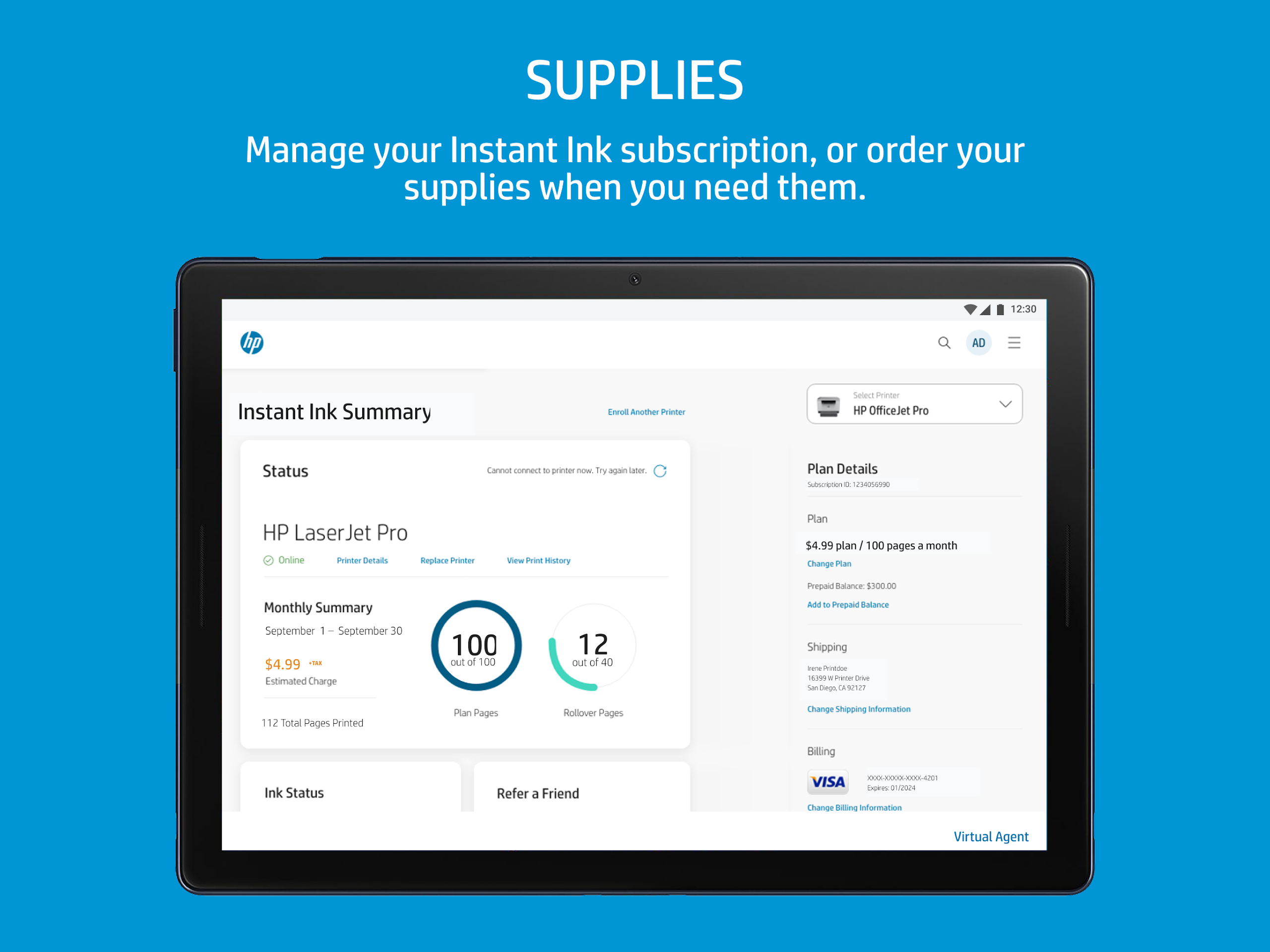
HP Smart is a mobile and desktop app designed to simplify printing, scanning, and managing documents across HP printers. It provides one-touch scanning, cloud connectivity, and easy printer setup, enabling fast workflows for home and small-business users with intuitive controls and useful automation tools.
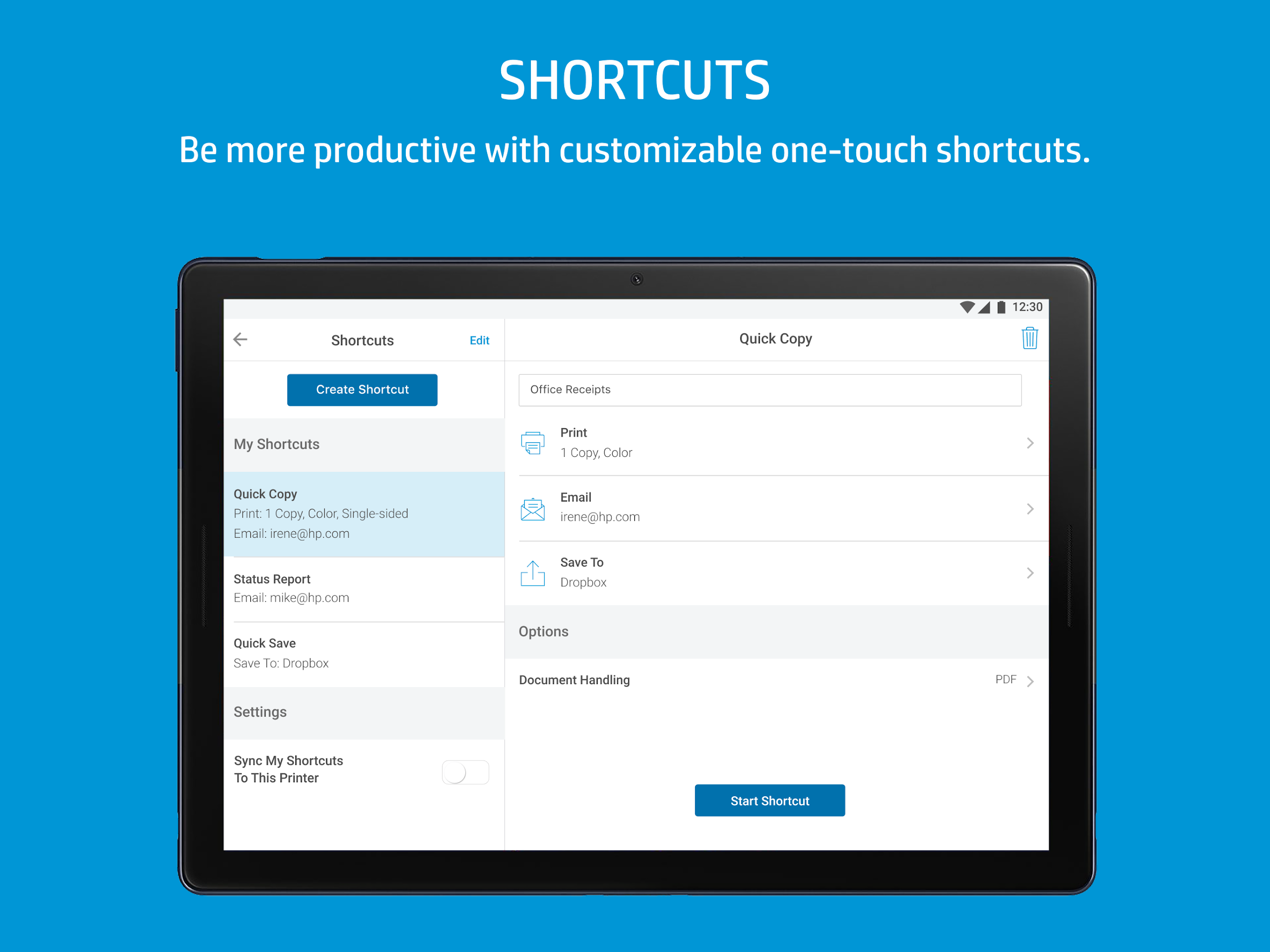
HP Smart consolidates core print and scan functions into a compact, user-friendly interface. Users can initiate scans, print files or photos, set up new printers, and access cloud services. The app also offers automatic cropping, color correction, and multi-page stitching to keep common tasks streamlined and efficient.
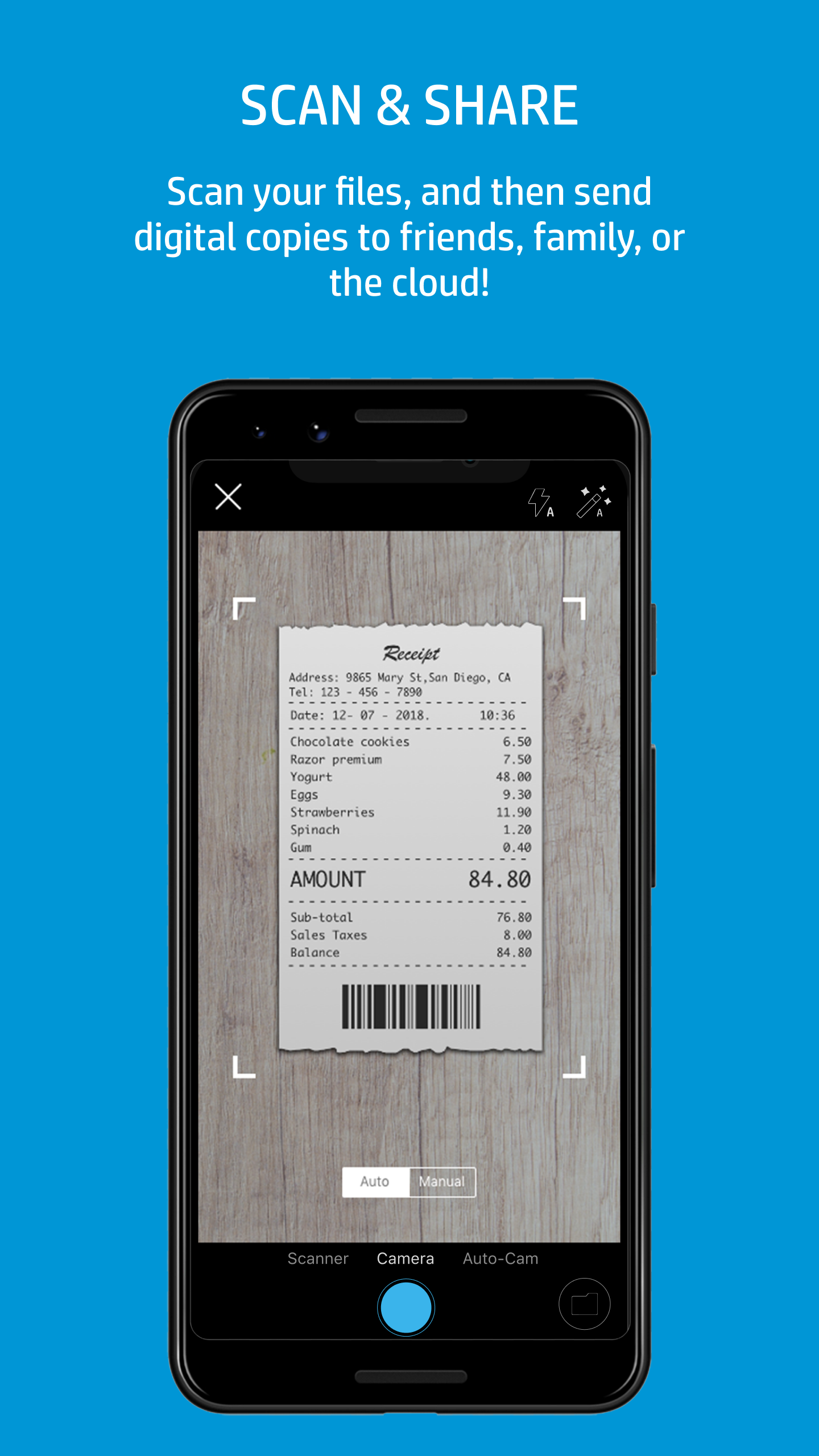
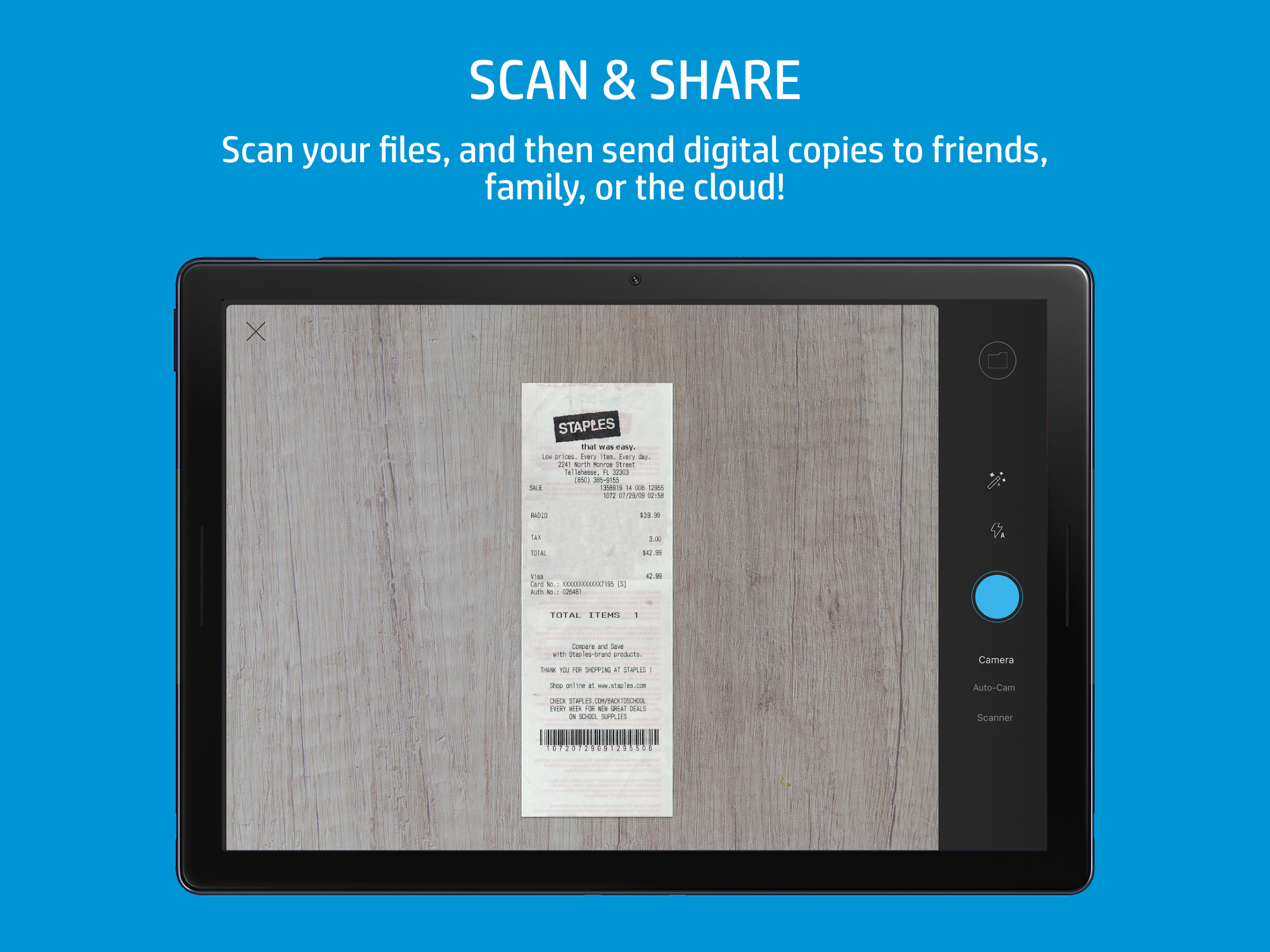
The scanning module focuses on speed and accuracy. With HP Smart you can capture documents using your device camera or an HP scanner, then apply filters, rotate pages, and rearrange multi-page documents. Built-in OCR converts scans to searchable text, and export options include PDF and JPEG formats for easy sharing or archiving.
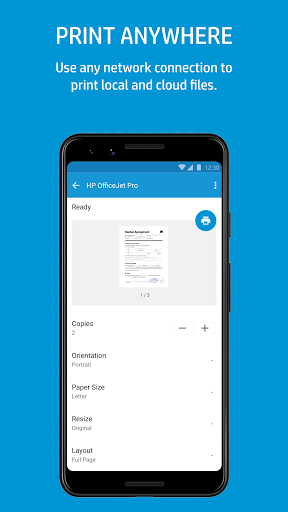
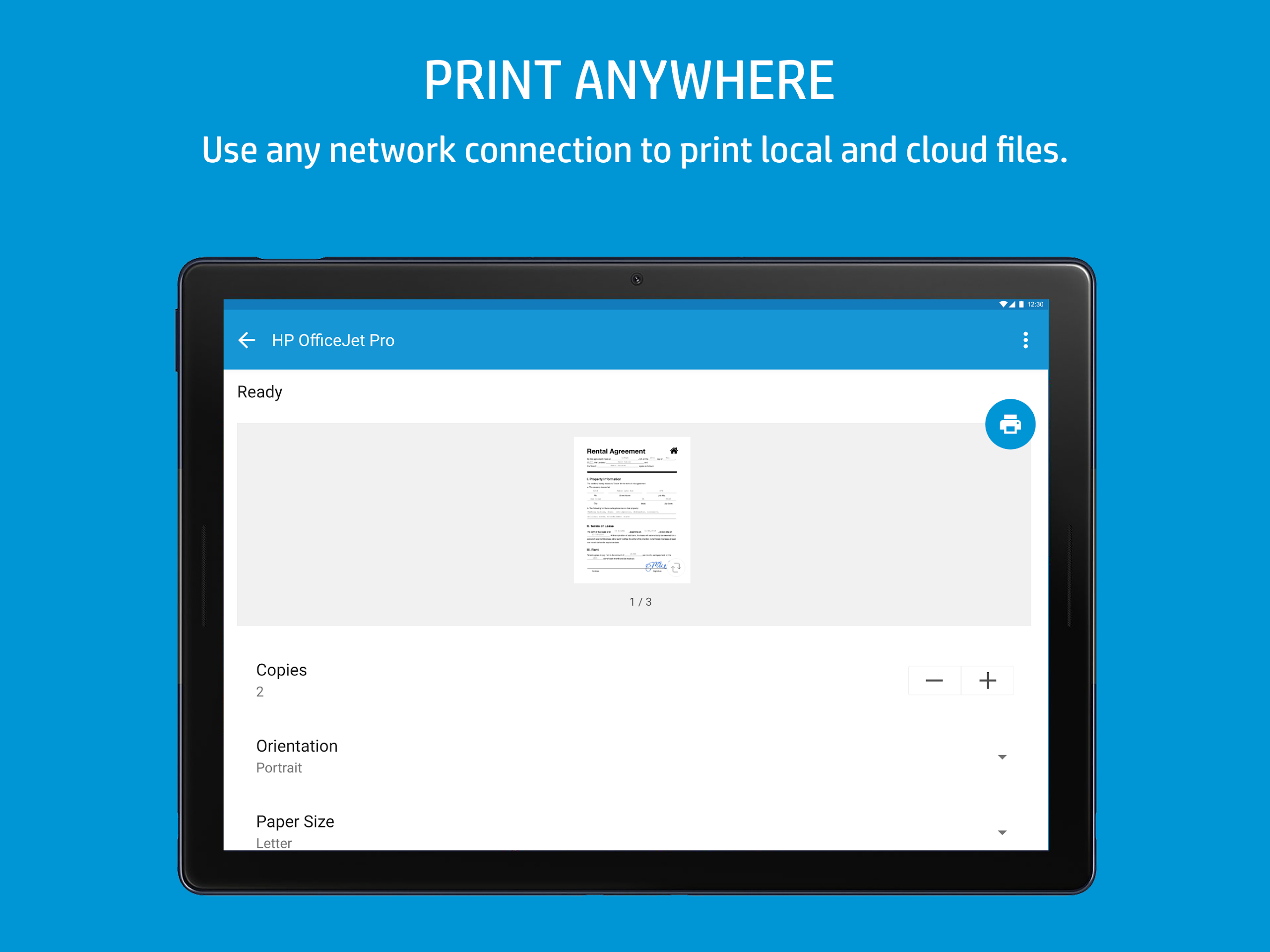
Printing through HP Smart is designed to reduce steps. Select a document or photo, choose your printer, preview the output, and adjust settings like paper size, orientation, color mode, and number of copies. The app supports print previews and offers profiles for common jobs such as draft, high-quality photo, or economy mode to balance speed and resource use.
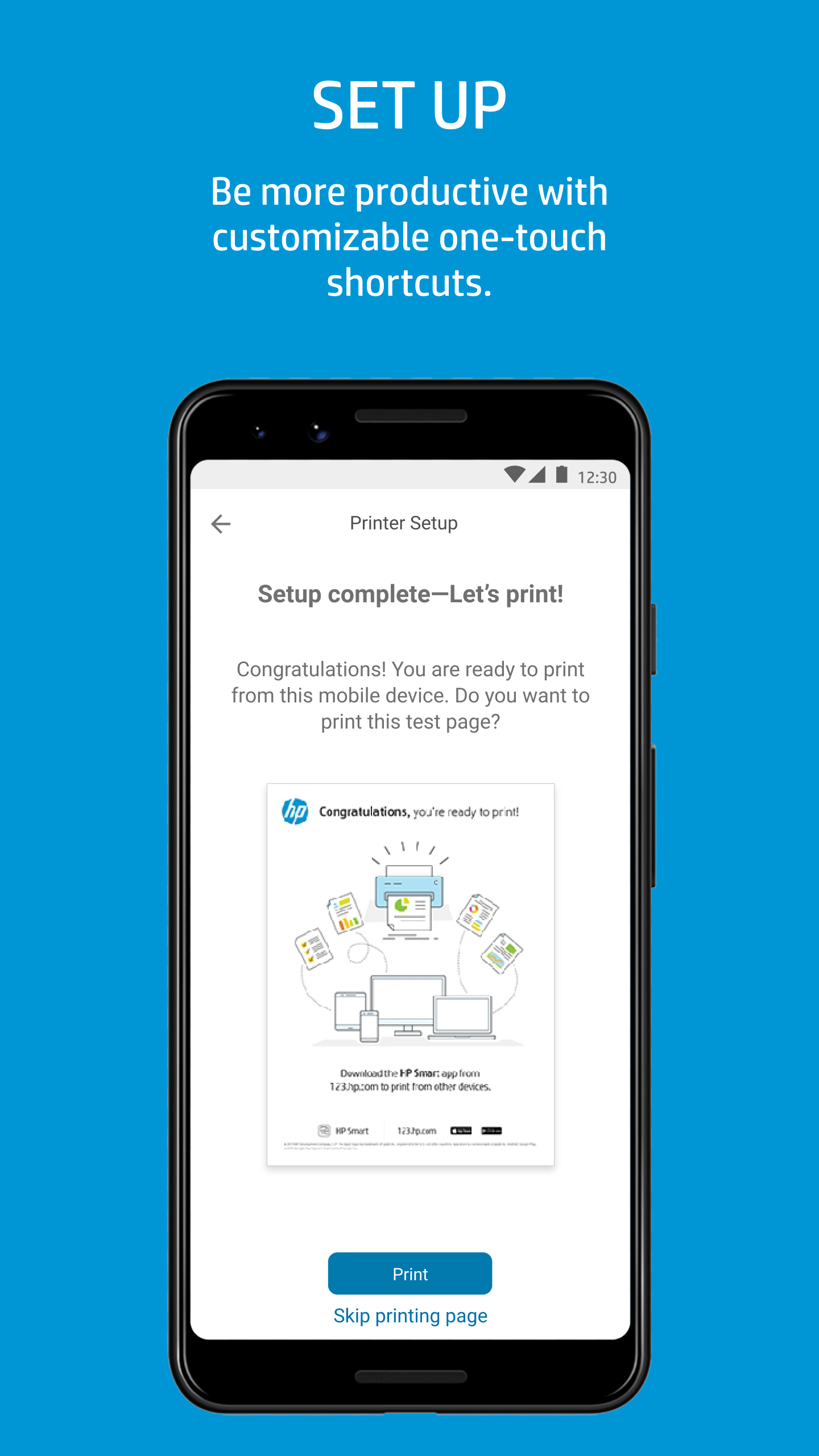
Connecting a printer is straightforward: HP Smart detects compatible devices on the same network and guides users through wireless setup. It supports Wi-Fi, Bluetooth, and direct mobile printing options. For offices with multiple printers, the app lets you switch devices quickly and manage them from a single dashboard.
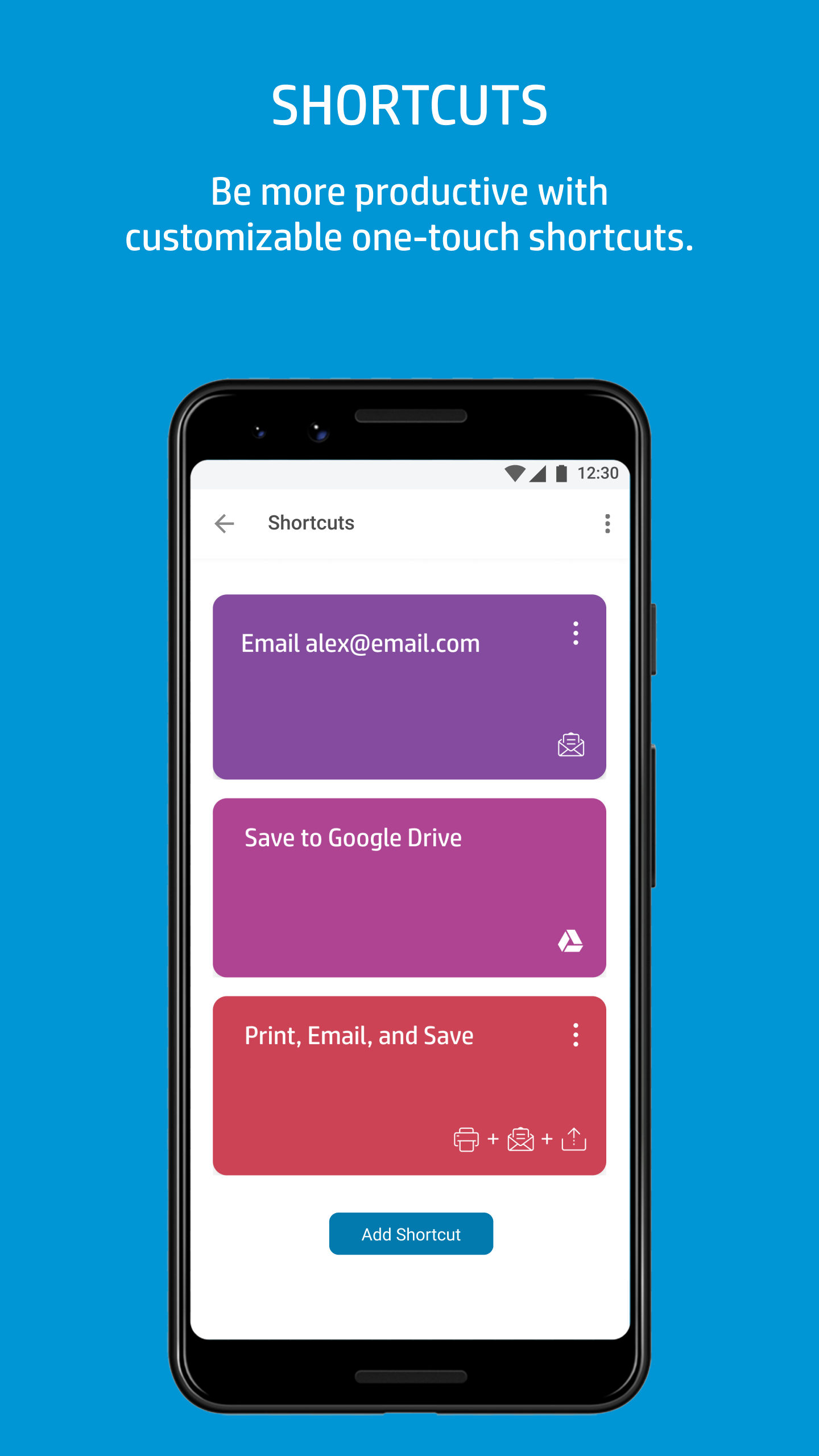
Cloud services are integral to the app’s convenience. HP Smart can save and retrieve files from services like Google Drive, Dropbox, and Microsoft OneDrive. Remote printing is supported for registered printers, allowing users to send jobs from anywhere and monitor status updates, which is particularly helpful for distributed teams or remote workers.
Managing output is simple: scans and imports can be organized into folders, renamed, and annotated before being exported. Sharing options include email, messaging apps, and direct upload to cloud folders. The app preserves metadata and lets you secure PDFs with passwords if additional protection is required.
Beyond documents, HP Smart offers basic photo editing tools such as cropping, red-eye correction, and color enhancement. These quick adjustments ensure printed photos look as intended without needing a separate photo editor. Templates and borderless printing options are available for common print sizes.
Performance varies with device and network conditions, but the app is optimized to minimize delays during scanning and printing. Regular updates add new features and printer support. HP Smart is compatible with a wide range of HP printers and works across Android and other major platforms, making it a practical choice for mixed-device environments.
HP Smart includes options for secure printing and account-based access to cloud services. When using remote features, encryption and account authentication protect data transfers. Users should review app permissions and enable two-factor authentication on associated cloud accounts to bolster security.
To begin, install HP Smart and sign in with an HP account or create one. Follow the guided setup to add your printer, then run a test scan and print to verify everything works. Explore the app’s templates and cloud links to tailor the workflow to your needs. With HP Smart you can reduce friction in everyday print and scan tasks and maintain a neat, connected document system.