Floating Apps
Version: 4.29.0
65.25MB
4.4
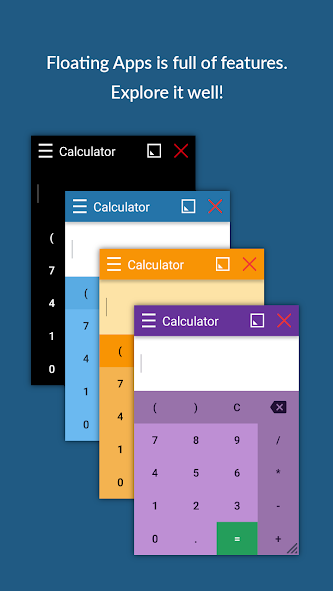
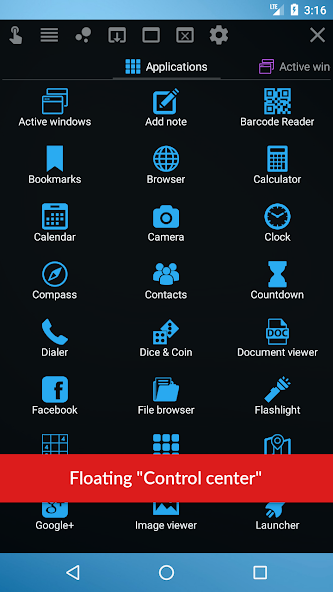
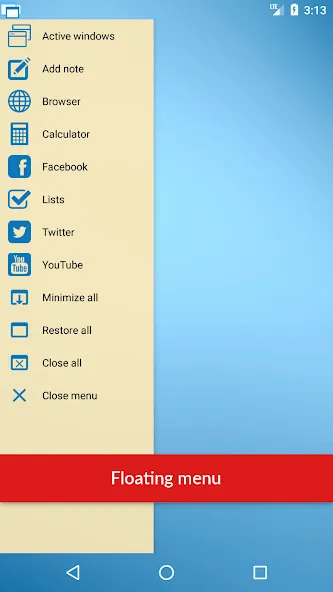
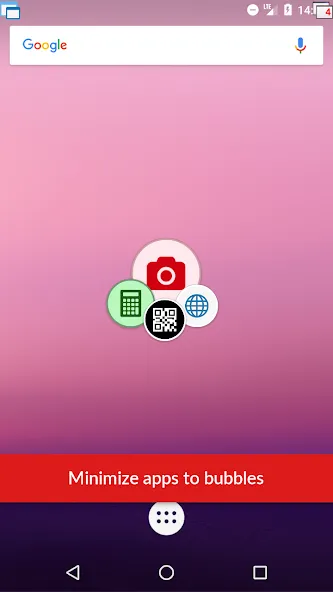
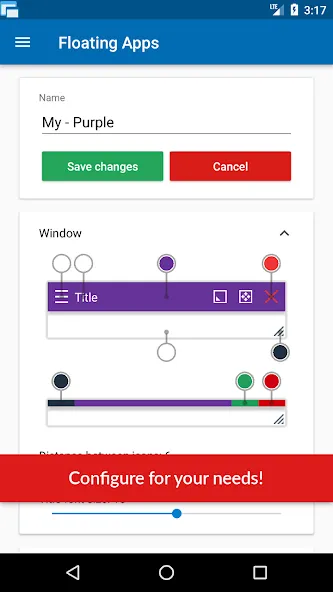
Tap, resize, multitask: Floating Apps brings desktop-style floating windows to your Android phone, so you can run small tools over other apps and keep work and entertainment side by side. The app creates a persistent floating menu that opens mini browsers, notes, calculators and more in independent, movable panels. That setup lets you glance at a document while chatting, follow a recipe next to a cooking video, or keep a calculator handy while handling budgets—without swapping full-screen apps.
Enable overlays: After installation open the app and grant the display overlay or draw-over permission so windows can appear above other applications.
Open the floating menu: Tap the handle or icon that stays on your screen to reveal the mini-app library and shortcut grid.
Launch a tool: Pick a browser, notepad, media viewer or calculator to open it as a floating window; each tool runs independently from the app underneath.
Move and resize: Drag the title bar to reposition a window and use the edges or on-screen controls to resize; you can minimize to a bubble and restore it later.
Large mini-app collection: More than forty lightweight tools are built in, from file viewers and note pads to image viewers and simple browsers.
Custom windows from URLs and widgets: Turn any website or home-screen widget into a quick-access floating window for fast lookups or shortcuts.
Flexible window controls: Resize, maximize, minimize and set transparency for each window so elements beneath remain readable while you work.
Support for common file types: Open documents, images, music and maps inside floating panes to reference content without leaving your main app.
Language options and accessibility: The interface is available in multiple languages and offers simple controls so adjusting layout and position is straightforward.
Use the bubble to clear the view: Minimize a window into a small bubble when you need an unobstructed screen, then tap it to bring the window back.
Fine-tune transparency: Lower a window's opacity to keep background text visible while reading or comparing materials side by side.
Pin frequently used pages: Create custom floating apps for the websites and widgets you visit most often so a tap opens them instantly.
Do I need special permissions to use the floating windows?
The app requires overlay or draw-over permissions so windows can appear above other applications. You can grant these in system settings when prompted.
Will running floating windows drain my battery quickly?
Background activity depends on the tools you open; simple note or calculator windows use minimal resources, while streaming video in a floating browser will affect battery life more.
Does it work with split-screen and full-screen apps?
Floating windows are designed to sit above both split-screen and full-screen apps, but exact behavior can vary by device and Android version.
Floating Apps provides a practical way to keep small, task-focused windows on your screen so you can reference content, follow a tutorial while trying something else, or maintain a chat alongside work. It suits users who value on-screen multitasking and quick access to tools, although reachability of top controls can be awkward on one-handed phones. The app is available through standard Android channels and feature details may vary between updates.