Google Home
Version: 3.19.1.3
93.70MB
4
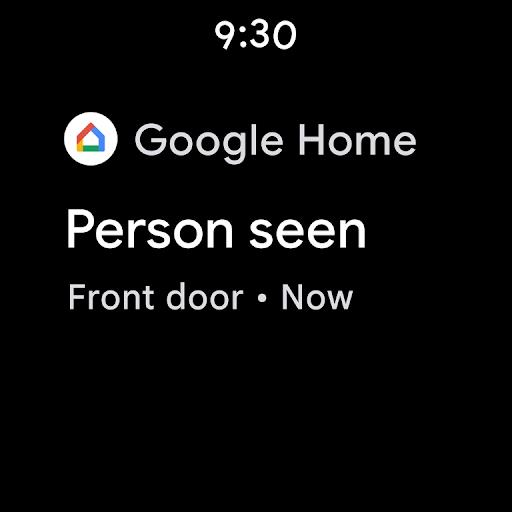
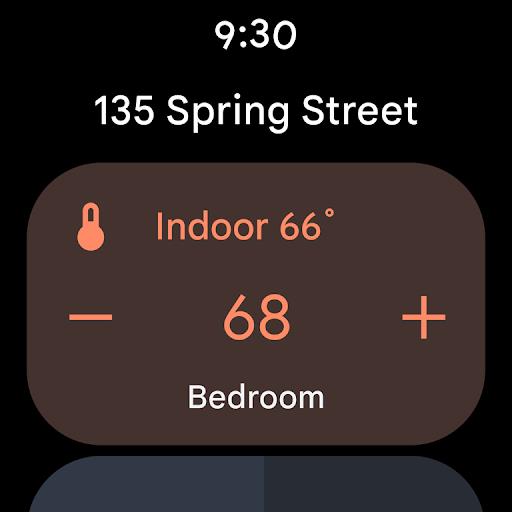
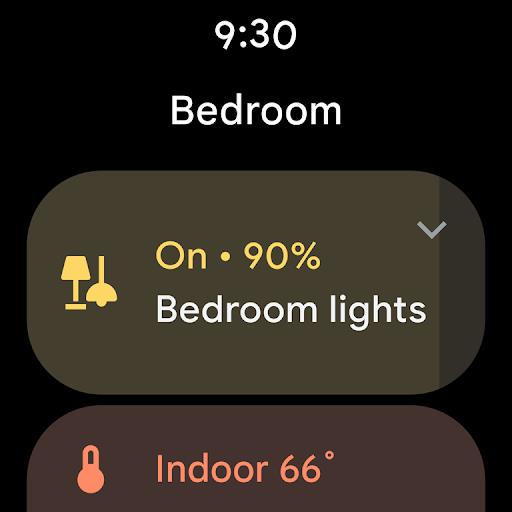
During a short break at home, you may want to change the music in the living room or send a TV show from your phone to the big screen without hunting for remotes. Google Home lets you manage Chromecast devices, Nest speakers and other Assistant-enabled hardware from a single app, so basic tasks like casting, adjusting volume and grouping speakers are a few taps away. The app brings media, device settings and smart-home controls together in one place, making it easier to get audio and video where you want them and to keep rooms in sync.
Device setup: Use the app to add a new Chromecast or smart speaker by following on-screen prompts that detect devices on your local Wi-Fi network.
Account linking: Connect music and video services and sign in with your Google account so the app can access your subscriptions and content libraries.
Home and room organization: Assign devices to rooms and create a Home layout so you can address a single room or the entire household when sending media or voice commands.
Unified browsing: Browse music, TV shows and movies from the services you already use, then cast them to a nearby Chromecast or speaker with one tap.
Playback controls: Pause, resume or change the volume of playing content from your phone; controls work for audio and video streams across compatible devices.
Smart-home integration: Link lights, thermostats and other compatible gadgets to manage them from the same interface and include devices in routines.
Chromecast customization: Personalize the TV idle screen with imagery and change device names and other basic settings for easier recognition.
Create speaker groups: Combine several speakers into a group for synchronized music across rooms and avoid starting playback on each device separately.
Use voice and touch: Switch between tapping controls in the app and saying commands through your Assistant speakers for hands-free operation when you're busy in the kitchen.
Cast a recipe or workout: While cooking or exercising, cast a step-by-step video to the TV or stream a guided session to a speaker so you can follow along without handling your phone.
Google Home streamlines control of Chromecast and smart speakers and is especially useful if you already use Google's ecosystem and streaming subscriptions. It makes everyday tasks like casting shows and grouping speakers straightforward, though occasional compatibility quirks with third-party devices and the need for a Google account and stable Wi-Fi are realistic limits to keep in mind.