Tea TV
Version: 10.9.5r-release
13.50MB
4
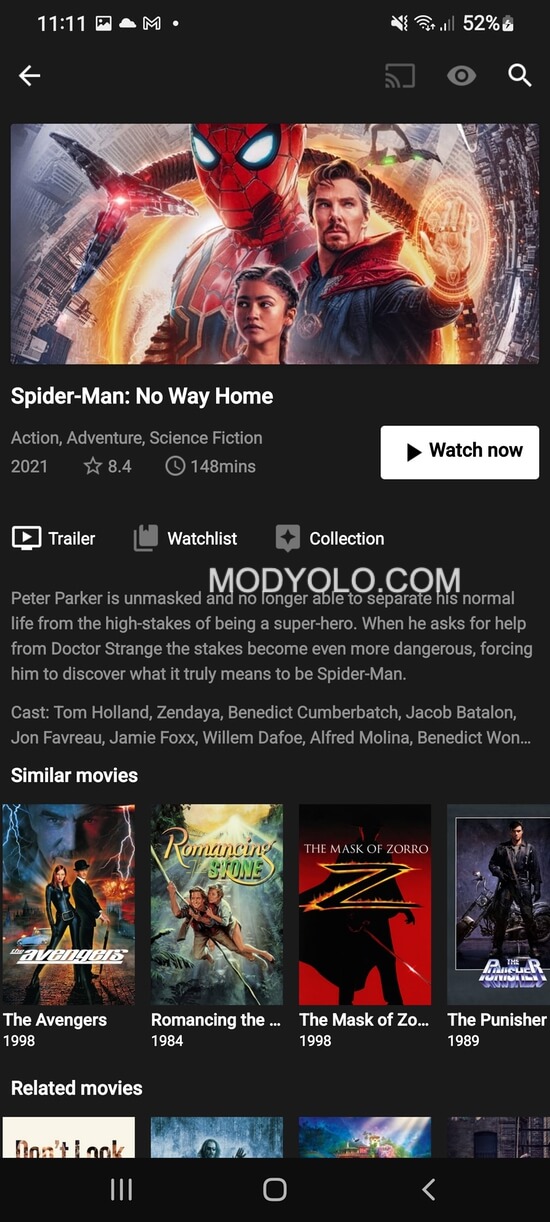
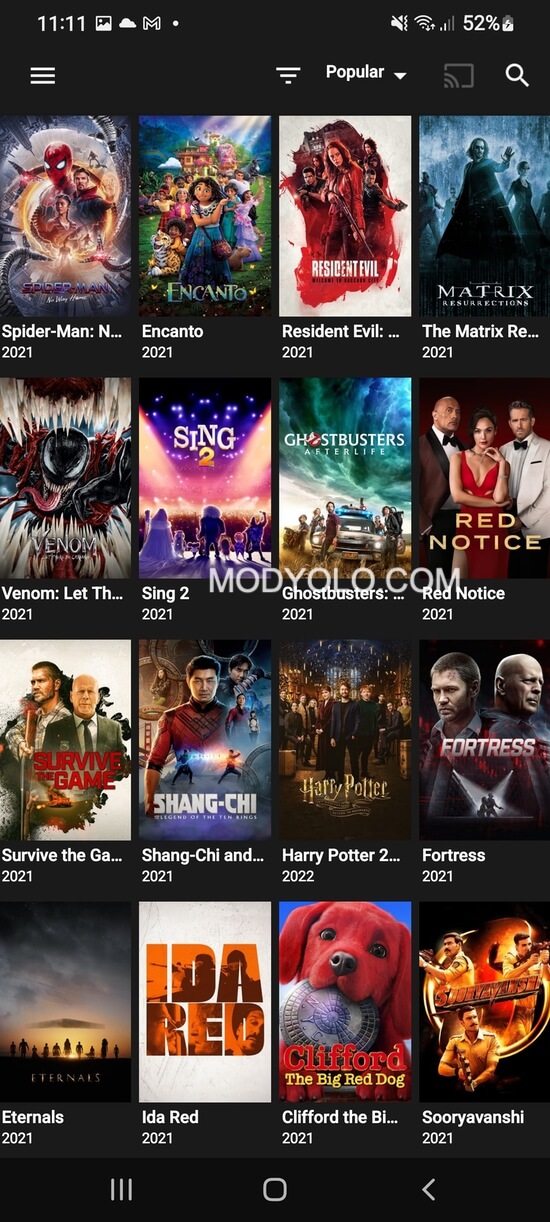
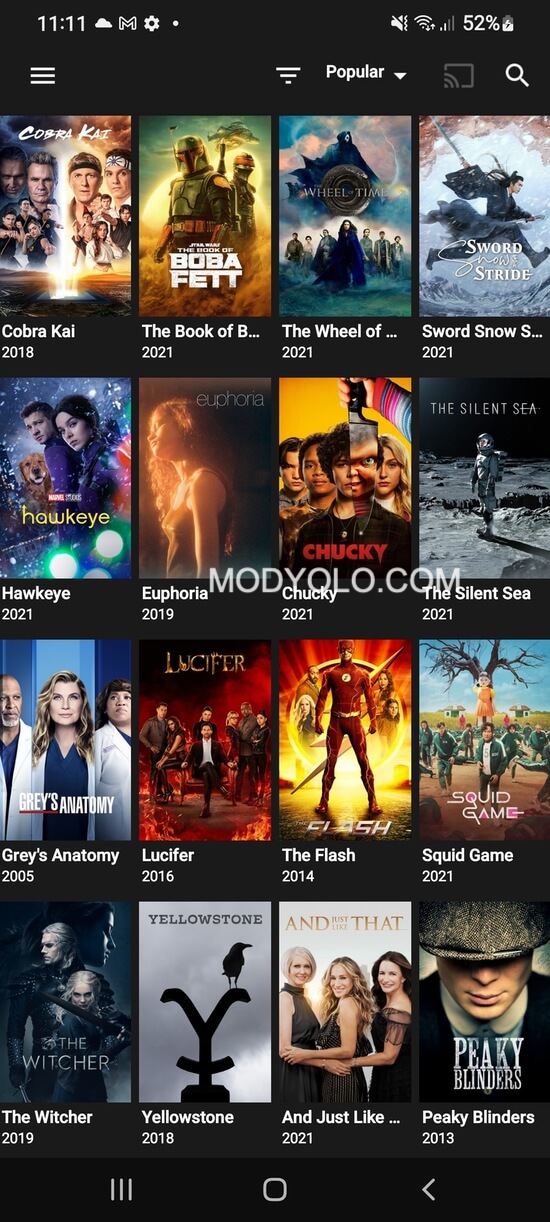
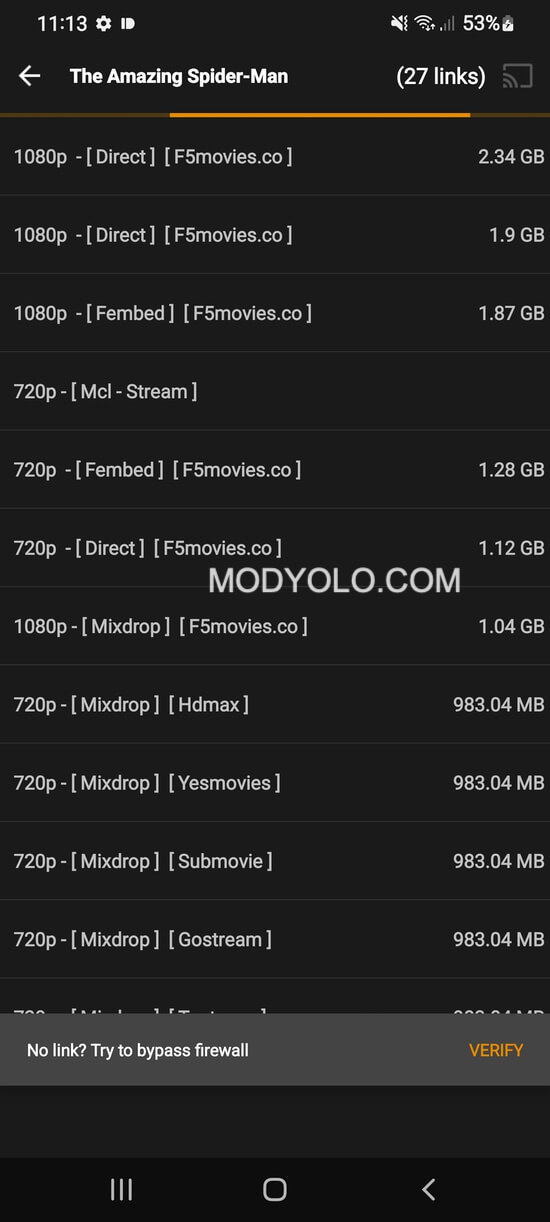
Tea TV offers a streamlined way to browse and stream movies and TV shows on Android devices. The app consolidates multiple content sources into one clean interface, delivering flexible playback options, subtitle support, and quick search tools. It’s designed for viewers who want an adaptable streaming companion.
Tea TV focuses on granting fast access to a wide selection of films and series without cluttered menus. The application aggregates links from various hosts, presents detailed metadata for each title, and places core playback controls within immediate reach. For users who prefer simplicity over feature overload, its minimal learning curve helps get watching in seconds.
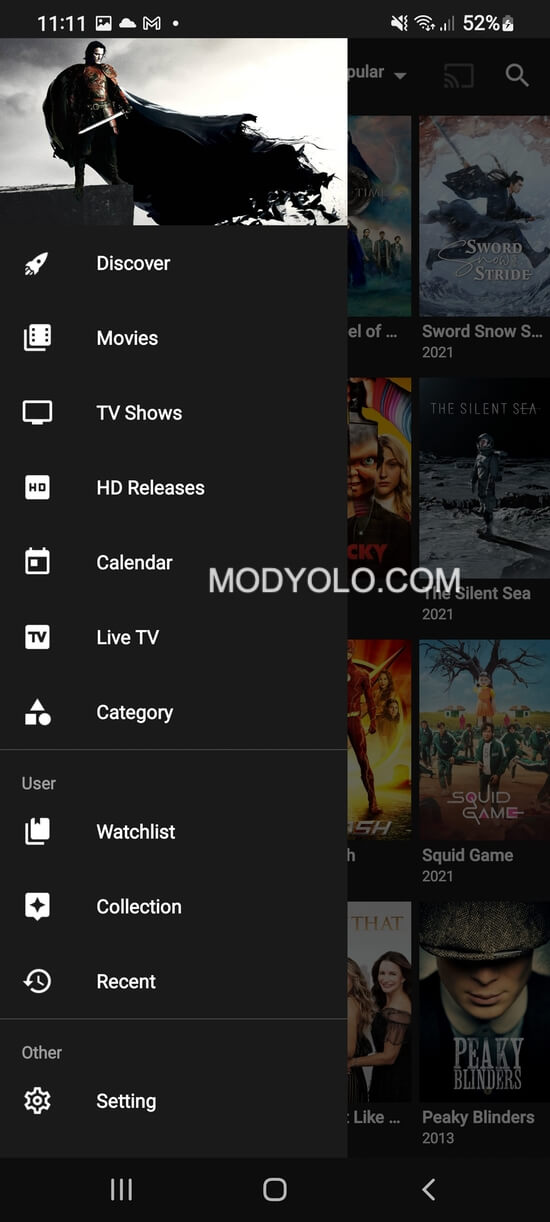
The interface emphasizes large artwork, straightforward menus, and a responsive search bar. Navigation relies on a left-side category panel and simple filters for year, genre, and rating. Scrolling and transitions are smooth on most modern Android devices, and the layout adapts well to both phones and tablets. Those who pair the app with a remote or TV stick will find the focus system intuitive and quick to operate.
Tea TV prioritizes discovery by showcasing new releases, trending picks, and curated collections. Each item includes synopsis, cast details, and available streaming hosts so you can choose the best-quality source. The app also supports sorting and filtering to narrow results by language, release date, or content type, making it easier to locate niche titles or popular mainstream options.
Playback is tuned for flexibility: users can toggle hardware acceleration, adjust playback speed, and switch audio tracks when available. Streaming quality adapts to network conditions, and buffering is reduced through quick host switching when a stream becomes unstable. For best results, the app performs smoothly on devices with recent Android versions and adequate memory.
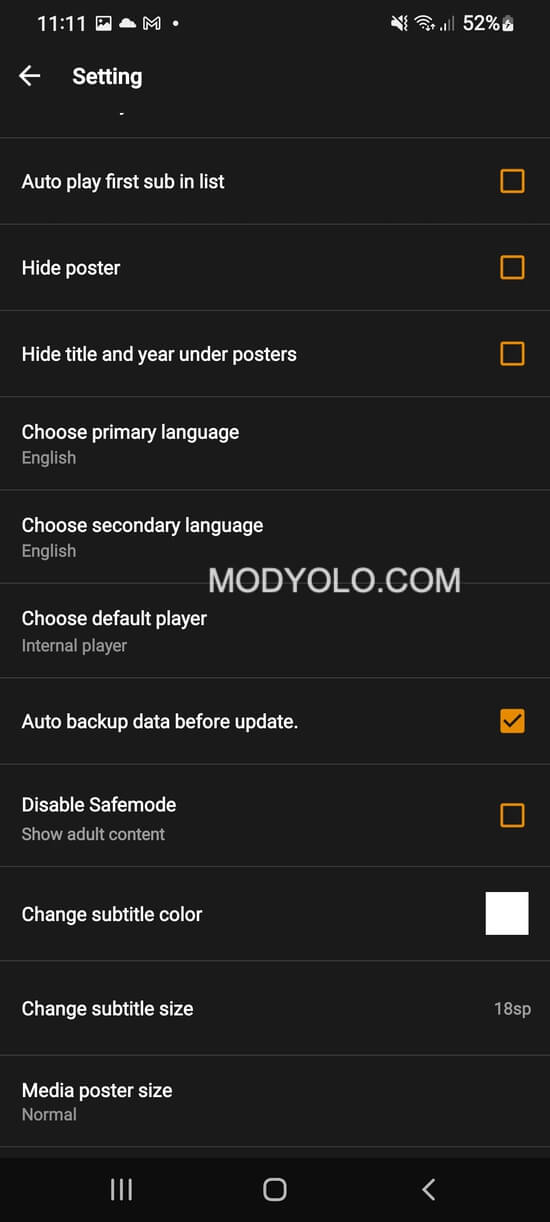
Customization options include dark and light themes, default player selection, subtitle preferences, and auto-play behavior for episodic content. Notifications can be tailored to alert you about updated series entries or new catalog additions. The settings menu keeps advanced options tucked away so casual users are not overwhelmed, while power users can fine-tune every aspect of the viewing experience.
The app supports a wide range of Android devices, including phones, tablets, and TV boxes. Installers are available as APK packages for manual installation; enabling unknown sources may be required. Users should verify compatibility with their device’s Android version and check storage for cached data if offline viewing is used. Pairing with third-party players or casting tools extends flexibility to larger screens.
Tea TV places emphasis on letting users control local data: history, favorites, and cached files can be cleared individually. Regular updates improve host scraping accuracy and add feature refinements. As with any streaming tool that aggregates links, periodically checking for updates and using reliable network connections helps maintain a consistent experience.
This app suits users who want a compact, efficient portal to many streaming sources without complicated setup. Casual viewers will appreciate the quick access to popular titles, while more invested users can leverage watchlists and subtitle controls for deeper customization. With measured use, it becomes a practical complement to subscription services or a primary browsing tool for free content.
Download the APK from a trusted distribution point, grant installation permissions if prompted, and open the app to start exploring. Begin by searching for a favorite title, add it to your watchlist, and test a few playback options to find the preferred player and subtitle settings. Regularly update the app to benefit from source improvements and feature additions.