Microsoft Office 365
Version: 16.0.18526.20072
329.90MB
4.5
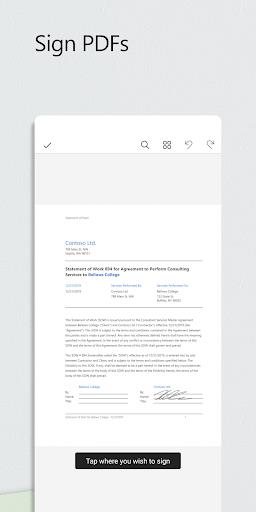
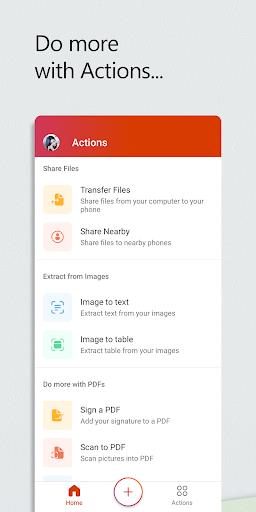
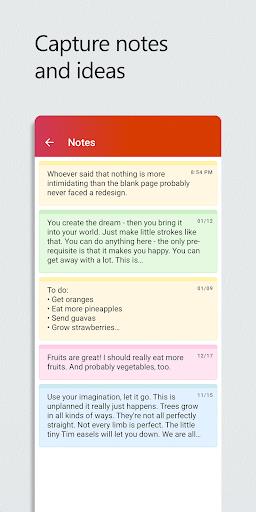
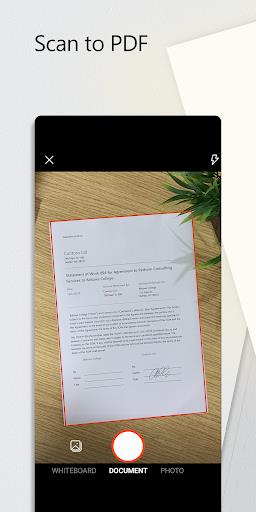
Microsoft Office 365 is a versatile office productivity suite that helps you create documents, spreadsheets and presentations and stay productive across devices. Built-in AI tools let you ask questions, refine phrasing and correct grammar so editing takes less time, while format conversion makes it easy to turn PDFs into editable files or export documents to PDF. The suite also supports real-time file sharing and collaboration for teams, and offers mobile-friendly access plus cloud storage and monthly calling minutes per user, making it a practical choice for professionals, students and anyone who needs reliable tools on the go.
⭐ AI-assisted writing and editing across apps — ask questions, auto-summarize content, fix grammar and get stylistic suggestions.
⭐ Convert and export files — turn PDFs into editable documents and export various file types to PDF when needed.
⭐ Real-time sharing and collaboration to invite colleagues and edit documents together from anywhere.
⭐ Microsoft Office 365 gives access to Word, Excel, PowerPoint, Access, Publisher and Outlook for a complete productivity workflow.
⭐ Cloud storage and a mobile-optimized interface so you can access and edit files while on the move.
✅ Microsoft Office 365’s intelligent writing features speed up drafting and improve clarity for reports, proposals and everyday documents.
✅ Advanced Excel capabilities streamline data analysis by generating formulas, detecting patterns and creating charts from simple prompts.
✅ AI-powered PowerPoint tools help structure slides, suggest visuals and apply layouts so you can build presentations faster.
✅ A unified, mobile-friendly interface and cloud integration make it easy to collaborate, comment and access files from anywhere.
❎ Advanced AI suggestions still benefit from human review to ensure accuracy, tone and context.
❎ Real-time collaboration and cloud-based features depend on an internet connection and are limited offline.