Launcher iOS 16
Version: 6.2.5
14.00MB
4.1
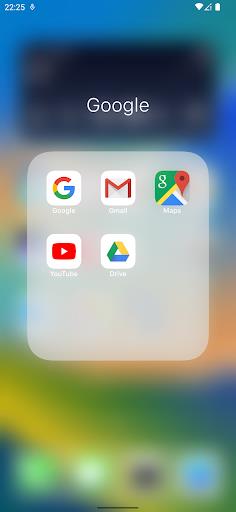
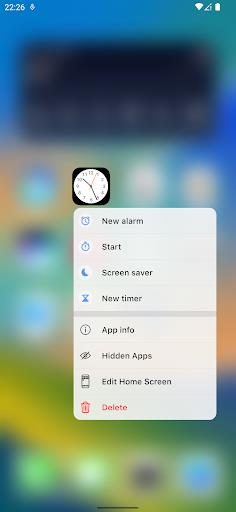
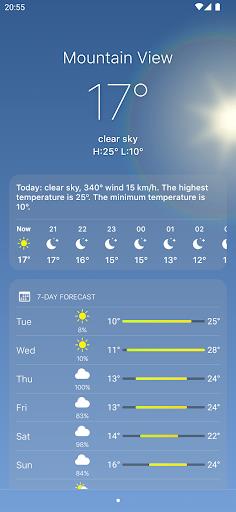
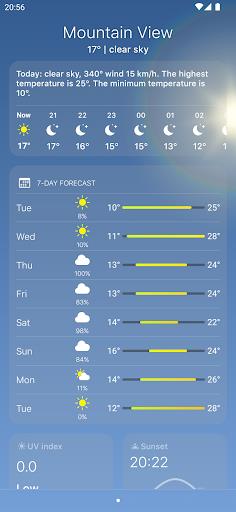
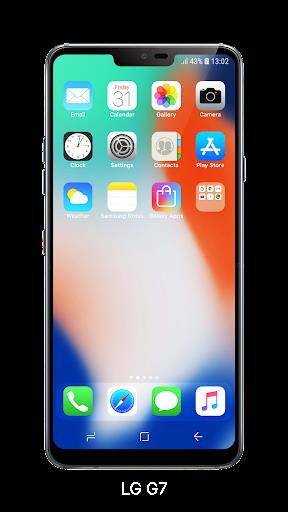
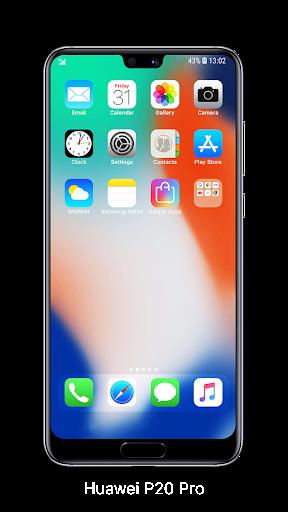
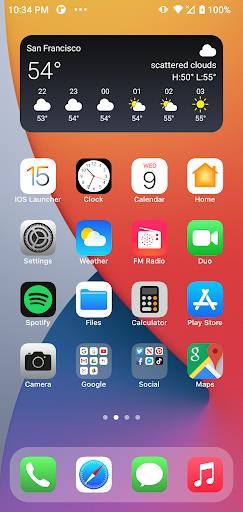
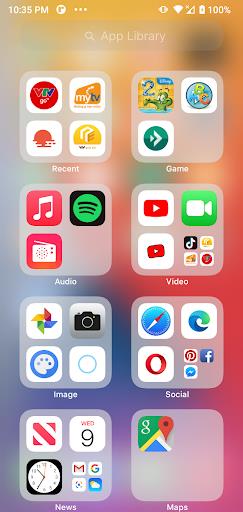
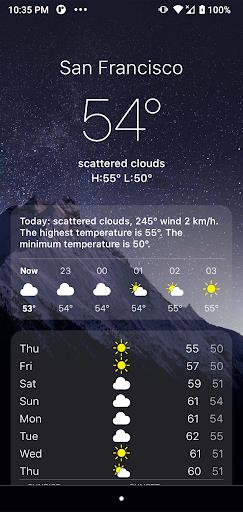
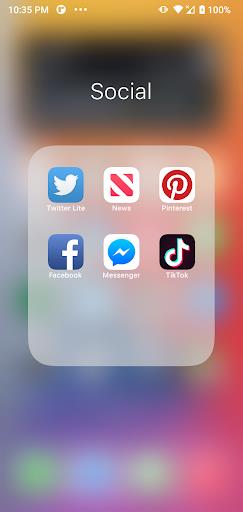
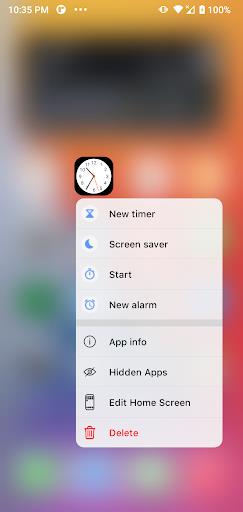
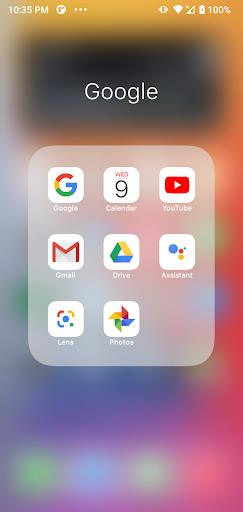
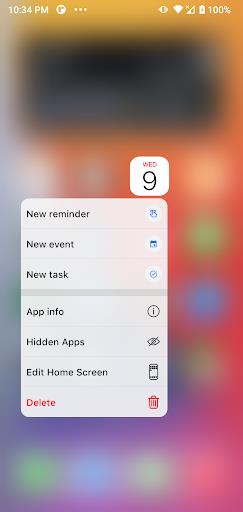
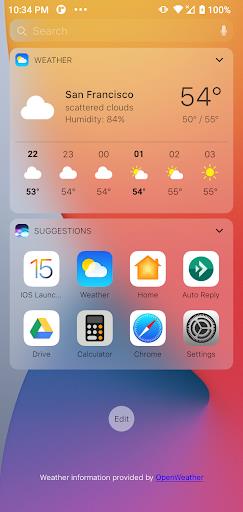
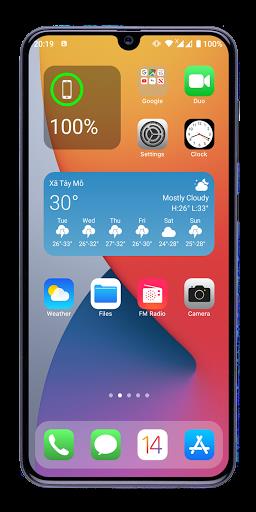
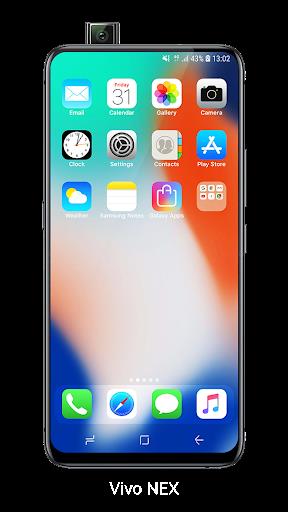
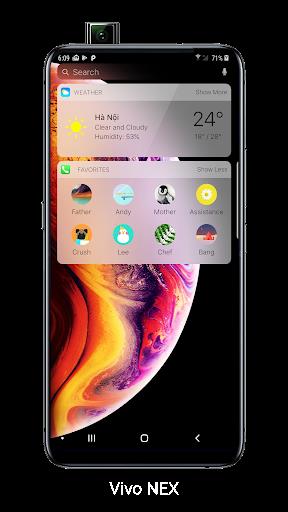
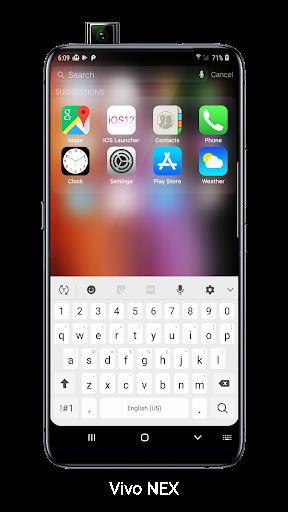
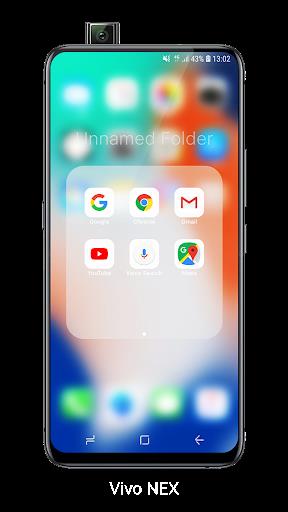
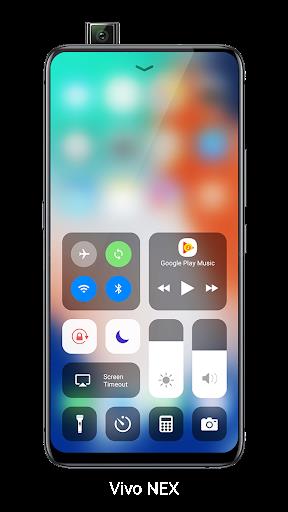
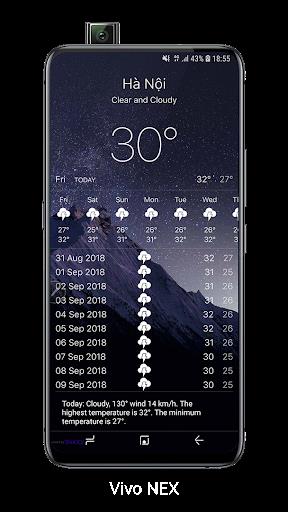
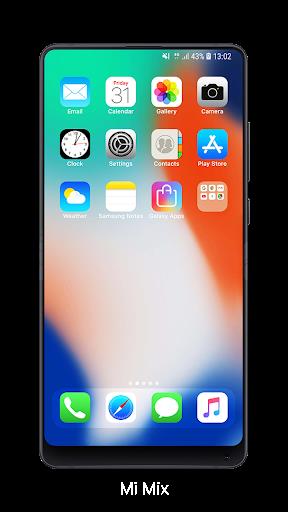
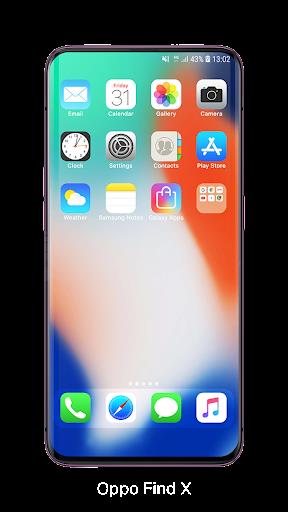
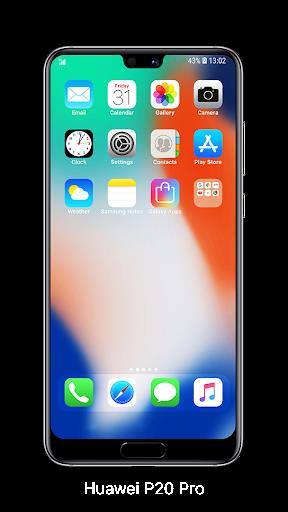
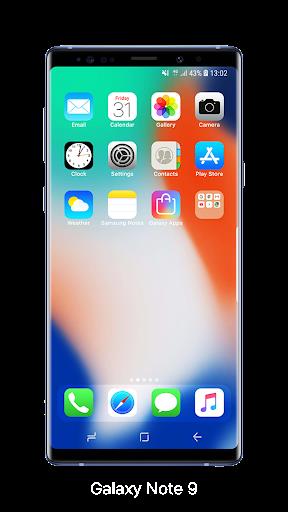
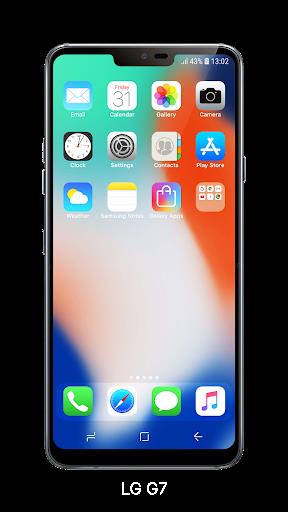
Launcher iOS 16 brings a streamlined iOS-style home screen experience to Android devices, recreating icons, widgets and control center behavior for a familiar, tidy interface. It focuses on visual polish, fluid animations, and practical shortcuts so Android users can enjoy an iPhone-like look without changing core device functionality.
Launcher iOS 16 is a launcher replacement that emulates many visual and interaction patterns from recent iPhone releases. Rather than copying features exactly, it offers configurable equivalents: a centered dock, rounded icons, notification badges, and quick access panels. The goal is to give users a cohesive, modern shell that feels intentional and reduces clutter.
The app prioritizes presentation and accessibility. Icons scale smoothly during transitions, folders open with subtle depth effects, and bundled widgets mimic native iOS styles while remaining compatible with Android widgets. Performance is tuned for low memory overhead on mid-range devices, so the theme can be adopted widely.
Customization is a core strength. Users can adjust icon shapes, label visibility, grid spacing, and animation speeds. Pre-made themes offer one-tap restyles, while granular settings allow altering the transparency of the dock and background blur intensity. For power users, the launcher supports shortcuts for apps and contacts, creating a more efficient workflow.
The interface balances fidelity and system compatibility. Animations avoid heavy GPU demands and most features run smoothly on Android 8.0 and later. Memory usage varies with the number of active widgets and icon packs, but the launcher includes options to limit background activity to conserve battery and free RAM.
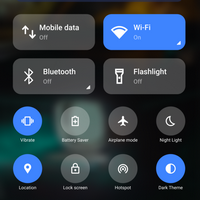
Beyond cosmetics, the launcher includes productivity tools: an integrated search bar for apps and contacts, a quick settings tray for toggles, and a widget stack for rotating information like weather, calendar, and notes. These tools reduce the need to open separate apps and keep information readily available from the home screen.
Start by exploring the theme presets to quickly get the iOS aesthetic. Then enable gestures to speed navigation—two-finger swipe for the control panel and edge swipe for app search are particularly useful. If battery life becomes an issue, disable the background blur and limit active widgets to one or two.
Many users switch for visual consistency and a distraction-reduced layout. The launcher offers a familiar arrangement for people moving between platforms, and it helps users who prefer a minimalist home screen with easy access to common functions. It’s also popular with users who want iOS-style visuals while retaining Android customization freedom.
Installing the app is straightforward: download and grant the necessary permissions for home replacement and notification access. After setup, the launcher walks you through theme selection and basic gestures. If you decide it’s not a fit, you can revert to your previous launcher from system settings without losing data.
Launcher iOS 16 is a practical choice for Android users seeking an iPhone-like interface with configurable behavior, low overhead, and a focus on quick access. Whether you want cosmetic change or a streamlined workflow, it offers a balance of style and utility that’s easy to adopt.