
Speechify
Version: 2.4.619
46.20MB
4.1
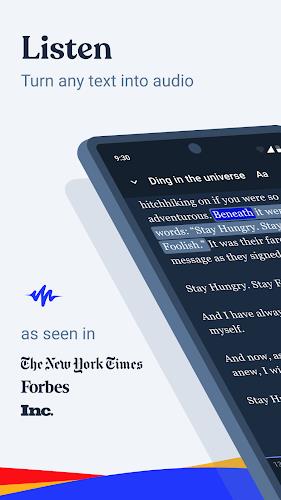
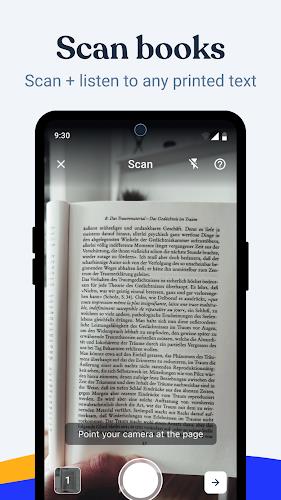
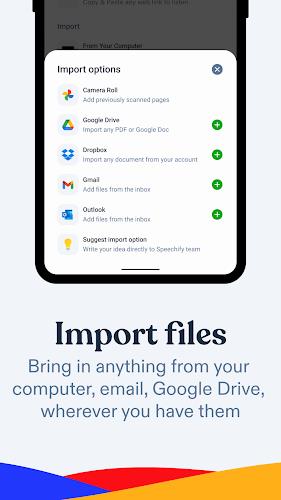
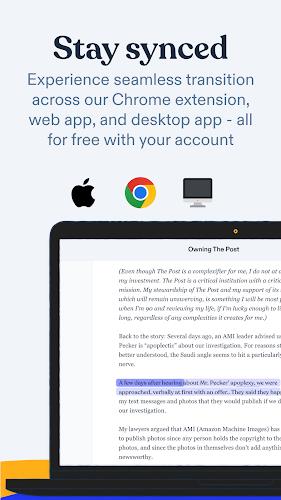
Speechify converts text and speech so you can listen to articles, emails and books or turn spoken words into editable text with minimal friction. Speechify is built for people who commute, multitask, learn by listening or need a reliable dictation tool: it combines natural-sounding voices, straightforward playback controls and fast speech-to-text transcription in a compact Android app designed for daily use. The interface prioritizes readability and quick access to recent items, letting you start playback or begin dictation without digging through menus.
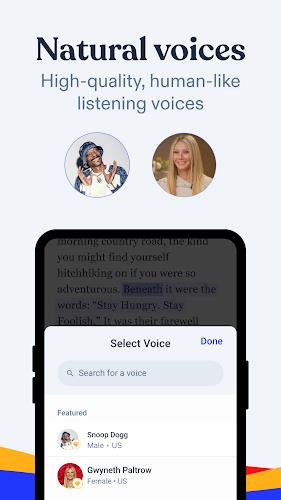
Speechify reads documents aloud using human-like voices and clear prosody, so long-form content becomes an audio experience you can follow while you work or travel. The app includes adjustable speed and pitch controls, precise pause and pronunciation tuning, and a voice selection panel that helps you choose the tone that fits the material. For dictation, real-time speech-to-text converts spoken input into editable notes, emails or longer drafts with punctuation handling and basic formatting commands. The app also produces audio descriptions of images to improve access to visual content for blind and low-vision users. Hands-free playback, background audio support and a persistent notification make listening while switching apps or locking the screen convenient and reliable.
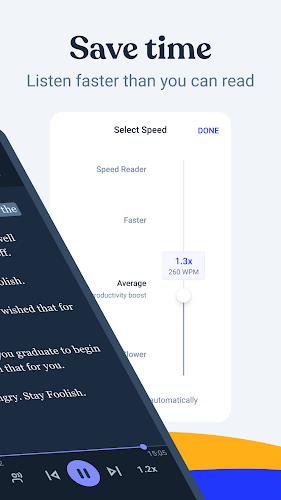
Playback controls are intentionally simple: a central play/pause tap, skip forward and back controls for quick navigation, and a continuous speed slider for subtle adjustments. Dictation is started with a single microphone button and offers a visible confidence indicator so you can review text with an idea of which segments may need editing. Playback gestures and button mappings are consistent across phones and tablets; the app supports external media buttons on headsets or car systems for common actions like pause and skip. For power users, the app provides a simple queue and bookmarks system to jump between chapters, articles and saved clips.
Speechify helps you manage long-form listening and dictation through a lightweight library system: saved documents, audio playlists and transcription projects are grouped so you can resume where you left off. Progress tracking shows listening position and unread transcriptions, making it easy to pick up a book, podcast-style article or draft. Replaying annotated passages or exporting transcribed text to other apps keeps your workflow moving. Over time, users can build a personal audio library and a set of pronunciation overrides that improve consistency when reading names, technical terms or industry-specific vocabulary.
Customization covers both audio and visual preferences: choose a voice, adjust speed and set default pause lengths, or switch UI themes and font sizes for comfortable reading. The visual design is clean and minimal, focusing on legible typography and high-contrast elements for accessibility. Speechify includes features that assist screen reader users and offers audio description generation for images to make visual content more approachable. These accessibility options are integrated so users can tailor the experience without complex setup.
Saved articles and downloaded voices can be listened to offline to reduce data usage while commuting or traveling. Transcription and image description features prioritize fast, local responsiveness on modern Android devices, and the app manages battery use by suspending background tasks when not needed. Speechify keeps storage and memory use predictable by letting you remove downloaded voices or clear caches from a settings screen. Compatibility information and storage recommendations are available inside the app so you can make informed decisions about downloads and offline media.
For best transcription accuracy, speak clearly in a quiet environment and use punctuation commands when dictating complex sentences. Image descriptions and speech recognition quality depend on source clarity: low-light photos or noisy environments may require manual edits. Some users will want to fine-tune pronunciation entries for specialized terms; the app’s pronunciation overrides help reduce repeated corrections. While Speechify aims for high accuracy and natural playback, occasional fine-tuning of settings will improve results for your specific voice, documents and listening habits.
Speechify is useful for students, professionals and anyone who prefers audio-first consumption: it transforms reading and speaking into a manageable, hands-free workflow and reduces the time spent typing by turning ideas into editable text. The combination of playback, transcription and accessibility tools makes the app versatile for learning, reviewing and creating content on the go, while library and export options ensure your work integrates with other productivity apps you rely on.