
Re:Work
Version: 1.5.52
68.04MB
4.4
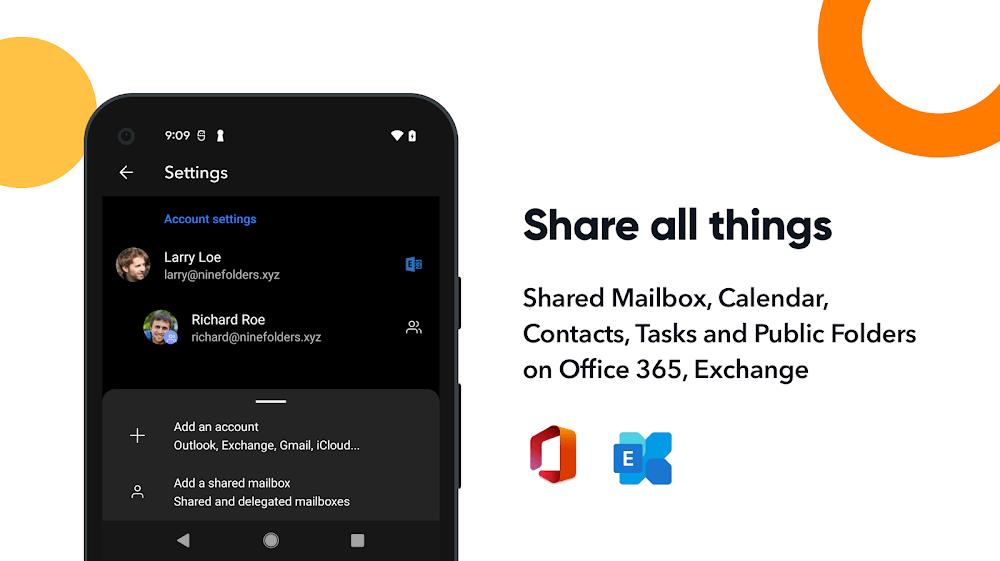

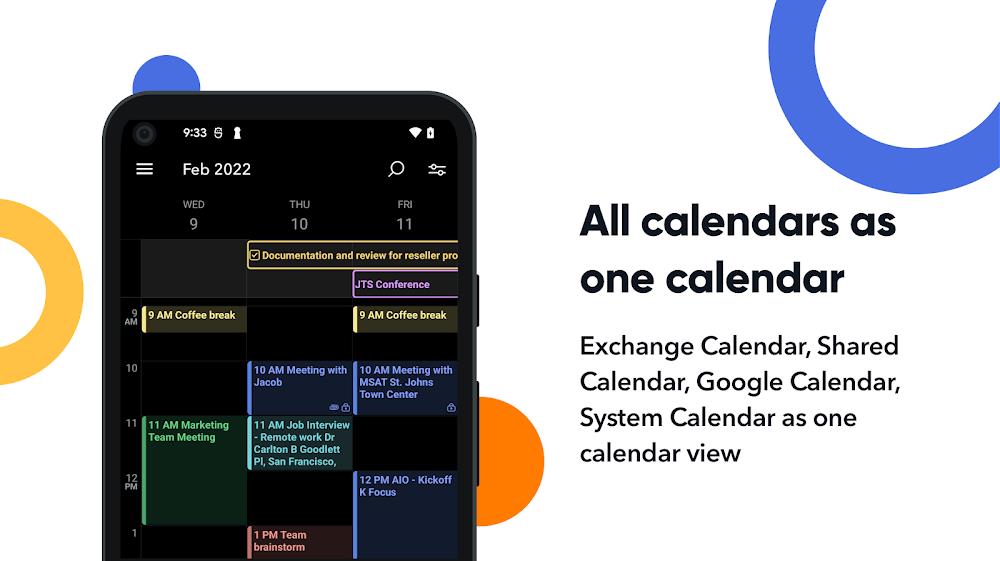

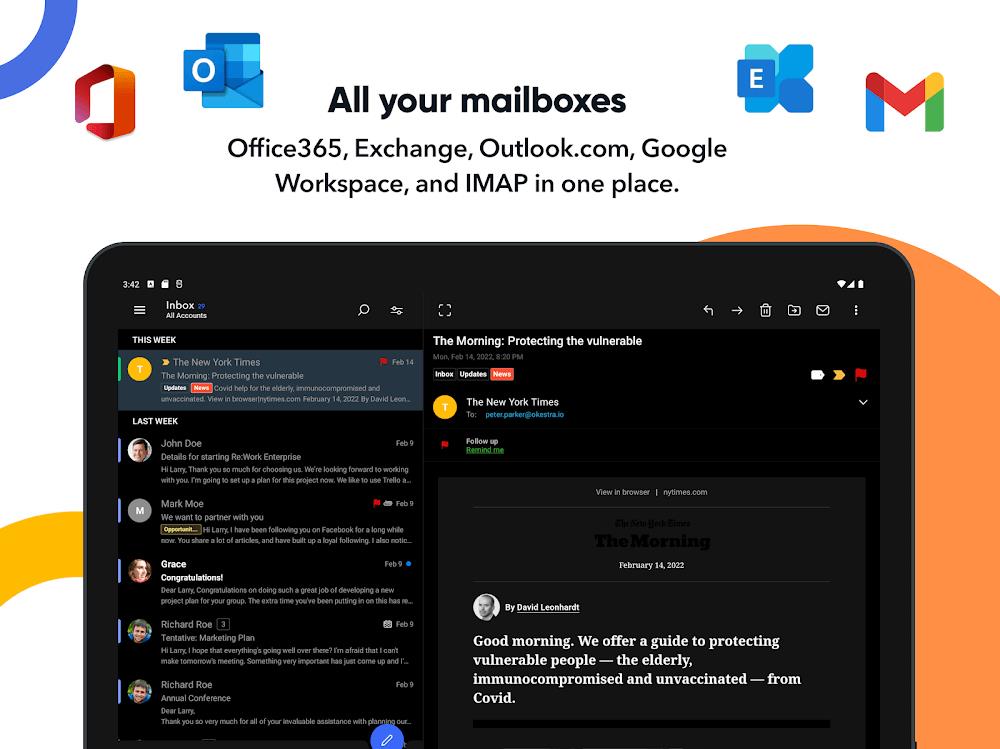
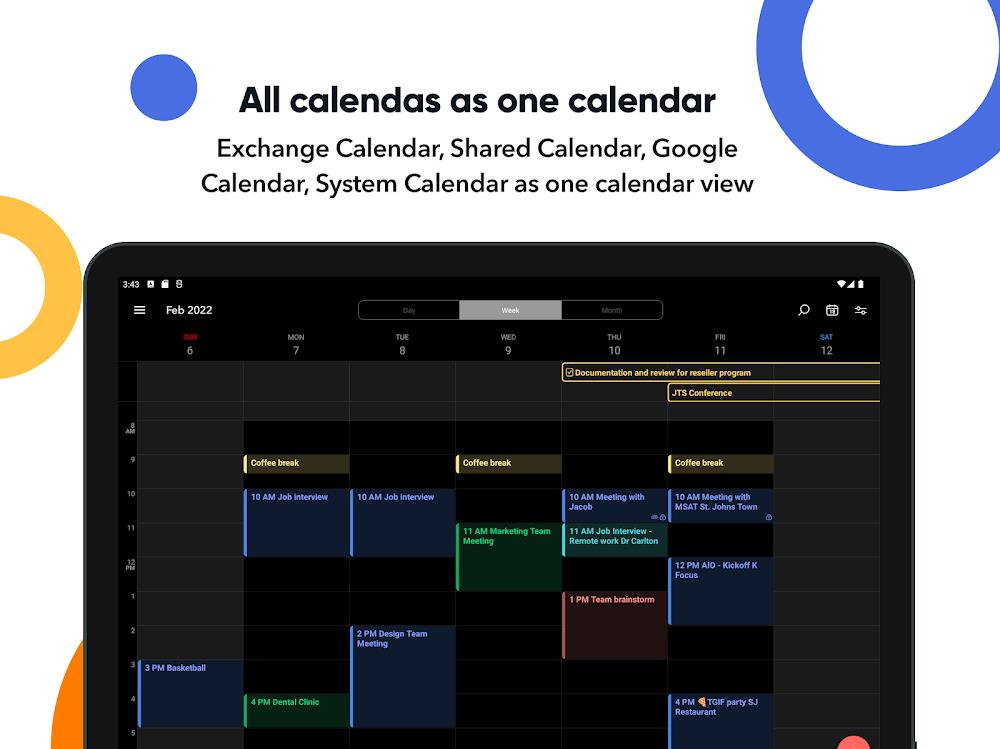
During a dull meeting many people find their inbox turning into a distraction. Re:Work brings multiple email accounts and calendars into a single Android app so you can read, reply and plan without switching between clients. The app focuses on consolidating mailboxes, syncing calendars and giving simple collaboration tools that fit a mobile workflow. Whether you manage personal, freelance and work addresses or share schedules with a small team, Re:Work aims to reduce context switching and make everyday email tasks noticeably faster.
Connect accounts: Link as many email addresses as you need from common providers and access them together in one unified inbox.
Set permissions: Choose which accounts are visible in shared workspaces and adjust security settings for each link.
Import calendars: Bring calendars from different apps and devices into a single view so events are easy to compare and manage.
Unified inbox: All messages from linked accounts appear in one feed, making it quicker to scan new mail and reduce duplicate reading.
Enhanced composer: The writing interface adds conveniences like faster attachments and quick sender selection so composing replies takes fewer taps.
Folder builder: Create custom folders and move messages manually or with simple automations to keep threads organized.
Shared workspace: Invite colleagues or collaborators into a workspace where selected accounts and folders can be viewed and managed together.
Use color coding: Assign colors to calendars or folders to make urgent items stand out at a glance.
Create quick-send profiles: Save a preferred sending account for repeated replies so you don’t need to pick an address each time.
Automate routine sorting: Build a few basic folder rules to push newsletters or receipts aside and highlight messages that need action.
Re:Work is a practical tool if you want faster mail handling on Android and clearer calendar visibility across accounts. It shines at reducing app hopping and streamlines common tasks like composing, attaching files and organizing messages into folders. Consider it ideal for professionals who switch between personal and work accounts, or for someone tidying an inbox before a meeting or while waiting in line for coffee. If you need very advanced desktop-class automation or enterprise-grade admin controls, Re:Work may feel pared down, but for day-to-day email and calendar consolidation it is a strong, focused option.