
PlanWiz
Version: 105.0
46.17MB
4.3
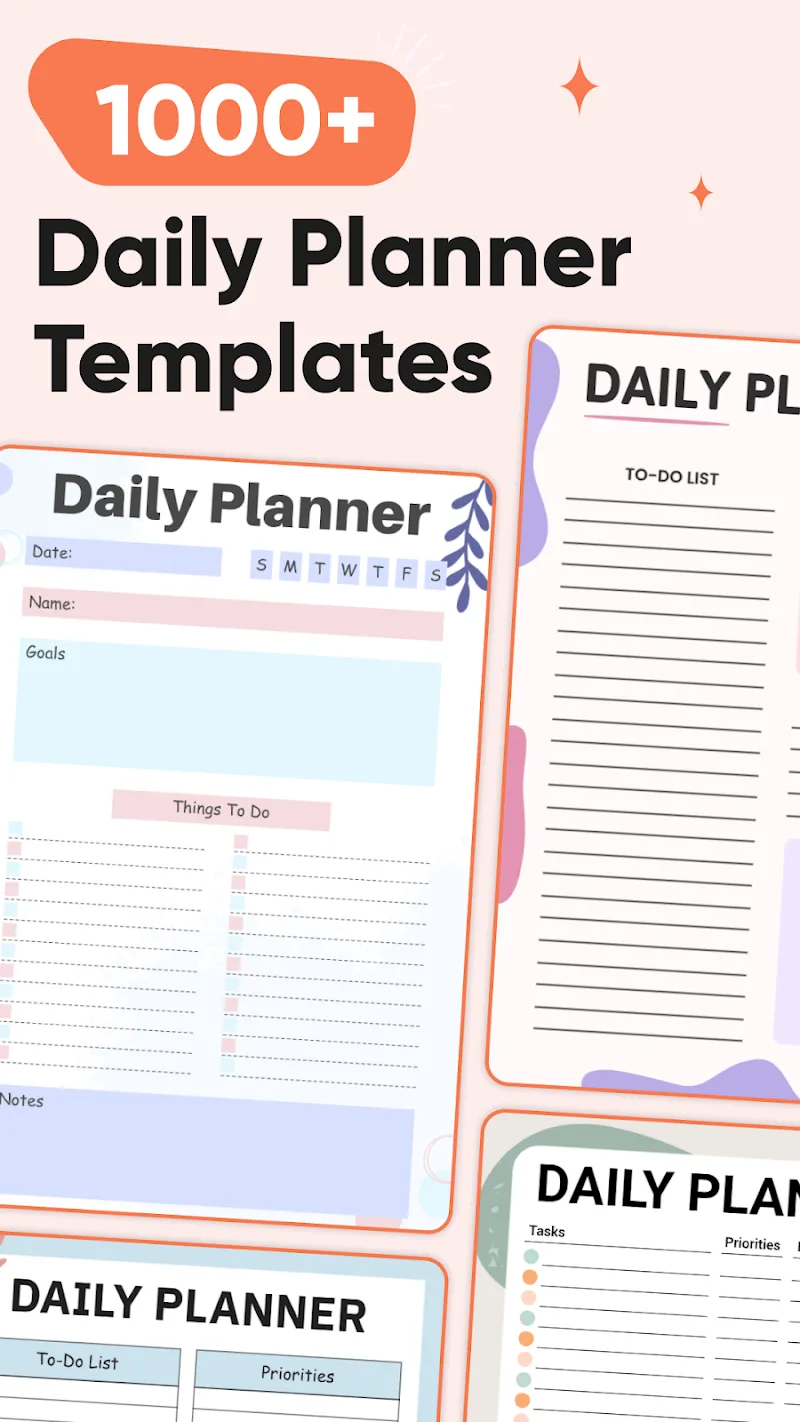
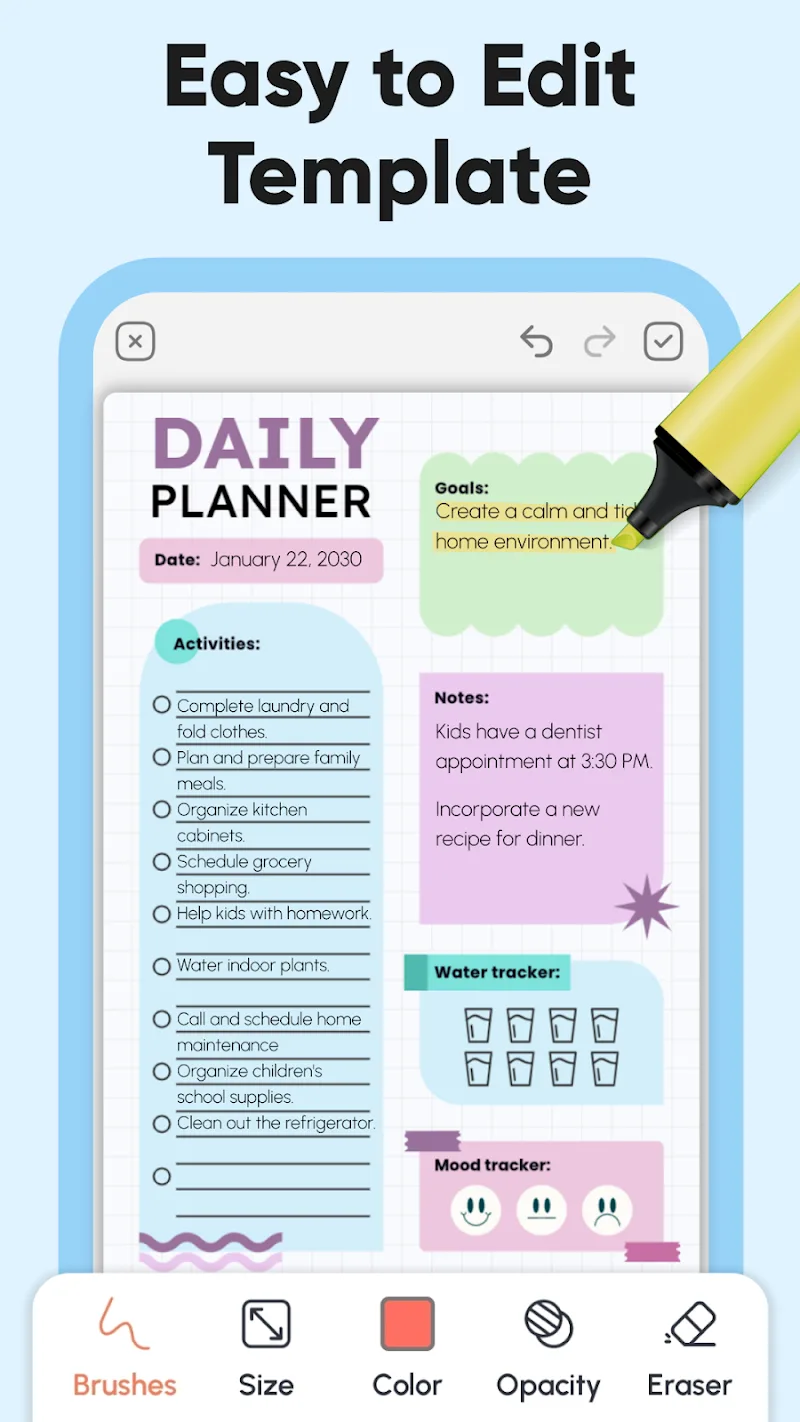
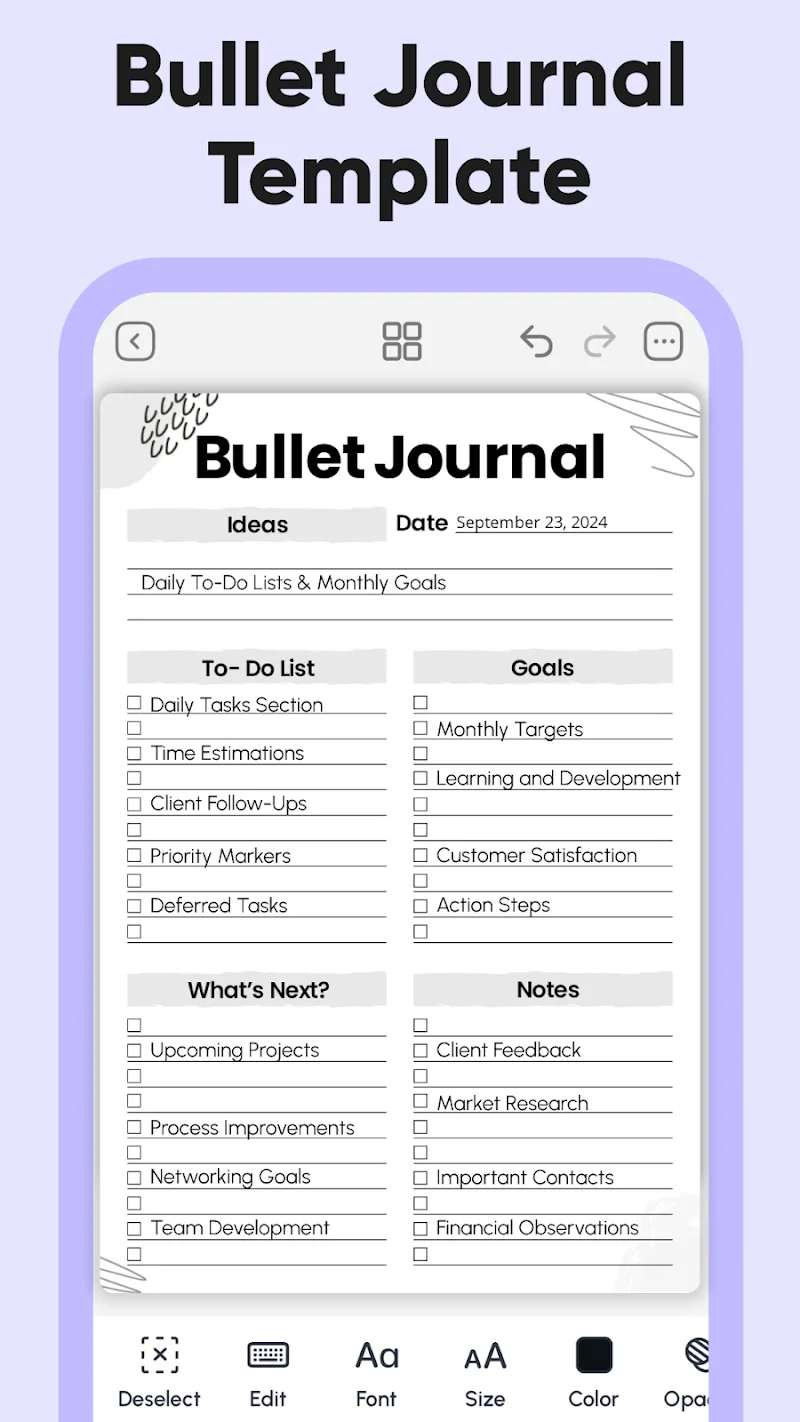
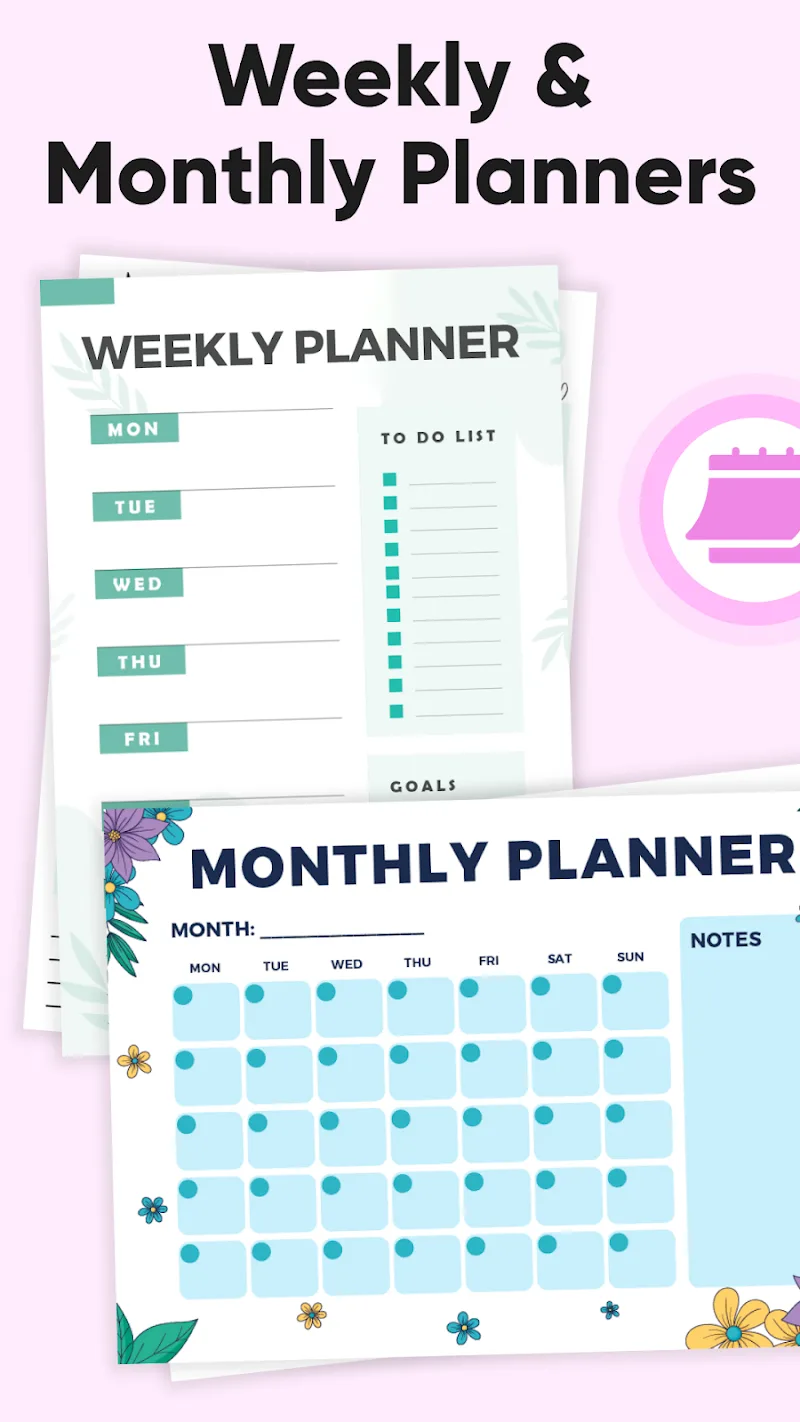
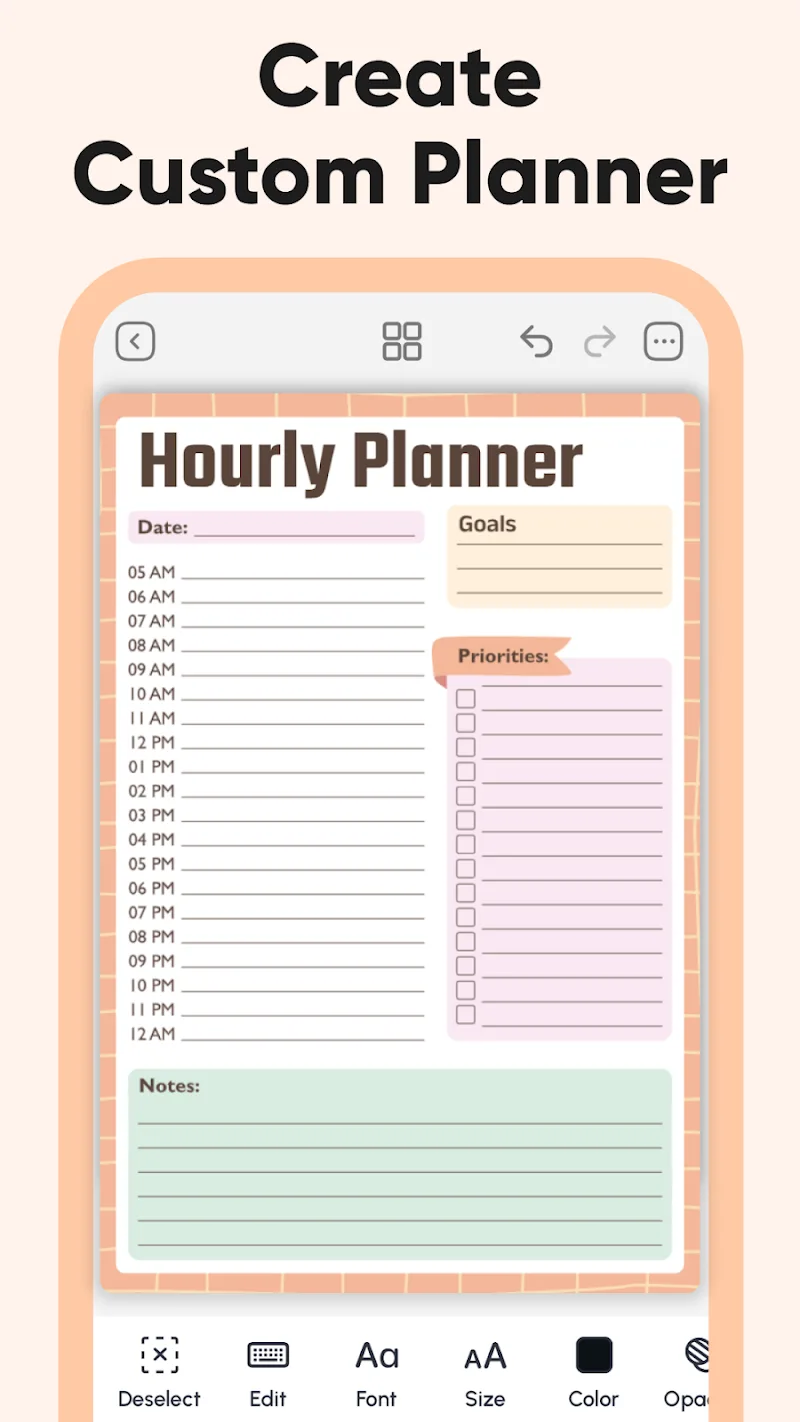
PlanWiz is a smart planning and productivity app that helps professionals and teams organize projects, manage tasks, and track progress with minimal friction. Its modular layout combines calendar syncing, task automation, and collaborative boards to turn fragmented to-dos into an efficient, repeatable workflow in a few taps.
At its core, PlanWiz centralizes daily work into a single workspace. Users can create plans, assign tasks, set deadlines, and monitor status without switching tools. The app supports task dependencies, subtasks, and smart reminders so plans stay realistic and visible across devices.
PlanWiz organizes work in three layers: high-level plans, mid-level milestones, and task-level items. Start by creating a plan, map out milestones on the timeline, and break milestones into actionable tasks. Each task can include notes, attachments, and time estimates. As you update task status, the app recalculates timelines and highlights potential bottlenecks.
Reliable synchronization is a priority. PlanWiz connects with major calendar providers to keep deadlines synchronized across platforms. It also supports importing CSV task lists and exporting progress reports. Offline edits are queued locally and merge smoothly once the device reconnects, making it resilient for mobile or low-coverage use.
The interface balances simplicity with depth. Key actions appear within thumb reach on phones, while tablet and desktop layouts expand into multi-column dashboards. Animations are subtle, aiding comprehension without slowing navigation. In testing, PlanWiz handled large plans with thousands of tasks without noticeable lag on mid-range devices.
Users can customize fields, color-code projects, and create filtered views to surface only relevant items. Rule-based automations let you change task attributes automatically based on triggers, like moving overdue items to a priority lane or assigning a reviewer when a task reaches a certain stage.
For teams, PlanWiz provides role-based permissions, shared boards, and comment threads attached to tasks. Activity timelines make it easy to audit changes, and @mentions keep conversations focused. The app also includes read-only share links for stakeholders who need visibility without editing access.
PlanWiz uses encrypted sync to protect data in transit and at rest. Account controls include two-factor authentication and device management for administrators. Data export tools ensure you can retrieve your information easily if you need to archive or migrate projects.
Start with a simple template to learn the layout, then gradually enable automation rules and shared boards. Use time estimates to measure planning accuracy over a few sprints. For teams, agree on naming conventions and a compact set of fields to avoid view clutter and inconsistent data entry.
PlanWiz suits professionals who want a focused planning app that scales from solo use to team operations. Its combination of template-driven setup, flexible views, and lightweight automations reduces setup time and encourages consistent use. Frequent updates add integrations and performance improvements without compromising the app’s clean design.
Installation is straightforward: download, sign in, and import or create your first plan. Tutorials and a help center guide cover common workflows and migration steps. Whether you need a personal task manager or a tool to coordinate cross-functional projects, PlanWiz aims to make planning predictable and collaborative.