Text Font Generator
Version: 2.8.0
9.20MB
4
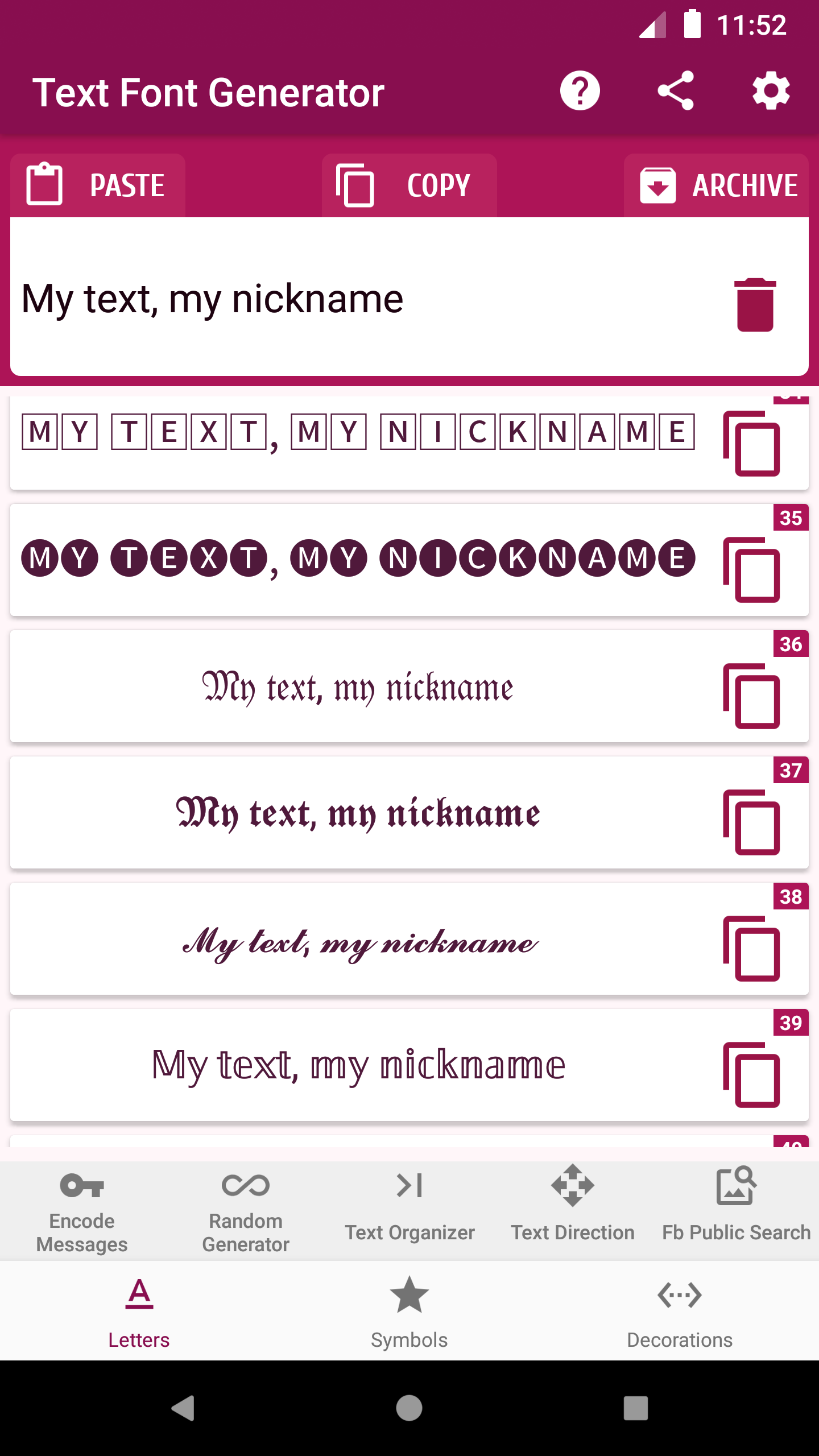
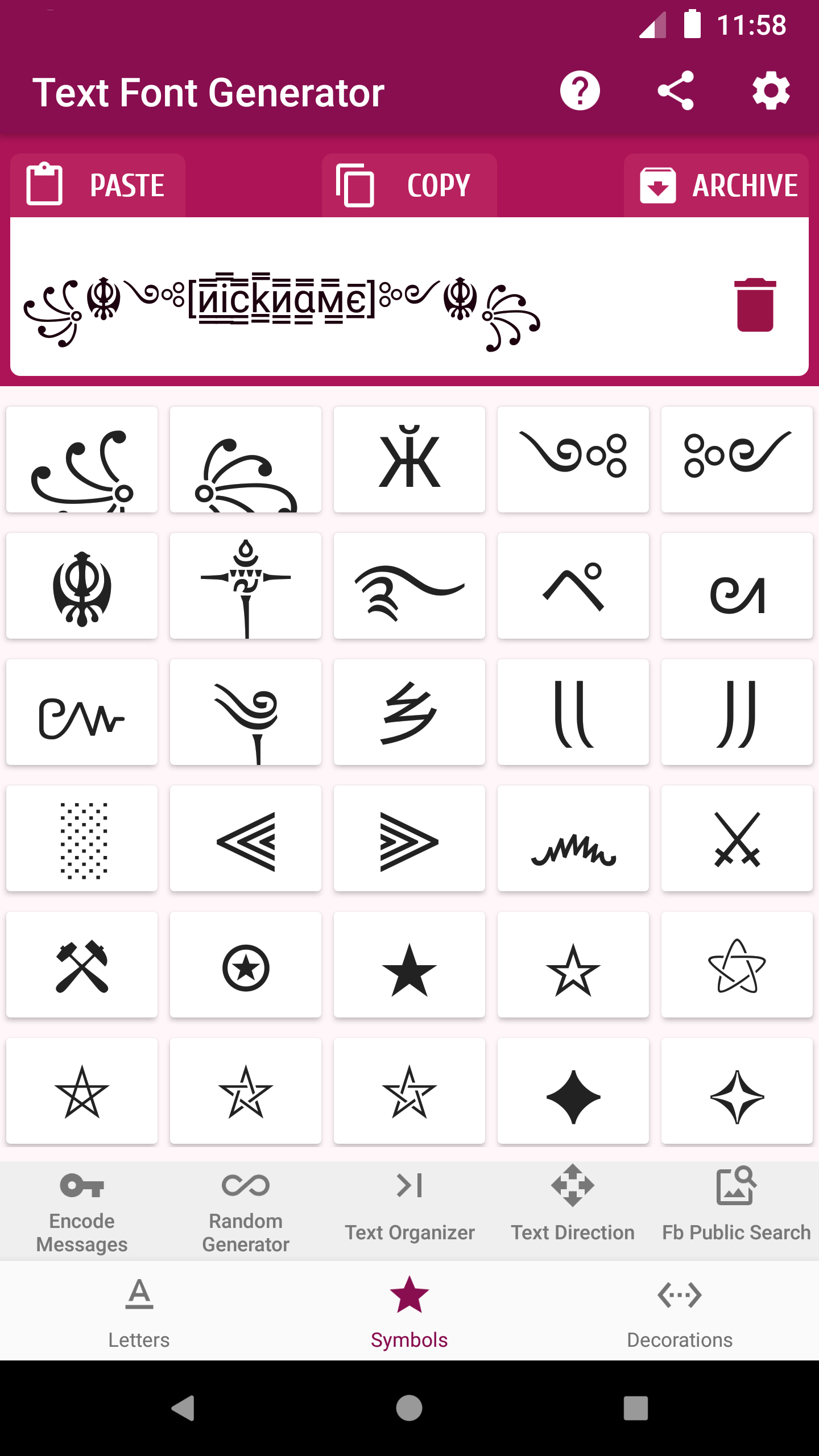
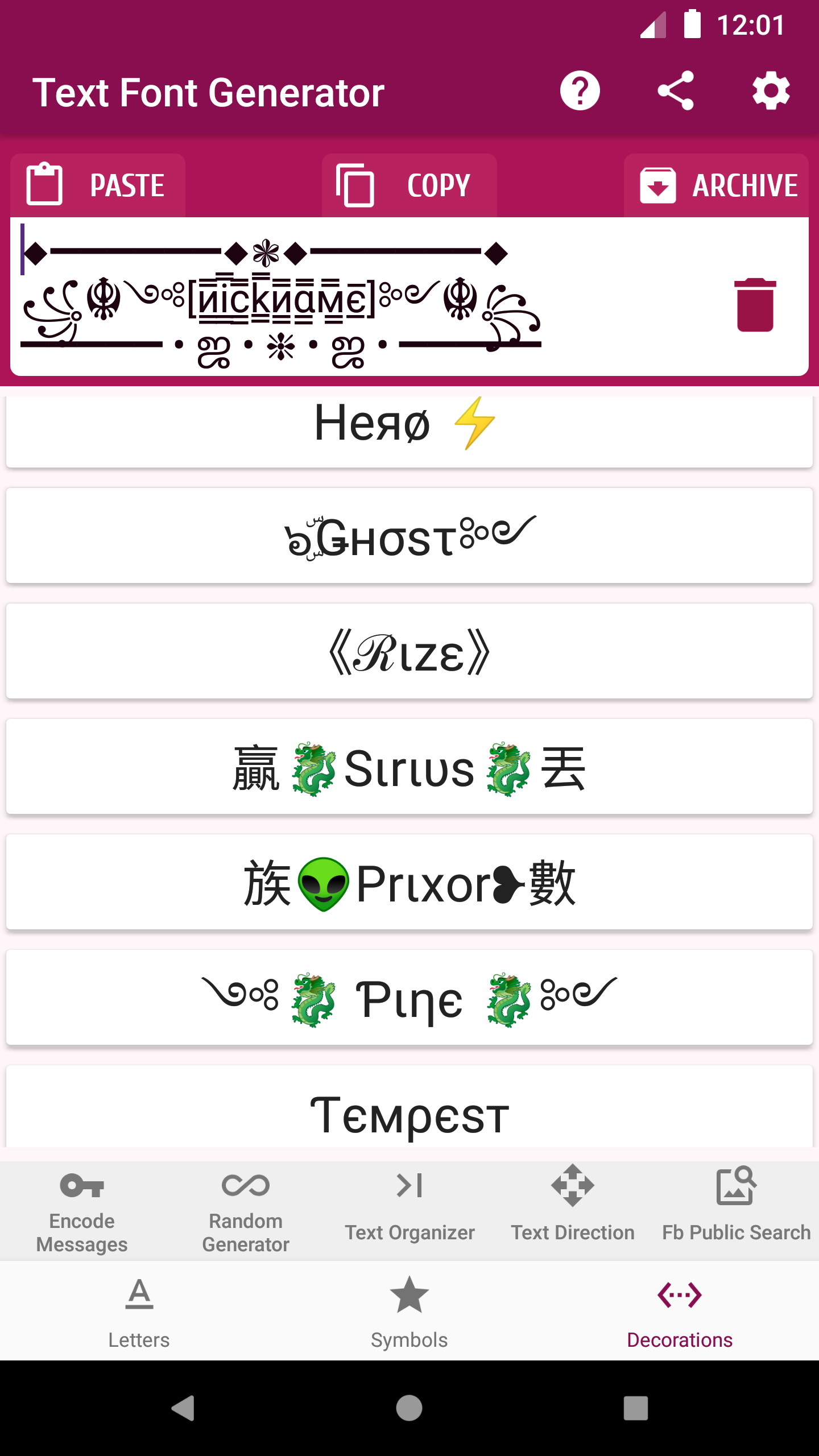
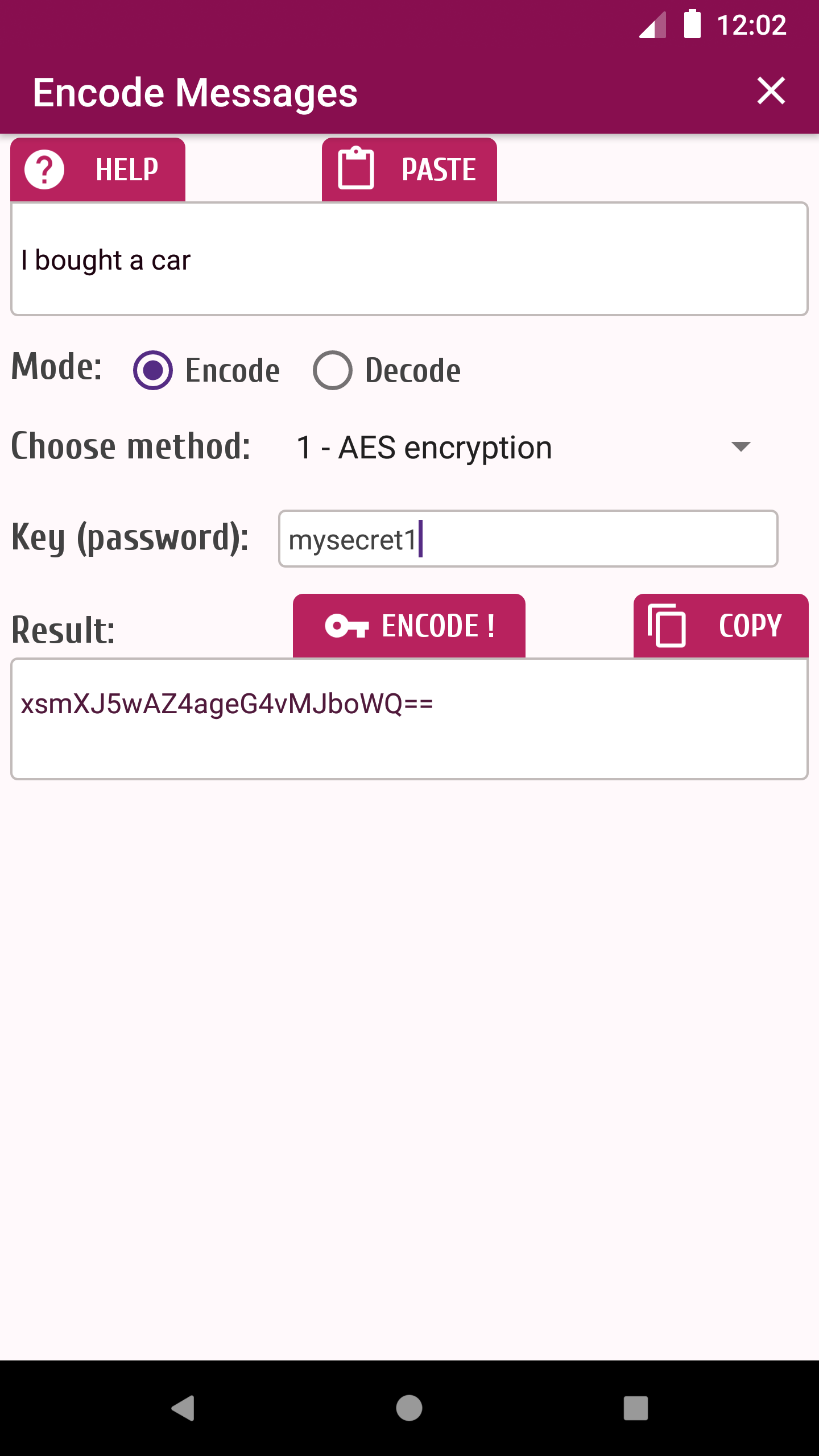
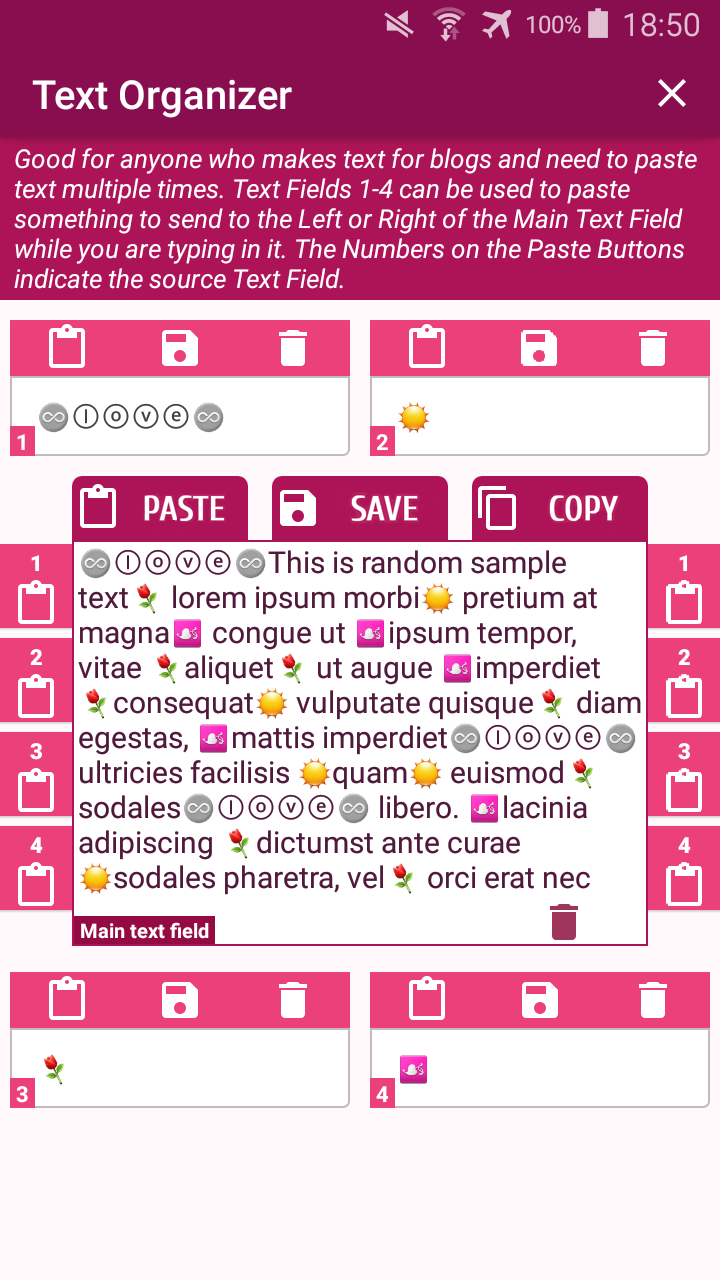
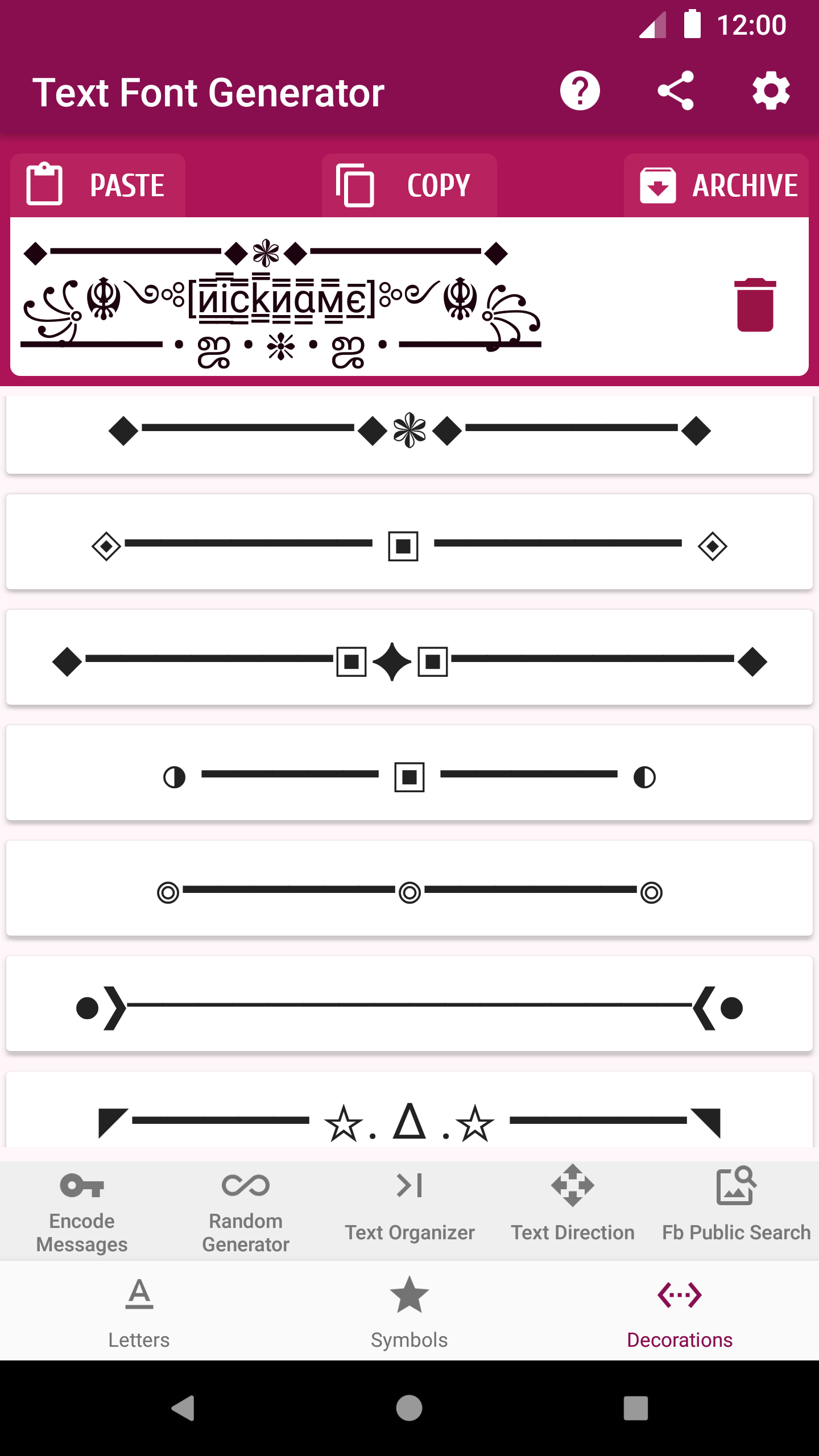
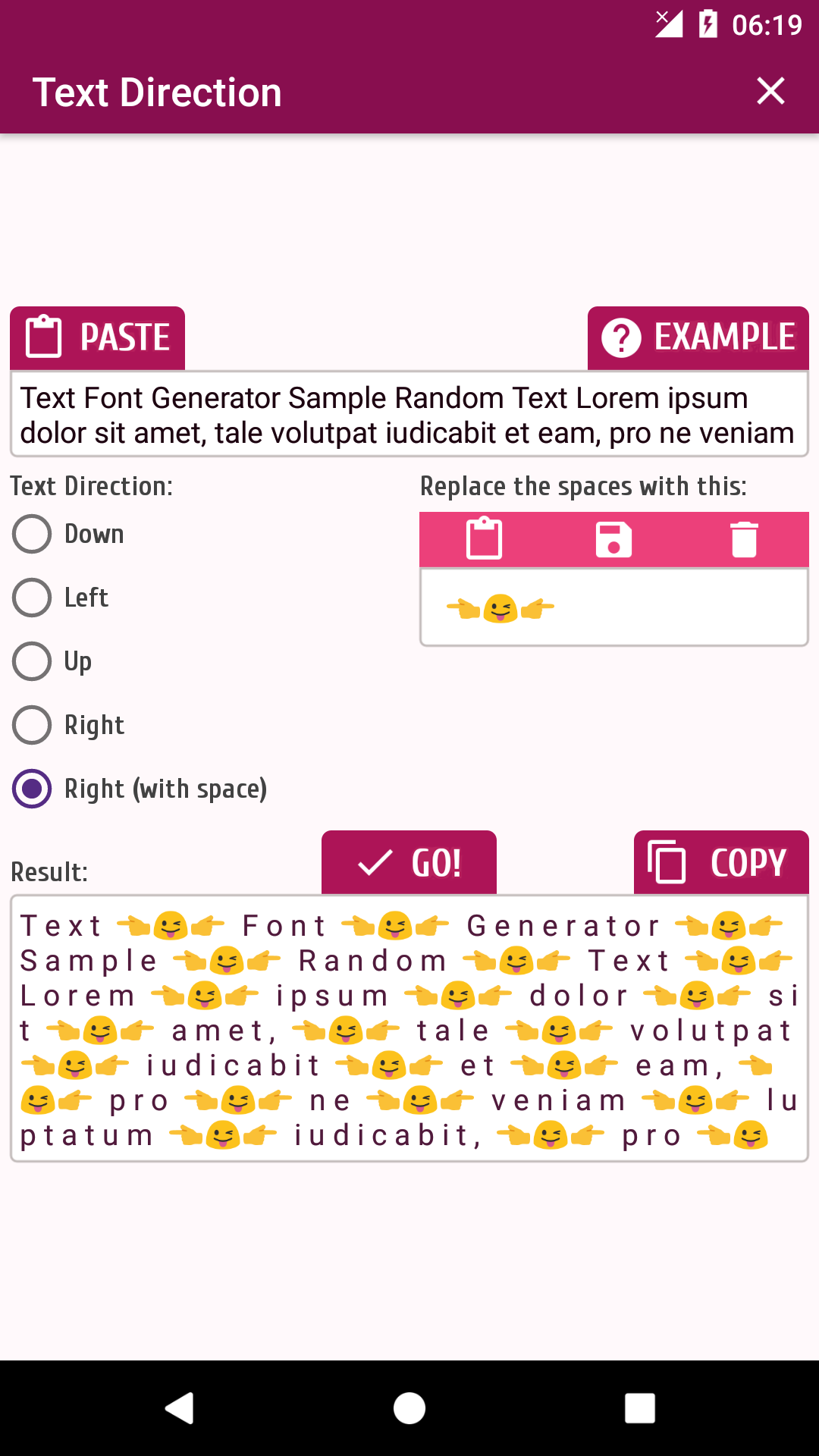
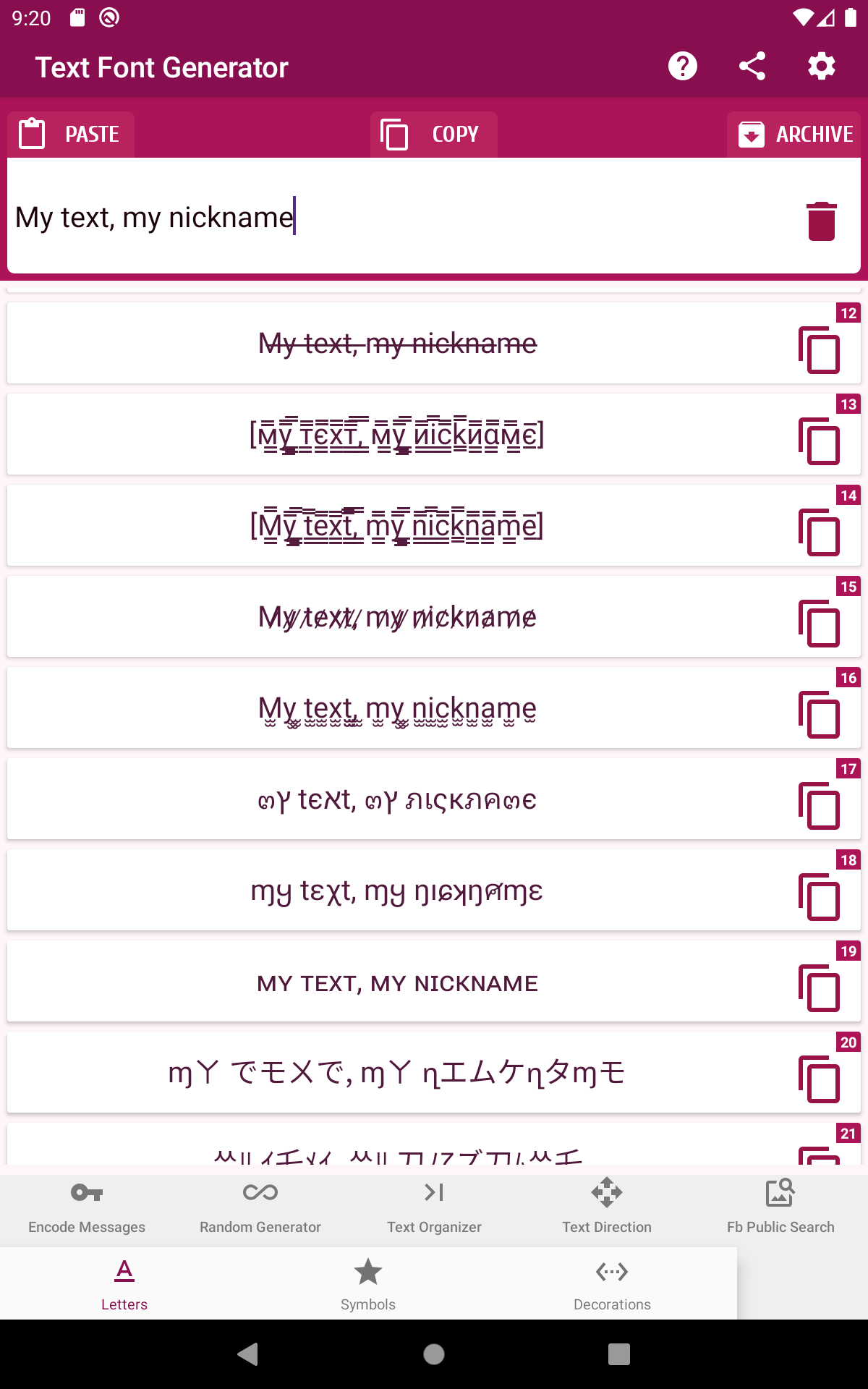
Text Font Generator is a mobile utility that helps you design and apply stylish fonts, symbols, and text layouts across social apps and profiles. It lets you preview dozens of typefaces, customize size and spacing, and copy formatted text quickly for use in messages, bios, captions, and posts.
Text Font Generator organizes its tools so you can produce eye-catching text in seconds. The app focuses on accessibility and speed, offering a searchable font library, live previews, and one-tap copying. You’ll find special character sets, Unicode styles, and combinations designed to work with popular platforms and messaging services.
The workflow is simple: enter your base text, scroll the preview pane to compare styles, and tap to copy the version you like. The app converts standard input into multiple stylized outputs, including script, bold, slanted, and decorative options. Conversion is performed on-device to minimize latency and to keep the process private and fast.
Beyond a static font list, the app includes sliders and toggles for fine control. Adjust font weight, letter spacing, and base size to match the context where text will be used. A built-in symbol picker lets you add arrows, stars, and emoji-compatible characters, while a recent-history panel stores your most-used creations for quick reuse.
Content creators, marketers, and casual users all gain practical value from the utility. Use it to craft unique Instagram bios, standout tweets, attention-grabbing headlines, or custom labels in chat threads. Because copies are plain text encoded with Unicode, formatted results remain compatible with Android apps, web services, and most social platforms.
The design emphasizes clarity: a central preview area, a type input box, and a toolbar for exporting. Large thumb-friendly controls keep common actions within easy reach. Dark and light themes allow the interface to adapt to device settings, and responsive layouts ensure the preview pane stays readable on phones and tablets.
Text rendering is optimized to run smoothly on a broad range of Android devices. The app performs conversions locally, which reduces network dependencies and provides instant feedback. Compatibility notes are surfaced for certain exotic characters that may not display uniformly across all platforms, helping you choose styles that render consistently for your audience.
Because all text transformations happen on the device, user input does not need to be uploaded to external servers. This local processing minimizes privacy concerns and allows offline operation for many core features. Optional permissions are requested only when you choose to share directly from the app or to enable cloud backup for your favorite fonts and presets.
Power users will appreciate export options and profile management. Save themed presets for campaigns, combine multiple styles into layered text, or batch-generate variants for A/B testing. An integrated search feature helps you locate specific Unicode blocks or decorative elements by keyword.
To begin, open the app, type a short phrase, and swipe through the preview styles to find a look that suits your project. Use the copy button to paste formatted text into a post or message. For recurring needs, create and name a preset to speed up repetitive tasks. Text Font Generator keeps commonly used entries readily accessible so you can work faster.
The app receives regular updates that expand the font library, add new symbols, and improve compatibility with evolving platforms. A built-in help section explains character limitations and provides tips for creating accessible text. When you need assistance, access FAQs or contact support from within the app to report display issues or request new features.
People favor the app for its balance of control and simplicity. It delivers creative typography without requiring design software, while offering enough customization for professional-looking results. Whether preparing social content or personalizing messages, the app streamlines the process and preserves readability across devices.