OneUI 9.5: Dark Icon Pack
Version: 1.1
138.35MB
4.2
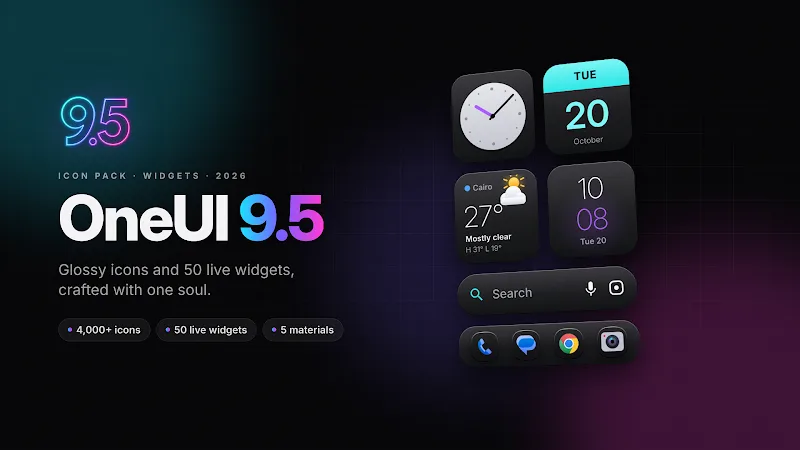
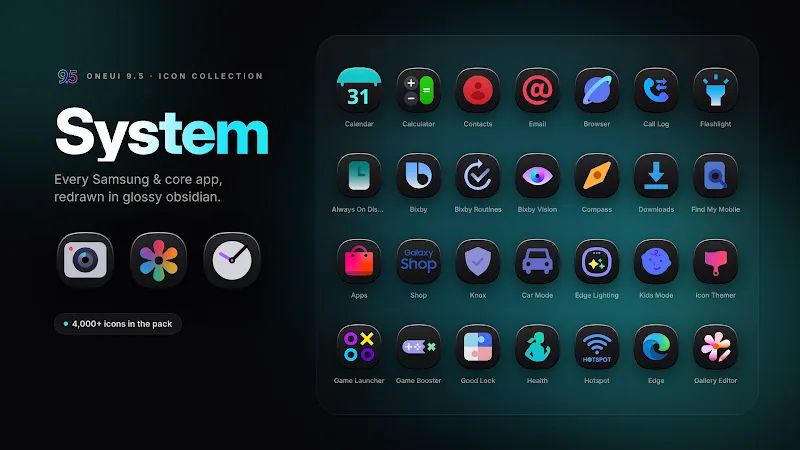
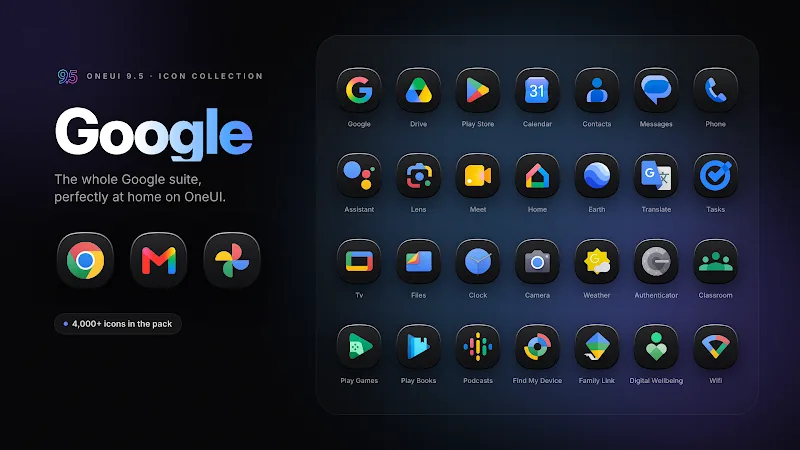
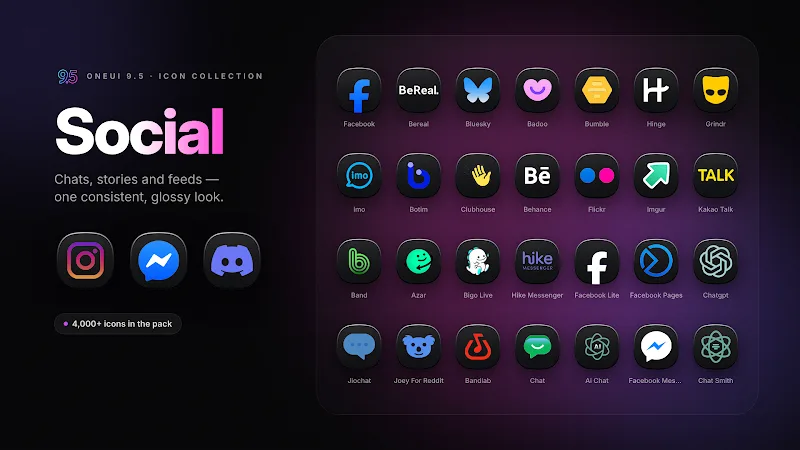
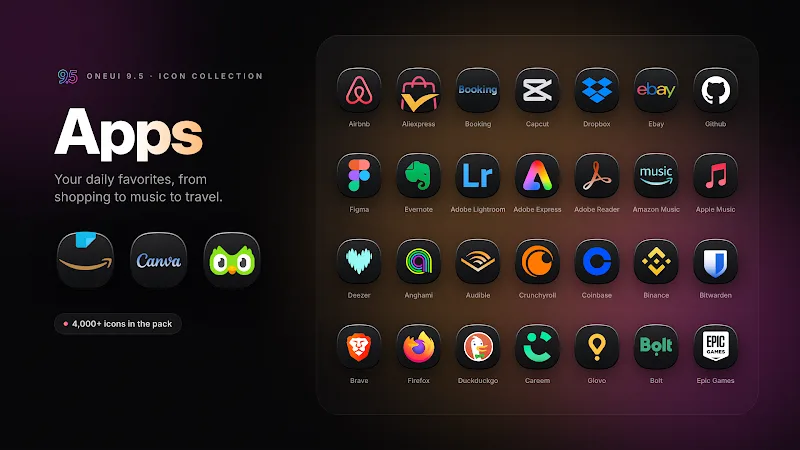
Through customizing and simplifying, OneUI 9.5: Dark Icon Pack brings a consistent, dark-themed look to your Android home screen while keeping icons legible and modern. This icon pack recreates a One UI–inspired aesthetic with muted tones, rounded shapes and careful contrast so system apps and third-party tools feel part of a single visual family. Whether you prefer a minimalist setup or want a nighttime-friendly palette that reduces glare, OneUI 9.5: Dark Icon Pack offers a focused way to refresh your device without overhauling widgets or wallpapers.
Compatible launchers: Most custom icon packs require a third-party launcher to apply icons; check that your launcher supports icon themes before installing.
Applying icons: Open your launcher settings or the icon pack app, select Apply, and choose the launcher you use. Some launchers apply icons individually via a long-press on the home icon.
Icon requests and updates: If you see basic or unthemed icons, use the pack's request option to ask the designer for additions; developers often add requested icons in updates.
Unified dark aesthetic: Icons follow a dark palette with subtle highlights so they stand out against both black and deep-gray wallpapers.
Consistent shapes and sizing: Rounded corners and uniform padding give apps a cohesive presence on folders and the app drawer.
High-resolution assets: The pack typically includes crisp icon artwork for modern screens, reducing blur on high-DPI displays.
Adaptive support: Many packs adapt to different launchers and may supply mask options so unthemed icons match the set more closely.
Regular refreshes: Expect periodic updates that refine icons and add coverage for new or popular apps.
Pair with a dark wallpaper: Choose a simple dark gradient or textured background to make the icons pop and maintain the unified look.
Create folders by purpose: Group similar apps into folders labeled by function; the consistent icon shapes make folder layouts neater and easier to scan.
Backup your layout: Before applying a new icon pack, take a screenshot or use your launcher’s backup option so you can restore your previous setup if needed.
Do I need a custom launcher to use this pack?
Many icon packs require a compatible launcher such as Nova, Lawnchair, or Action Launcher to apply them globally, though some launchers provide partial support for manual icon assignment.
Will the pack change my widgets or fonts?
Icon packs normally alter only app icons. Widgets, system fonts and layout settings remain under your launcher or device theme controls.
What if some app icons remain unthemed?
Unbranded or newer apps sometimes lack matching icons. Use the icon request feature if available, or manually assign a similar icon from the pack to keep the look consistent.
OneUI 9.5: Dark Icon Pack provides a simple route to a unified, night-friendly home screen and works well if you prefer a subdued, professional appearance on Android devices. It streamlines visual consistency without changing core system behavior, though coverage may vary for niche apps and you might need a compatible launcher to apply everything. Check the app details for compatibility and updates before installing.