BlockerHero
Version: 1.2.70
5.10MB
4.4
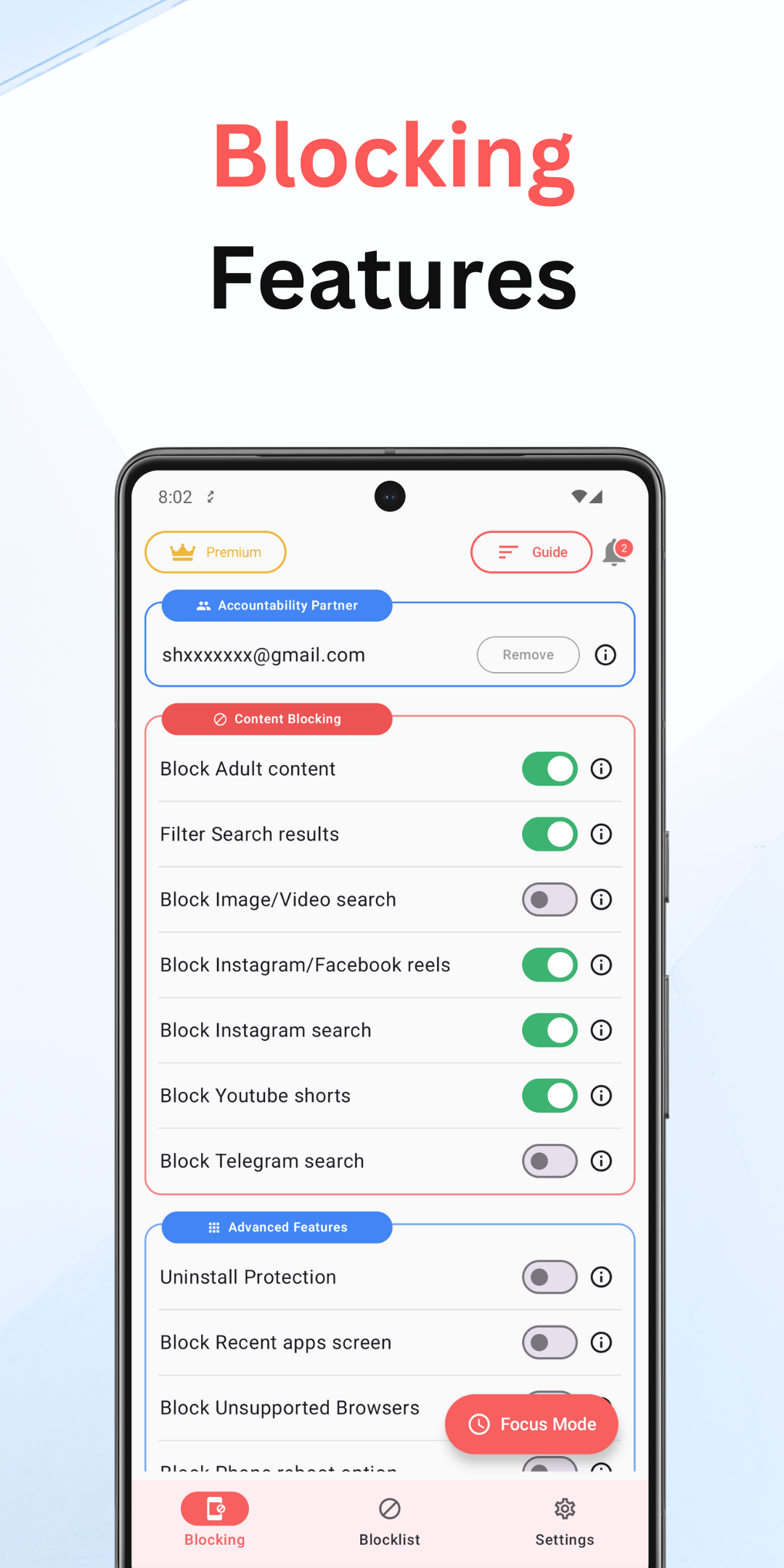
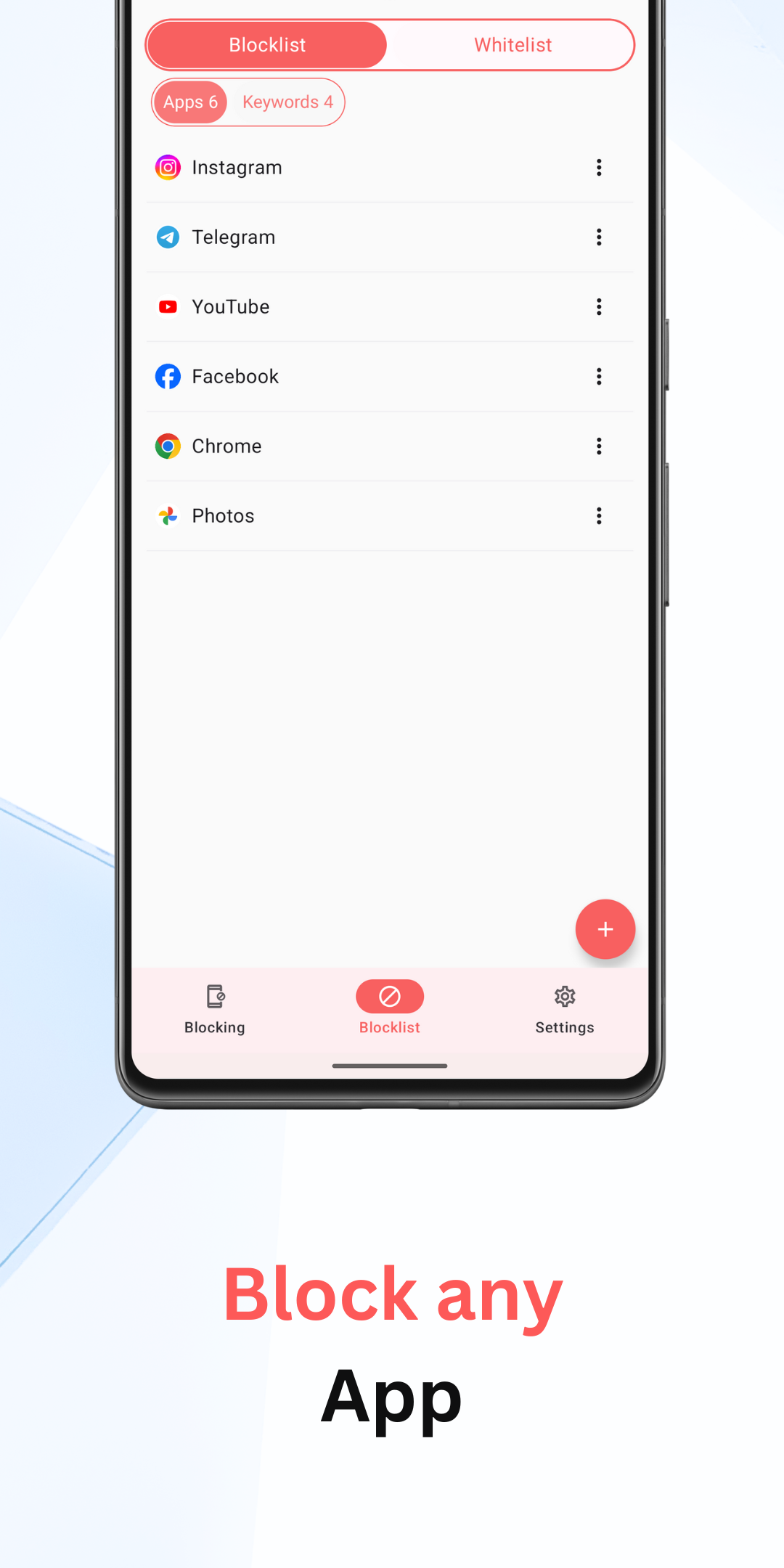
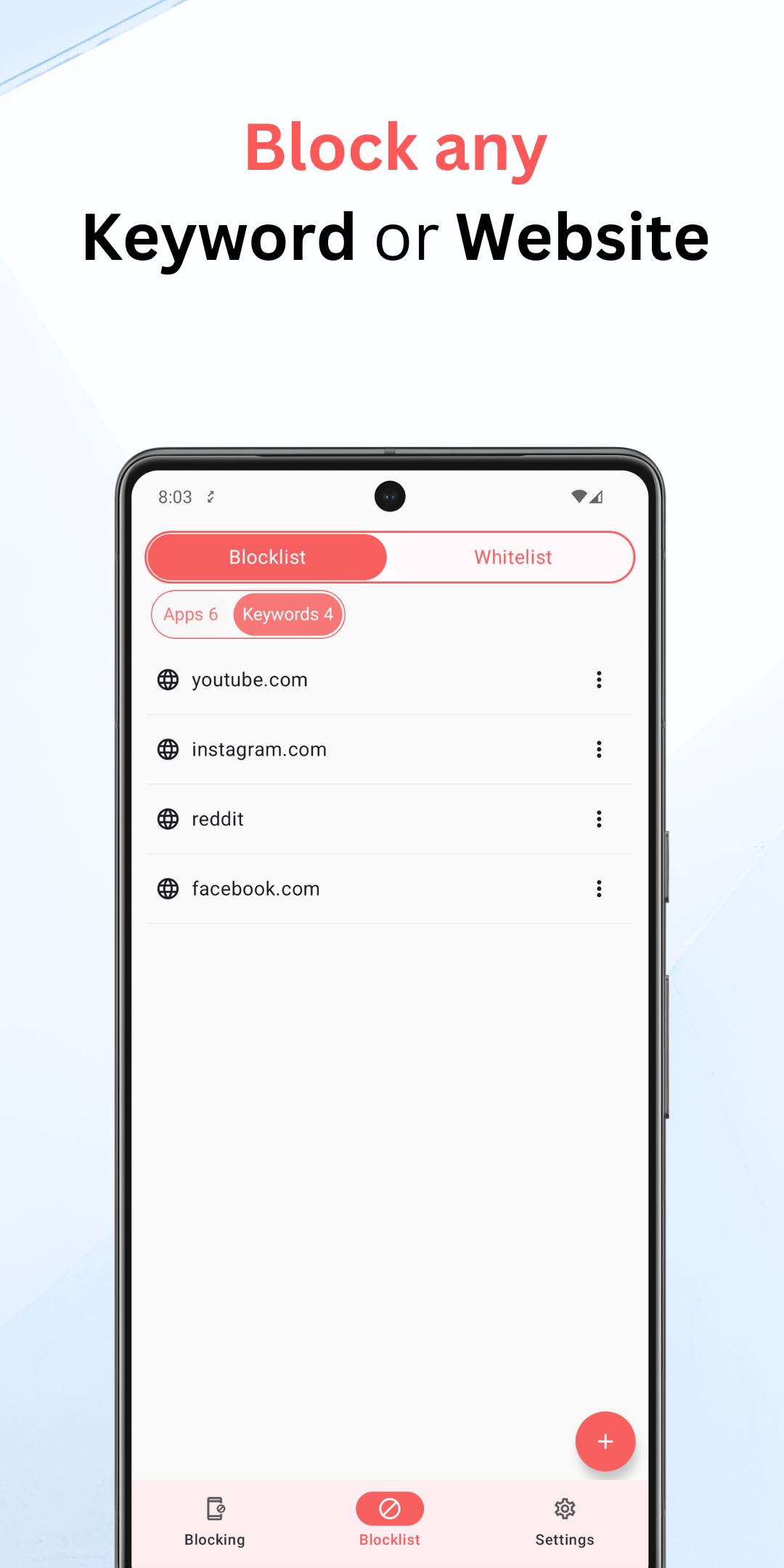
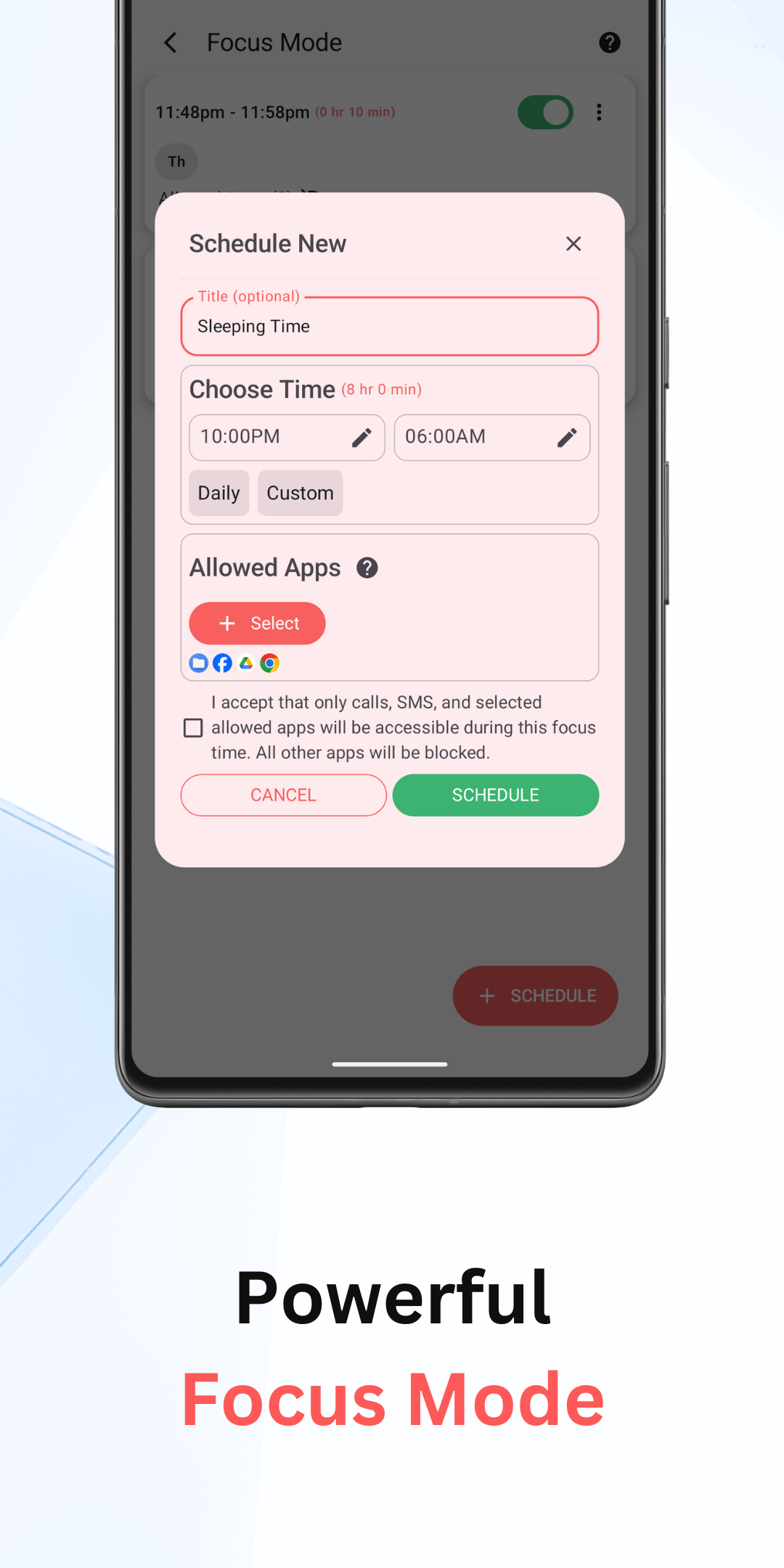
Through scanning and filtering, BlockerHero gives you a practical way to keep online browsing safer for everyone in the household. This compact Android utility focuses on blocking adult-oriented pages and intrusive ads while letting you tailor rules per account. Whether you need a strict profile for younger kids or a more relaxed mode for adults, BlockerHero provides a clear interface to set restrictions, apply approvals, and reduce accidental exposure to unwanted content.
Install and initial setup: Download and open the app, then follow the on-screen prompts to enable basic protection. Grant only the permissions you are comfortable with; the app guides you through what each permission is used for.
Create account profiles: Set up separate profiles for family members such as Child, Teen, or Adult. Each profile stores its own filtering level and browsing preferences so you can switch quickly without changing global settings.
Configure filtering strength: Choose a level of strictness for each profile, from light ad-blocking to more aggressive content filtering. You can adjust these at any time to match the needs of the user.
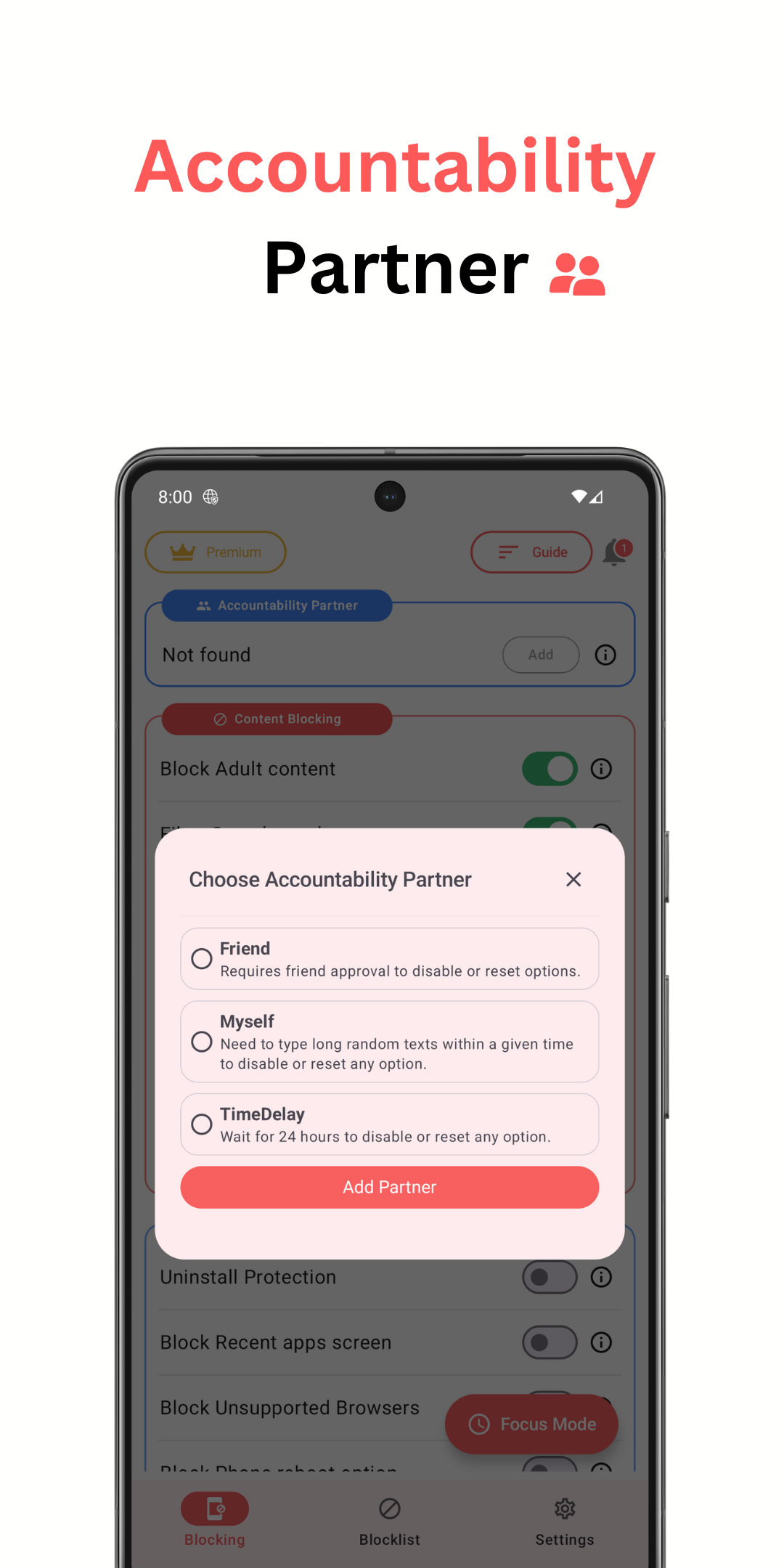
Use an approval workflow: Turn on approval requirements for changing critical options. That way, only a parent or admin can relax restrictions or add exceptions, helping maintain consistent safeguards.
Comprehensive content filters: BlockerHero detects and blocks access to adult-focused sites and explicit ad placements so users encounter fewer unwanted pages while browsing.
Profile-based controls: Multiple account profiles make it simple to apply different rules for family members, guests, or shared devices without reconfiguring settings each time.
Approval and lock options: Sensitive settings can be locked behind an approval step, preventing unauthorized changes and helping parents enforce rules reliably.
Cleaner browsing experience: By reducing malicious or misleading ads, BlockerHero lowers distractions and the risk of accidental clicks that lead to sketchy pages.
Lightweight and unobtrusive: The app is designed to run quietly in the background so it doesn’t slow down everyday tasks while still offering active protection.
Start with a test profile: Create a temporary profile for trial runs so you can see how strict filters affect typical sites before applying them to a child’s account.
Prepare devices before travel: If you hand a tablet to kids on a long trip, switch to a child profile in advance. This avoids surprises in public Wi-Fi environments and keeps browsing consistent.
Set homework-friendly exceptions: Add trusted educational sites to a whitelist so research isn’t interrupted by overzealous blocking, while still keeping the broader protections active.
Use short lock windows: For family computers or shared phones, enable temporary approval periods rather than permanent unlocks to reduce the chance of accidental setting changes.
Can I apply different rules for multiple users on one device?
Yes. BlockerHero supports profiles so you can assign unique filtering levels and permissions to each account on the same device.
Does it remove all adverts from every website?
BlockerHero reduces many intrusive or harmful ads, but no filter is perfect. Some benign ads may remain, and a few ad types can evade detection depending on how a site serves them.
What happens if someone tries to change a locked setting?
Locked settings require an approval step or an admin password to change, so unauthorized users cannot relax protections without consent.
BlockerHero offers a straightforward toolkit for families and anyone wanting tighter control over what appears while browsing on Android; it streamlines parental controls and account-specific filters, though actual filtering coverage can vary by site and app version.