
One4Icons: Icon Pack Studio
Version: 0.2.60
46.30MB
4.1
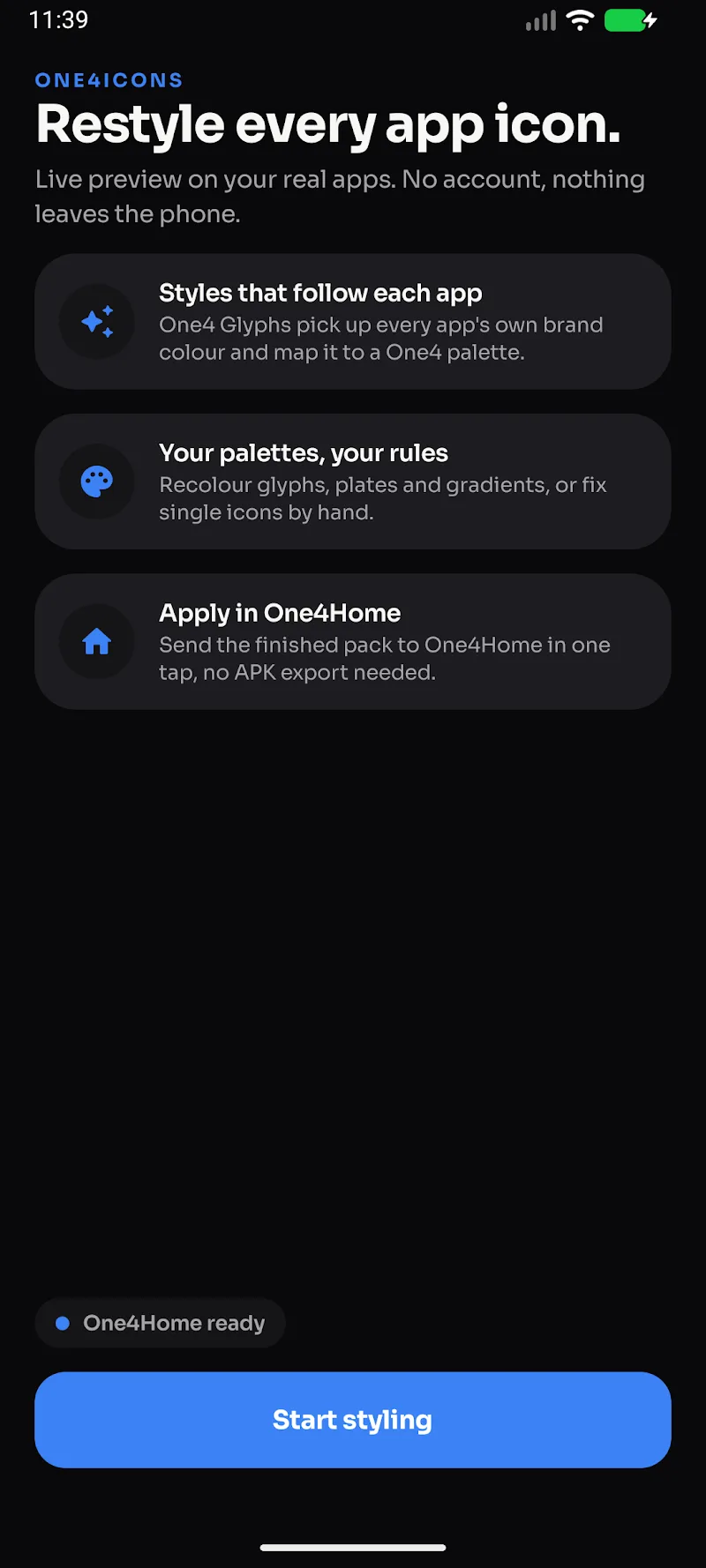
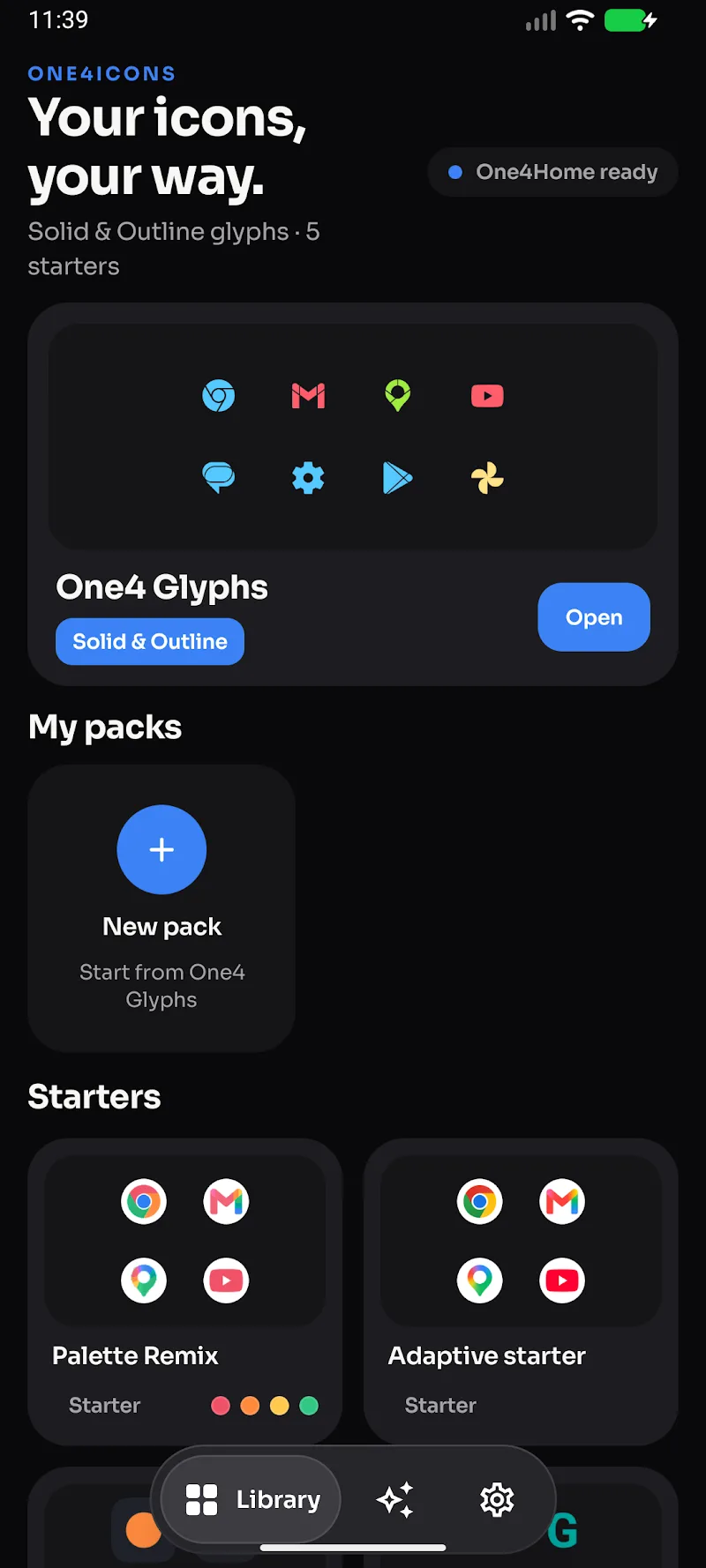
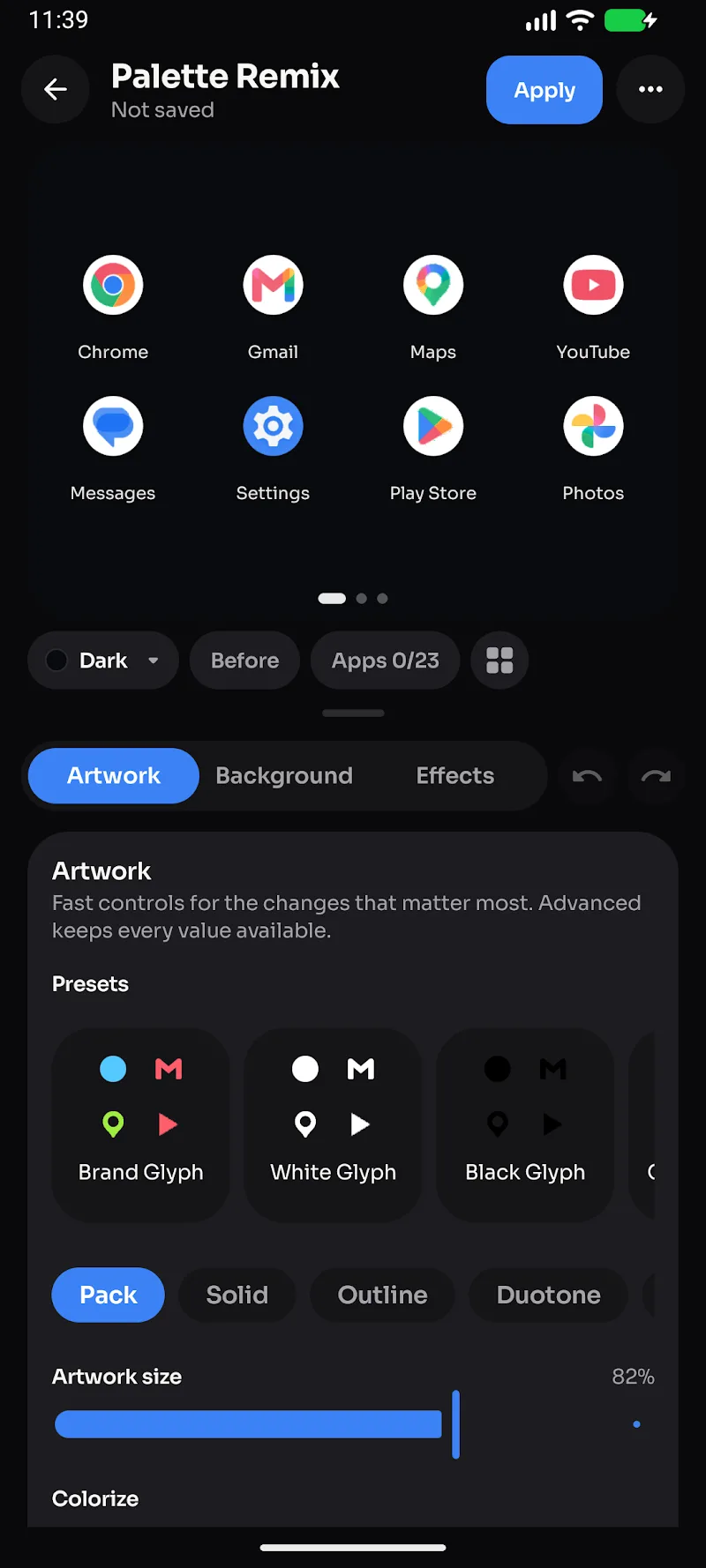
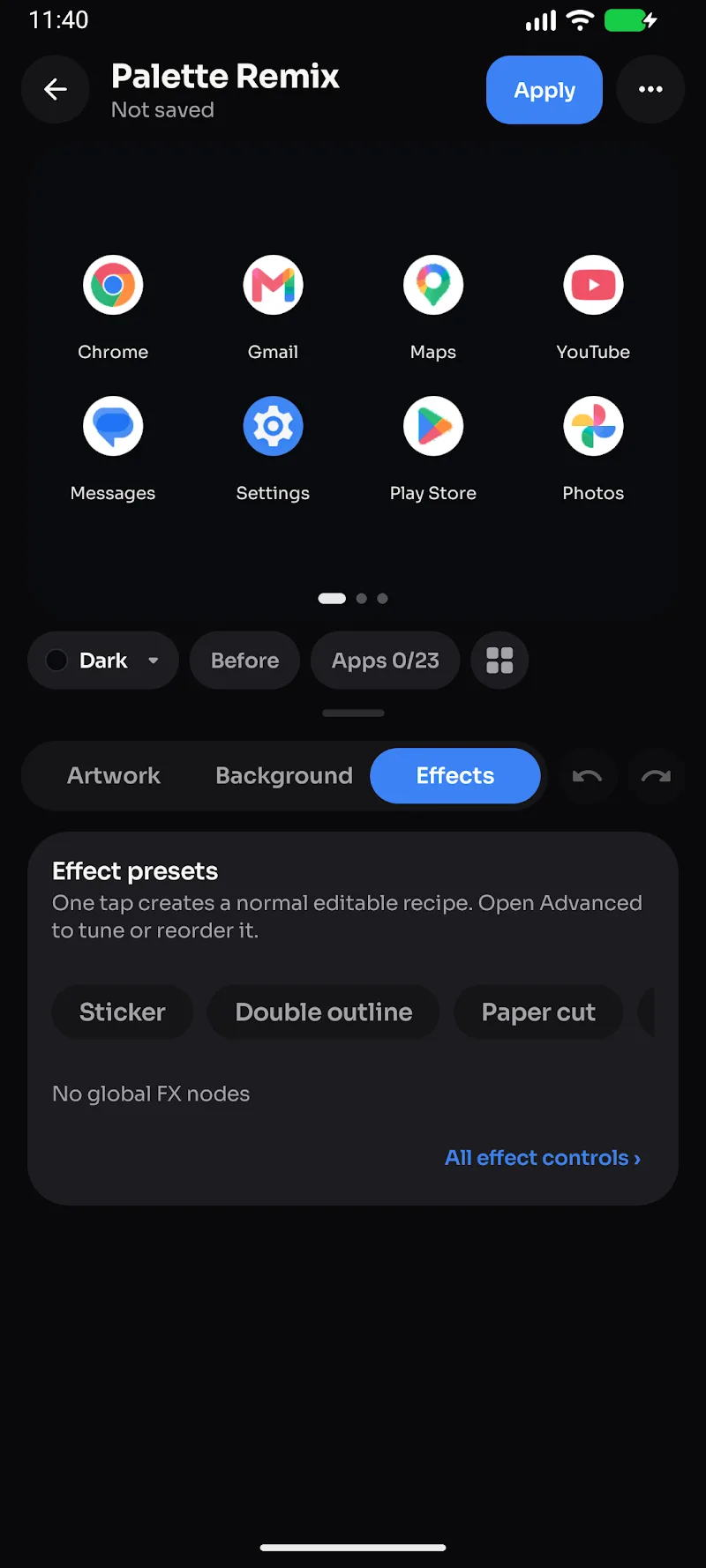
One4Icons: Icon Pack Studio is a powerful Android tool that lets you create, edit and apply custom icon packs without root. It combines a straightforward editor, batch tools and cloud-ready export options to design consistent icon themes and streamline theming across launchers and devices.
One4Icons: Icon Pack Studio provides a complete toolkit for building personalized icon libraries. Rather than downloading pre-made themes, you can craft icons that match your wallpaper, widget style or brand aesthetic. The app supports vector and raster formats, letting you mix simple flat icons with detailed artwork while keeping file sizes reasonable.
The interface balances simplicity and control. A central canvas displays the selected icon with a strip of tools along the side for quick edits. Layers are managed with familiar controls: rename, hide, reorder and merge. Templates and presets accelerate routine tasks, while an undo history lets you experiment without fear. New users can follow a guided creation flow that walks through adding assets, applying masks and generating exports.
Customization is the app’s strong suit. Use color palettes to enforce a consistent scheme, apply global shadows or highlights to unify lighting, and create shape libraries for repeated motifs like rounded squares or circular badges. Adaptive icon support ensures your creations scale and crop correctly on launchers that require foreground/background separation. For power users, advanced export settings let you control DPI variants and compression levels.
Designed for mobile hardware, One4Icons: Icon Pack Studio minimizes memory use by streaming assets and using vector rendering where possible. Large projects remain responsive thanks to incremental rendering and cached previews. The app works with most popular Android launchers that accept third-party icon packs; exported APKs follow common packaging guidelines to ensure broad compatibility.
When your pack is ready you can export it in several formats: a ready-to-install APK for easy installation, a compressed archive for marketplaces, or a folder of PNG/SVG files for manual distribution. Built-in metadata fields let you add a name, author credit and preview images so users see a polished listing in theme stores or on social platforms.
Install One4Icons: Icon Pack Studio, open a new project, then import a few sample icons or templates. Experiment with a global mask and color shift in batch mode to see immediate results. When satisfied, export a small test pack and install it on your device to validate behavior across different launchers. Regularly back up projects to cloud storage to protect your work.
This app focuses on empowering users to design tailored icon experiences without technical overhead. By combining an approachable editor, batch operations and export flexibility, One4Icons: Icon Pack Studio helps hobbyists and designers produce consistent, shareable icon collections that integrate smoothly with modern Android customization workflows.