Gelux Icon Pack
Version: 1.9
8.20MB
4.2
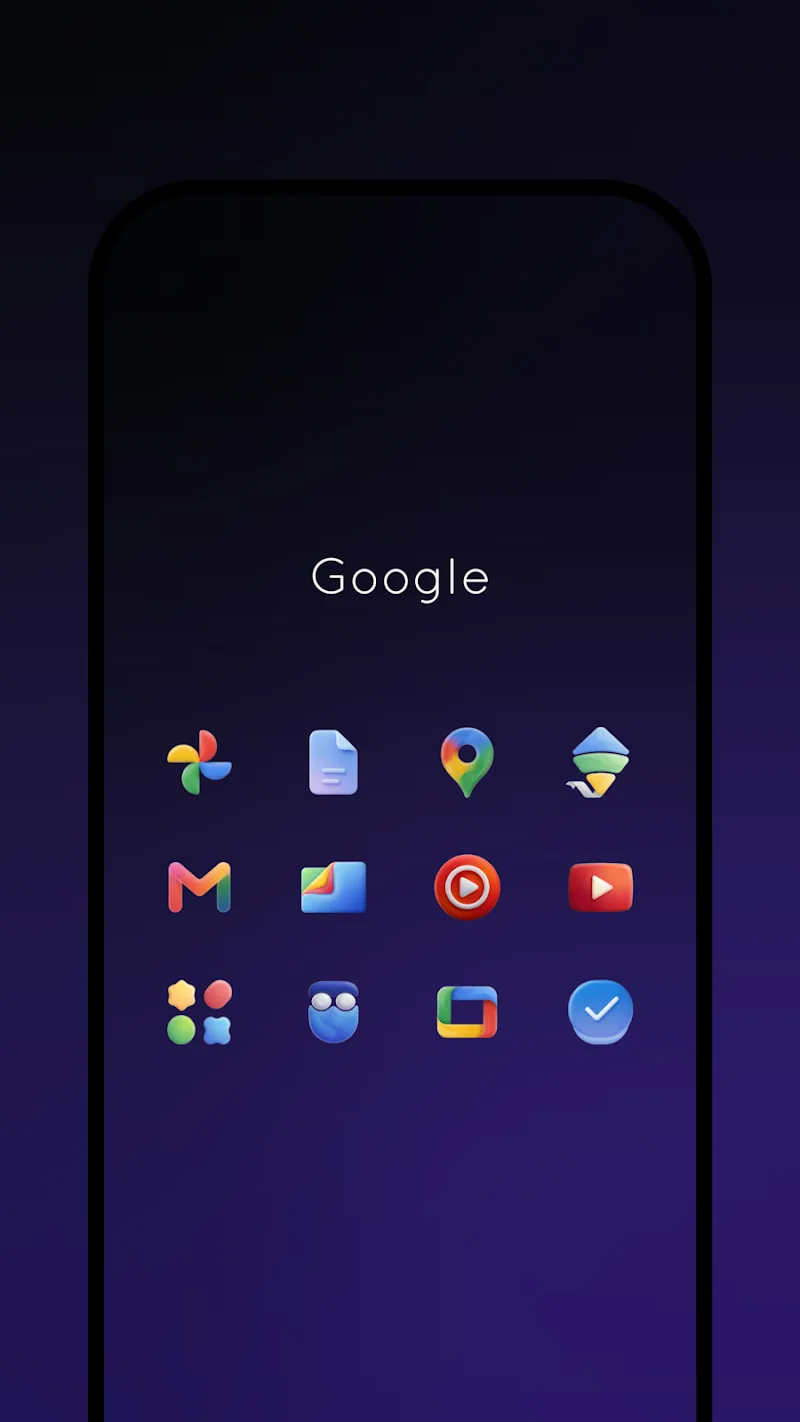
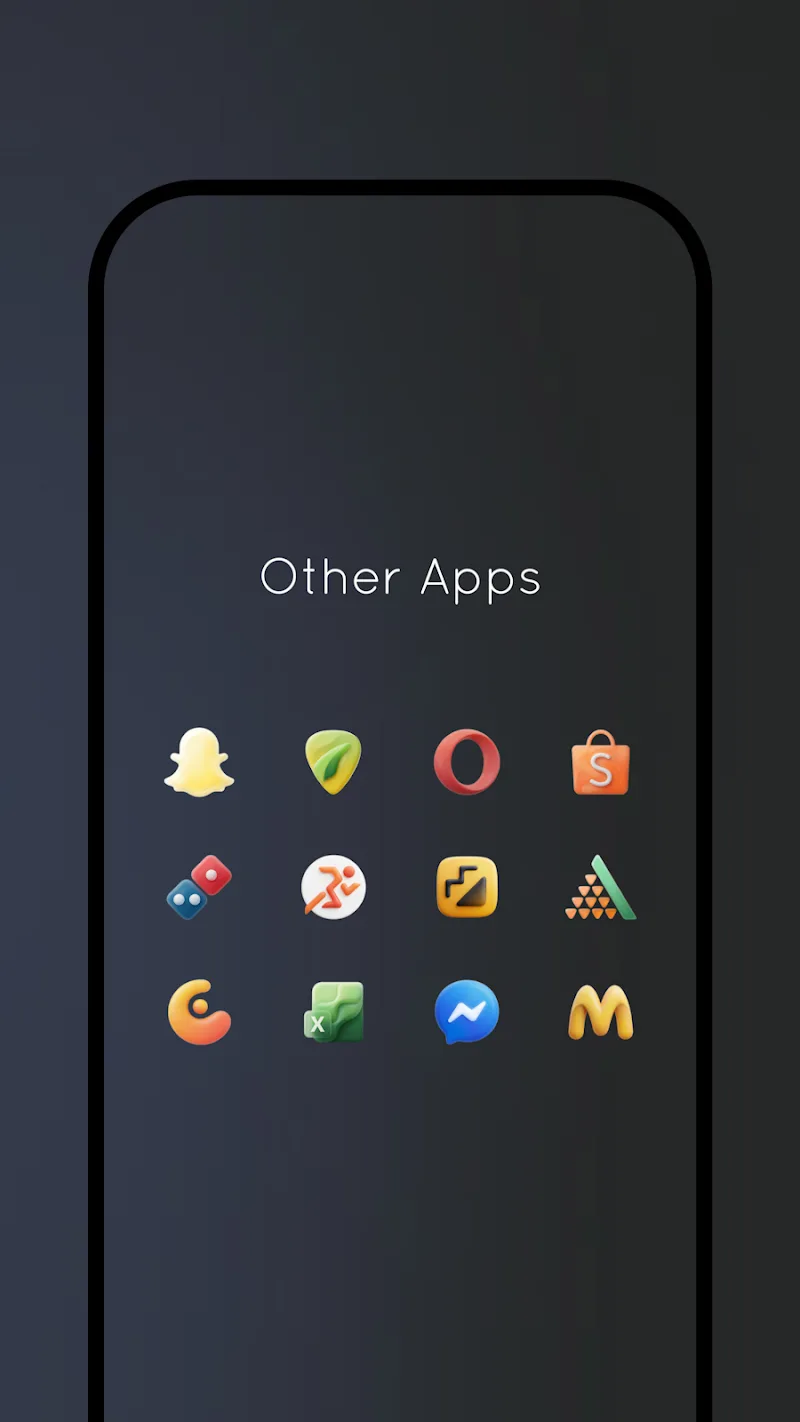
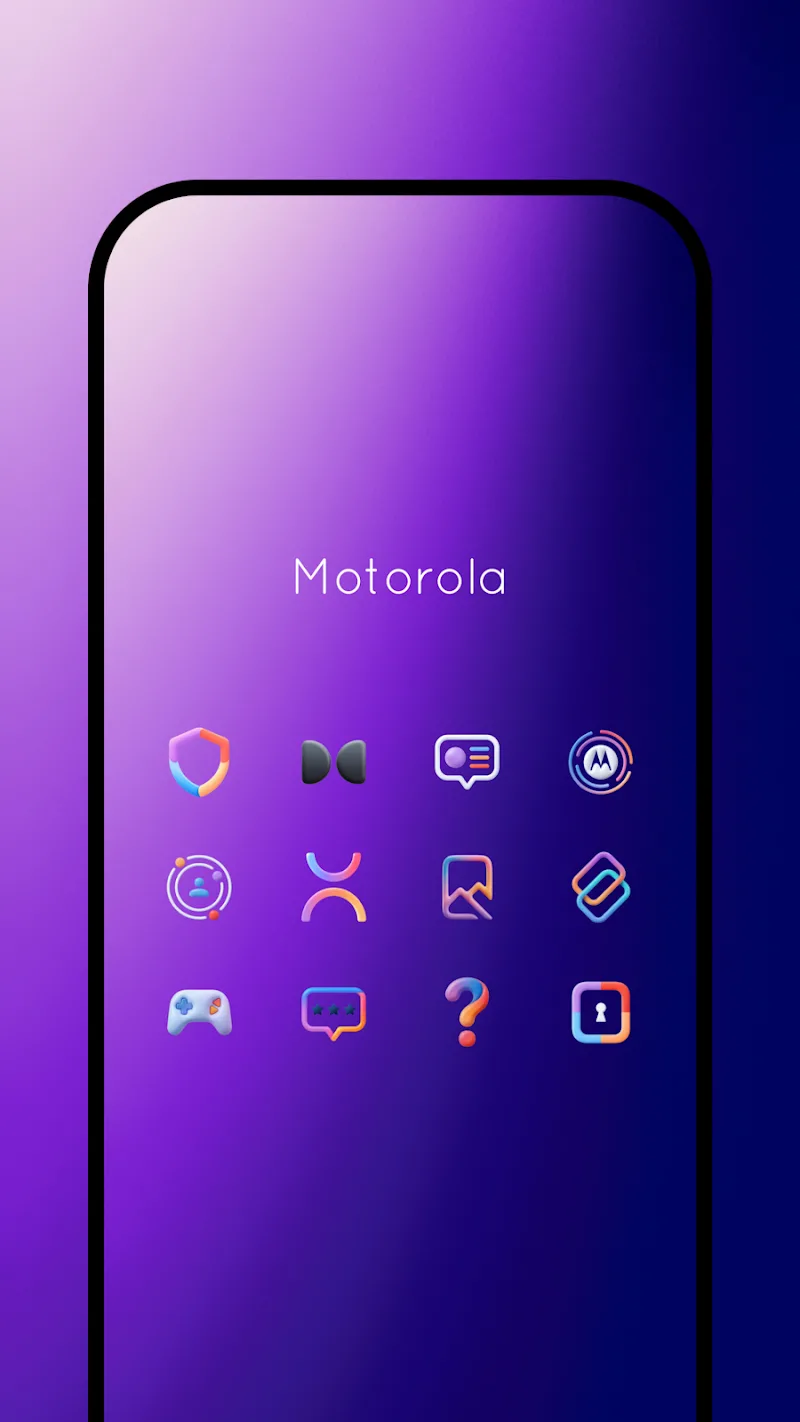
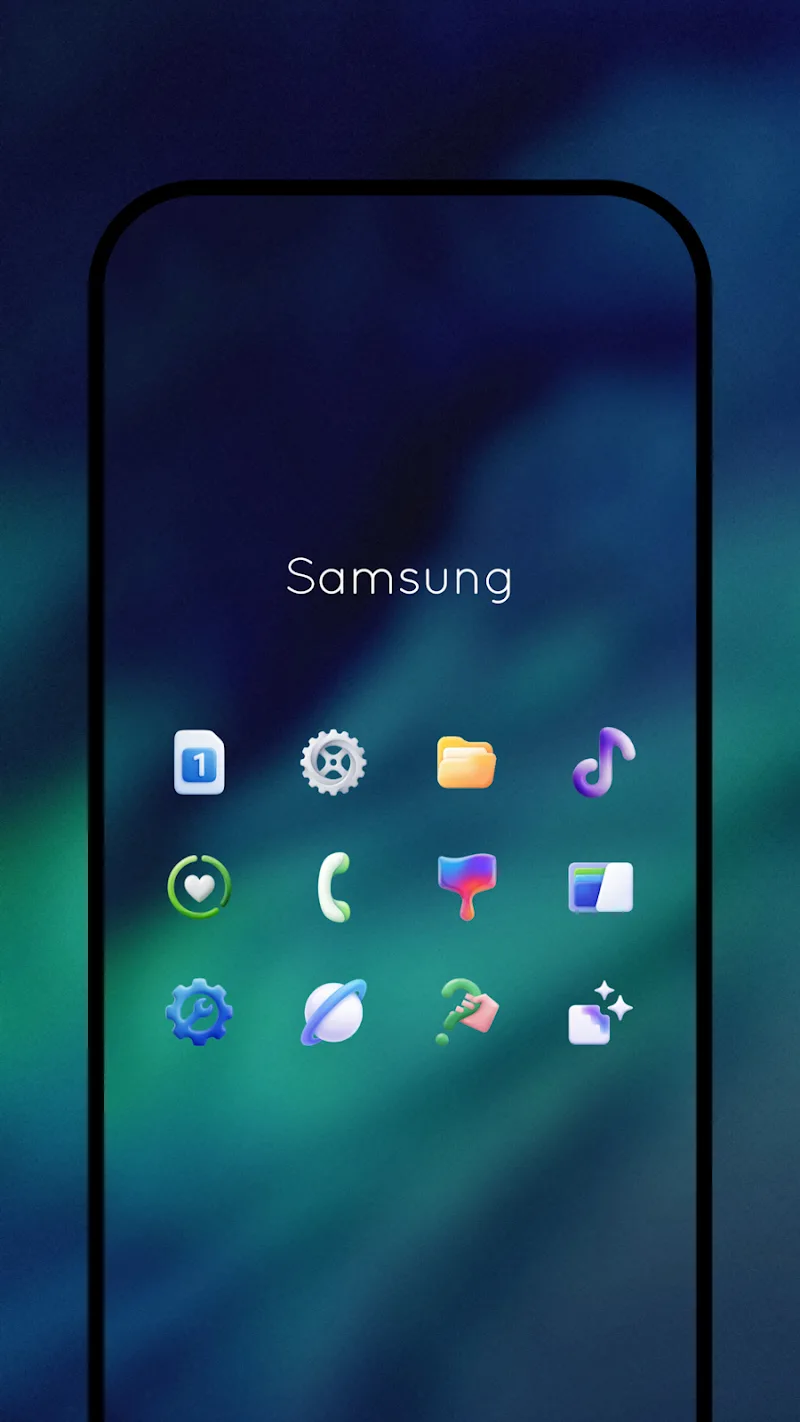
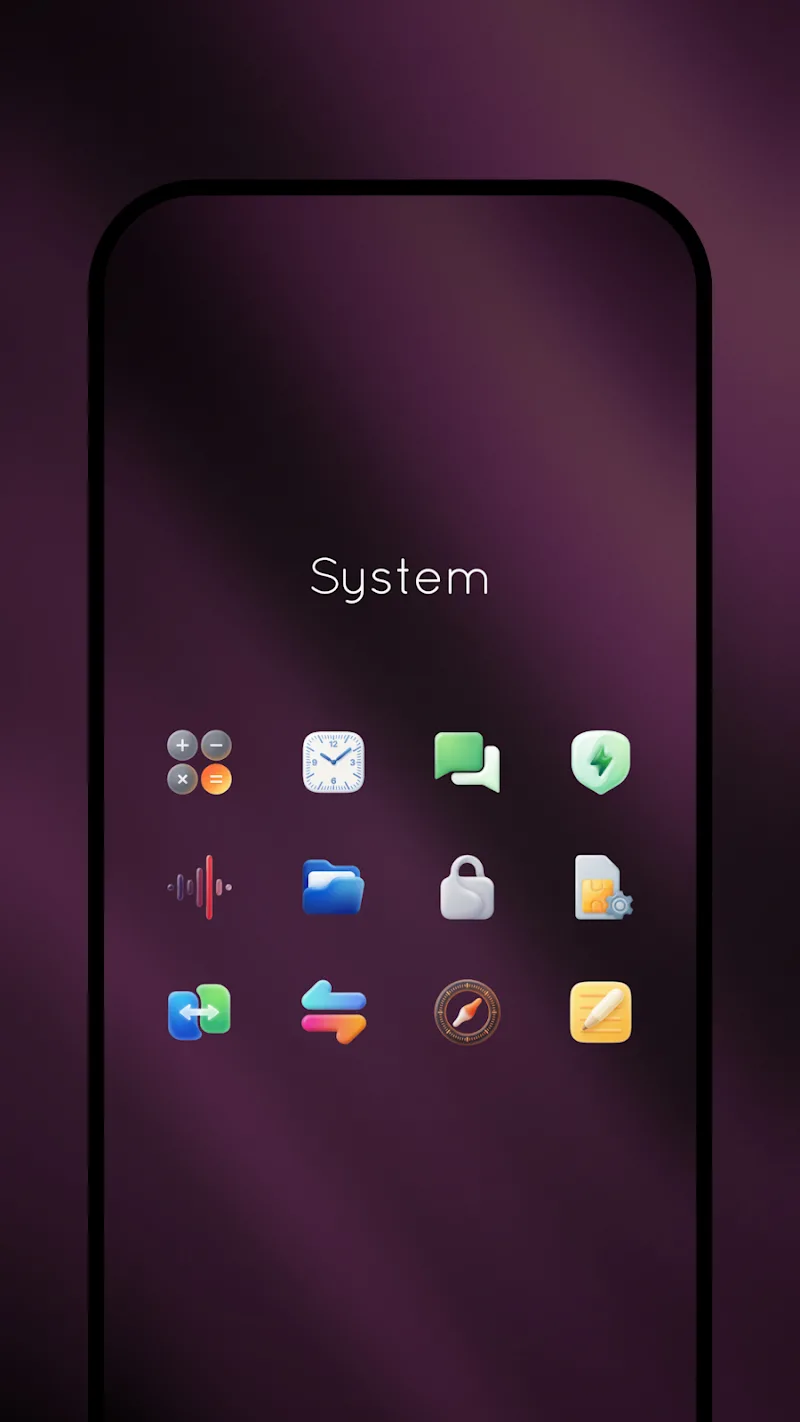
Gelux Icon Pack reimagines your Android home screen with a curated set of soft-gloss glyphs and a muted pastel palette. Designed for users who favor clean minimalism, Gelux Icon Pack balances visual refinement with broad app coverage, delivering consistent icons across popular launchers and quick theming options for a polished mobile interface.
At its core, Gelux Icon Pack is an icon replacement suite that targets aesthetic cohesion. Instead of sharp, saturated motifs, it leans into subtle gradients, rounded shapes, and thin linework so that folders, widgets, and wallpapers feel part of a unified design language. The pack includes thousands of icons, frequently updated requests, and a matching set of wallpapers.
Gelux Icon Pack supports a range of customization workflows. You can apply the full set with a single tap using supported launchers, replace individual app icons, or mix icons with other themes. The included wallpaper collection is designed to complement the icons’ hues, so pairing them produces a thoughtful aesthetic without extra tweaking.
Performance is lightweight: Gelux Icon Pack stores vector-based assets and compressed PNGs so the app has a small footprint and fast load times. The pack is compatible with most third-party launchers such as Nova, Lawnchair, Action, and others that support custom icon themes. Because icons are pre-rendered for multiple densities, scrolling through home screens remains smooth.
Applying Gelux Icon Pack is straightforward. Install the icon pack, open its main screen, choose your preferred launcher, and tap apply. For manual customization, long-press an app icon on the home screen, select edit, and pick an alternative Gelux icon. The app also includes a preview function so you can see the result before committing.
The in-app interface focuses on usability: a compact dashboard shows icon counts, new additions, and a request form. Users appreciate the minimal navigation and clear apply options. Because the pack emphasizes subtle tones, it pairs well with productivity setups where distraction-free visuals are preferred.
People gravitate to Gelux Icon Pack for its restrained aesthetic and extensive app coverage. It’s a strong option for users who want a polished, professional home screen without aggressive color schemes. Designers and minimalists alike find it useful for creating a cohesive device appearance.
Before applying Gelux Icon Pack, ensure your preferred launcher supports icon packs and adaptive icons if that’s important to you. The app’s small size and simple interface make it easy to test different looks quickly. With regular updates and responsive icon requests, Gelux Icon Pack remains a practical choice for anyone aiming to refine their Android experience.