LG Remote
Version: 1.7.6
20.44MB
4.2
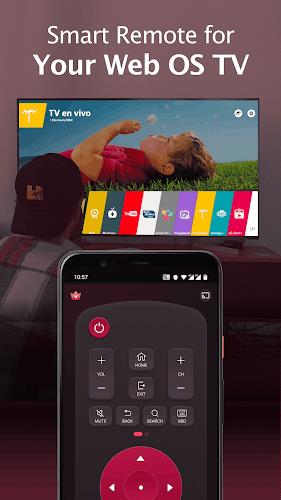
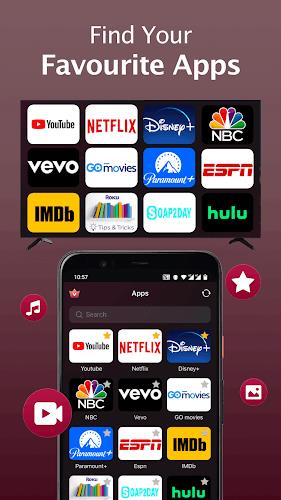
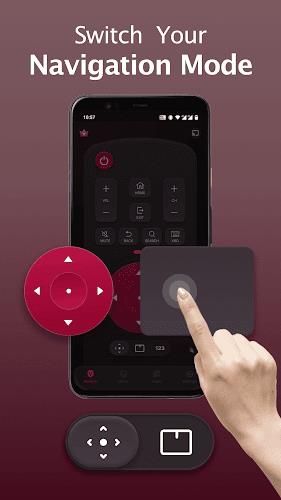
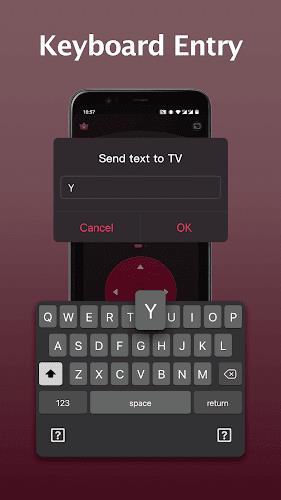
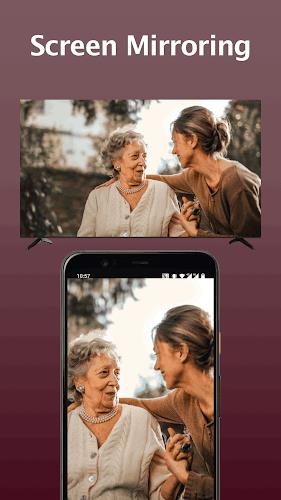
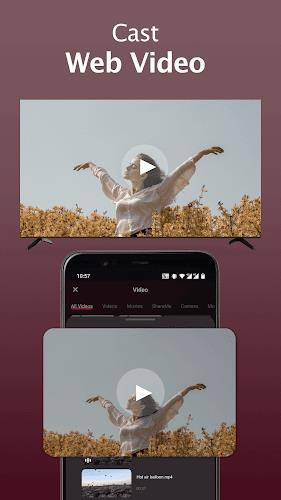
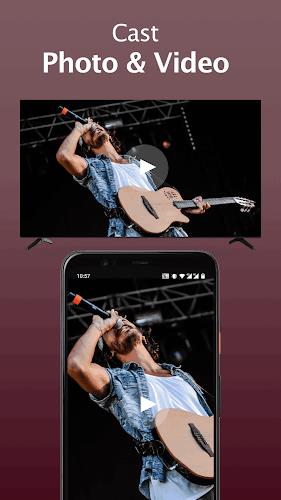
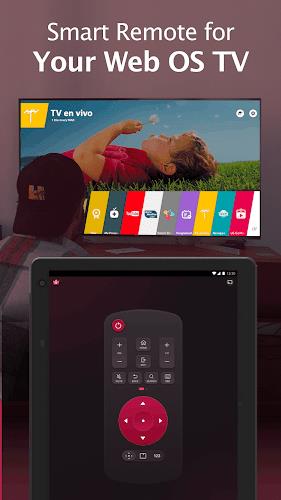
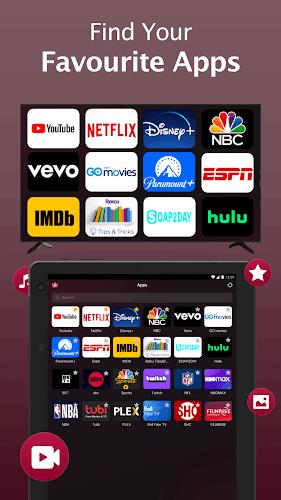
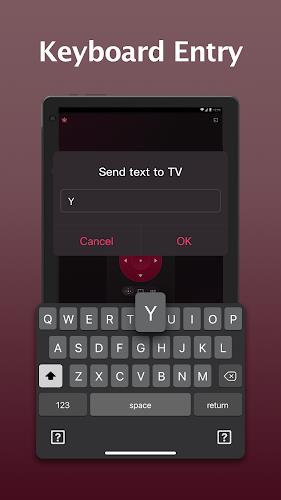
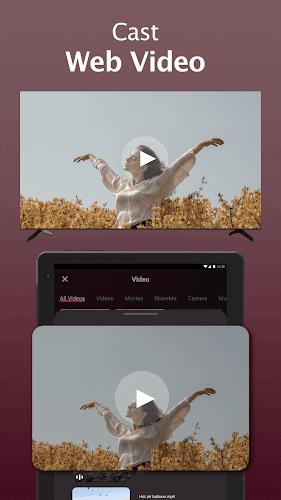
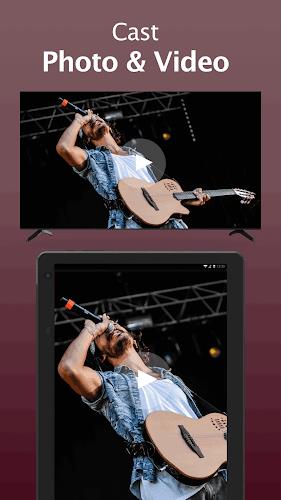
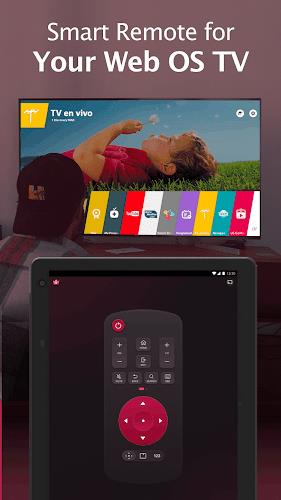
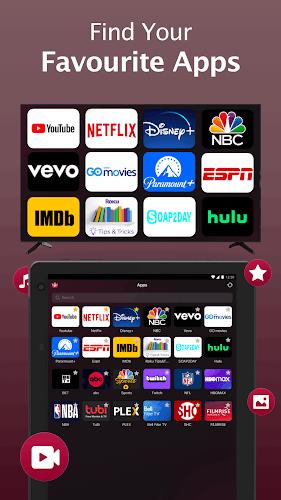
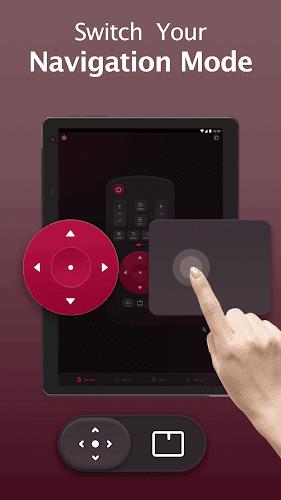
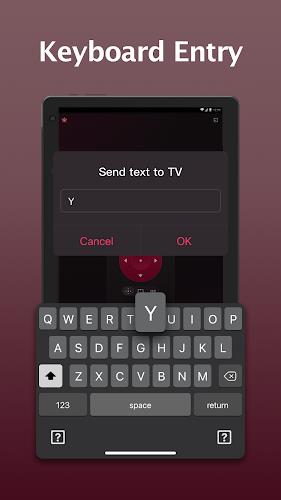
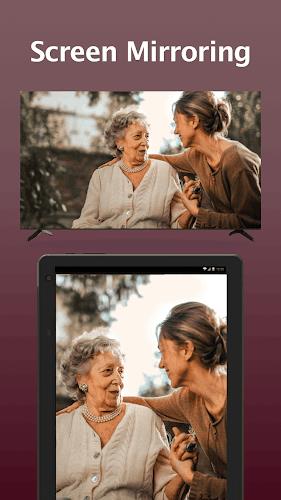
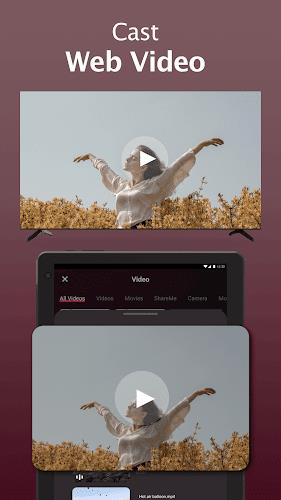
LG Remote is a compact remote-control utility for Android that turns a phone into a single point of control for compatible TVs and media devices. Category: Remote control / Utilities. If you want to replace physical remotes, cast videos from your phone, or mirror a device screen for presentations, LG Remote provides a guided setup and a familiar control layout so you can get started quickly.
Installation and first-time setup are broken into clear steps so the app walks you through discovery, pairing, and ongoing use without guesswork. After installing the app, follow the on-screen prompts to allow local network permissions and select your home Wi‑Fi network. LG Remote then scans the network for compatible TVs and media players and lists discovered devices with model names and IP addresses. Approval on the TV or media device completes pairing; once paired, devices are saved in a recent-devices list so reconnecting is faster and the app remembers your most-used setups. The initial progression helps less technical users move from discovery to regular use in just a few taps.
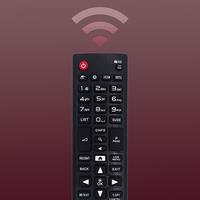
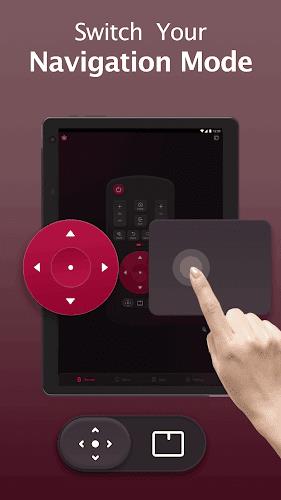
The control layout mirrors a familiar physical remote: power, volume, input selection, channel navigation, directional pad and an OK/enter key. Touch gestures complement buttons for swipes and long-press actions, enabling fast navigation through app menus and playlists. On-screen controls adapt for basic and advanced modes so beginners see a simplified set while power users can access extended keys and shortcuts. Visual feedback confirms each command and a tactile vibration option can be toggled to make button presses feel responsive on different devices.
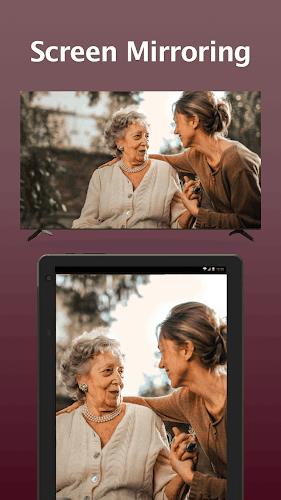
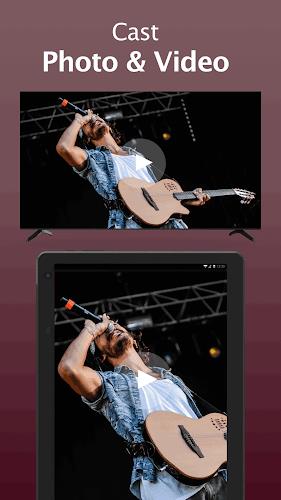
LG Remote supports casting local media files and mirroring your phone screen for slideshows, video calls, or app demos. When casting, you can queue videos, create simple playlists, and control playback from the phone while the TV handles rendering. Mirroring sends a real-time image of the phone display to the TV, useful for photo sharing or presenting documents. Streaming quality depends on network bandwidth and the TV’s supported codecs; LG Remote reports connection quality and recommended settings so you can optimize resolution and buffering for smoother playback.
Customize button layouts and create named profiles for different rooms or users to reflect how you actually use devices. Presets let you store common input/source combinations and volume levels so switching from streaming to gaming or from TV to a soundbar is a single tap. Profiles serve as a simple level structure: entry-level profiles offer a pared-down interface, while advanced profiles unlock full key sets and shortcuts. This structure helps households share one app without forcing everyone to learn the same configuration.
The app uses a clean, high-contrast interface designed to be legible at a glance from a couch or a small phone screen. Adjustable font sizes, a dark theme for low-light viewing, and high-contrast button outlines improve accessibility for users with limited vision. Haptic feedback and optional voice prompts assist users who prefer non-visual cues. These accessibility options mean LG Remote can be adapted to different household members and use environments.
Because LG Remote operates on your local network, it does not require an internet connection to send commands, but both the phone and the TV must be on the same Wi‑Fi. Offline limitations include inability to discover new devices while off the network and reduced metadata retrieval for media files. Built-in diagnostics help identify common issues — such as IP conflicts, weak Wi‑Fi signal, or TV firmware incompatibility — and offer suggested fixes or links to device-specific support pages. A log view can be enabled to review recent commands and connection attempts for troubleshooting.
LG Remote is useful every day for casual viewers who want fast access to playback and for hosts who regularly share photos or videos. The app reduces clutter by consolidating multiple remotes and offers sustained replay value because its profiles and presets adapt to changing viewing habits. Whether you need simple channel changes, multi-device switching for a home theater, or a quick mirror for a presentation, LG Remote keeps common tasks a few taps away while preserving advanced controls for occasional deeper configuration.