Volume Control
Version: 6.2.1
22.90MB
4.1
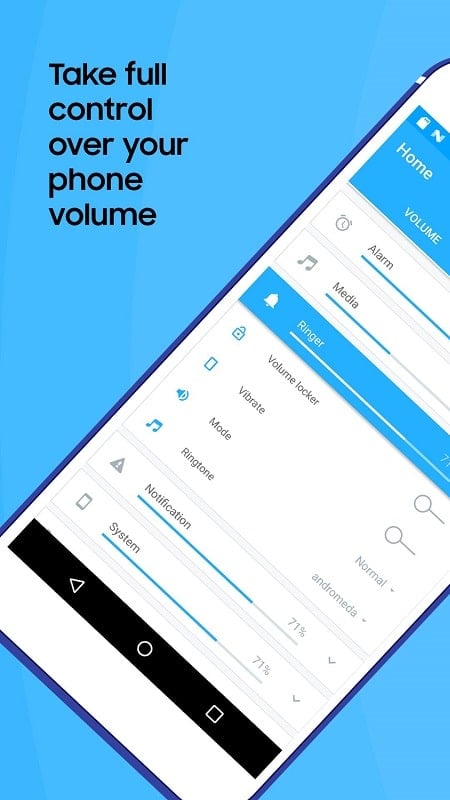
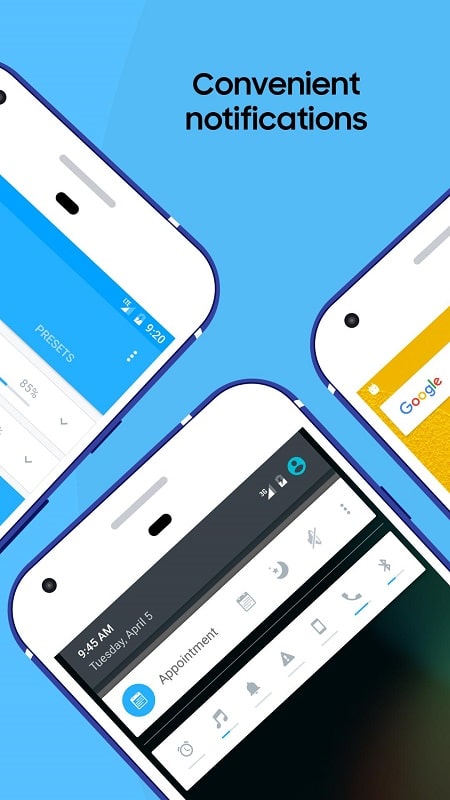
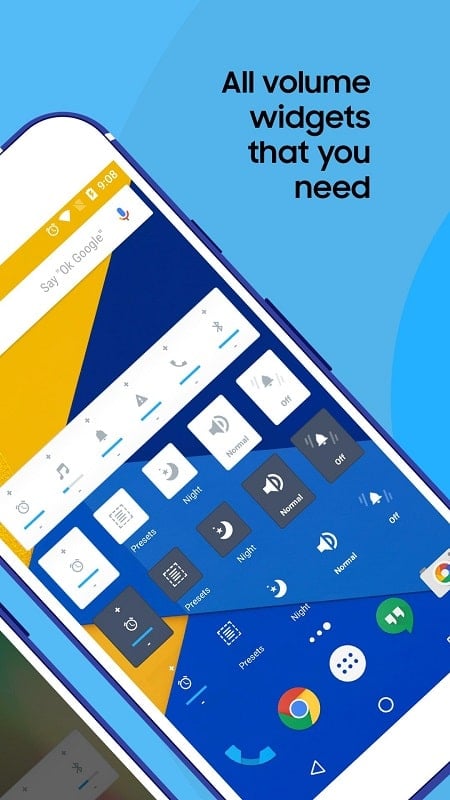
If you're the kind of user who wants precise audio control across calls, media and notifications, Volume Control puts detailed sliders and quick modes within reach. This small utility replaces clumsy side-button adjustments with organized sound profiles, timers and per-channel sliders so you can tailor alerts, alarms and media independently. Whether you often switch between headphones and speaker or need to silence notifications during focused work, Volume Control helps you set the right level fast and remember those settings for later.
Install and grant permissions: Install the app and allow access to modify system volume so it can adjust ringtones, media and alarms.
Pick a default layout: Choose which sliders you want visible on the main screen, such as media, call, alarm and notifications.
Create quick profiles: Build named profiles for situations like meetings, sleep or commuting and switch between them with a tap.
Lock unused controls: Enable the lock feature before a meeting or when the phone is in your bag to prevent accidental volume changes.
Separate sliders for every sound type: Adjust alarms, system sounds, notifications, media and call volume independently rather than a single master level.
Timed and automated changes: Schedule a profile or set a timer to lower or raise volume at a specific time, for example before bed or after a workout.
Headset-aware behavior: The app detects when you plug in or remove headphones and can switch profiles or apply preferred levels for headphone listening.
Ringtone rotation and selection: Browse a selection of tones and let the app rotate a ringtone daily or pick one manually to keep alerts from feeling stale.
Volume Control is a practical tool if you want to stop juggling side buttons and begin managing sound by context. Try it when you travel or during noisy commutes to keep media audible but alerts muted, or use it at work to ensure only alarms break your focus. If you like the idea of saving profiles and automating switches between headset and speaker, give Volume Control a spin and shape your phone sound to fit your day.