
Compress Image
Version: 1.1.3
9.20MB
4.3
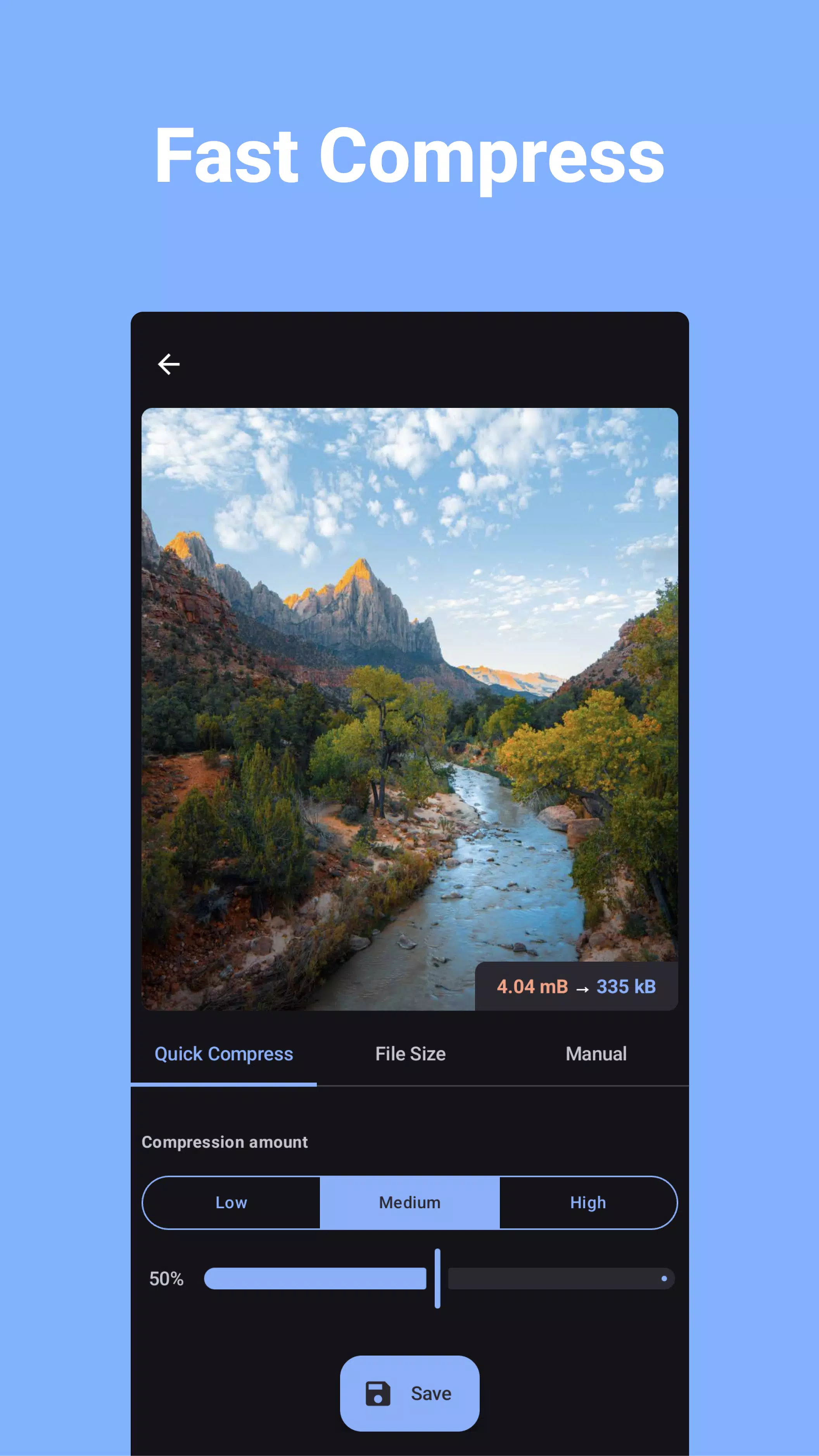
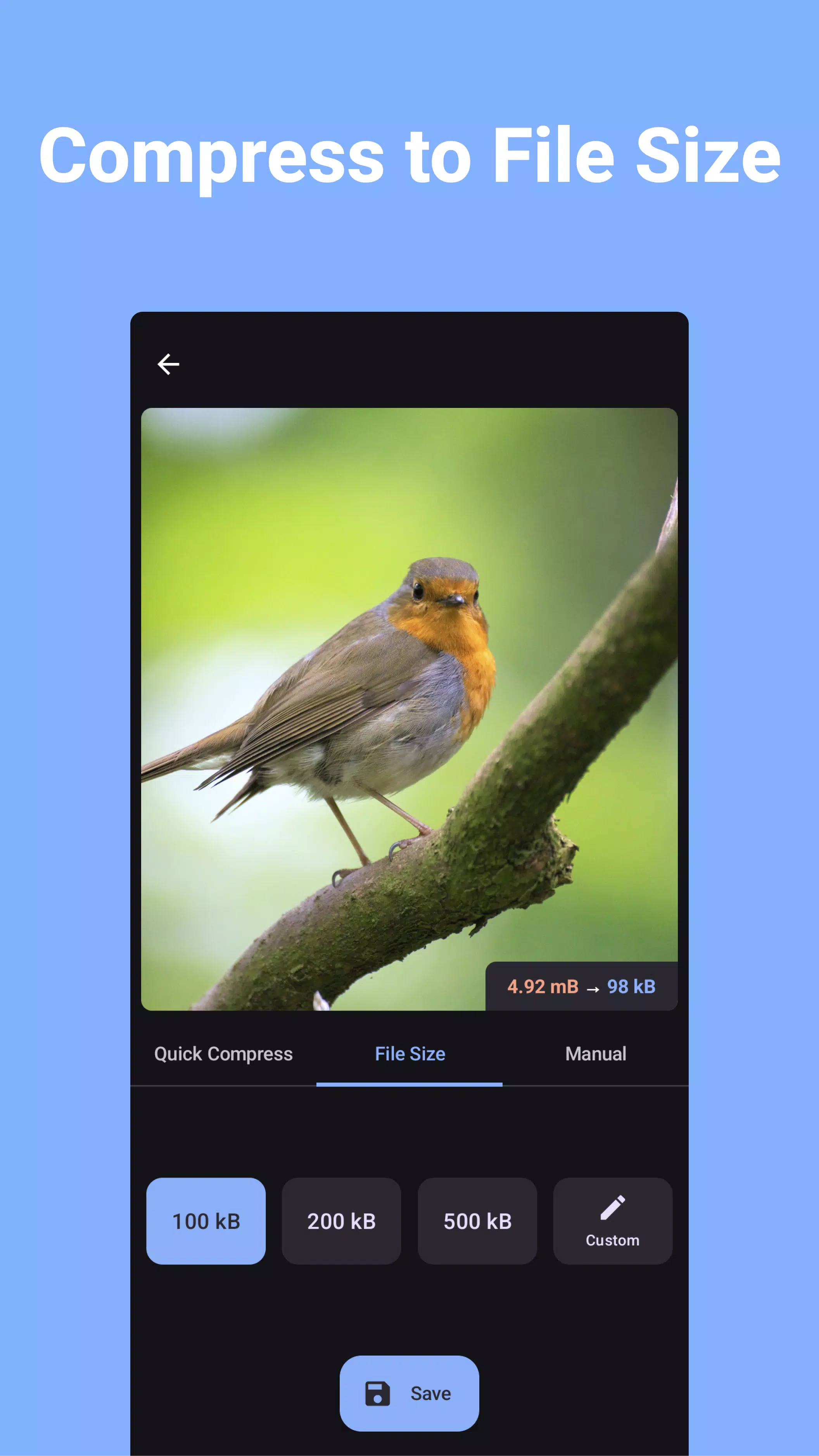
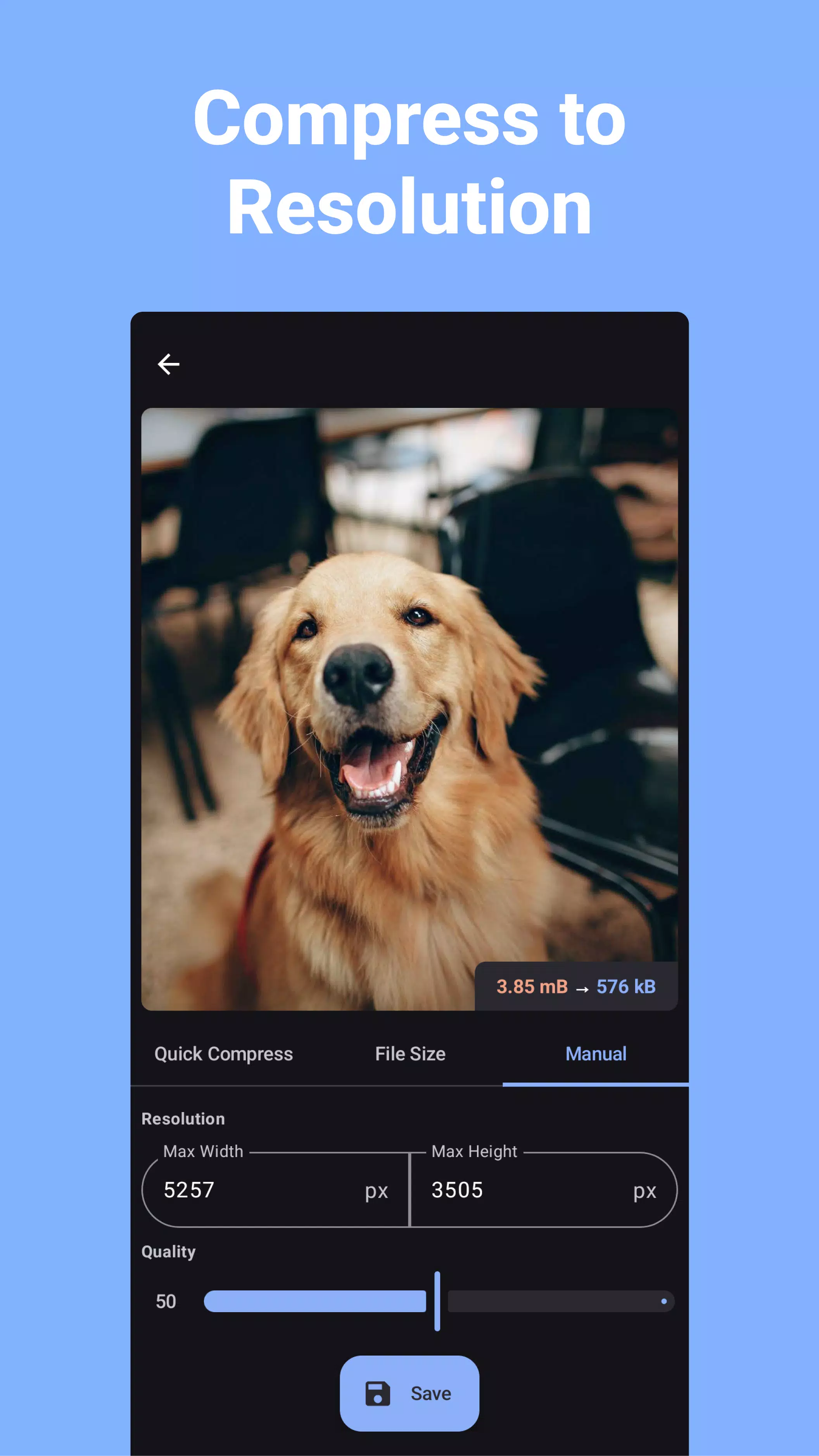
Compress Image is a lightweight Android utility that shrinks photos without sacrificing visible quality, letting you store and share more images while saving space. It balances file size, image resolution, and processing speed so users can quickly reduce photos for messaging, cloud backup, or gallery management.
At its core, Compress Image targets one common mobile problem: limited storage and slow uploads. The app compresses JPEG and PNG files using adjustable quality settings and batch processing. Rather than a single one-size-fits-all reduction, it gives control over output size, pixel dimensions, and the trade-offs between clarity and file weight.
The workflow centers on simplicity: select photos, pick a profile, and let the app handle the rest. Profiles can be reused so repetitive tasks become quick. A preview step shows expected file size and a scaled preview, so you can confirm quality before overwriting originals or saving copies in a separate folder.
Compress Image emphasizes a clean, distraction-free interface. Buttons are large and clearly labeled, and progress indicators report both per-image and total batch status. On modern devices the app uses multi-threaded compression to utilize multiple CPU cores while keeping battery use modest. Memory use is optimized to avoid crashes on devices with limited RAM.
Start by creating a compression profile tailored to your needs—high quality for prints, medium for social media, low for thumbnails or chat apps. Use the preview feature to inspect artifacts or color shifts. If you work with mixed formats, create separate profiles for JPEG and PNG; PNGs often benefit more from resolution changes than from aggressive quality reduction.
Compress Image supports direct sharing to messaging apps and uploads to cloud services. It can also move compressed files into a designated folder or replace originals with a single confirmation. The app integrates with the system gallery so you can choose photos from the standard Android picker or browse folders directly.
For users who want more control, there are options to strip metadata (EXIF), preserve color profiles, or maintain GPS tags. These settings help photographers who need to control privacy or keep professional color accuracy when compressing batches for client review.
Try compressing a small test batch before processing your whole library. Keep a profile for everyday sharing and another for archival-quality exports. If you rely on cloud backup, set the app to save compressed copies in a separate folder so your originals remain untouched until you confirm the outcome.
Users appreciate the balance between simplicity and power. Compress Image makes routine maintenance of an expanding photo library painless and speeds up sharing without a steep learning curve. The combination of previews, batch tools, and flexible profiles appeals to both casual users and professionals on mobile.
Install the app from a trusted store, grant access to your photos, and create your first compression profile. The onboarding guidance walks you through common scenarios so you can start saving space within minutes. Regular updates add performance improvements and new profile presets based on user feedback.