
Desh Telugu Keyboard
Version: 13.2.6
37.01MB
4.1
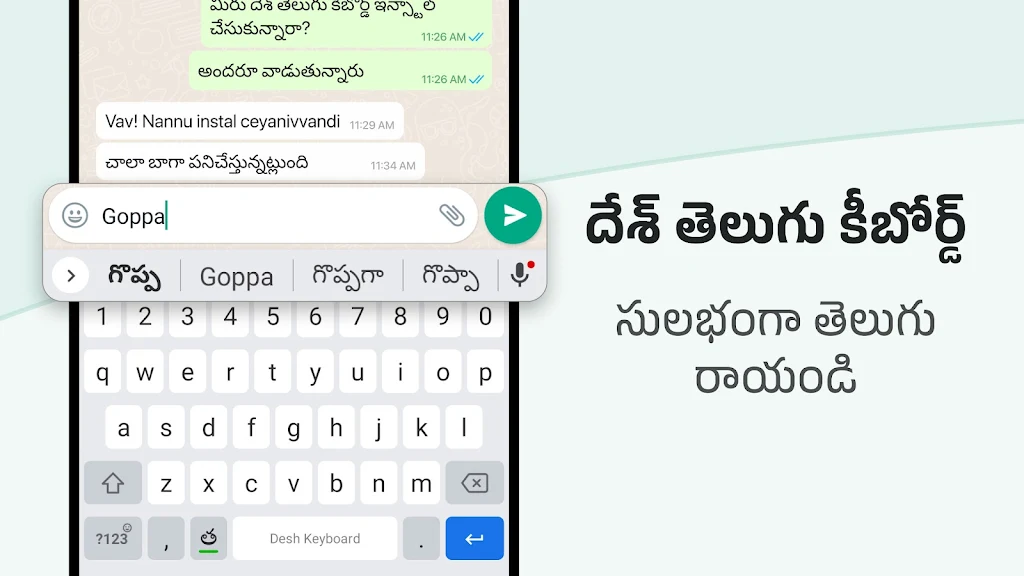
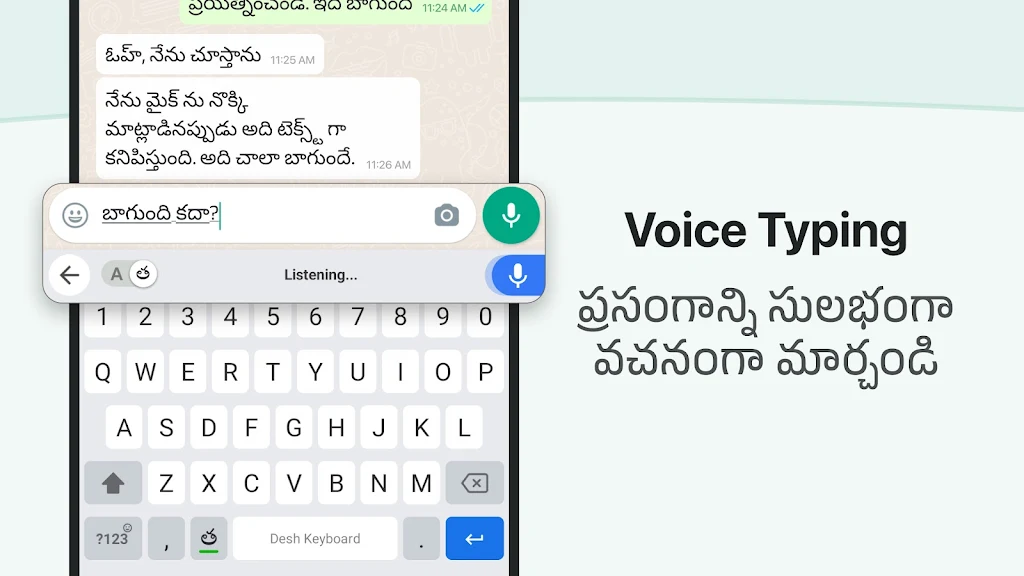
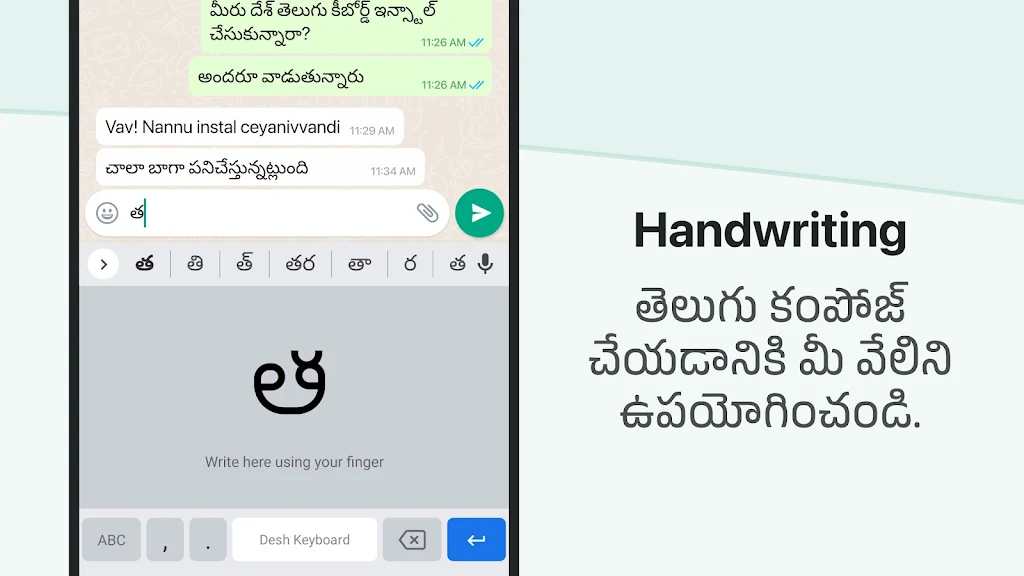
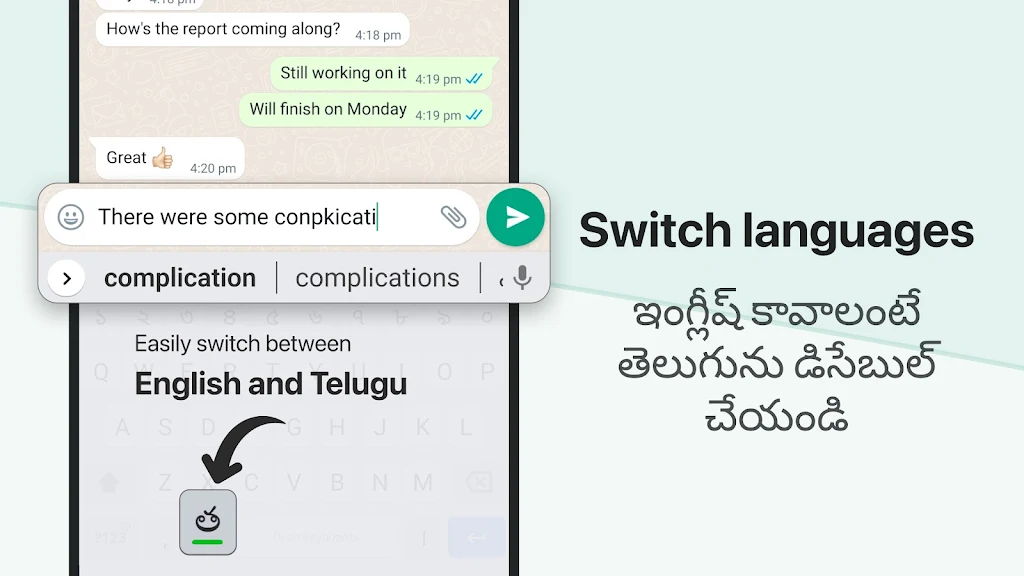
Desh Telugu Keyboard is a lightweight input app designed for fast and accurate Telugu typing across Android devices. It combines predictive text, contextual suggestions, and an accessible layout to help native speakers write messages, search online, and work in apps without switching keyboards or learning complex input methods.
This keyboard focuses on practicality: a clean design, reliable transliteration, and responsive predictions tailored to Telugu. It targets everyday communication, social media posts, and note-taking by reducing typos and speeding up phrase entry. The app keeps settings straightforward for users who prefer an efficient workflow over a complex feature set.
Desh Telugu Keyboard uses phonetic mapping so users can type words as they sound. As you enter Latin characters, the engine analyzes likely Telugu equivalents and displays options above the key row. With a tap, you can accept a suggestion or continue typing. This eliminates the need to toggle between scripts and shortens the learning curve for those new to Telugu input tools.
Although intentionally minimal, the keyboard offers useful customization for comfort and speed. Options include adjustable key size, a choice of layouts, and toggle switches for predictive text and auto-correction. A basic theme selection lets you pick contrasting colors for better readability in different lighting conditions.
The interface emphasizes clarity: large keys, readable Telugu glyphs, and a compact toolbar for quick actions. Response times are fast on modern and older devices alike, thanks to optimized code paths and limited background processing. Users typically notice fewer lag events when typing long messages or switching apps.
New users appreciate how the keyboard balances functionality with simplicity. The suggestion strip is unobtrusive and improves contextually based on the words you use most. For multilingual users, switching between Telugu and English is straightforward, and the app maintains language-specific suggestions to speed up bilingual typing.
Getting started is straightforward: install from your device store, follow the short permission prompts, then set Desh Telugu Keyboard as the active input method. A brief in-app guide explains layout options and how to toggle predictive suggestions. Switching back to another keyboard is just as simple through system input settings.
The keyboard performs well for messaging apps, email composition, and writing social posts. Students and professionals who write in Telugu will find it convenient for drafting notes or filling forms without copying and pasting between apps. Because it operates smoothly offline, it’s also a reliable choice when network access is limited.
Users often pick Desh Telugu Keyboard for its ease of use and focused feature set. It avoids clutter while offering the essentials: accurate transliteration, customizable layout, and stable performance across devices. For those who prioritize a straightforward typing experience in Telugu, the app presents a practical balance of speed and control.