
Dark Void Pro - Black Icons
Version: 3.9.8
49.41MB
4
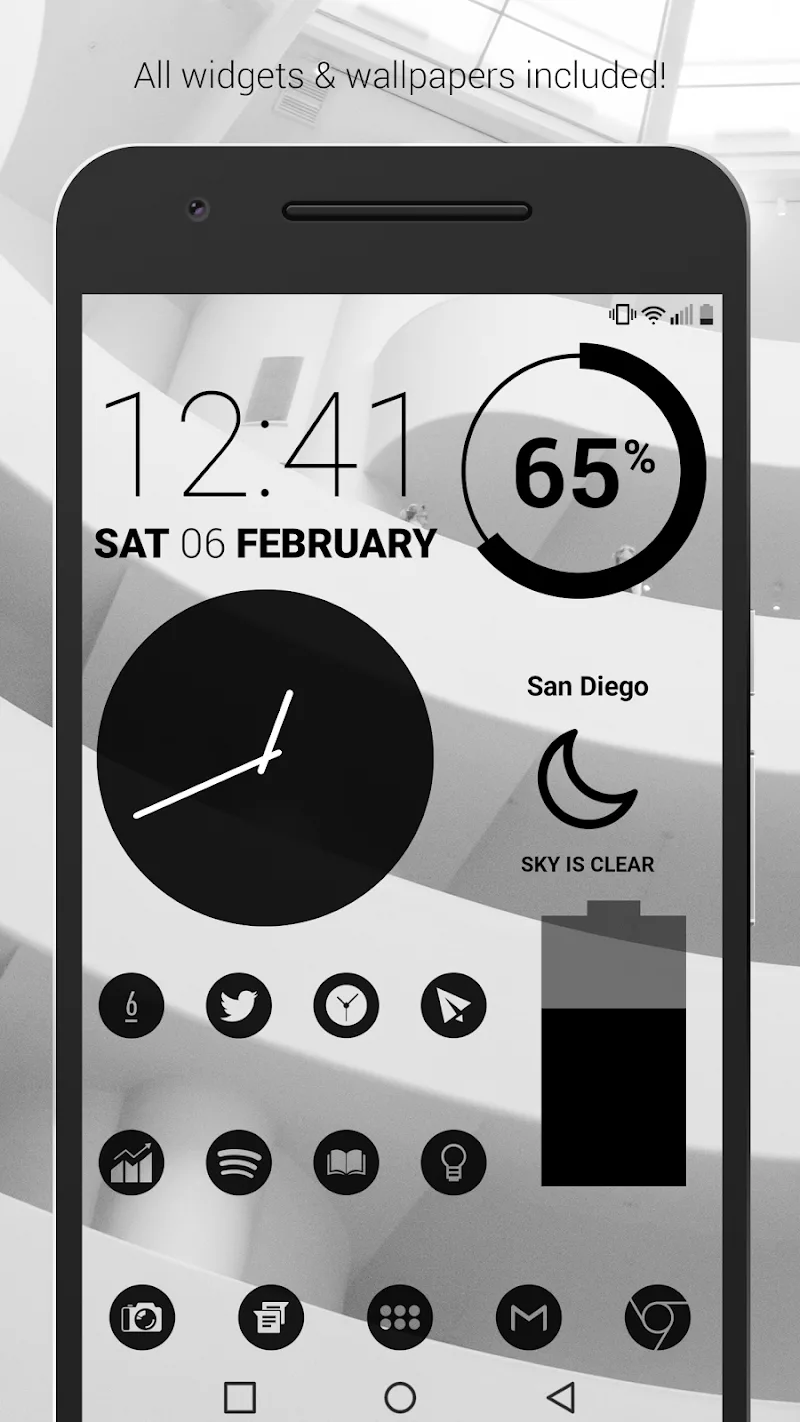
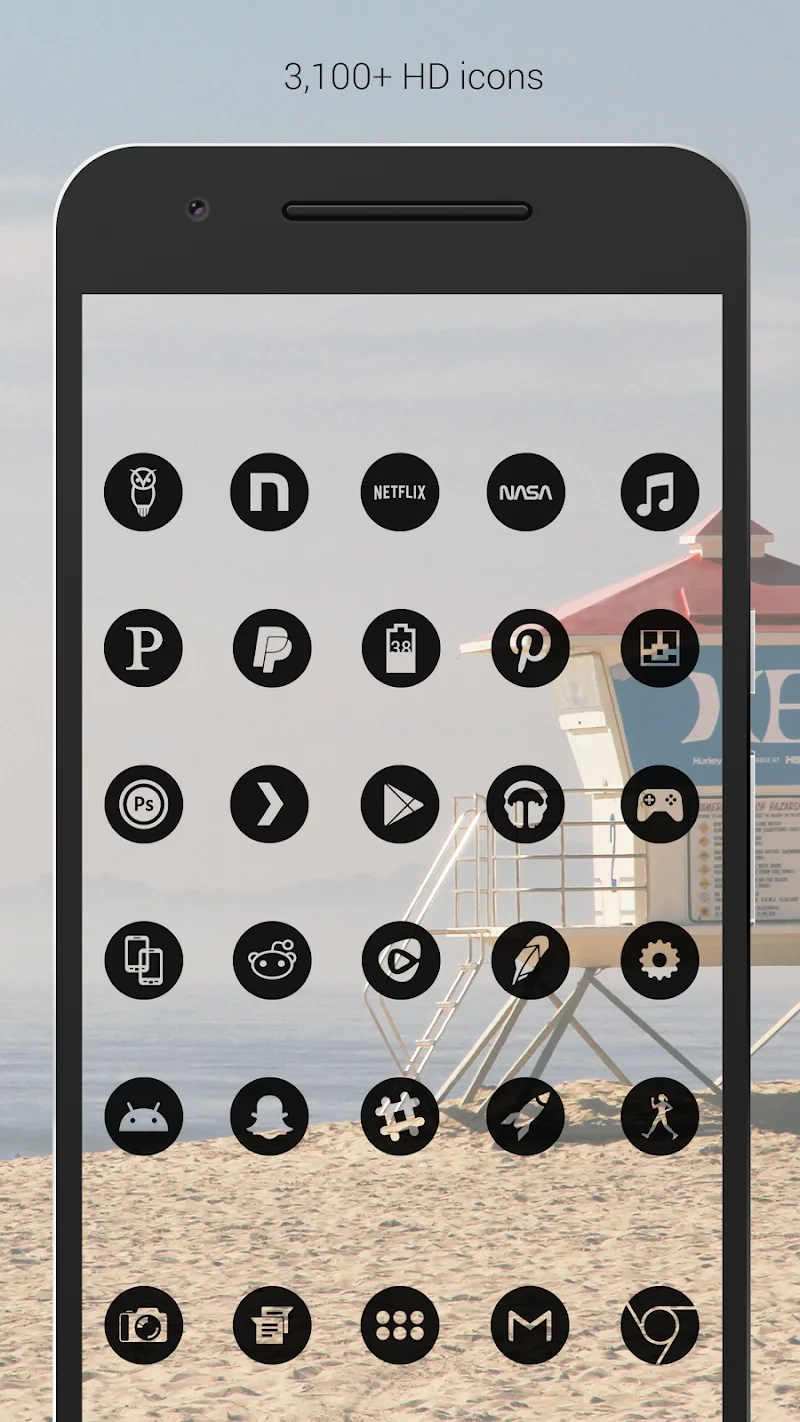
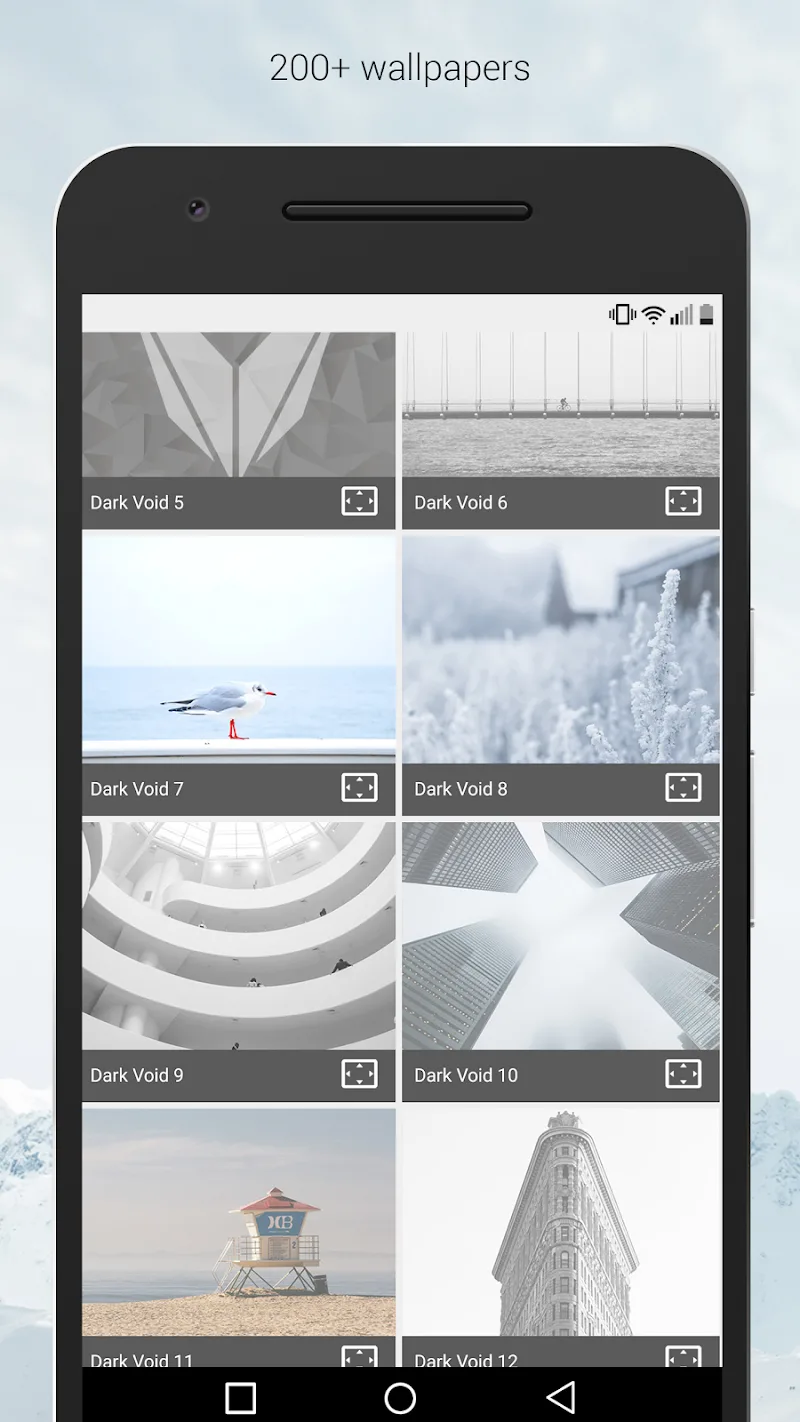
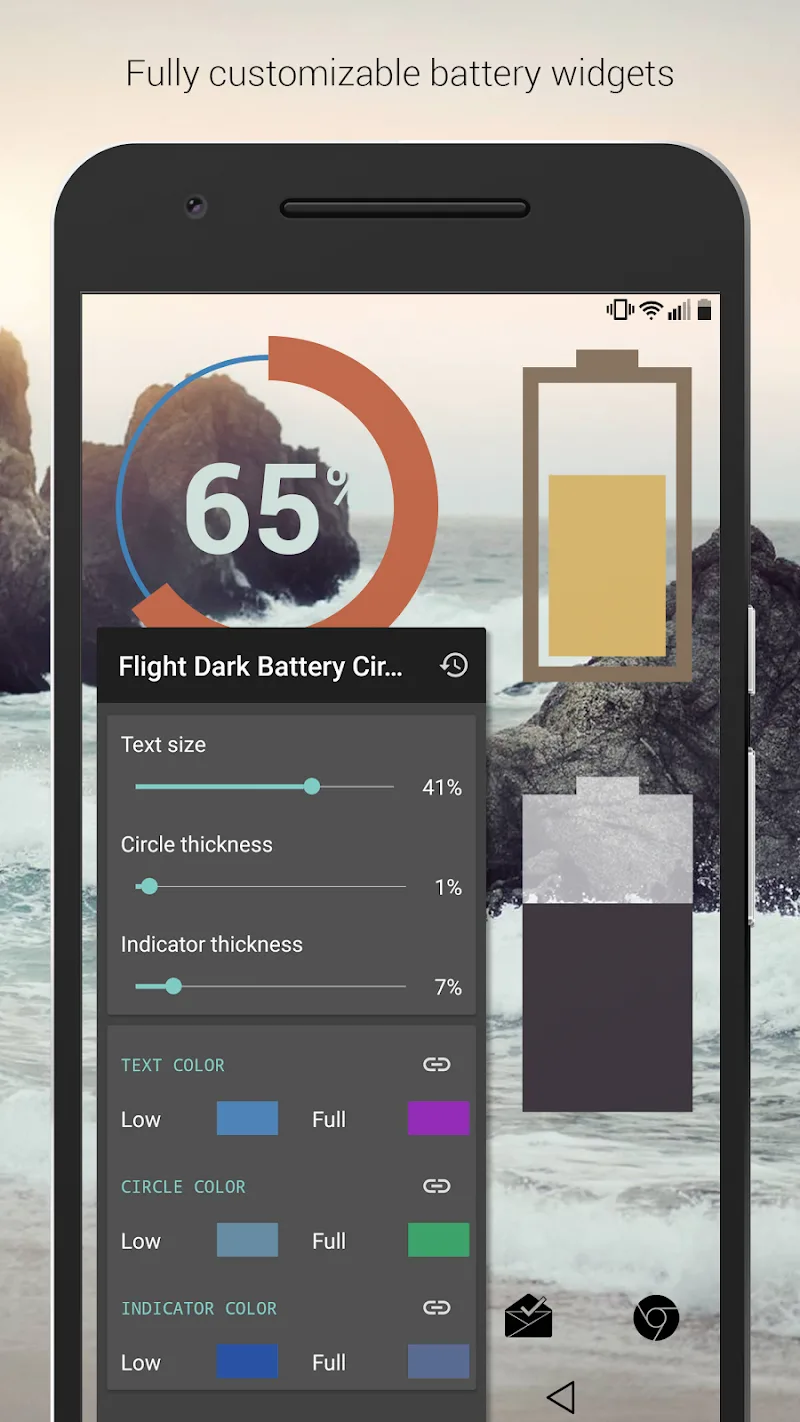
Dark Void Pro - Black Icons is a minimalist icon pack designed to give Android homescreens a sleek, monochrome look with high-resolution glyphs and consistent visual language. It combines deep blacks, subtle textures, and precise masking so your apps appear cohesive across launchers and display modes in a compact package.
Dark Void Pro - Black Icons targets users who prefer a uniform, dark aesthetic. Rather than loud colors or experimental shapes, it prioritizes legibility and polished silhouette design. The pack features thousands of handcrafted icons that retain clarity at large sizes and sharpness on high-DPI screens.
The visual core of Dark Void Pro - Black Icons relies on contrast and geometry. Each glyph uses a limited stroke vocabulary, ensuring that app marks remain recognizable when stripped to monochrome. Designers applied subtle inner shadows and highlights to prevent flatness, so icons feel tactile without pulling attention away from wallpapers or widgets.
Compatibility matters for icon packs, and Dark Void Pro supports most mainstream launchers including Nova, Lawnchair, Apex, ADW, Evie, and many others. The pack also plays well with custom ROMs and third-party theming systems that accept icon packs. For launchers that don’t support automatic apply, you can manually set icons or use a supported launcher to apply them globally.
Performance is a priority for daily drivers. Dark Void Pro - Black Icons keeps memory and battery overhead low by using optimized PNGs and vector backups. The app’s settings are responsive on mid-range devices and there’s no intrusive background service. Icon rendering happens at the launcher level, so the pack won’t add runtime processes that degrade device responsiveness.
Applying the pack is straightforward: open the app, tap Apply, and choose your launcher. If your launcher doesn’t appear in the list, select manual mode and follow the included instructions to change icons one-by-one. The request center can be accessed from the main menu to send missing app icons along with a screenshot and package name for faster fulfillment.
While the main identity is black and minimal, Dark Void Pro - Black Icons provides options to tweak icon size, apply a mild mask to unthemed icons, and select alternate glyph styles for certain categories. Users who pair the pack with KWGT or Zooper widgets can create coordinated dark-themed widgets that blend seamlessly with the icons.
In daily use, Dark Void Pro - Black Icons feels deliberate and refined. The monochrome approach reduces visual noise and helps widgets, wallpapers, and notifications stand out predictably. Users who like a consistent aesthetic across work and personal profiles will find the pack particularly useful.
If you prefer subtlety over color, value a coherent look across dozens of apps, and use a supported launcher, Dark Void Pro - Black Icons is a practical choice. It’s well-suited for professionals, minimalism enthusiasts, and anyone who wants their home screen to read as a cohesive interface rather than a patchwork of app icons.
Installing is quick, the learning curve is minimal, and the ongoing updates mean the icon library keeps pace with app ecosystem changes. Whether you’re customizing a single profile or managing multiple device setups, this pack gives a dark, uniform foundation that’s easy to maintain.