Solid Gold Pro - Icon Pack
Version: 3.8.5
94.94MB
4.5
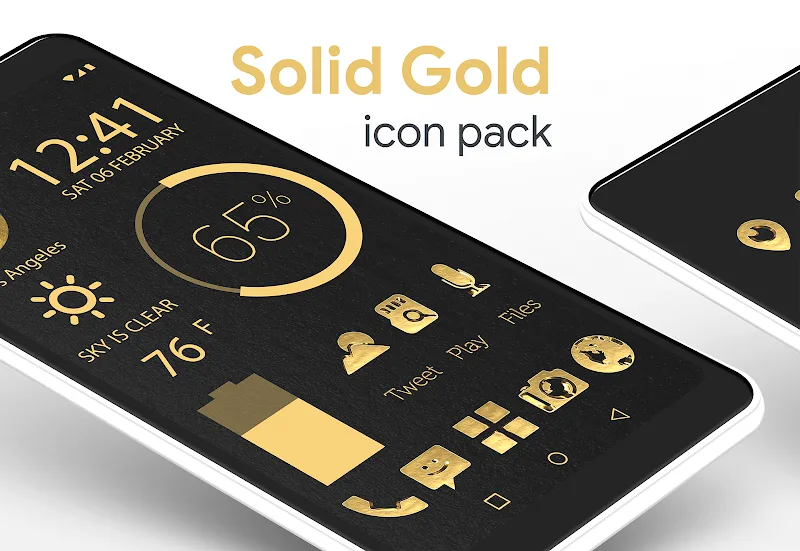
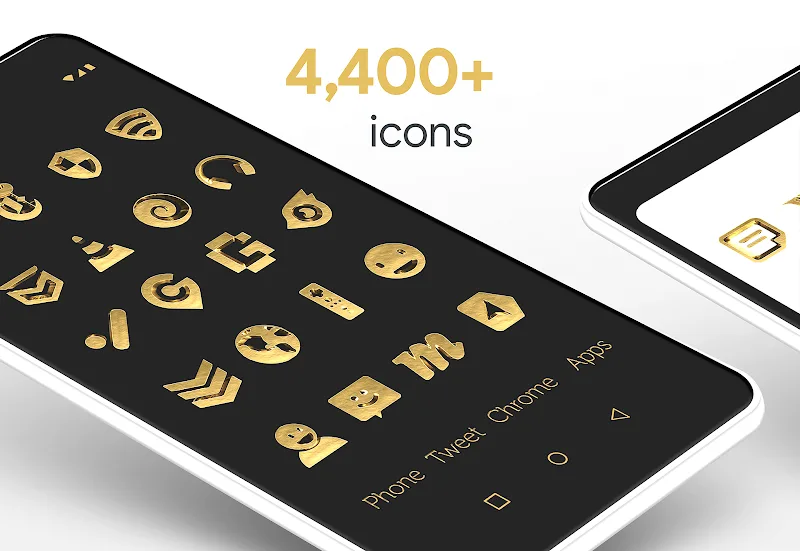
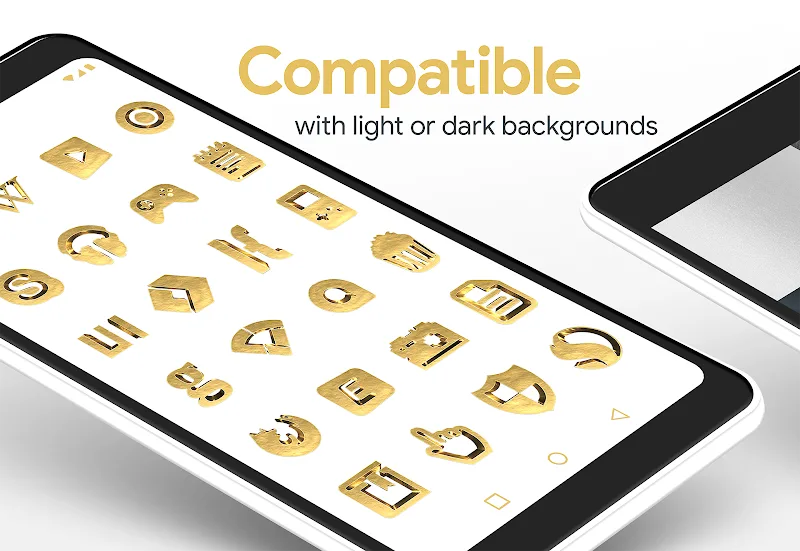
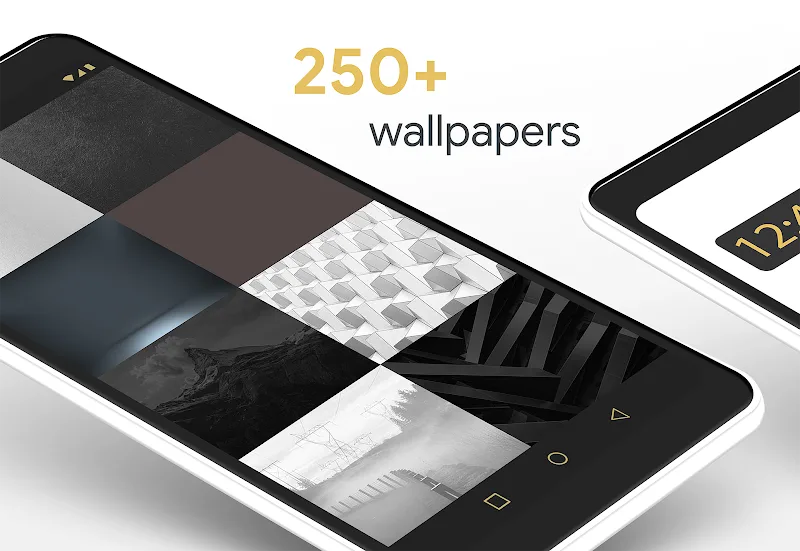
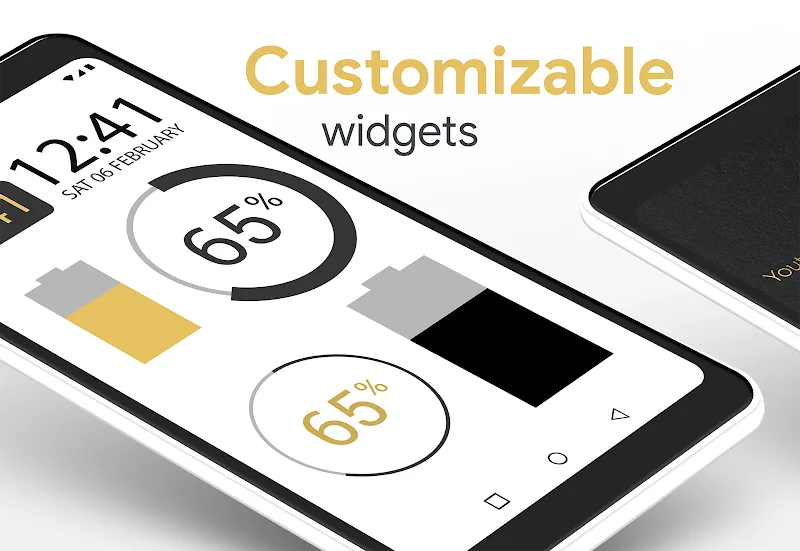
What makes a visual theme stick on a home screen long after the initial switch? Solid Gold Pro - Icon Pack dresses your Android in a metallic palette that aims to do just that: replace ordinary app glyphs with refined, gold-toned designs while bundling wallpapers and widget options to finish the look. This review walks through what the pack brings, how to set it up, and whether its style and toolbox suit your daily driver or a special occasion phone refresh.
Refined metallic aesthetic: A coherent gold finish gives apps a premium look that works well with dark and light wallpapers.
Layered depth: Icons include subtle three-dimensional shading so they appear more tactile than flat alternatives.
Complete theme bundle: The pack pairs icons with matching wallpapers and widgets for a unified home screen presentation.
Handcrafted icons: Each symbol is designed individually to preserve clarity at small sizes and create a consistent motif across hundreds of apps.
High-resolution assets: Artwork scales cleanly on phones and tablets, keeping edges crisp on high-DPI displays.
Transparent blending effects: Select icons use translucency and layered finishes to let background textures show through in a controlled way.
Wallpaper library and editor: A curated collection of backgrounds comes packaged, with simple editing controls to crop or tweak colors before applying.
Dynamic wallpaper and widget support: Animated backgrounds and ready-made home widgets help the theme feel alive without extra app installs.
Install and apply: After installing, open the app and choose your launcher from the supported list; most popular third-party launchers are detected automatically and applying the pack takes a tap.
Apply wallpapers and widgets: Browse the wallpaper gallery inside the app, edit an image if you like, then set it as your home or lock screen. Add a matching widget to show time or shortcuts in the same style.
Customize for daily use: Replace icons selectively — keep system or productivity icons unchanged while theming social and media apps for a cleaner, work-friendly home screen. Practical scenario: create a pared-back office layout by theming only work-related apps with gold icons to reduce visual noise during work hours. Alternate scenario: prepare a phone for an event by pairing formal wallpapers and gold icons for a wedding or celebration photo setup.
Will this work with my default launcher?
Many stock launchers don’t support third-party icon packs. If your default launcher lacks support you can install a compatible launcher to apply the pack without losing data or layouts.
How do I request missing icons?
The app usually includes a request feature or an email contact so you can ask the designer to add icons for apps not yet covered; response times vary by author.
Does the pack affect battery life?
Static icons and wallpapers have minimal impact on battery. Dynamic wallpapers are a bit more demanding, so switch them off if you need extra runtime.
Compared with flat color sets, Solid Gold Pro - Icon Pack brings texture and polish that make a home screen feel more considered. It’s approachable for users who want a quick visual upgrade and flexible enough for customization veterans who like to tweak wallpapers and widgets. If a metallic, upscale look fits your taste, this pack is worth trying as an easy way to refresh your device’s personality.