Lines Pro - Icon Pack
Version: 3.9.8
72.47MB
4.3
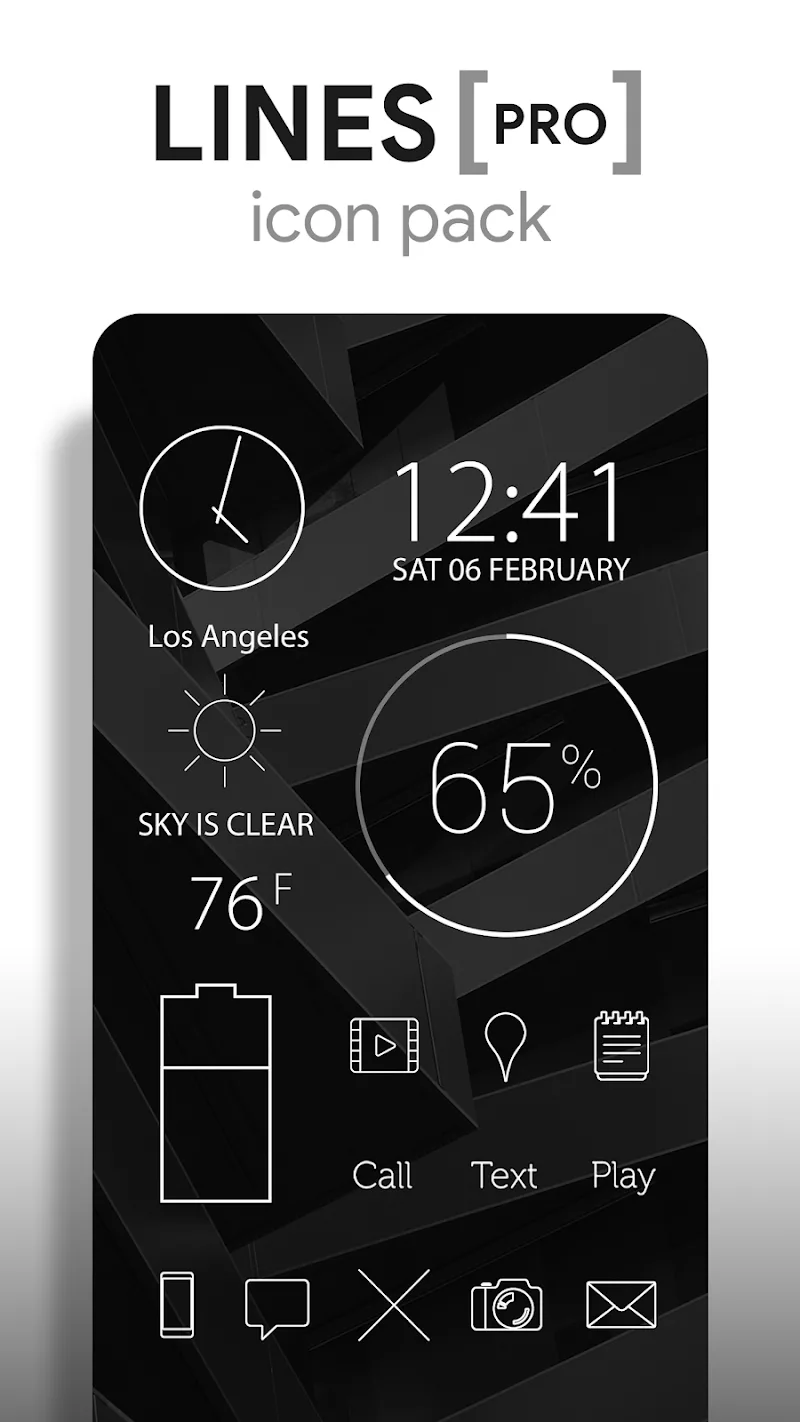
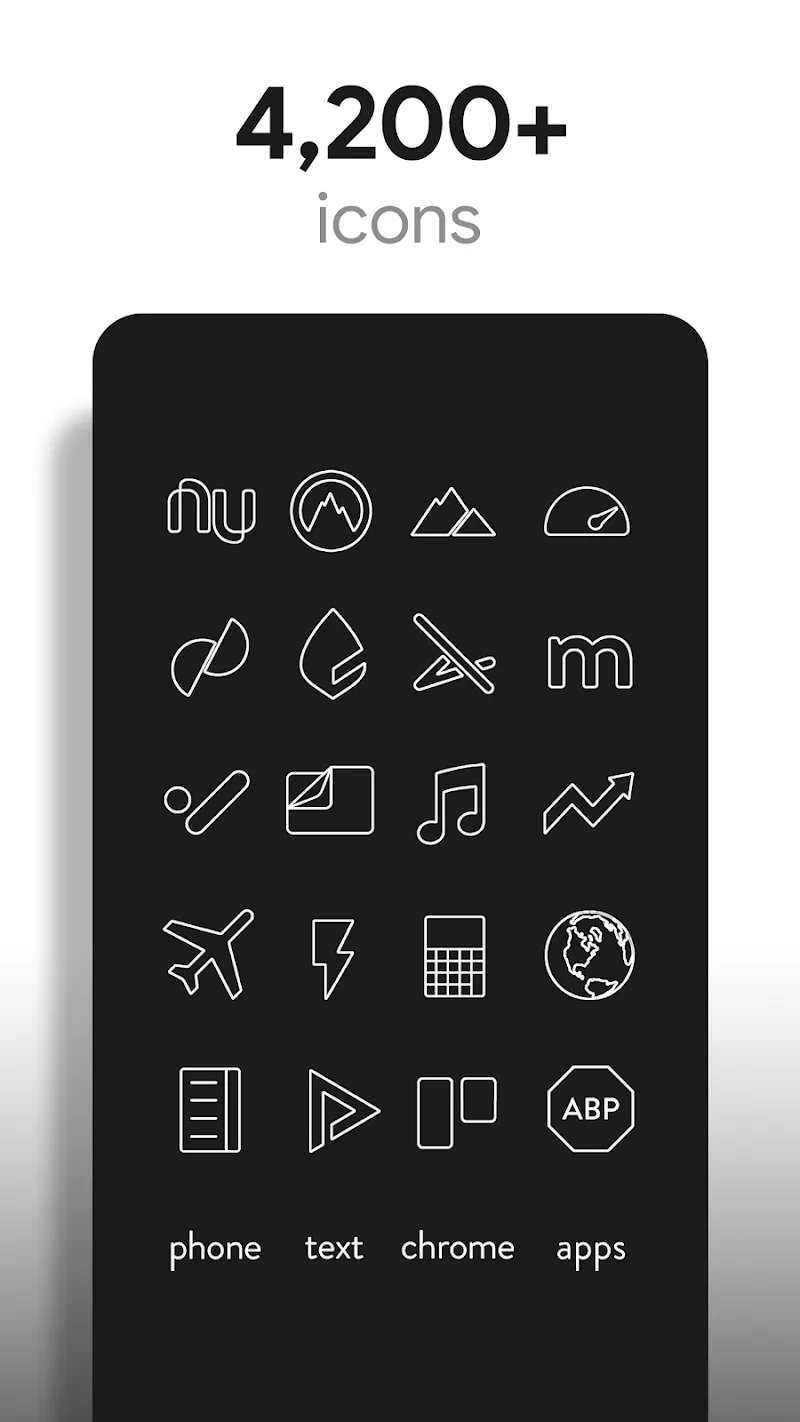
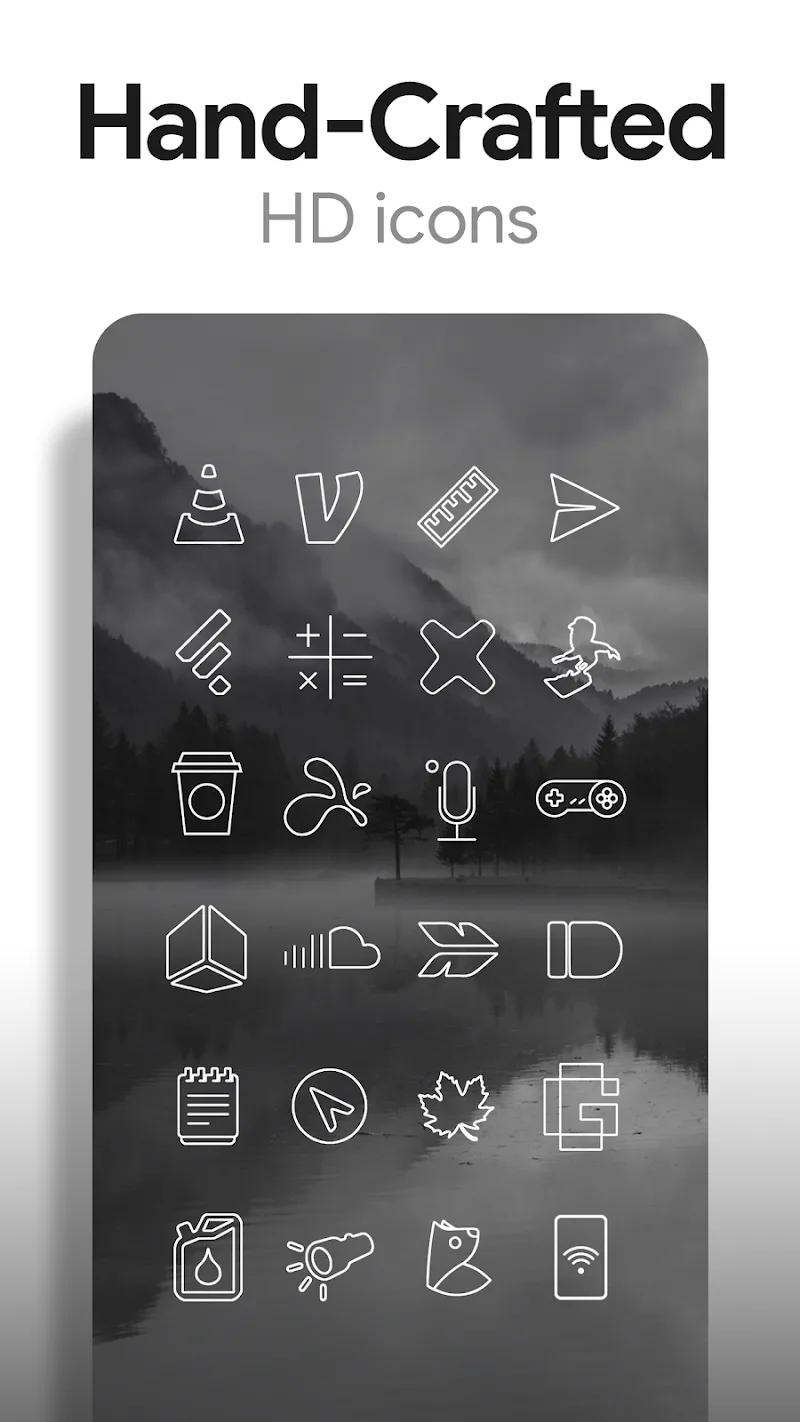
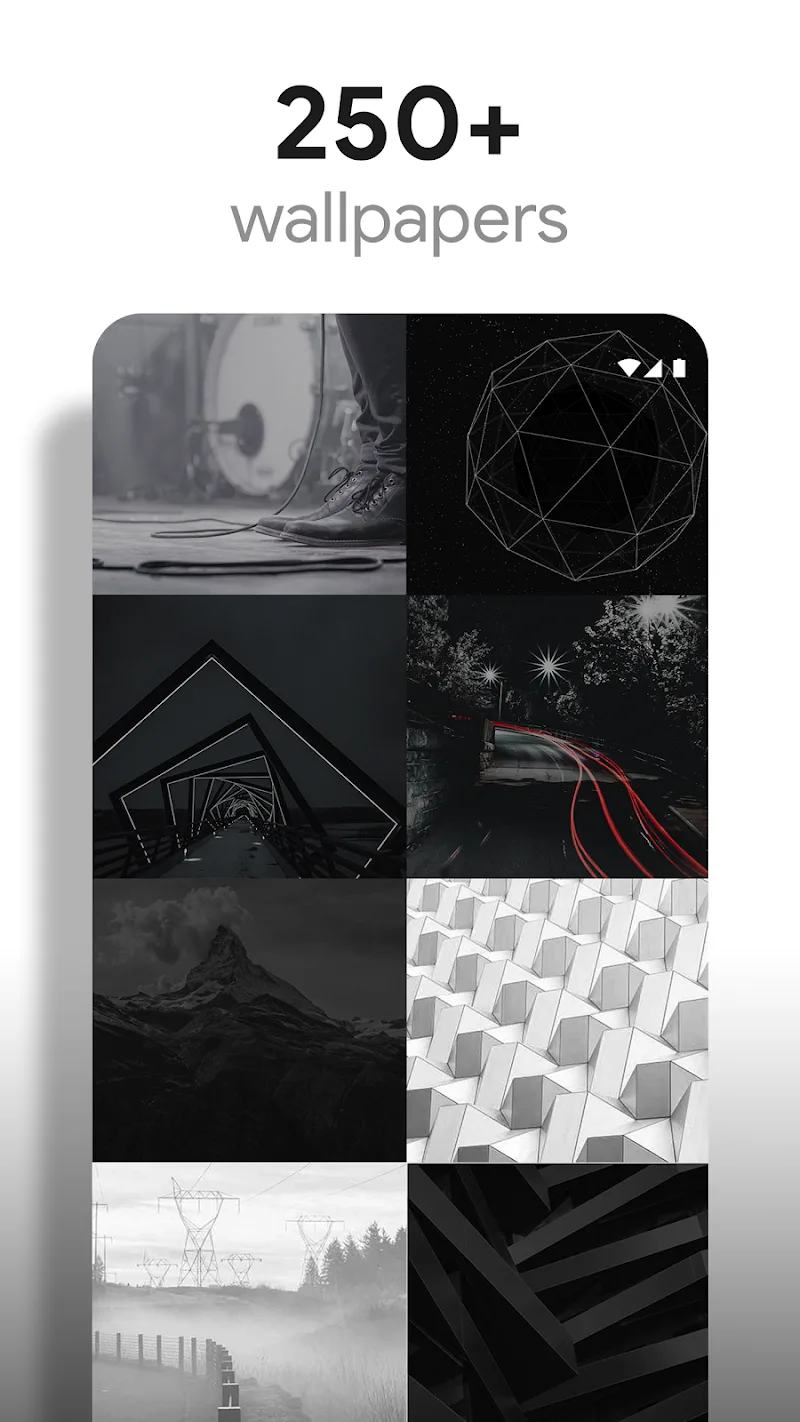
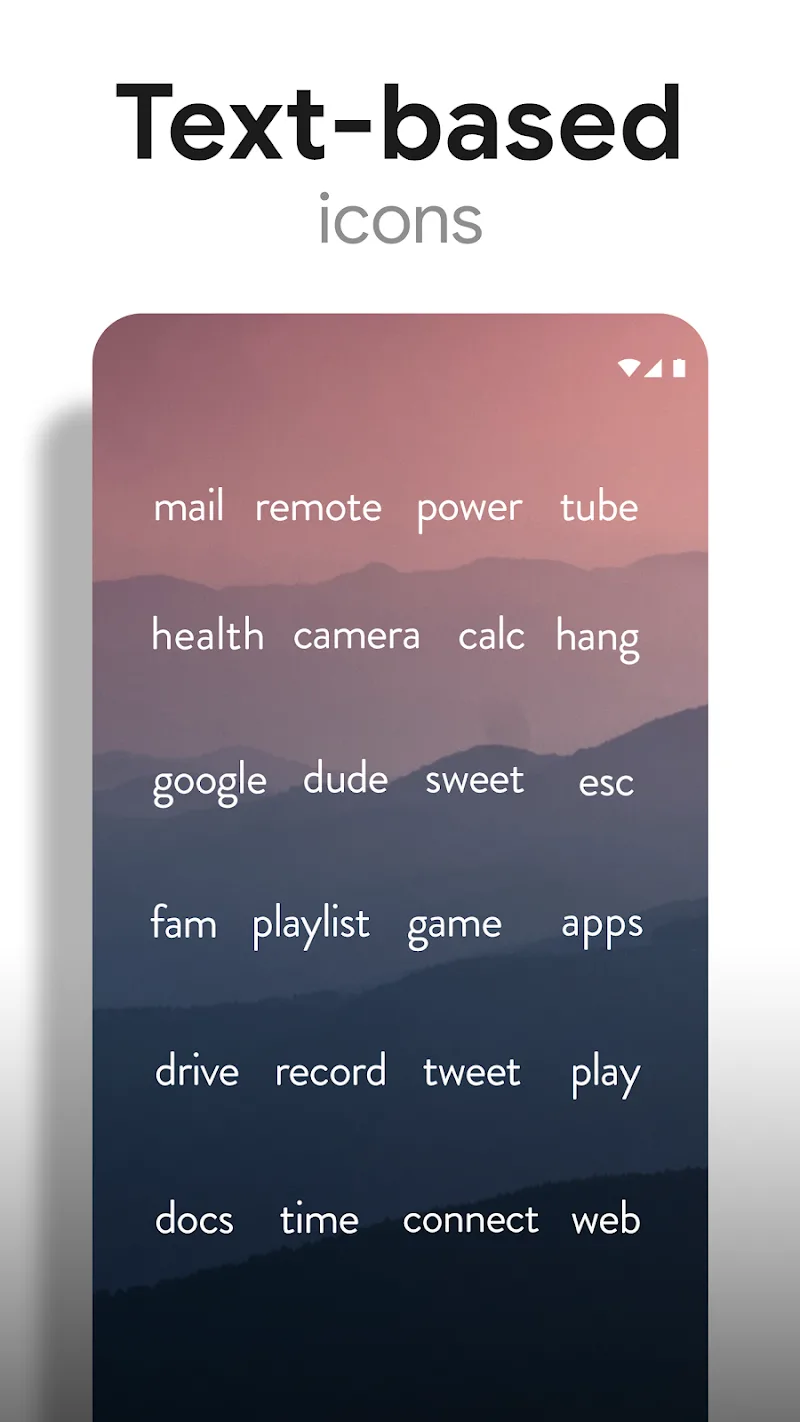
Lines Pro - Icon Pack gives your Android a modern, minimal makeover by trading busy glyphs for clean linework and vivid accents. Lines Pro - Icon Pack focuses on clarity: each icon is a hand-edited outline designed to be readable at small sizes while adding a consistent visual language across your home screens, and the app bundles wallpapers and quick apply tools so you can change the look of your device in minutes.
After installing, open the app to access the apply menu and a list of supported launchers; tapping Apply will swap your current icons with minimal interruption. The app detects many popular launchers and provides simple one-tap apply shortcuts where supported, plus a preview pane so you can see how icons and wallpaper pair before committing to the new theme. If your launcher does not support automatic apply, the app explains the manual steps clearly so you can finish setup by hand.
Controls are intentionally straightforward: pick a wallpaper, set the icon mask and scaling, and adjust stroke thickness to match your background. The built-in icon picker lets you replace individual app icons without re-applying the whole pack, and a request feature inside the app lets you ask the developer for missing glyphs. Those controls let you fine-tune size, line weight, and mask behavior so icons remain consistent across apps and pages.
The visual approach centers on delicate outlines paired with a neon-inspired accent palette that adds subtle contrast without overpowering your layout. Wallpapers included in the package are high-resolution, curated to complement the line-based icons, and are intended to preserve legibility and balance across bright and dark home screen setups. Designers and casual users alike will appreciate how the accents and transparent strokes work together to create a cohesive aesthetic.
Lines Pro - Icon Pack ships with a large, curated icon library covering thousands of popular apps, plus a symbol mask to fill gaps where a dedicated glyph isn't yet available. The app groups icons into themed sets so you can preview collections that match a particular mood or color scheme. Organizing your home screens becomes a progression: start with a main page of essential apps, build secondary pages for categories like work or media, and then preview alternate palettes to find a balance that suits daily use.
Changing the look of your phone is low-effort yet rewarding: try different accent intensities, swap wallpapers, or create a dedicated spotlight page to highlight the apps you use most. Replay value comes from experimenting with combinations and seasonal refreshes—small adjustments to mask, scale, and stroke can produce distinctly different results without reinstalling anything. The included icon picker and request tool make it easy to iterate over time as new apps appear on your device.
Once installed, the icon pack works offline; you do not need a constant internet connection to apply icons or use the included wallpapers. The pack is designed to be lightweight so it doesn’t noticeably affect launcher performance, and it is compatible with many widely used launchers such as Nova and Lawnchair, along with other launchers that accept third-party icon packs. Installation instructions and compatibility notes are provided inside the app for clarity.
Lines Pro - Icon Pack pays attention to accessibility: adjustable stroke thickness and clear outlines improve legibility for users who prefer stronger contrast or larger icon visuals. Wallpapers are chosen to maintain readable icons across different brightness levels, and the scaling options ensure that icons remain crisp and distinct on phones with varied screen sizes and pixel densities.
The app includes an in-app request system so you can report missing icons or suggest refinements; developers typically push periodic updates that add new glyphs and improve coverage. Support information and a changelog are available inside the app so you can track which icons were added in recent updates and follow planned improvements without relying on external services.
If you value consistency, readability, and a restrained aesthetic with a hint of color, Lines Pro - Icon Pack offers a practical way to refresh your device without complex configuration. It balances easy setup with meaningful customization, so both casual themers and users who like fine control can build a home screen that looks intentional and stays functional day to day.