Pixly Professional Dark
Version: 3.6
77.11MB
4
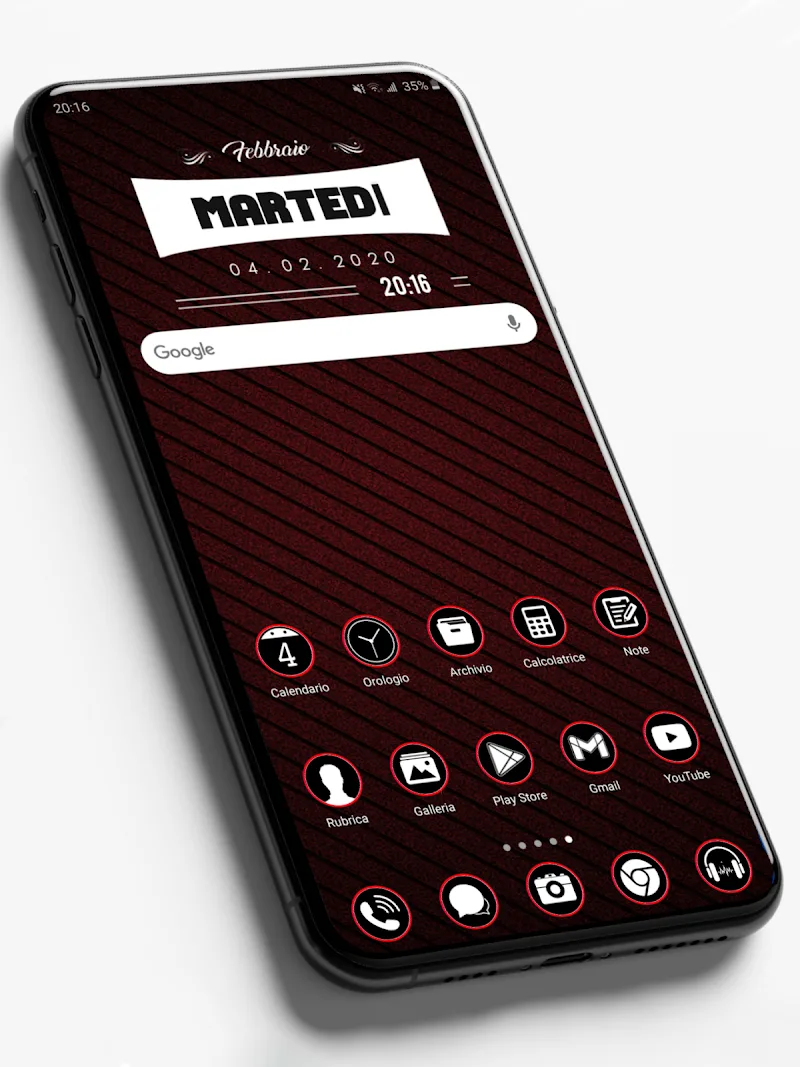
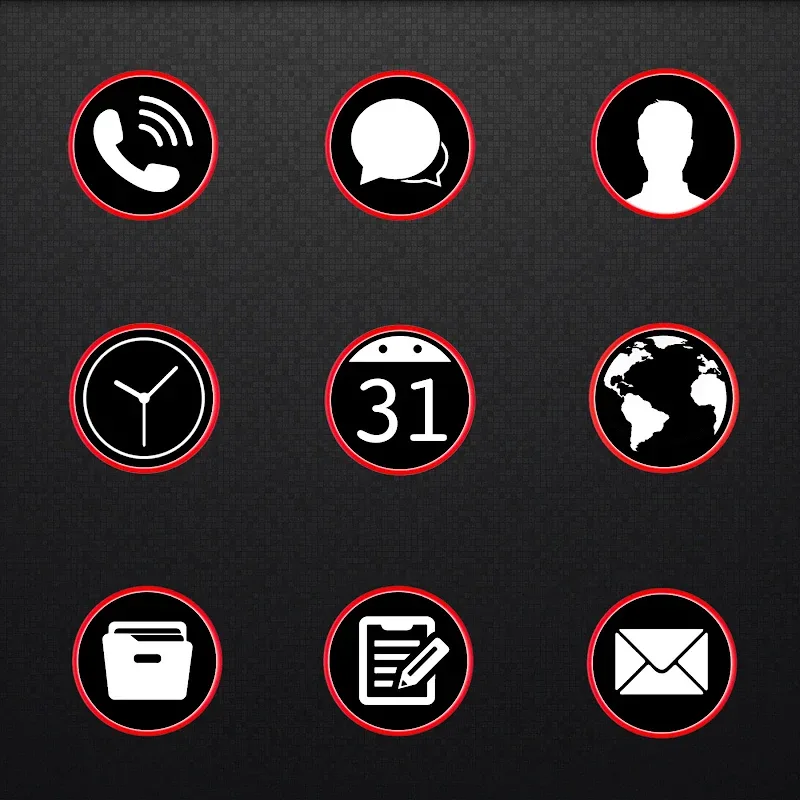
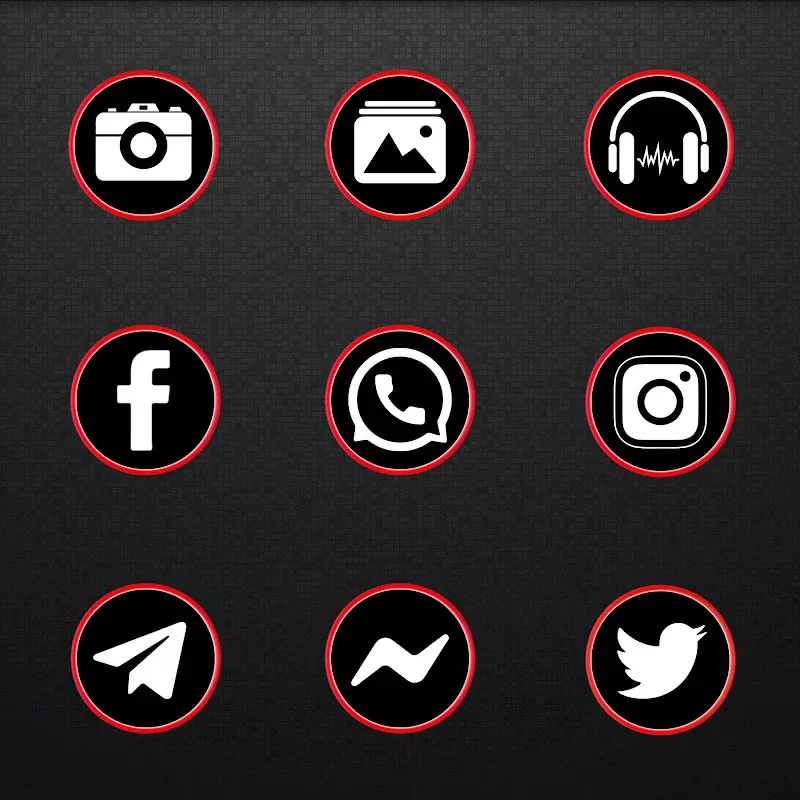
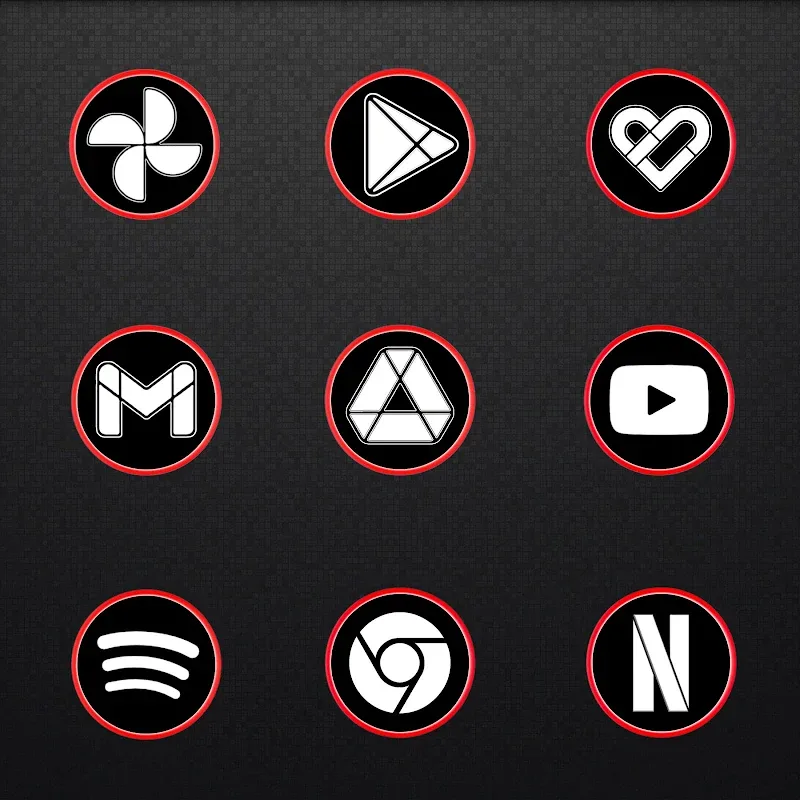
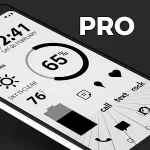
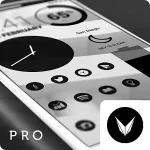
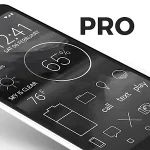
Pixly Professional Dark is an icon pack and customization toolkit designed to give Android home screens a cohesive, dark-themed appearance with high-definition artwork and practical, time-saving utilities. Pixly Professional Dark replaces mismatched icons with ultra-sharp, detailed images and includes automatic masking and a dynamic calendar that updates itself, so you spend less time adjusting individual icons and more time using your device. The pack aims for a modern, deliberate look that holds up on high-resolution displays and across a variety of device setups.
Pixly Professional Dark delivers a consistent visual language through SUPER HD icons that emphasize clarity, contrast, and refined detailing appropriate for dark interfaces. Icon glyphs are created to remain legible at smaller sizes while preserving crisp edges on AMOLED and LCD screens. The set focuses on a unified palette and subtle textures rather than overly bright accents, helping folders and app clusters read cleanly at a glance. The dynamic calendar adjusts the date automatically and maintains design continuity so a changing date does not break the overall theme.
Applying Pixly Professional Dark is handled through your launcher or theme manager: open your launcher settings, choose the icon pack option, and select Pixly Professional Dark to apply the core set. For launchers that allow per-app assignment, you can tap any home screen icon to replace it individually without affecting the rest of the pack. The app also supports manual replacement when automatic apply is not available, giving you control over which apps receive themed icons and which retain their original artwork.
The quick editing tools included with Pixly Professional Dark let you make lightweight adjustments without opening a separate image editor. Tap an icon to access options such as mask shape selection, scale/size adjustment, and color overlay intensity to better match wallpapers or contrast needs. These edits are intended for fast, targeted changes rather than full vector editing, so you can tweak icon proportions, change background shapes, or nudge glyph positioning and save the result for immediate use on the home screen.
Pixly Professional Dark is updated regularly to expand app coverage and refresh the artwork. The developer releases new icons and refines existing designs over time, which functions like a progression system for personalization: the pack grows to include icons for recently released apps and popular titles that previously fell back to generic placeholders. Keeping the pack updated also improves adaptive masking rules and compatibility with new Android releases.
The icon pack is designed for wide compatibility and works with most popular Android launchers and home screen setups. Once installed, Pixly Professional Dark operates offline, so all icons and editing tools remain available without an active connection. Accessibility considerations include high-contrast glyphs and clear silhouettes for users who require better legibility; the built-in scale controls help you increase icon size or adjust contrast for improved visibility.
Icons are organized into thematic groups within the pack so you can browse core categories and find alternatives for common apps quickly. The structure favors a base set with app-specific variants and supplemental icons, which makes it simple to mix and match if you prefer a customized balance between uniformity and recognizability. Folder icons and a range of mask presets let you maintain consistent aesthetics across home screen pages and app drawers.
Using Pixly Professional Dark is a low-friction personalization experience that encourages small iterative changes over time. Replay value comes from experimenting with mask shapes, overlays, and the regular addition of new icons; switching styles within the pack gives a fresh look without reinstalling themes or wallpapers. Note that Pixly Professional Dark focuses on icon artwork and quick editing rather than altering system-level UI elements such as notifications or settings panels, so it complements but does not replace system themes.
Pixly Professional Dark does not change non-icon UI elements and the built-in editor is optimized for speed rather than advanced graphic work, so creators seeking deep vector editing should export icons to a dedicated editor. For the smoothest result, apply the pack through your launcher when possible and use the quick-edit tools for targeted tweaks; this keeps home screens looking consistent while letting you customize problem icons on a case-by-case basis.