Aline Yellow: linear icon pack
Version: 1.9.9
35.40MB
4.5
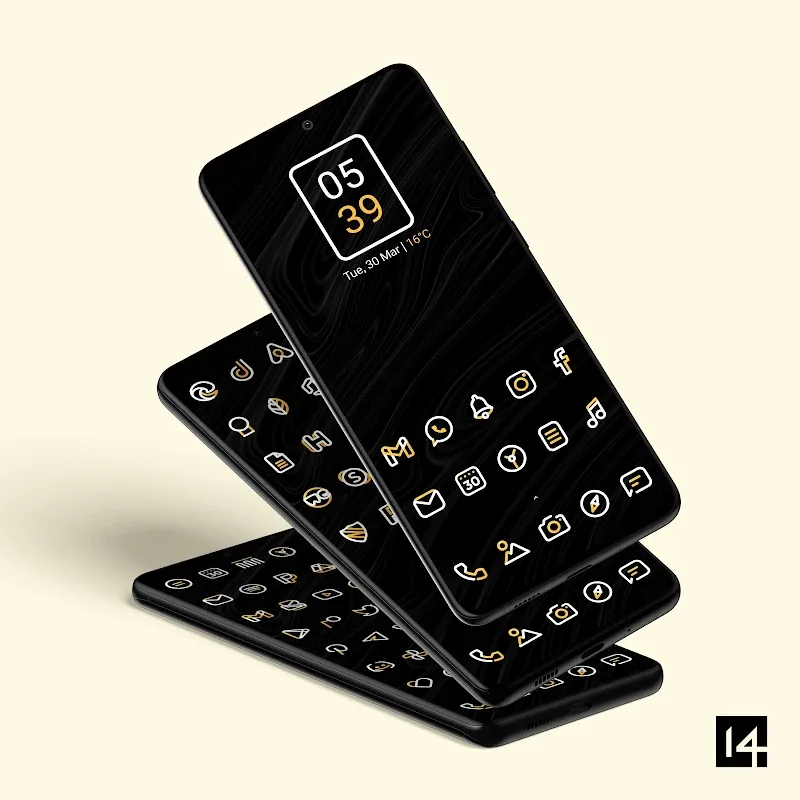
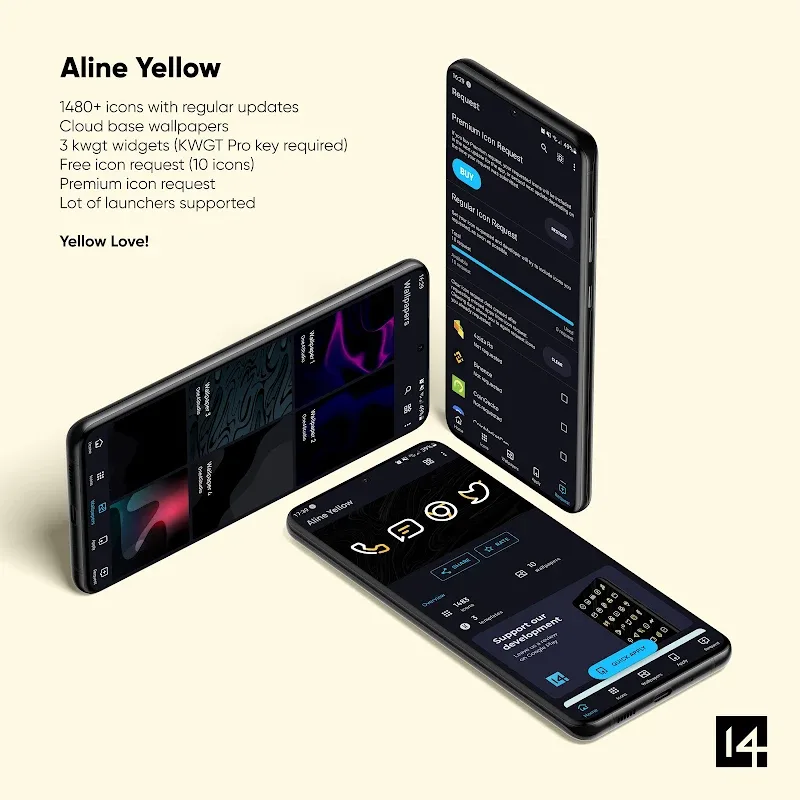
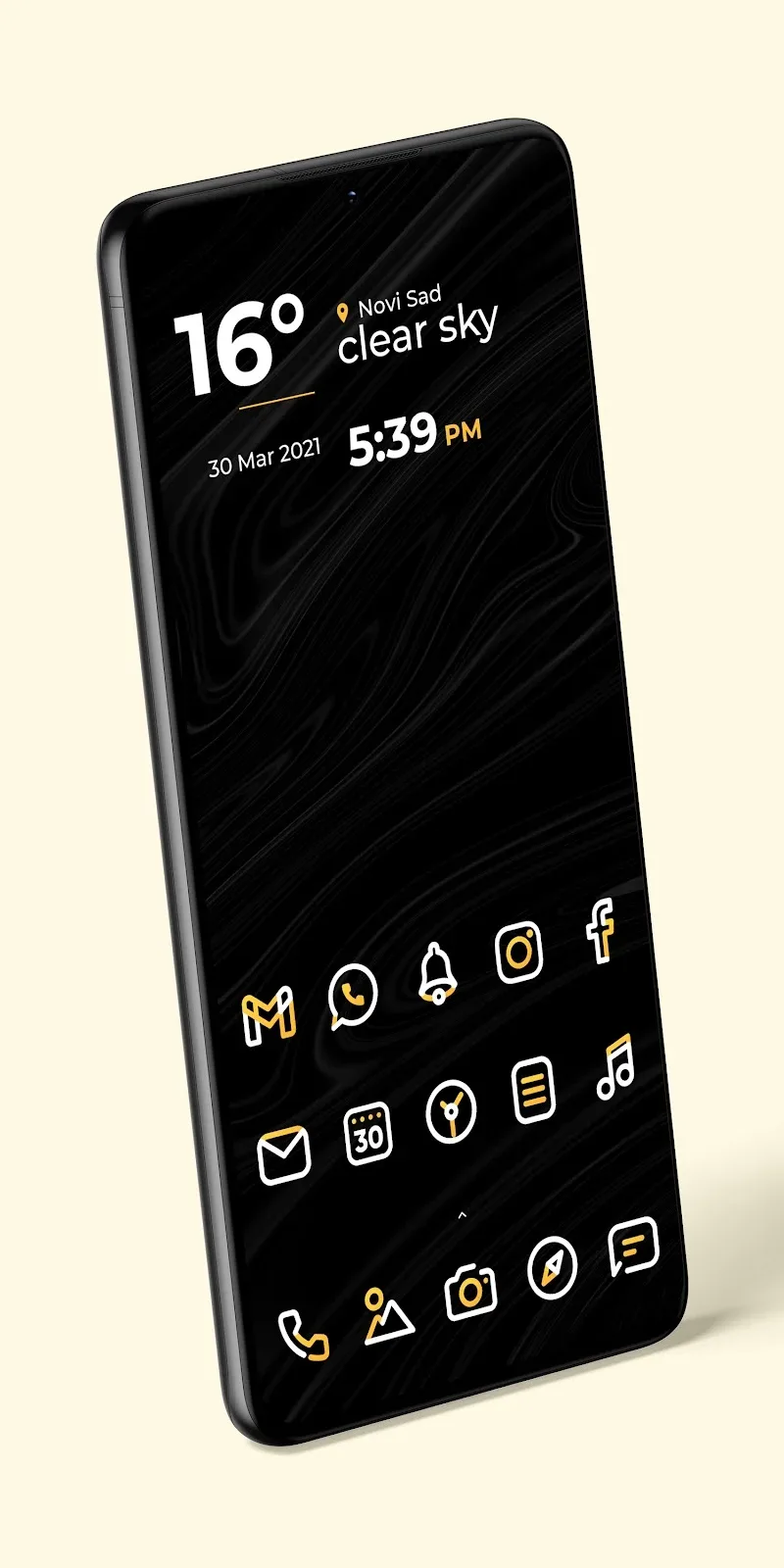
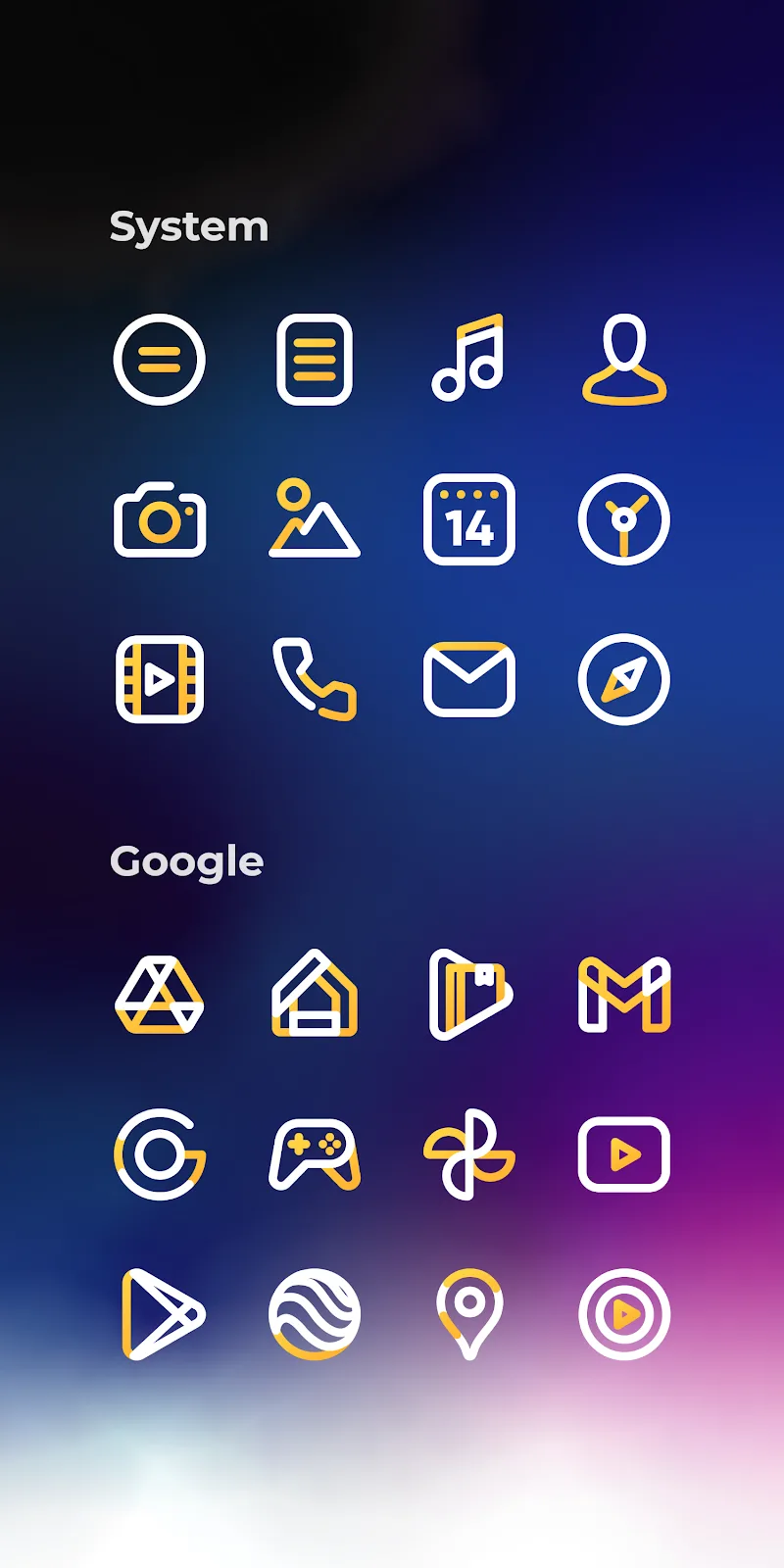
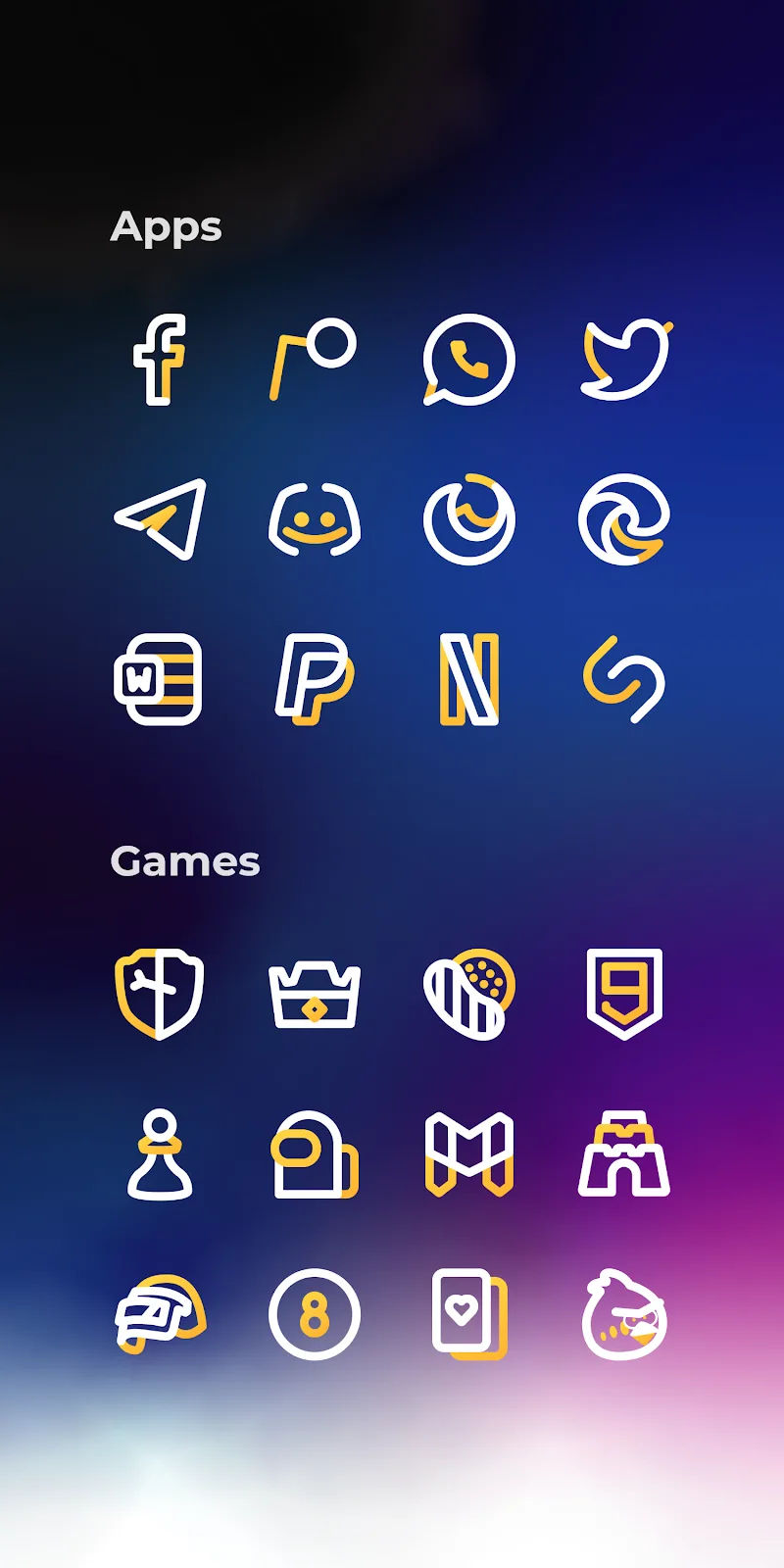
Aline Yellow: linear icon pack brings a minimalist, hand-drawn aesthetic to your Android home screen with hundreds of linear icons and matching wallpapers. The pack delivers clean lines, consistent stroke weights, and a bright yellow accent for a cohesive look across apps, widgets, and folders while remaining lightweight and easy to apply.
Aline Yellow: linear icon pack focuses on simplicity and visual harmony. Icons are crafted with a single-line style that preserves legibility at small sizes while offering a distinctive, modern vibe. Included assets span popular apps, system icons, and generic placeholders to maintain a unified appearance even for less common applications.
Designers of Aline Yellow emphasize stroke uniformity and spacing rules to ensure every icon looks part of the same family. The yellow highlight acts as a unifying color, appearing selectively to draw attention to key glyphs while preserving a predominantly monochrome line look. This approach creates a refined, elegant home screen without relying on heavy color blocking.
This icon pack works with most popular custom launchers on Android. Launchers like Nova, Lawnchair, Action, Smart, and others typically support easy application of the icon pack. Some stock launchers may not support third-party icon packs directly; in those cases, a compatible launcher or a companion theming tool can be used to apply Aline Yellow: linear icon pack.
Applying Aline Yellow is straightforward. After installing the pack, open it and choose your preferred launcher from the list. The app will apply the icons and offer options to set wallpaper and toggle features like icon masking. For fine-tuning, manual icon selection and home-screen shortcuts allow you to replace single icons or adjust folder appearances.
Because icons are vector-based and optimized, Aline Yellow keeps storage and memory use relatively low compared with large graphical themes. Animations are minimal or non-existent by design, which helps preserve battery life and keeps home screen transitions smooth. The pack is intended to be responsive across devices, from older midrange phones to newer high-resolution displays.
To get the most out of Aline Yellow: linear icon pack, try pairing the icons with a minimalist launcher layout and one or two widgets that match the clean aesthetic. Organize apps into folders with simple labels to let the icon design stand out. Adjusting grid size and icon padding within your launcher can enhance the perceived balance between icons and wallpaper.
Regular updates add new icons, polish existing designs, and expand compatibility with freshly released apps. The pack typically includes an easy-to-access request form for missing icons and a changelog that documents added glyphs and fixes. For technical help, users can find contact details inside the app for timely assistance.
Users often pick Aline Yellow: linear icon pack for its consistent visual language and subtle color treatment that injects warmth into a minimalist interface. The hand-drawn linear approach gives home screens personality while remaining unobtrusive. For users who want a curated, modern look without heavy visual noise, this pack provides a balanced solution.
Whether refreshing a daily driver or creating a themed home screen for photos and widgets, Aline Yellow: linear icon pack offers a practical and stylish set of icons and backgrounds that keep the device looking cohesive and thoughtfully designed.