Painting - Icon Pack
Version: 2.9
129.60MB
4.2
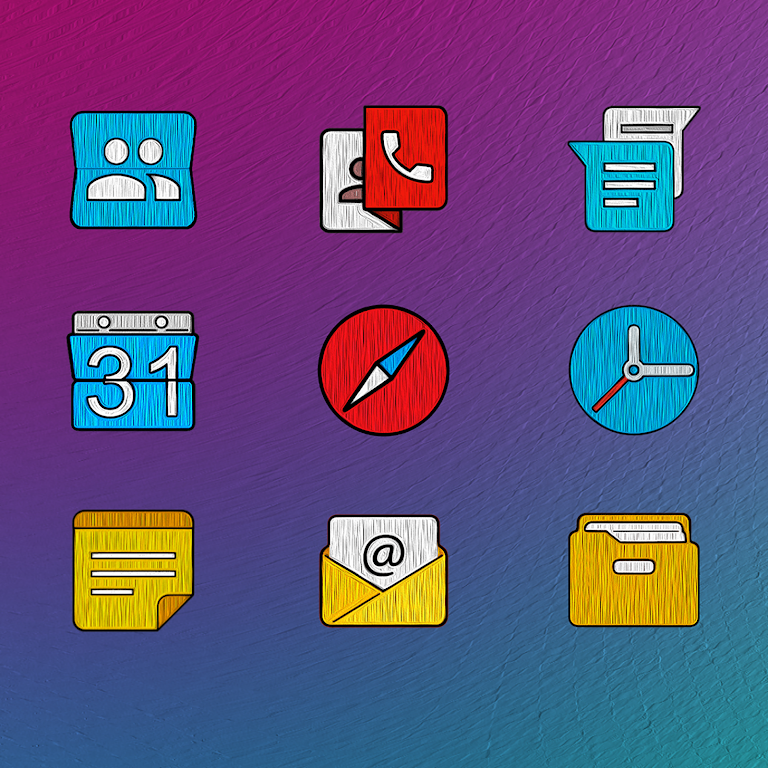
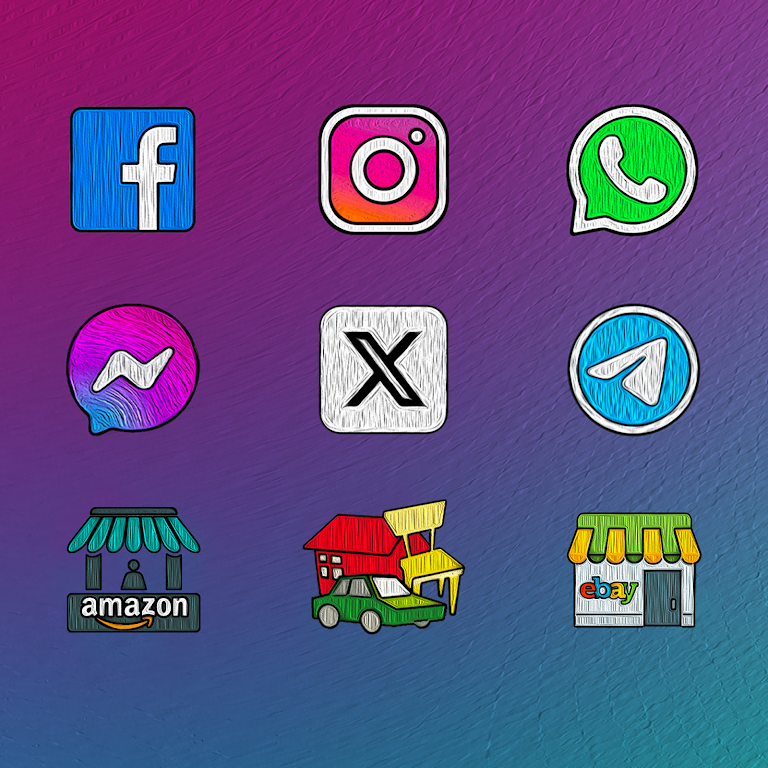
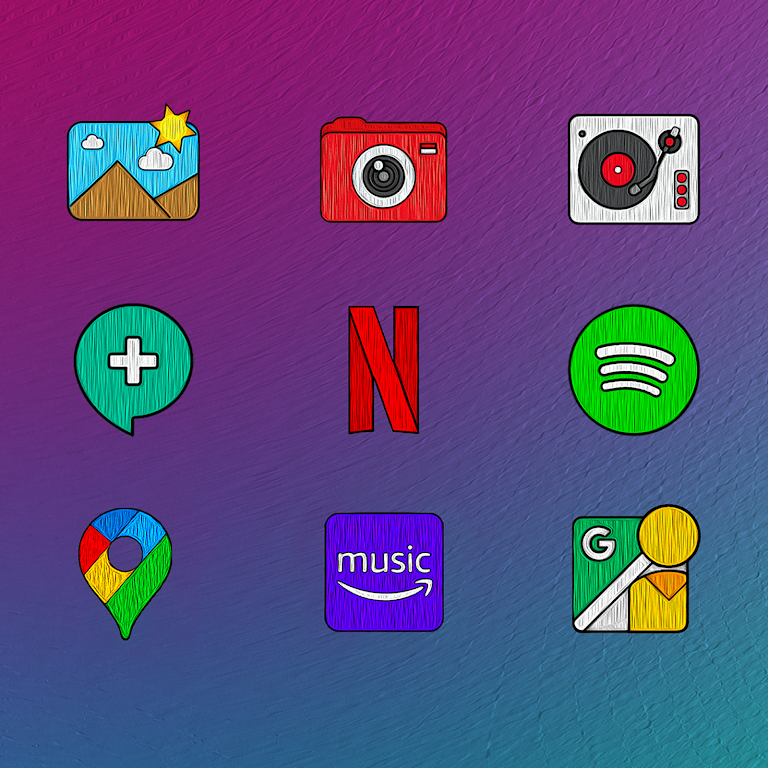
Painting - Icon Pack transforms your Android home screen with a hand-painted aesthetic, supplying thousands of high-resolution icons, matching wallpapers, and a cohesive visual theme. Lightweight and simple to apply, Painting - Icon Pack adapts to launchers, supports icon requests, and refreshes your device without heavy battery impact.
Painting - Icon Pack takes inspiration from watercolor and brushstroke styles to deliver a soft, artistic look across apps and folders. Icons maintain consistent shapes and shadows, while color palettes are muted to avoid clashing with system UI elements. The goal is visual harmony: a distinctive appearance that feels crafted, not chaotic.
Compatibility is a priority. Painting - Icon Pack supports most popular launchers such as Nova, Lawnchair, Apex, and others. Installation is straightforward: pick the pack inside the app and apply it through your launcher settings. For launchers without native support, the app offers a manual icon change tool to replace individual icons one by one.
Beyond switching the full pack, users can mix and match icons. Use the app's icon picker to assign alternative art to home screen shortcuts, or combine the pack with third-party widgets for a layered look. Wallpapers align with the icon style and come in multiple aspect ratios to fit phones and tablets.
Designed to be lightweight, Painting - Icon Pack avoids heavy background processes. Icons are vector-optimized where possible, which reduces APK size while keeping crisp detail on AMOLED and high-density screens. Battery and memory impact are minimal because the pack only activates when the launcher renders icons.
The app interface follows a clean, minimal layout. New users can quickly find sections for installed icon sets, wallpaper previews, and a Requests page. Each icon preview displays name, variant options, and compatible resolutions. Settings include bulk apply, backup recommendations, and quick links to compatible launchers.
For users who enjoy subtle visual changes, Painting - Icon Pack provides a practical path to refresh a device's style without overhauling functionality. The textures and brush-driven motifs work well with minimalist widgets and clean launcher layouts.
Install the pack, open the app, and follow the on-screen guide to apply the icon set through your launcher. If Painting - Icon Pack isn’t fully supported by your launcher, use the manual apply tool inside the app to assign icons one at a time. Regular updates keep the library current, so revisit the Requests tab after the first few weeks.
This icon pack balances aesthetics with usability: it improves the visual feel of your home screen while keeping system performance intact. Whether you want a subtle artistic touch or a new theme that ties icons and wallpapers together, Painting - Icon Pack delivers an approachable, polished option for customization enthusiasts.