Night Clock & Digital Clock
Version: 2.11.40
6.31MB
4.5
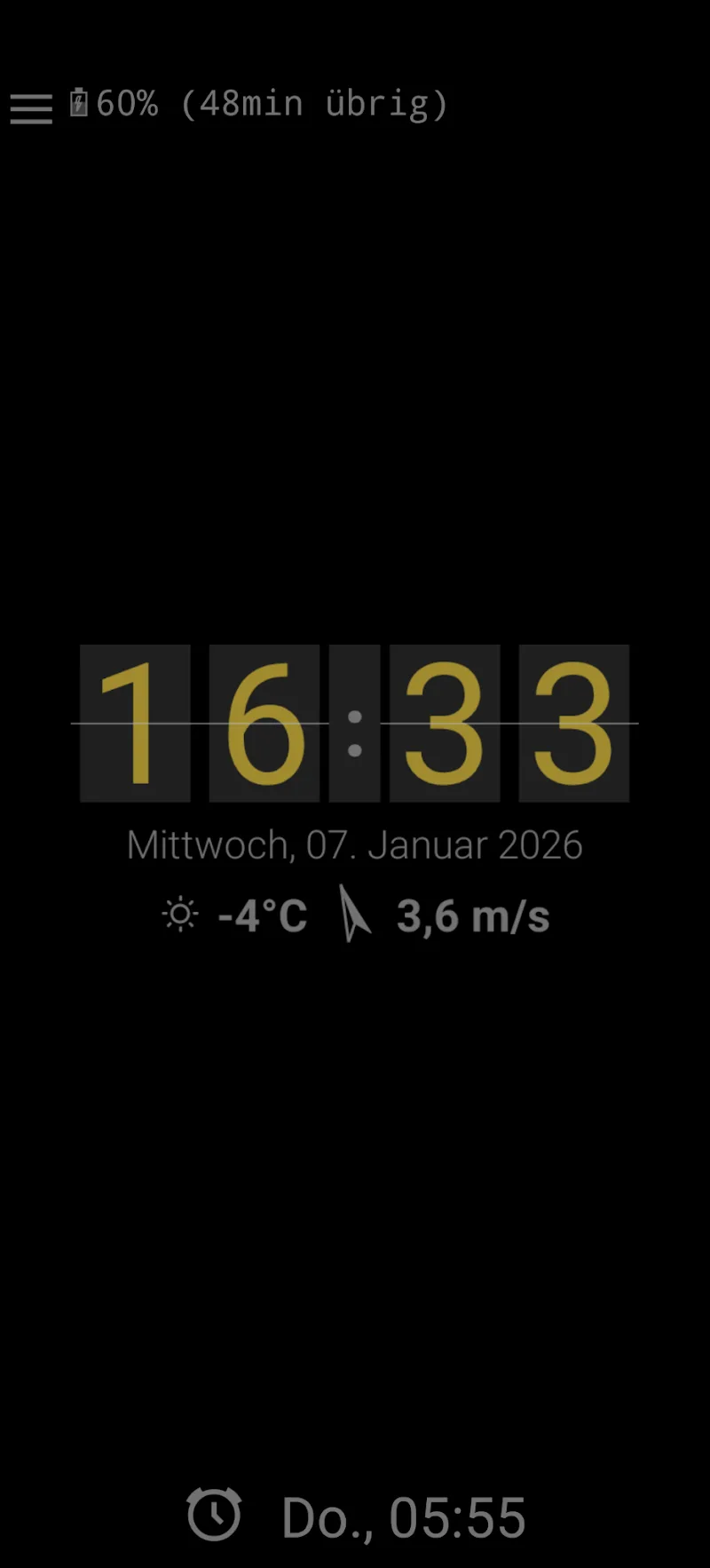
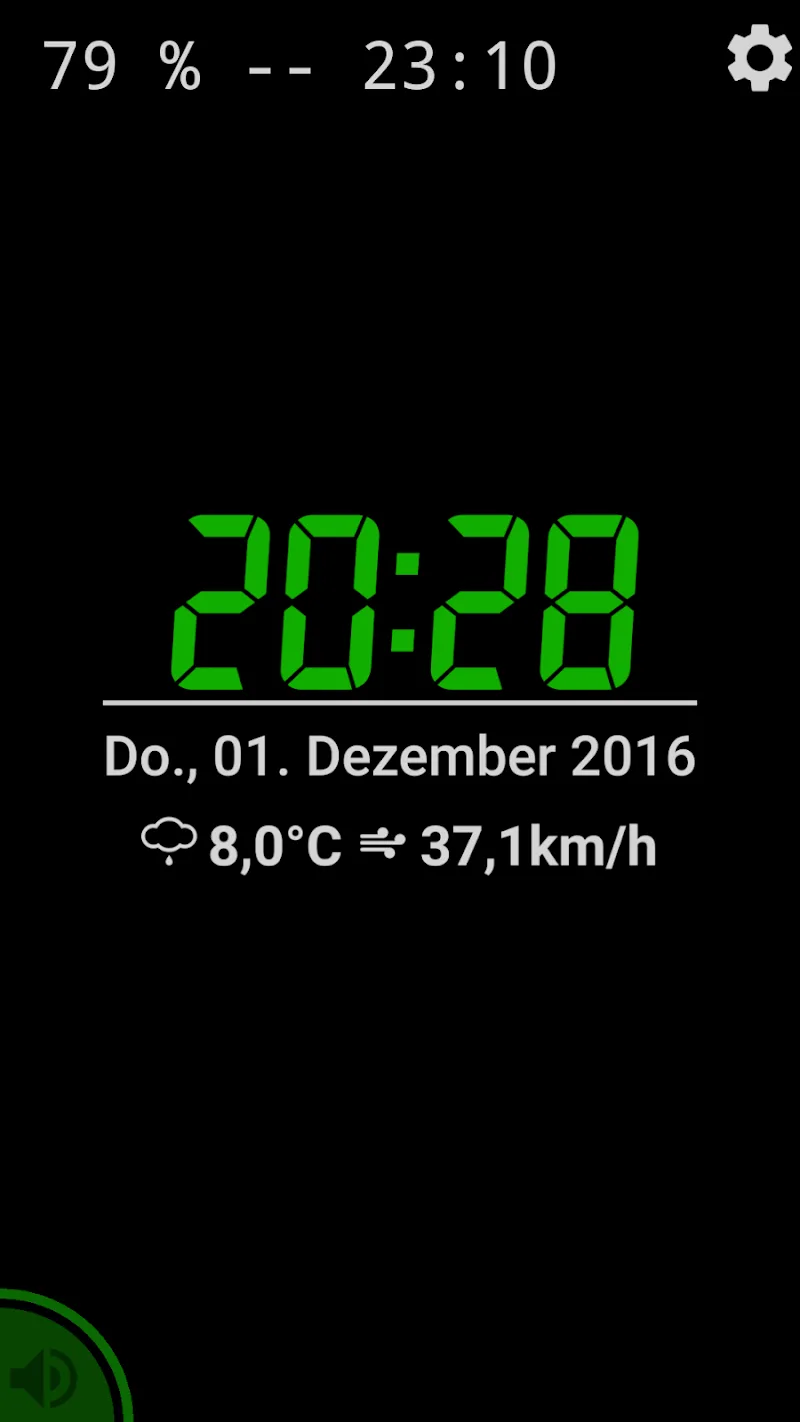
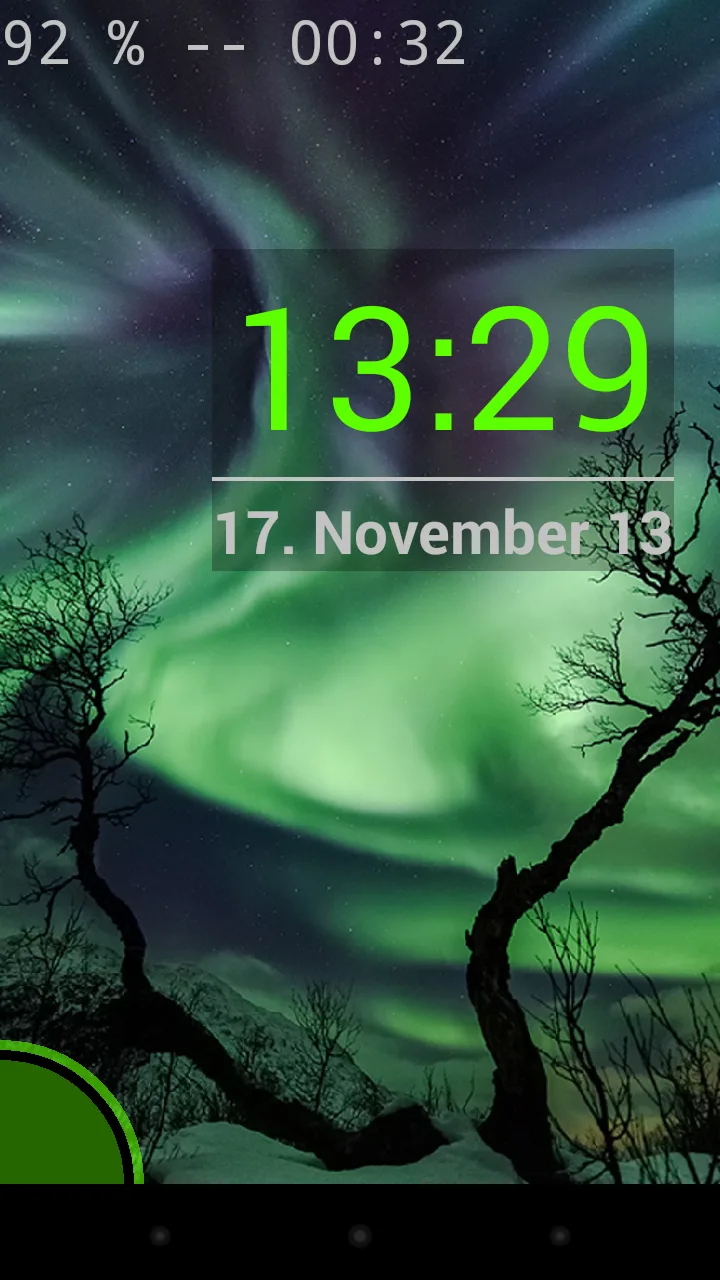
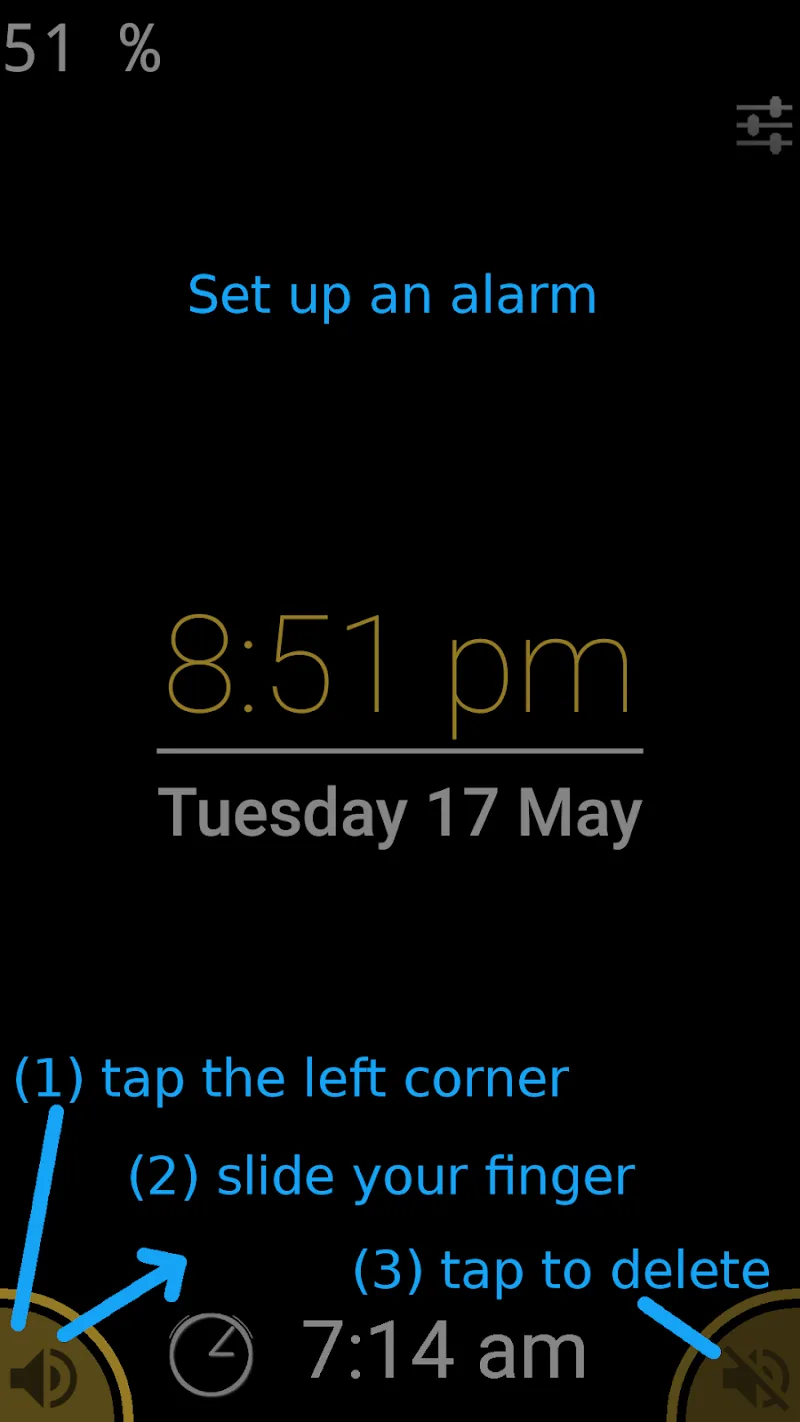
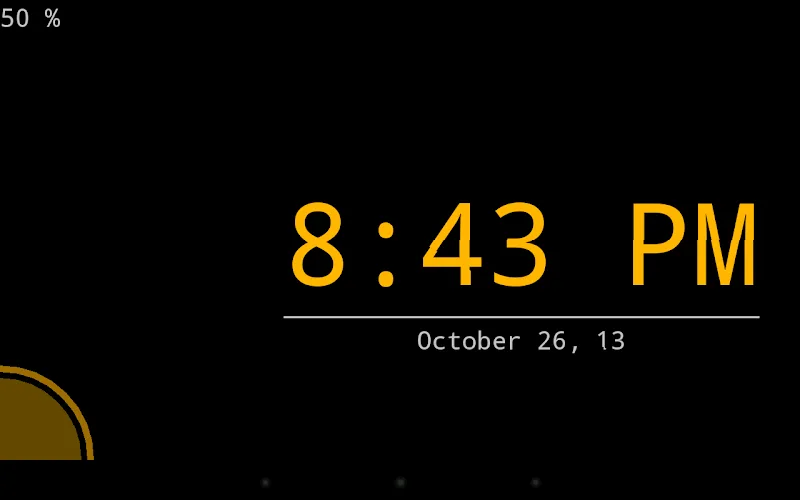
Night Clock & Digital Clock turns your phone into a clear bedside timekeeper with large digits, customizable color themes, and gentle night mode. It includes adjustable brightness, alarm links, widget options, and a battery-friendly display to provide a dependable, easy-to-read clock for evenings and overnight use.
Night Clock & Digital Clock focuses on presenting the time in a way that is readable from across the room while remaining unobtrusive at night. The interface emphasizes bold typography, high-contrast color choices, and an easy bedside layout that adapts to portrait and landscape orientations.
The interface puts the most-used controls within thumb reach: brightness, snooze, alarm settings, and theme picker. Controls are labeled clearly, reducing setup time. The app follows Android conventions so it fits naturally into your device’s routines and settings menus.
Customization is extensive without being overwhelming. Users can switch between 12-hour and 24-hour formats, toggle seconds display for precision, and pick from pre-built themes. Advanced options let you fine-tune font weight, screen timeout, and whether the display stays active during charging.
Displaying a bright screen overnight can drain battery, so Night Clock & Digital Clock includes power-conscious features. Dim schedules, an option to disable animations, and a low-refresh bedside mode help reduce consumption. The app also respects system battery saver modes and can auto-adjust when power is low.
When activated, night mode reduces blue light impact and softens contrast to support sleep. You can set a schedule—so the bedside view comes on automatically at sunset and shuts off in the morning. For light sleepers, an optional ‘no disturbance’ toggle silences alerts while the clock remains visible.
Users often praise how quickly the app becomes part of their night routine. The uncluttered display, easy theme switching, and reliable alarm behavior make it a practical replacement for dedicated bedside clocks. Accessibility options such as high-contrast themes and adjustable font sizes improve readability for visually impaired users.
Night Clock & Digital Clock combines simplicity with thoughtful features. It’s not overloaded with options, yet it offers enough control to match personal habits and bedroom setups. The emphasis on clear design and battery-friendly operation makes it appealing for everyday use.
Installation is straightforward from your app store. After first launch, follow the short setup guide to choose time format, brightness behavior, and alarm access. Granting necessary permissions will enable widgets and allow the app to manage alarms reliably.
If you want a dependable, low-friction bedside clock that balances visibility and power efficiency, Night Clock & Digital Clock is worth trying. Its focused feature set and flexible customization make it a practical tool for nightly routines and quick time checks at any hour.