
Gladient Icon Pack
Version: 11.4
102.98MB
4.1
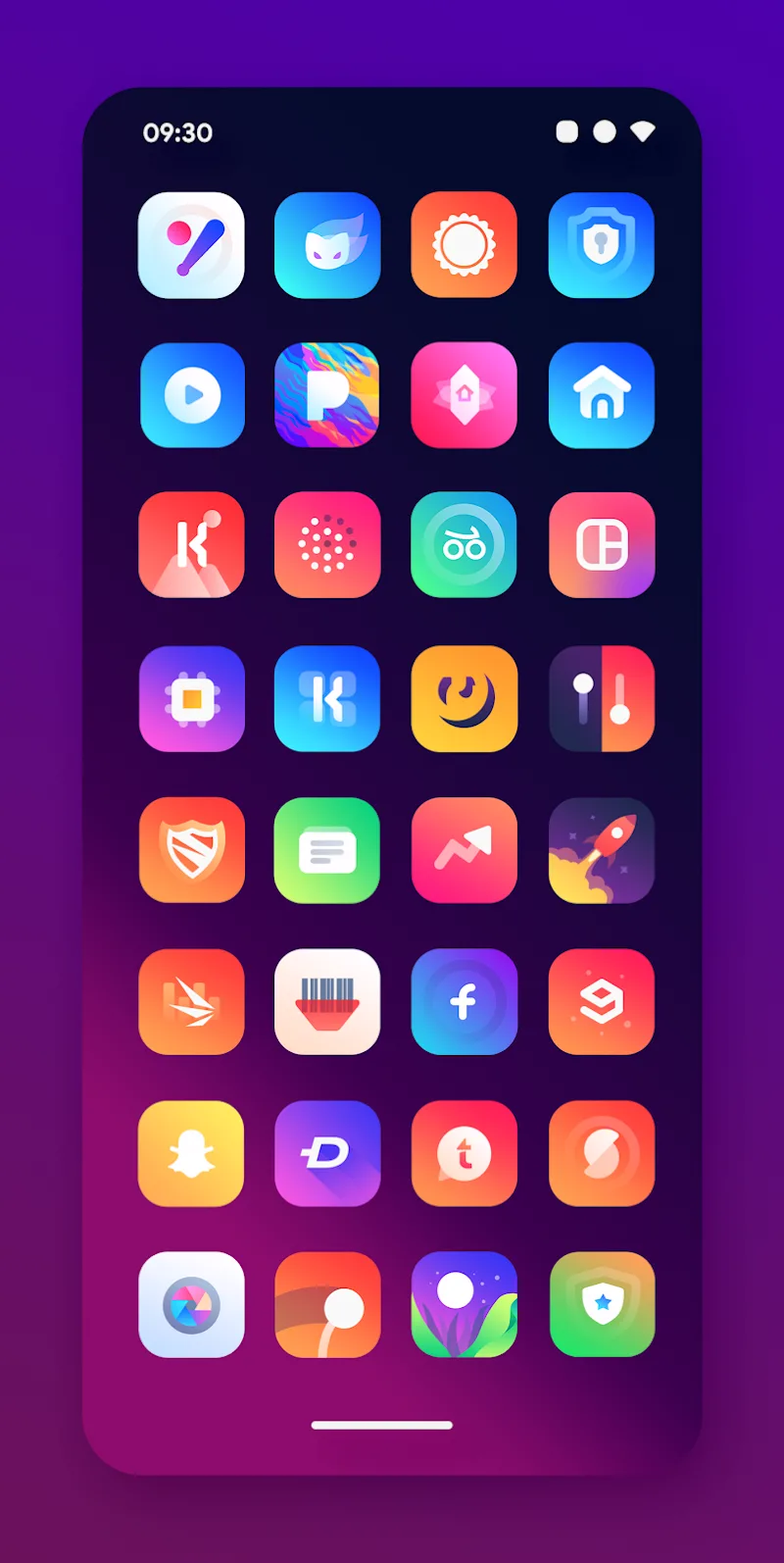
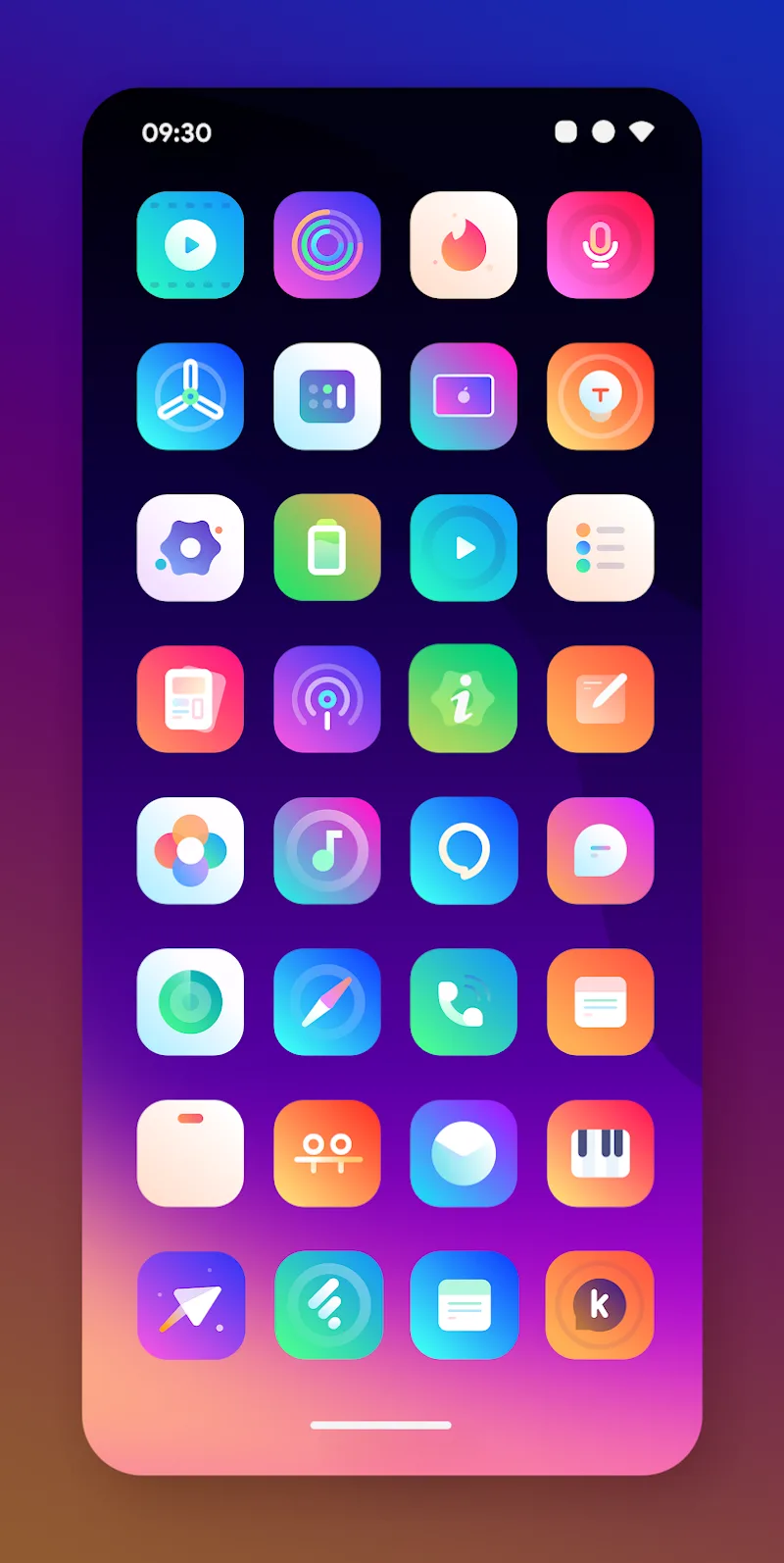
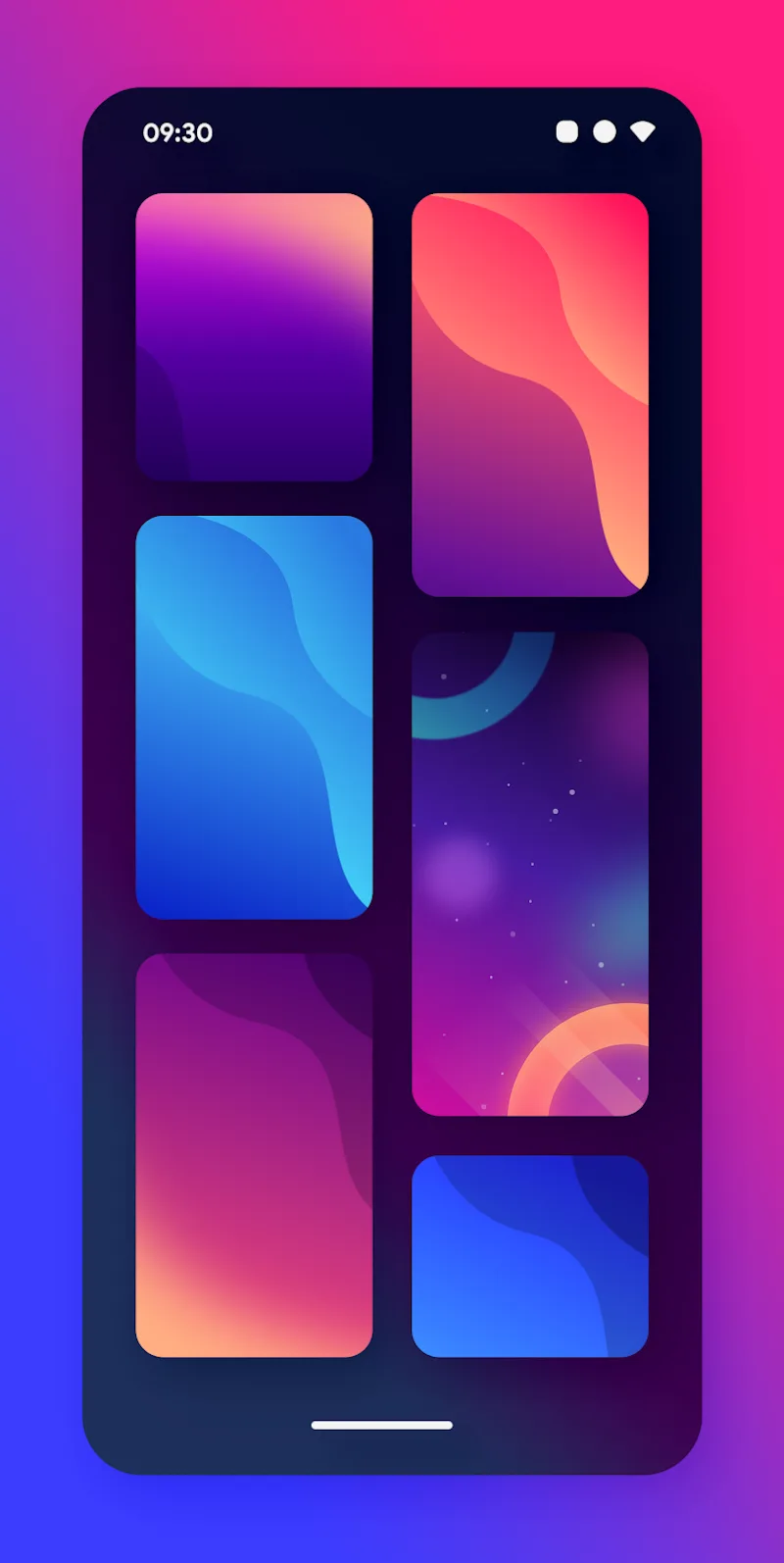
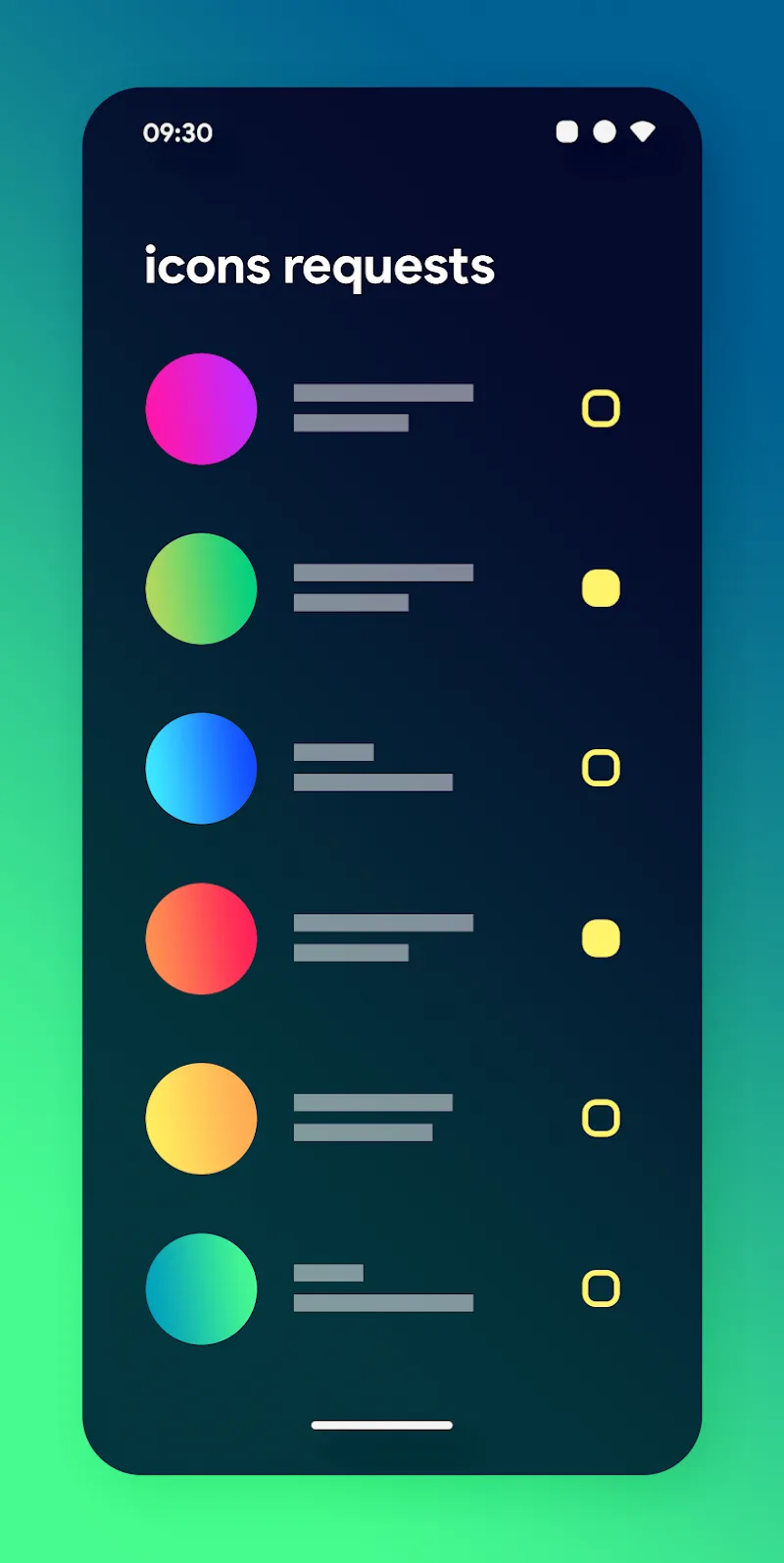
Gladient Icon Pack transforms your Android home screen with a polished set of gradient-based icons, matching wallpapers, and refined glyphs. It offers uniform shapes, scalable vector assets, and automated icon requests. Ideal for users seeking a minimalist, colorful aesthetic while keeping system performance smooth and battery drain minimal.
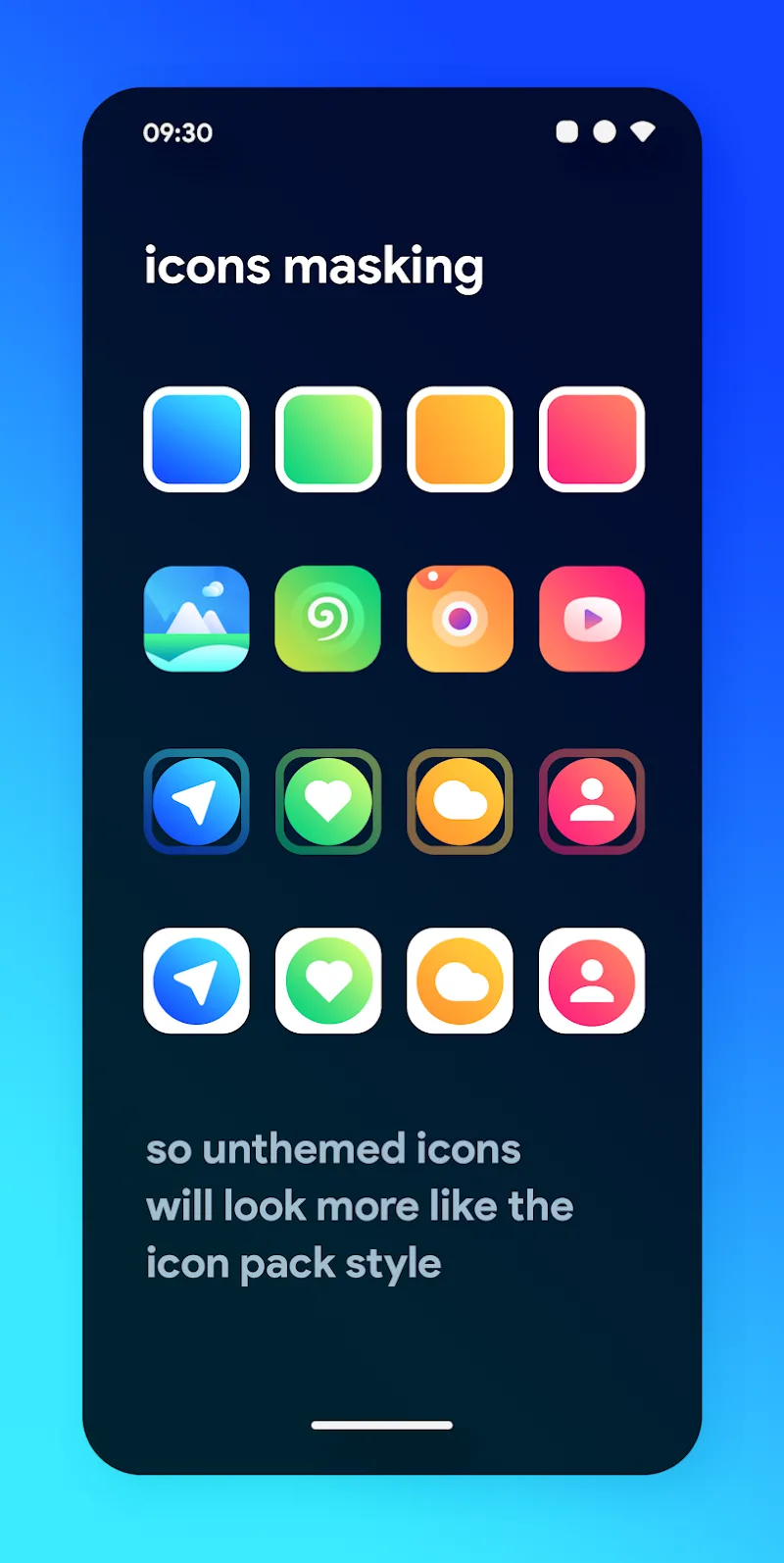
Gladient Icon Pack is an icon theme that focuses on clarity and visual harmony. Each icon combines subtle gradients with a flat base to create depth without visual clutter. The package includes hundreds of app icons, high-resolution alternatives for tablets and large-screen phones, and a consistent corner radius to maintain a cohesive look across third-party apps and system UI elements.
The design philosophy centers on legibility and modern styling. Icons use soft color transitions and simplified glyphs so app symbols remain instantly recognizable. Vector assets ensure crisp rendering at different sizes, while a curated color palette prevents clashing hues on the home screen or in folders.
Applying the pack is straightforward with most custom launchers. After installing Gladient Icon Pack, open your launcher settings, navigate to themes or icon settings, and select the pack from the installed icon list. For launchers without direct support, manual replacement or backup tools are an option. The pack also pairs well with icon resizing tools and grid adjustments to fine-tune spacing.
Gladient Icon Pack is optimized for low overhead. Icon files are compressed and stored efficiently to minimize RAM and storage impact. Because assets are vector-friendly, scaling operations are handled by the system rather than requiring multiple bitmap sizes. The pack plays nicely with popular launchers like Nova, Lawnchair, Action Launcher, and a number of OEM launchers that support custom icon packs.
The icon pack's companion interface is simple: preview categories, apply buttons, and a direct shortcut to request icons. This low-friction workflow suits users who want a polished home screen quickly. Wallpapers are presented as a set and can be applied directly or exported to gallery apps for manual use.
Beyond icons, Gladient Icon Pack includes matching wallpapers and a suggested folder background to help maintain visual continuity. Users can mix and match individual icons with other packs or manually replace single app icons for a hybrid style. The consistent corner radius and shadow treatment make it easy to integrate these icons into widget-heavy setups.
Users often highlight the pack’s consistent style and the developer’s responsiveness to icon requests. Regular updates expand coverage and refine color balance. If you prefer a controlled, modern look that works well with widgets and productivity layouts, Gladient Icon Pack provides a dependable base layer for personalizing Android.
Installation is quick and reversible, making it low-risk to experiment. Whether you’re refreshing a cluttered layout or building a minimalist interface from scratch, Gladient Icon Pack gives you a cohesive toolkit that balances aesthetics and practicality without compromising device performance.