Andronix - Linux on Android
Version: 10.0.1
15.80MB
4.1
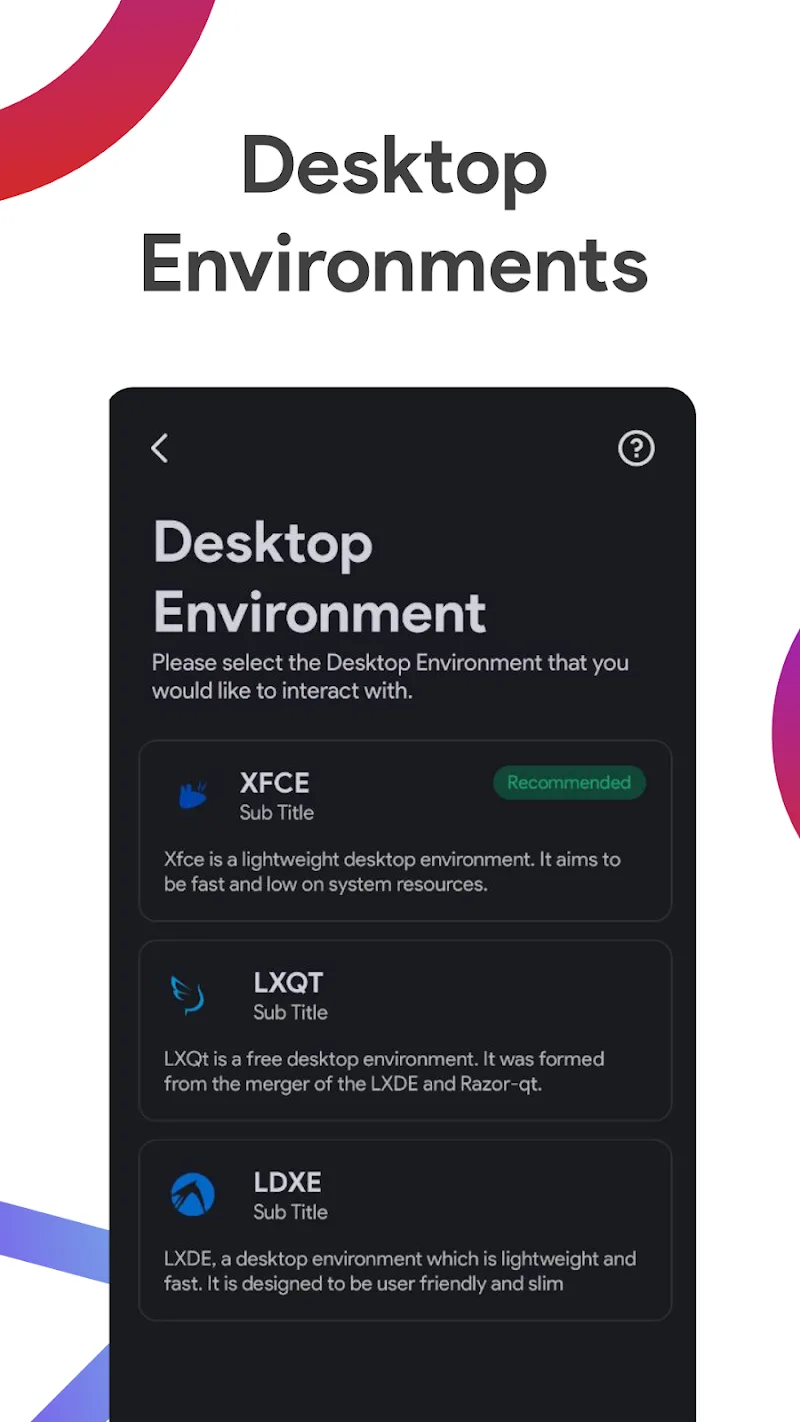
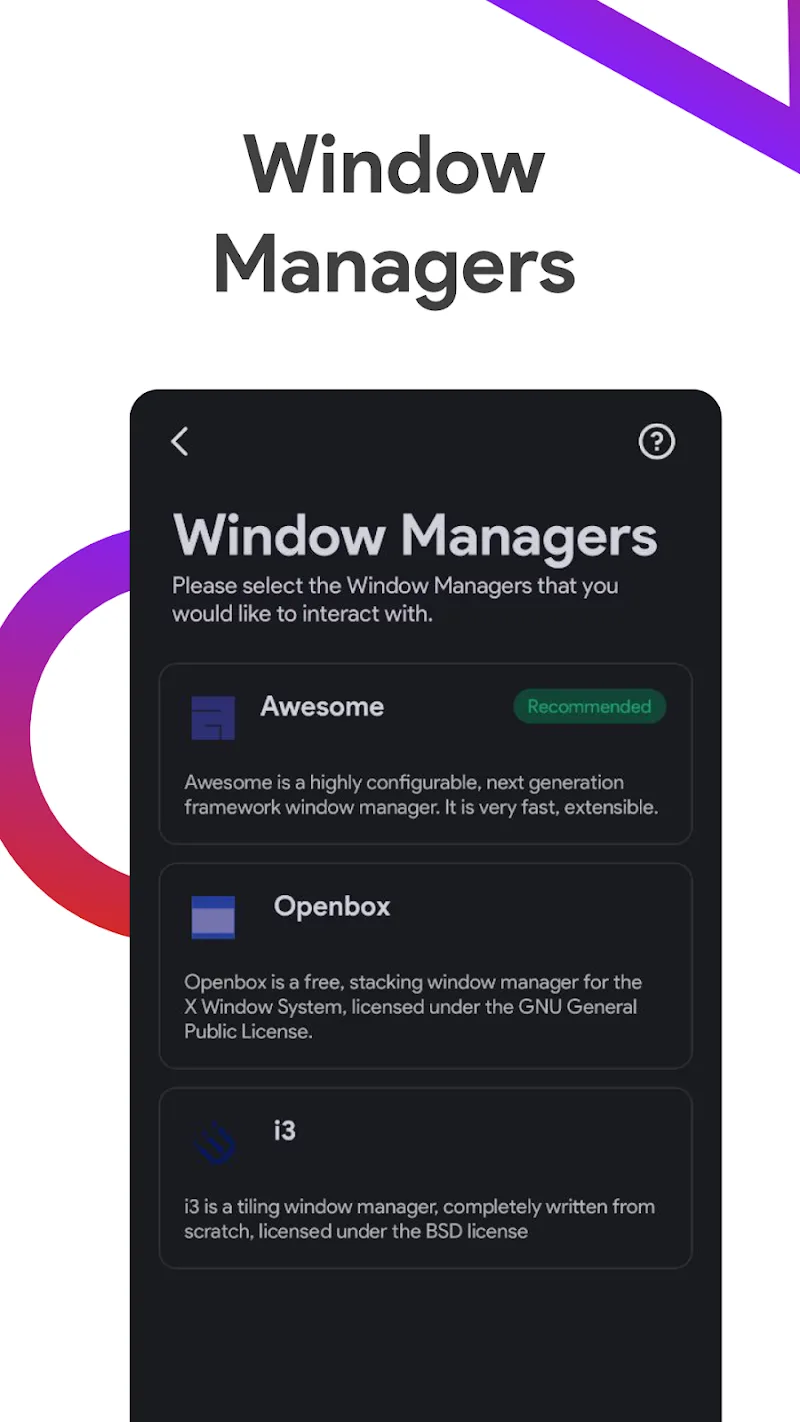
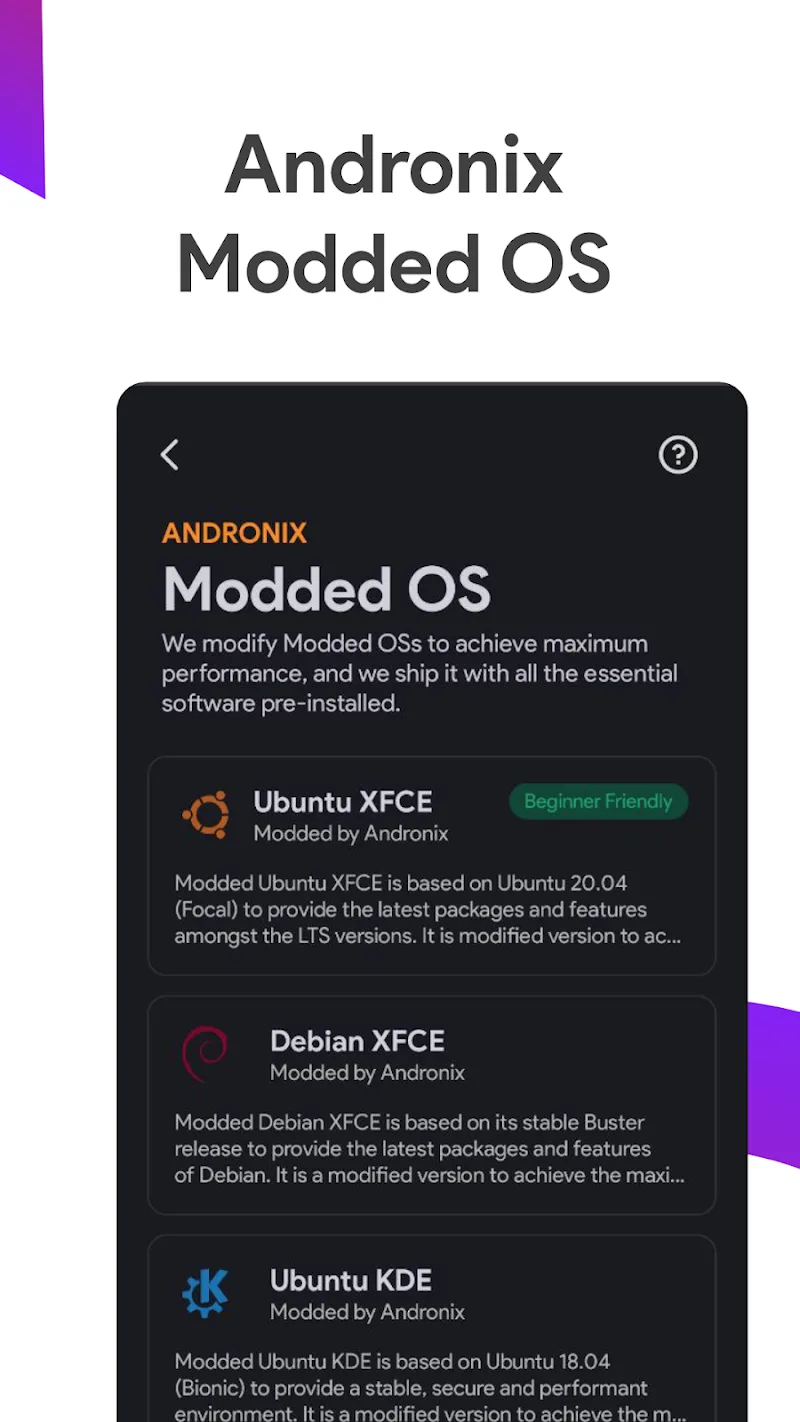
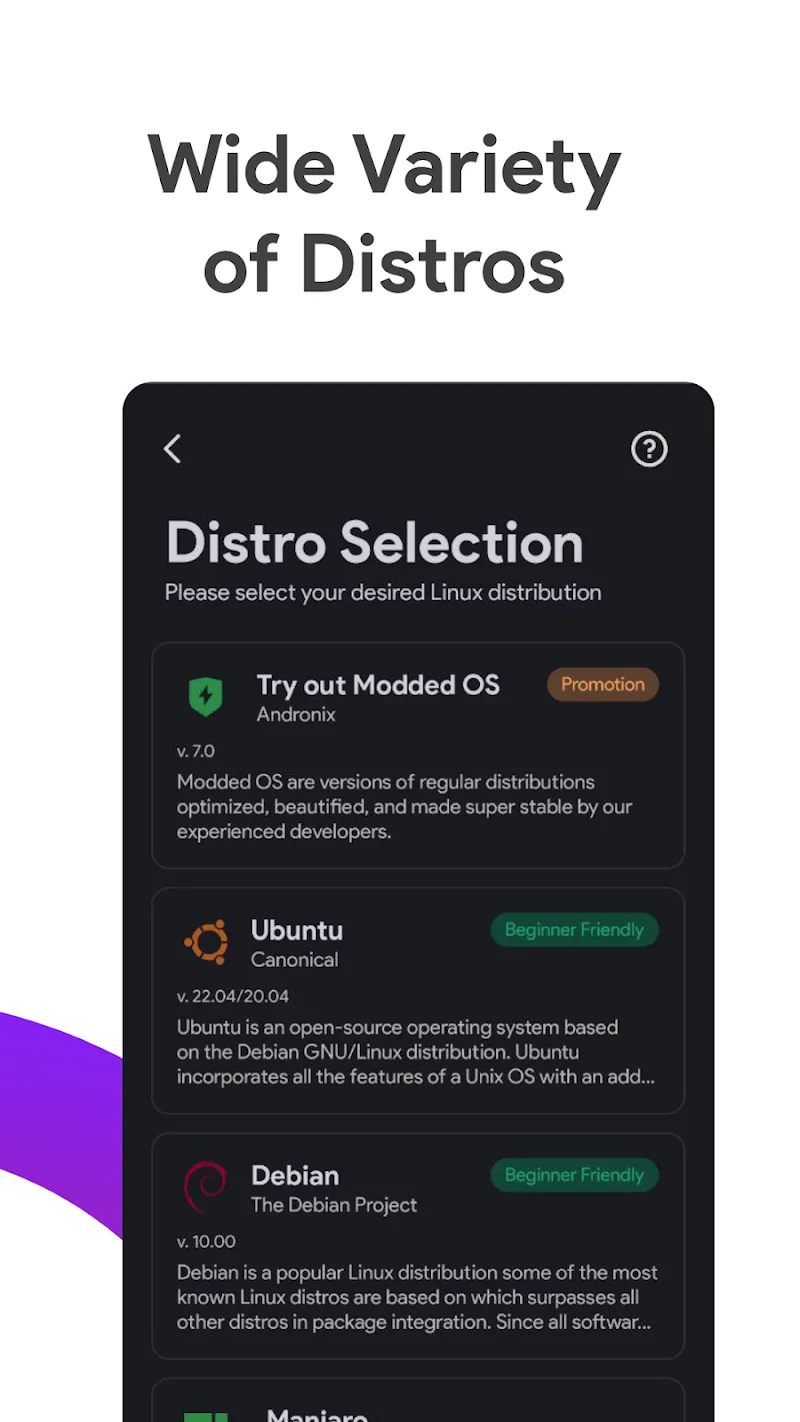
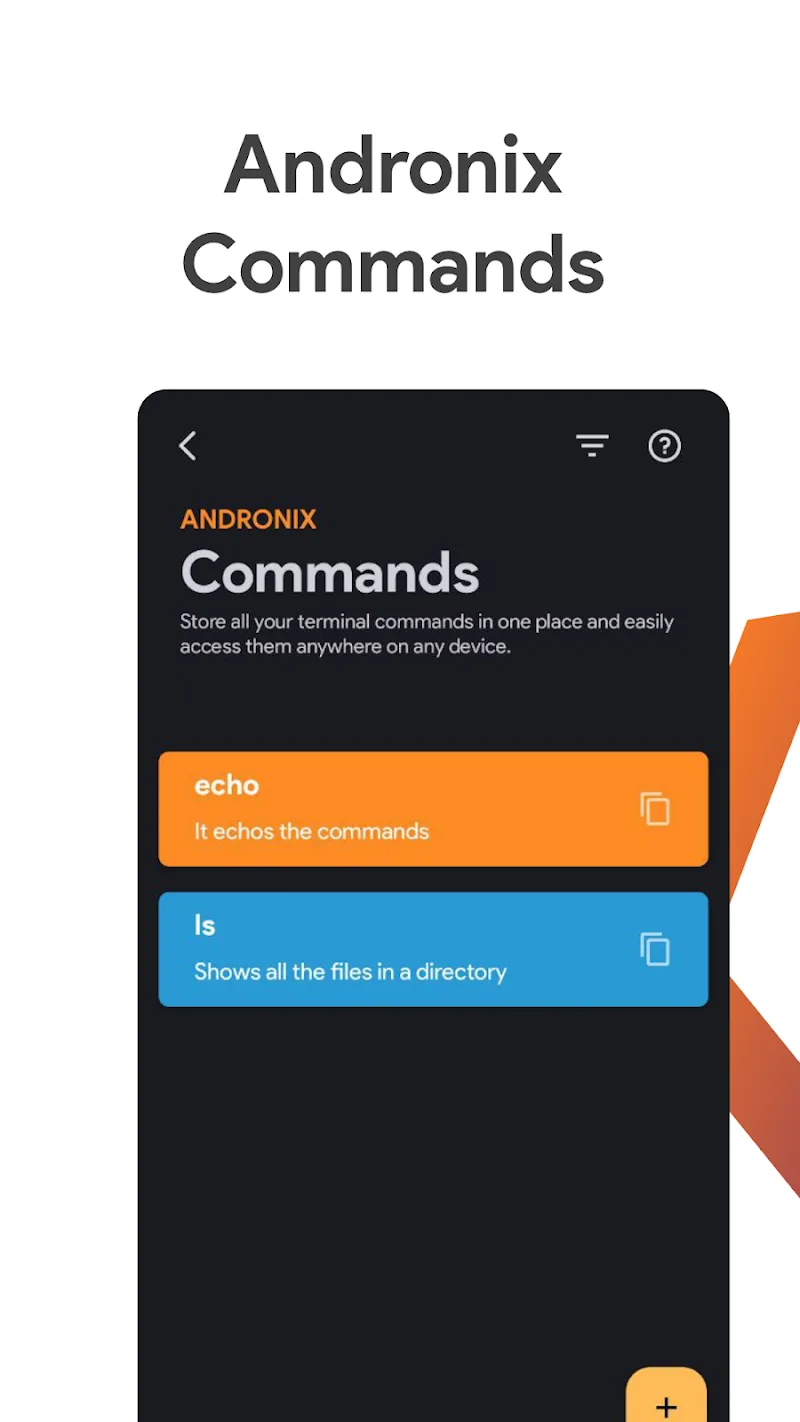
Andronix - Linux on Android brings full Linux distributions to your Android device without rooting, allowing developers and enthusiasts to run Ubuntu, Debian, Arch and more in a containerized environment. It simplifies installation, manages sessions, and pairs with VNC or terminal apps for an authentic Linux experience.
Andronix - Linux on Android is designed to create a bridge between mobile convenience and desktop-grade tools. The app provides ready-made scripts and distribution images so you can launch familiar Linux environments directly on phones and tablets. Packages, desktop environments and command-line utilities are accessible through an intuitive workflow that keeps the heavy lifting automated.
Explore a collection of features that make the app practical for development, learning and experimentation:
Andronix uses a proot or containerized approach to run Linux userspaces without root privileges. The app downloads a distribution image, extracts it into user storage, and uses a chroot-like environment to emulate the filesystem layout. This design keeps the host Android system untouched while giving you the flexibility to install packages through standard package managers like apt or pacman.
The interface focuses on clarity: one-tap installation scripts, status indicators for active sessions, and links to recommended companion apps. After installation, you can connect with a VNC viewer for a graphical desktop or a terminal emulator for direct shell access. The workflow minimizes manual configuration while allowing advanced users to customize startup scripts and environment variables.
Use Andronix to transform a tablet into a portable development workstation, to learn Linux command-line skills, or to run specific Linux-only tools while traveling. Students can practice coding, system administrators can test configurations, and hobbyists can host small services for local testing. The app is especially useful when a full laptop isn’t available but a capable Android device is.
Performance depends on the hardware of your device and the distribution chosen. Lighter desktop environments and minimal installs perform best on mid-range phones, while more powerful tablets can handle full graphical desktops. Storage speed and available RAM affect package installation times and desktop responsiveness. Andronix aims to support a wide range of devices and Android versions, though some older models may encounter limits.
Getting started typically follows a few straightforward steps: choose a distribution from within the app, download the requested files, run the installer script, and then launch either a VNC or terminal session. The app offers guidance and links to compatible viewers and terminals. Backups of your Linux rootfs can be created to preserve customizations or recover from mistakes.
If you run into issues, check available storage and permissions first, then review the app’s logs for error messages. Switching to a lightweight desktop or installing fewer packages can improve stability. Use external keyboards and mice for desktop-like productivity, and consider connecting to a larger display via HDMI or casting for a more comfortable workspace.
Because the Linux environment runs in user space, it reduces the risk of altering core Android components. Still, follow best practices: keep packages updated, avoid installing untrusted binaries, and maintain backups of important data. If you plan to expose services to a network, secure them with strong passwords and firewall rules from within the Linux instance.
For anyone seeking to blend mobile convenience with Linux versatility, Andronix - Linux on Android delivers a pragmatic solution. It opens the door to development, learning and lightweight server tasks without requiring root access, offering an approachable path to bring desktop-class tools to an Android device.