Draw Any Where
Version: 24.04.09
13.70MB
4.3
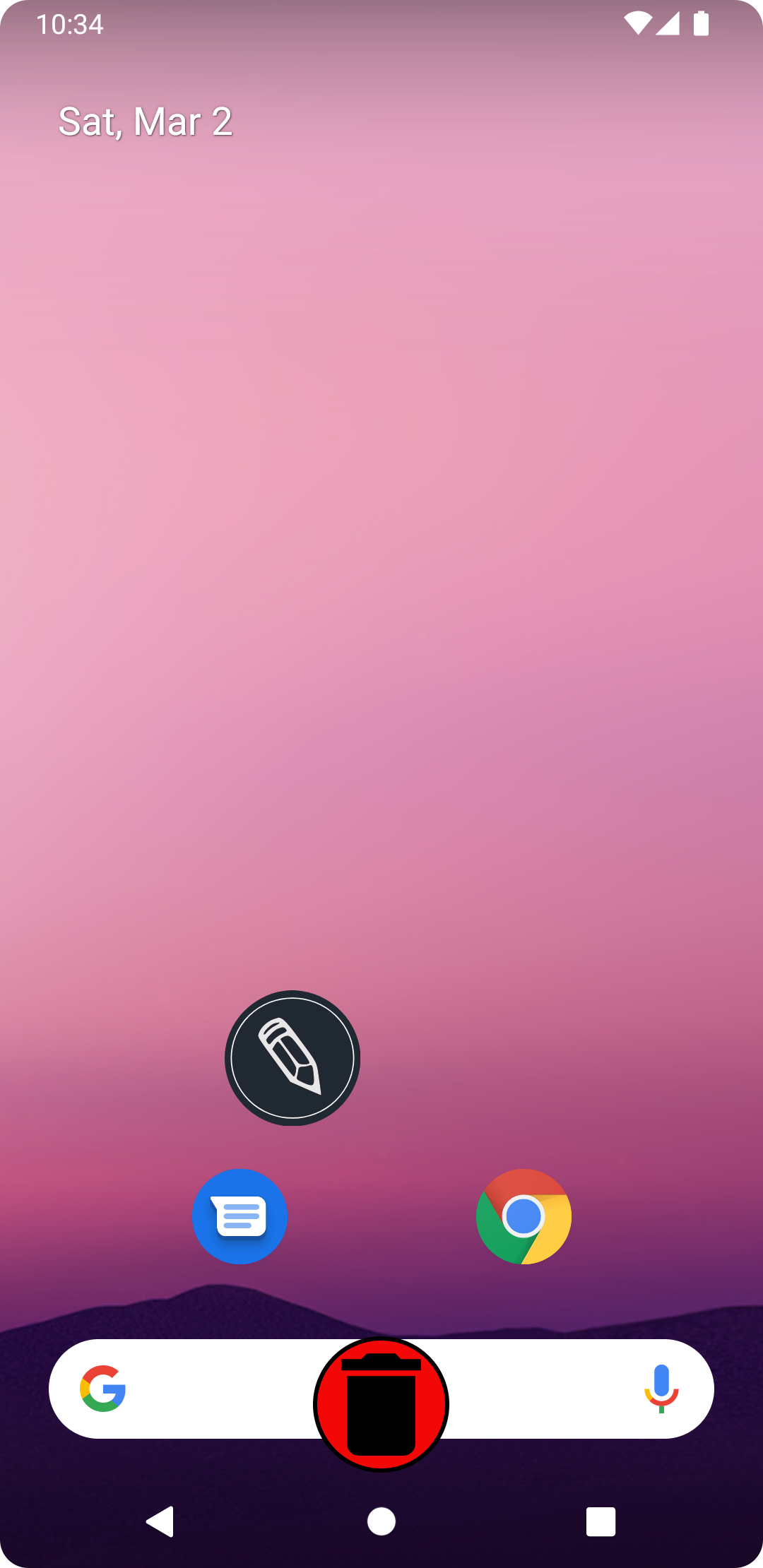
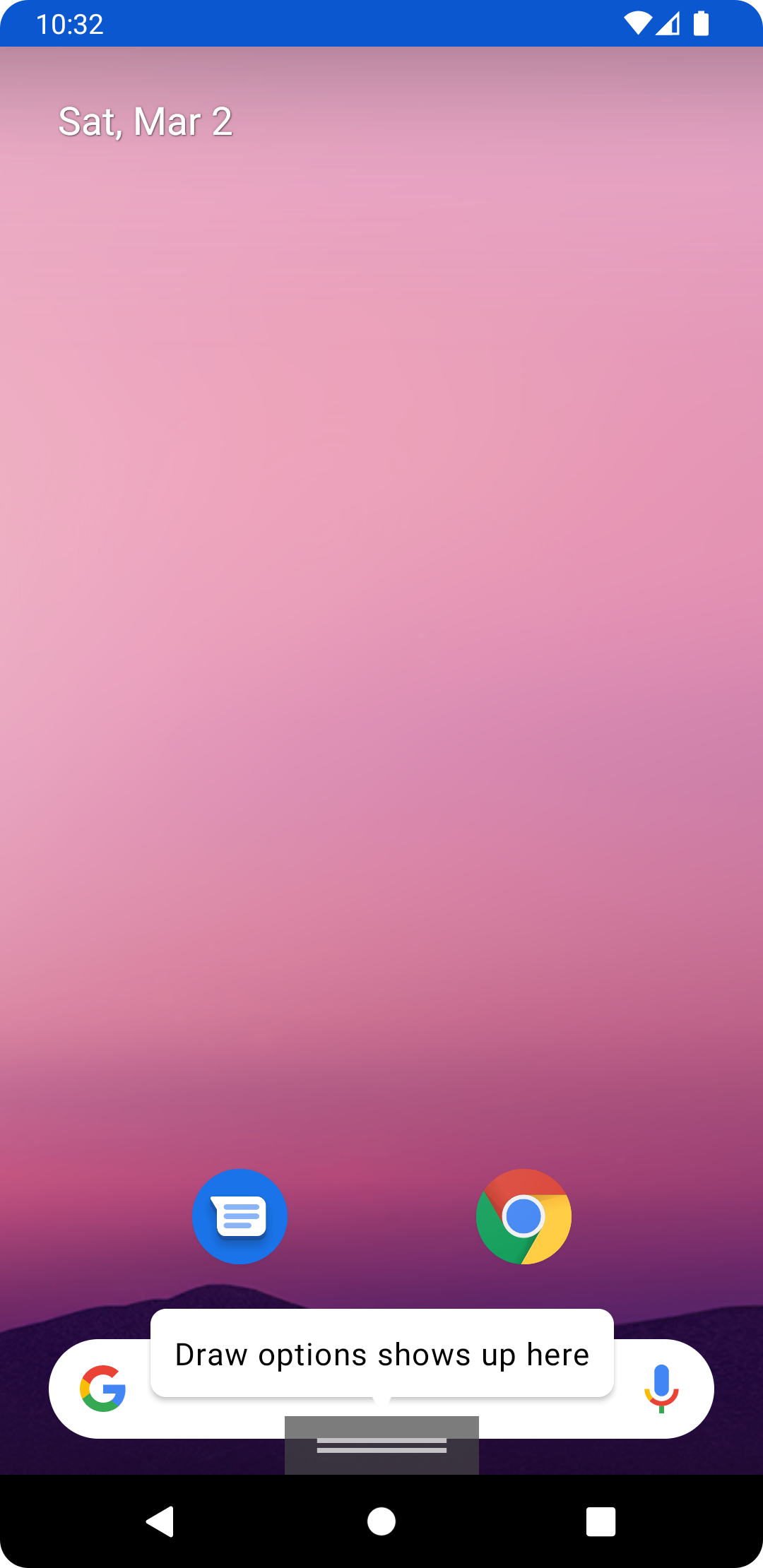
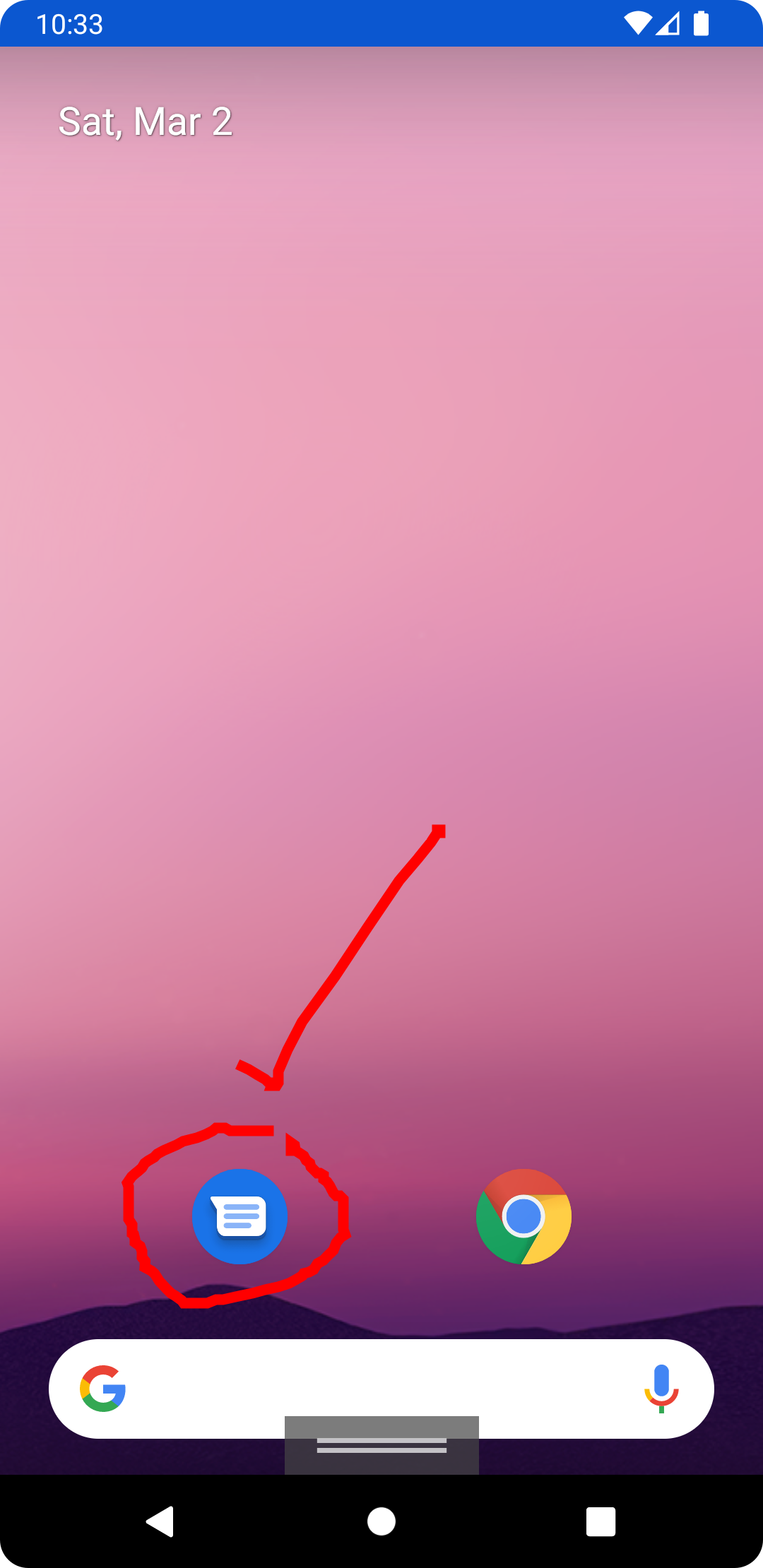
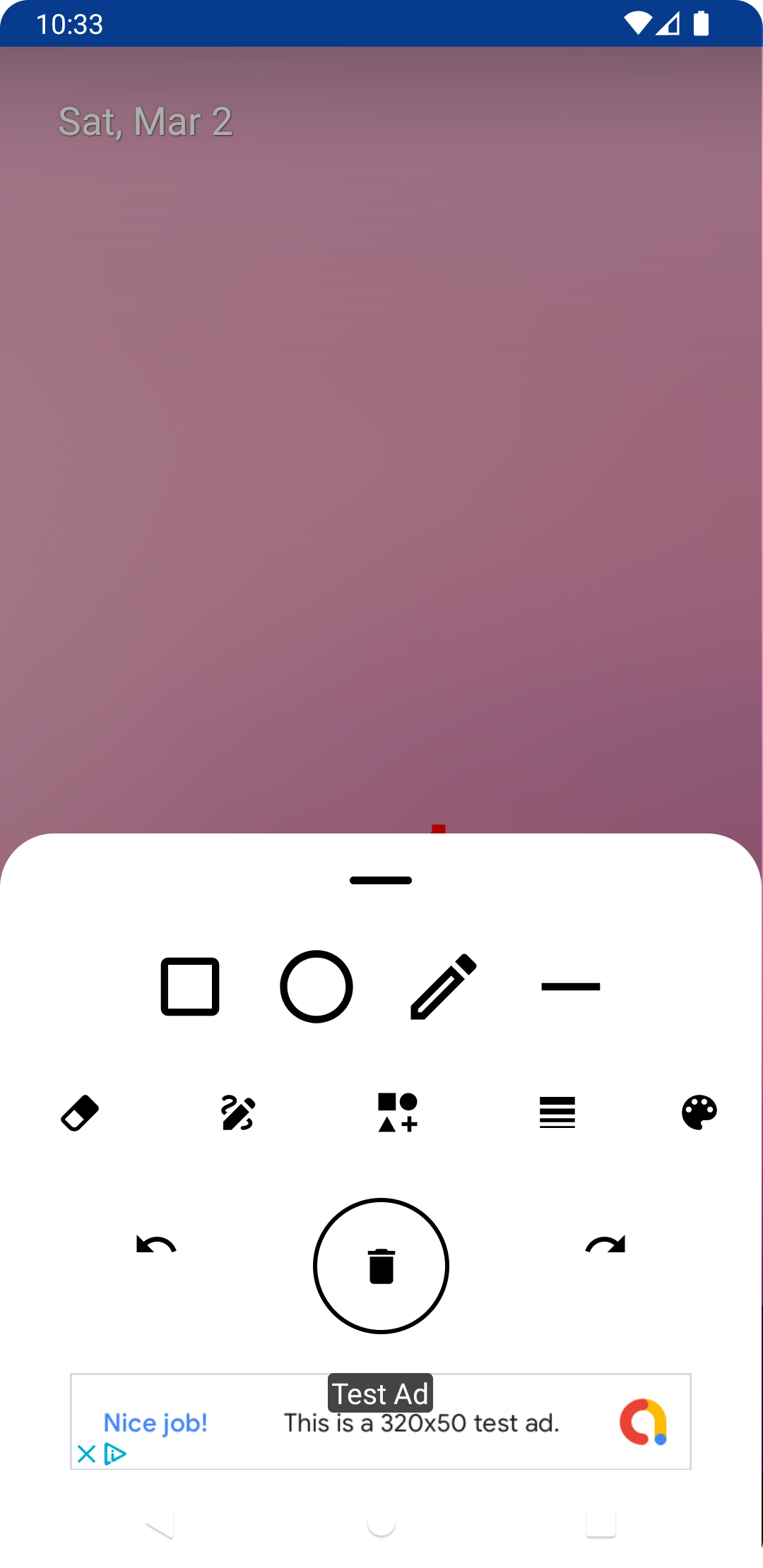
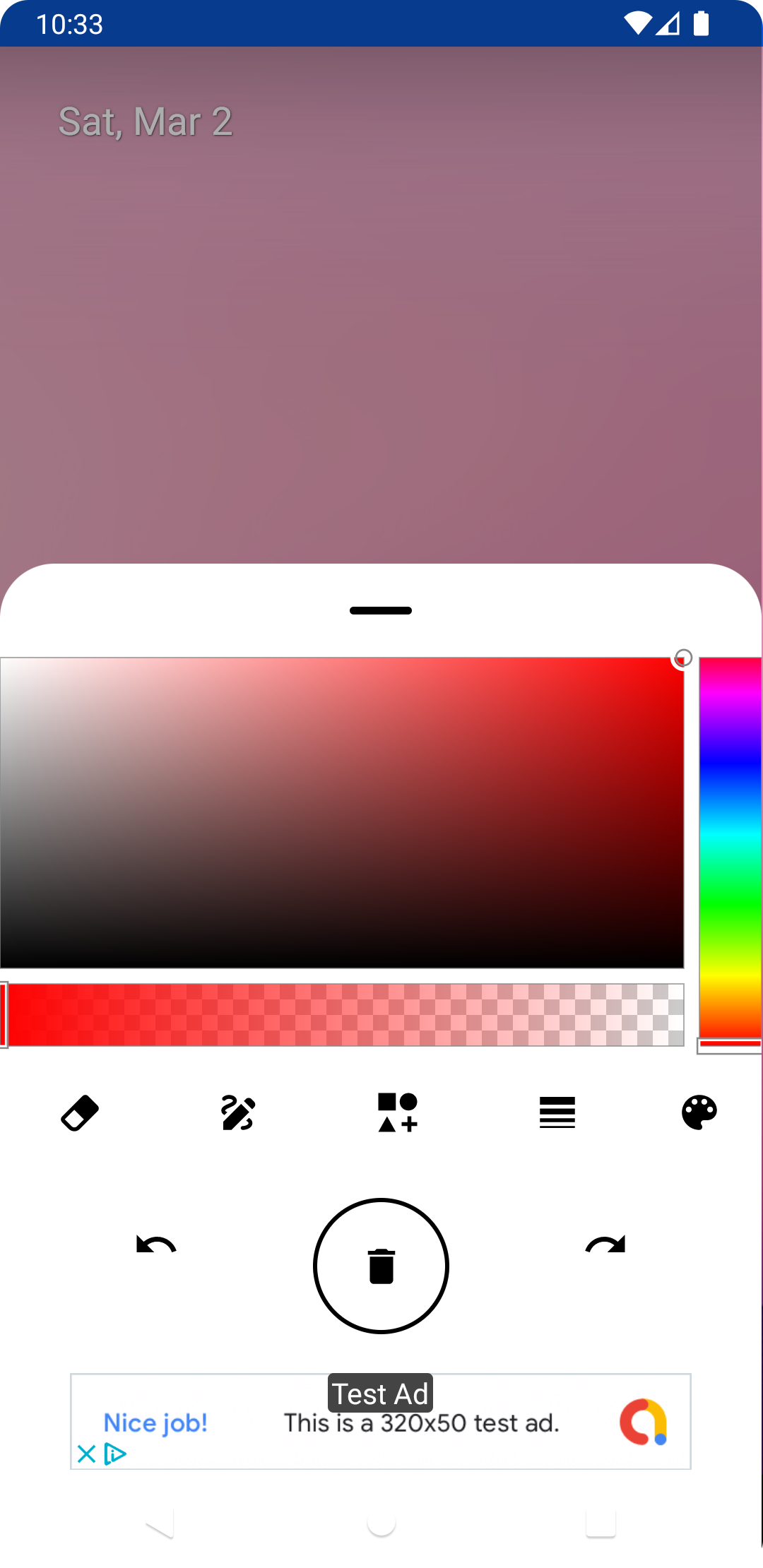
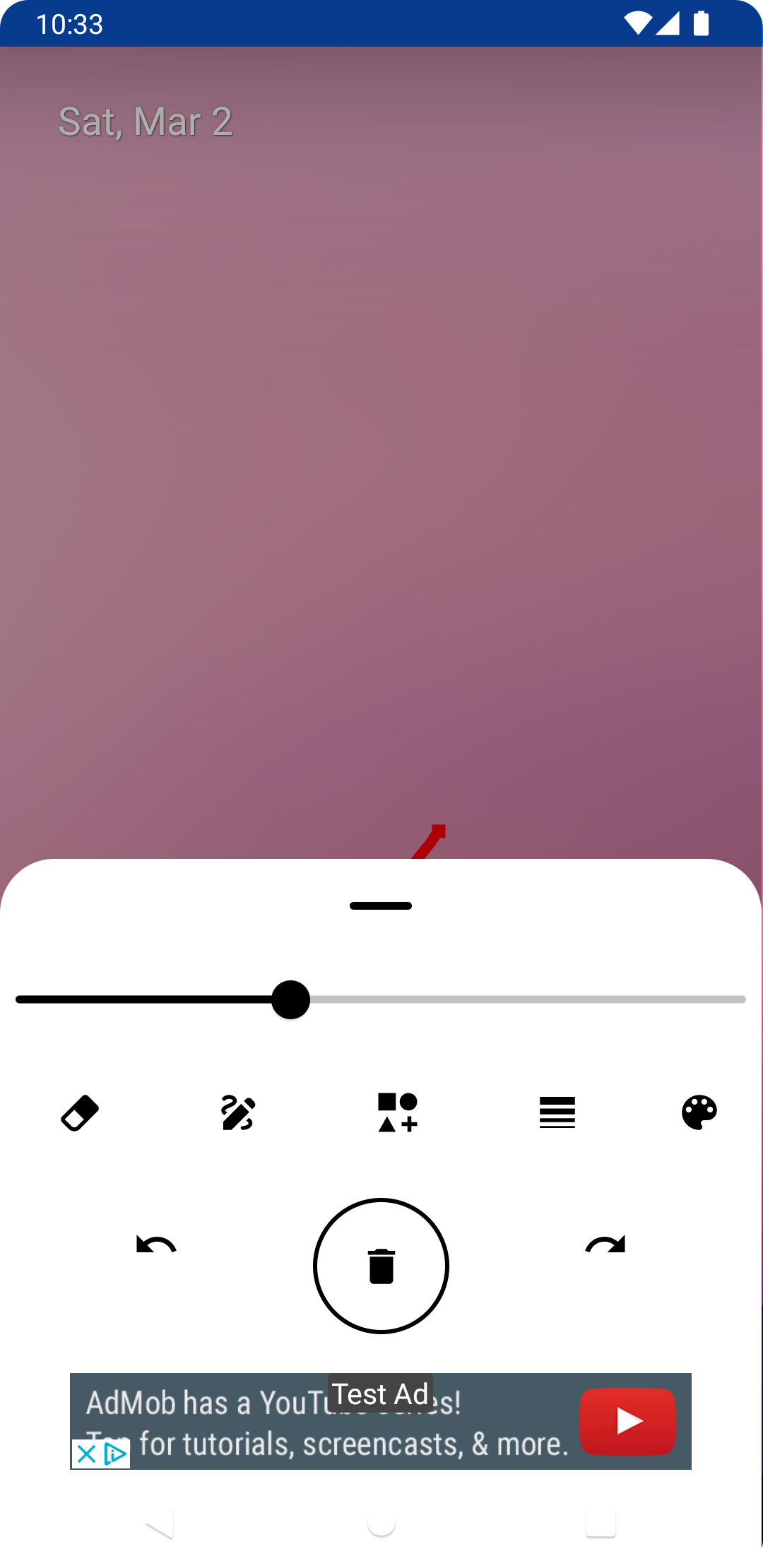
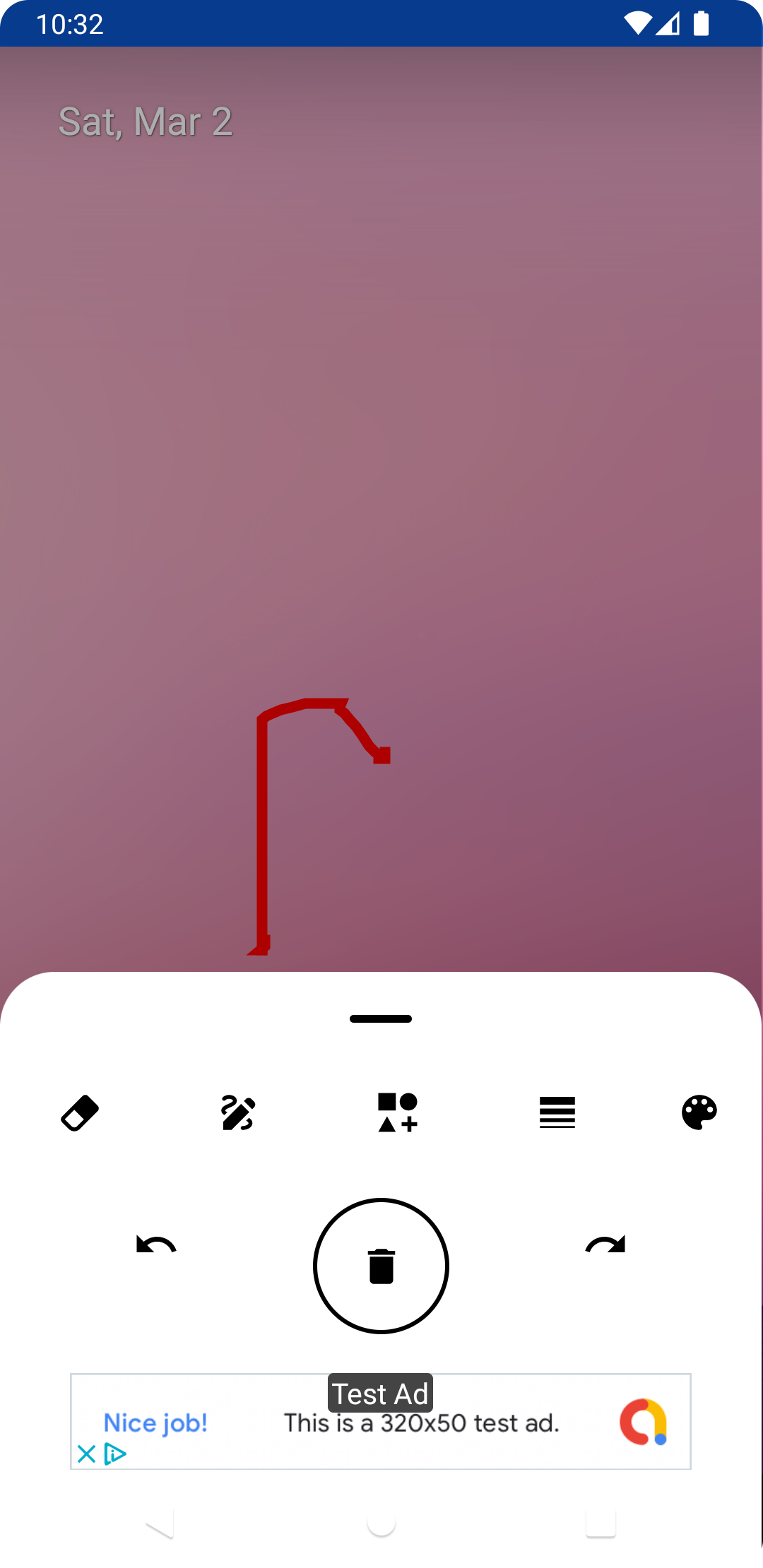
Draw Any Where is a lightweight drawing and note-taking tool that turns your device screen into a flexible canvas for sketches, annotations, and quick diagrams. It combines an intuitive gesture-driven interface with essential tools so you can capture ideas, mark up images, or create art on the move with minimal setup.
The app offers a focused set of drawing instruments designed for fast workflows: a pressure-aware pen, adjustable brushes, an eraser, ruler guides, and a shape tool for clean lines. Layers are handled simply, enabling you to separate annotations from background images. Colors are selected from a compact palette with quick-access swatches for frequently used tones.
Draw Any Where prioritizes a clean workspace. Tool controls are tucked into collapsible menus so the canvas remains uncluttered. Gesture shortcuts—such as two-finger undo and pinch to zoom—keep common actions within reach. The interface balances simplicity with power, making it easy to switch between freehand drawing and precision edits without interrupting creative flow.
Importing photos, PDFs, or screenshots is straightforward: load an image onto the canvas and begin annotating immediately. When your work is finished, export options include PNG and JPEG for static images and transparent background exports when needed. You can also save layered files for future edits or share annotated documents directly to messaging and cloud apps.
Customization in Draw Any Where is intentional rather than sprawling. Brush opacity, stroke width, and smoothing can be adjusted to match your style. The app supports custom color pickers and allows you to save presets for recurring tasks. If you prefer a minimal setup, presets can be locked so accidental changes won’t disrupt your workflow.
The app is optimized for both phones and tablets, delivering smooth strokes even on older hardware. Memory usage is managed by limiting high-resolution exports and offering compact cache options. Touch and stylus input are supported, with specific optimizations for pressure and tilt where the device hardware exposes them. Battery-friendly settings help extend session time during long drawing or markup tasks.
Draw Any Where adapts to a variety of needs: quick wireframes for designers, annotated screenshots for support and documentation, handwritten notes during meetings, or casual sketching. Teachers can mark up lesson materials, while field workers can capture diagrams and mark locations directly on images. The app’s flexible file export makes it easy to include visuals in reports and presentations.
Local storage is the default, giving you immediate control over files. Draw Any Where supports cloud backups through standard sharing options, making it simple to preserve important work. App permissions are limited to necessary access such as storage and optional camera integration for quick captures; you remain in control of what is shared.
Launch Draw Any Where and tap the new canvas icon to begin. Import a photo or create a blank page, select a tool from the toolbox, and use gesture shortcuts to undo or zoom. Familiarize yourself with presets and layer controls in the first session to speed up subsequent projects. The app includes a brief tutorial to demonstrate core gestures and export routes.
For users who need a straightforward drawing and annotation app that doesn’t overwhelm with features, Draw Any Where provides a balanced toolkit. It focuses on practical performance, an uncluttered interface, and reliable export options, making it a solid choice for creative tasks, documentation, and everyday markups on Android devices.