Wize Pro Emulator
Version: 1.4.0
151.40MB
4.4
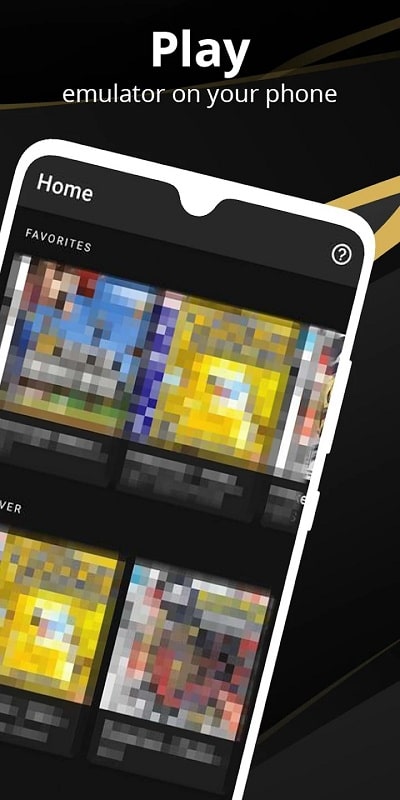
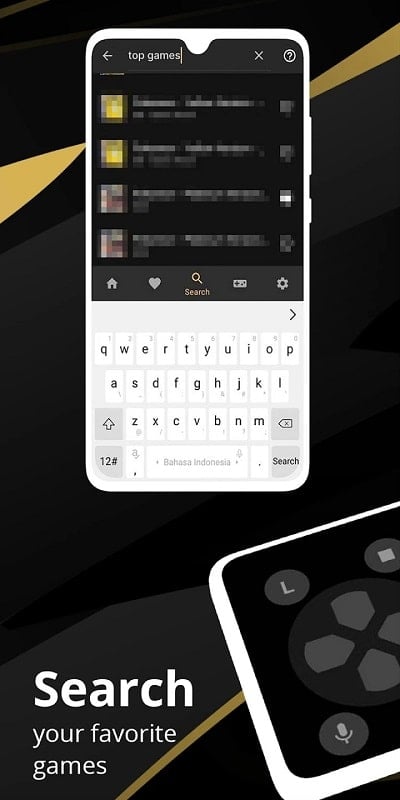
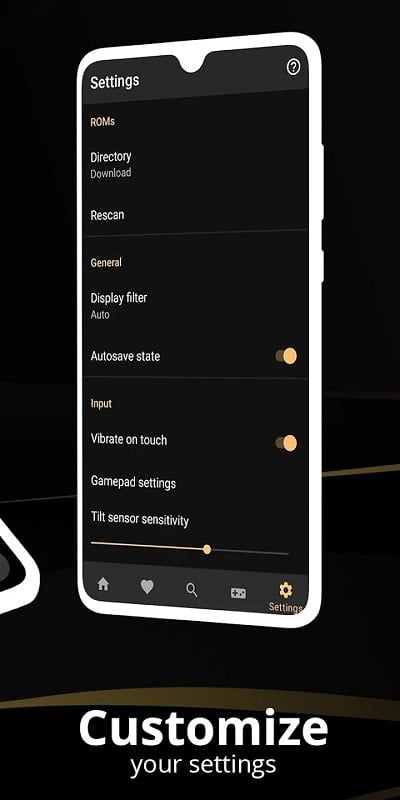
Wize Pro Emulator brings fast, reliable Android virtualization to desktops and mobile devices, letting users run apps and lightweight games with customizable controls and performance profiles. It targets developers and power users who need sandboxed testing, app compatibility checks, or a streamlined way to access multiple Android environments on one machine.
Wize Pro Emulator is a compact, feature-rich Android virtualization tool built for testing, productivity, and casual app use. Rather than emulating a single device, it creates multiple configurable instances that mirror different Android versions, screen sizes, and performance envelopes. The result is an accessible bridge between desktop workflows and mobile ecosystems.
The app focuses on stability and practical utility: fast boot times, reliable APK sideloading, and support for Google Play services. Wize Pro Emulator includes adjustable CPU and memory settings, GPU acceleration toggles, and an intuitive file-sharing mechanism so apps can interact with local folders or cloud storage without complex setup.
Wize Pro Emulator leverages containerization and hardware acceleration where possible. On supported systems it uses GPU passthrough and multi-core scheduling to keep UI responsiveness high even when running multiple instances. The interface presents each virtual device as a window with standard Android navigation, full-screen option, and easy access to system settings for quick adjustments.
The user interface emphasizes clarity: an instance manager lists running environments, their resource usage, and quick-action buttons for snapshots or cloning. Performance metrics appear in real time so you can spot memory leaks or CPU spikes during testing. Many users report significantly lower latency than older emulators thanks to optimized virtualization backends.
Wize Pro Emulator supports a wide range of APKs and common libraries. Some high-end games that require proprietary DRM or specific hardware sensors may still behave differently compared to native devices. The app provides diagnostic logs and compatibility reports to help pinpoint issues and recommend tweaks.
Developers can automate testing by chaining instances with scripted input events. Designers use the emulator to preview layouts across screen densities, while QA teams run regression suites in isolated environments. Power users appreciate the ability to run productivity apps or messaging platforms on a desktop without juggling multiple devices.
Installation is straightforward: download the APK or installer package, run the setup assistant, and sign in when needed for Play services. Wize Pro Emulator guides first-time users through instance creation and suggests templates based on typical device configurations. The onboarding tips are concise, making the learning curve gentle for new adopters.
Wize Pro Emulator receives regular updates that focus on security patches, compatibility improvements, and additional device templates. The built-in feedback tool lets you send logs directly to the development team, accelerating troubleshooting and encouraging community-driven enhancements.
For developers and technical users who need a reliable, configurable Android environment on their desktop, Wize Pro Emulator combines performance, ease of use, and useful testing tools. It balances advanced options with a clean interface so both newcomers and experienced professionals can integrate mobile testing into their workflows more efficiently.