Zoomerang
Version: 2.9.11.1
173.18MB
4.5
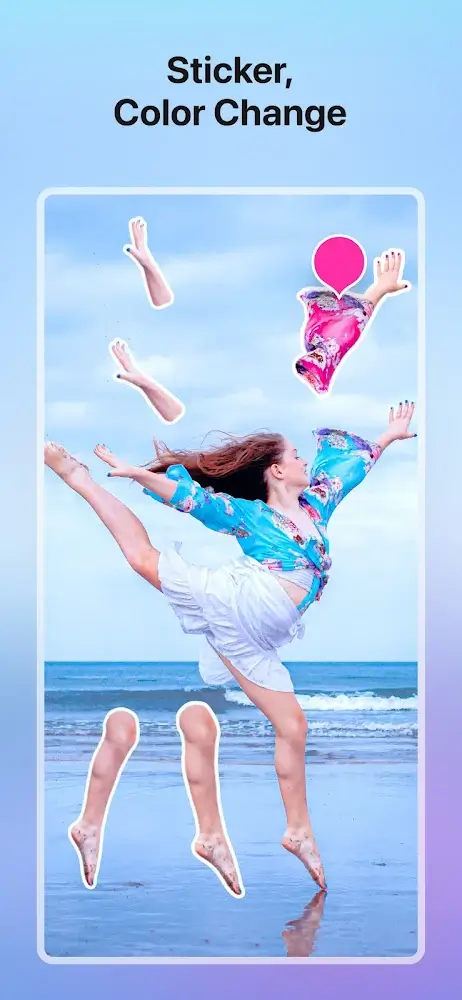
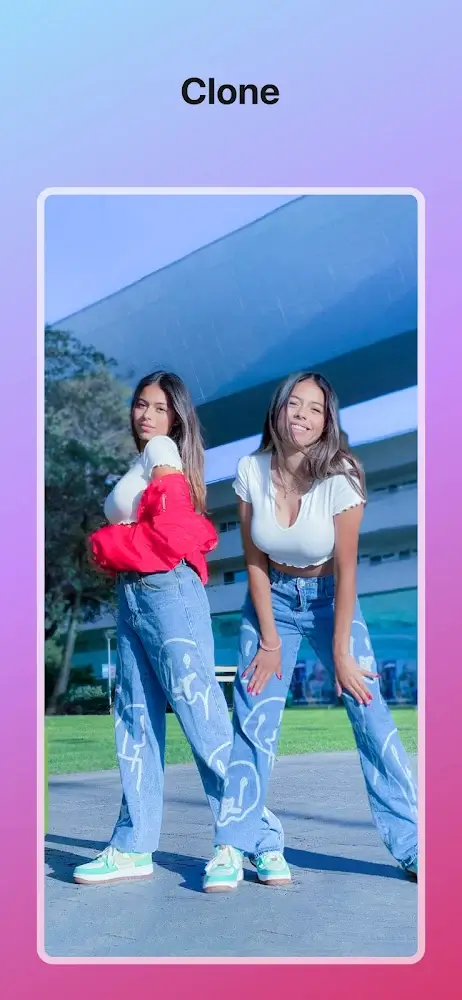
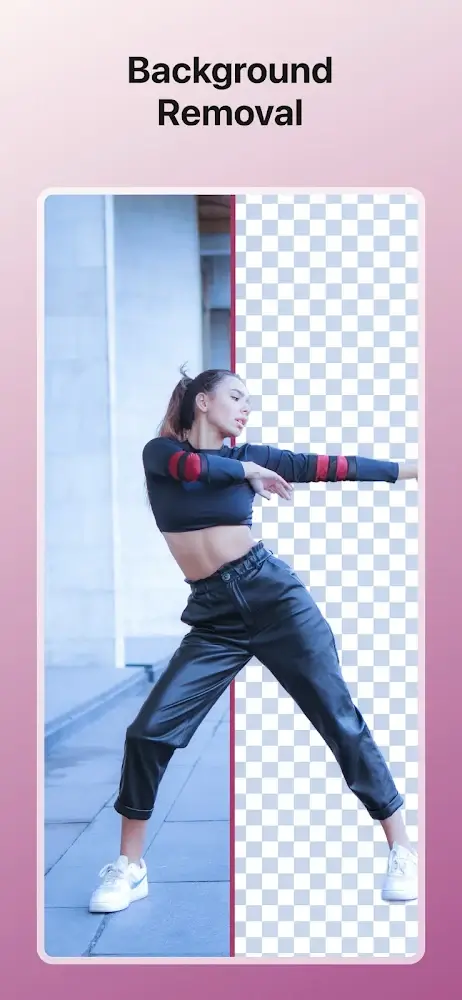
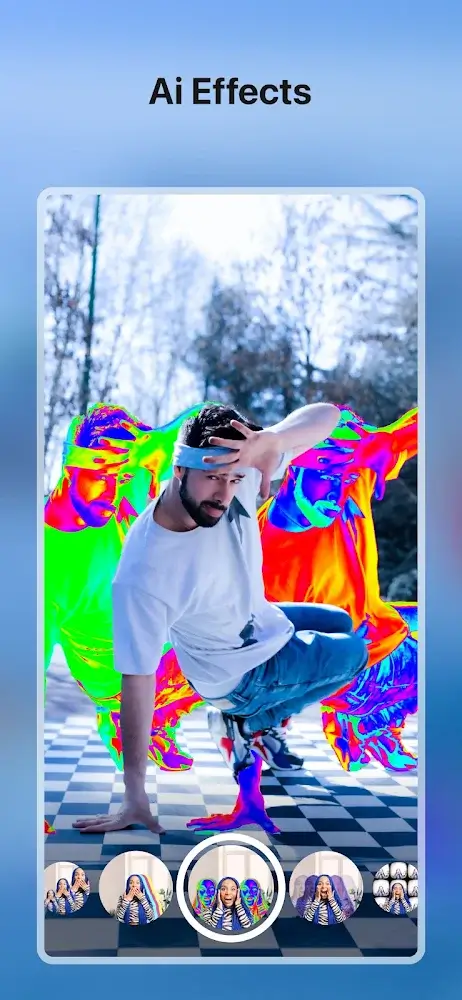
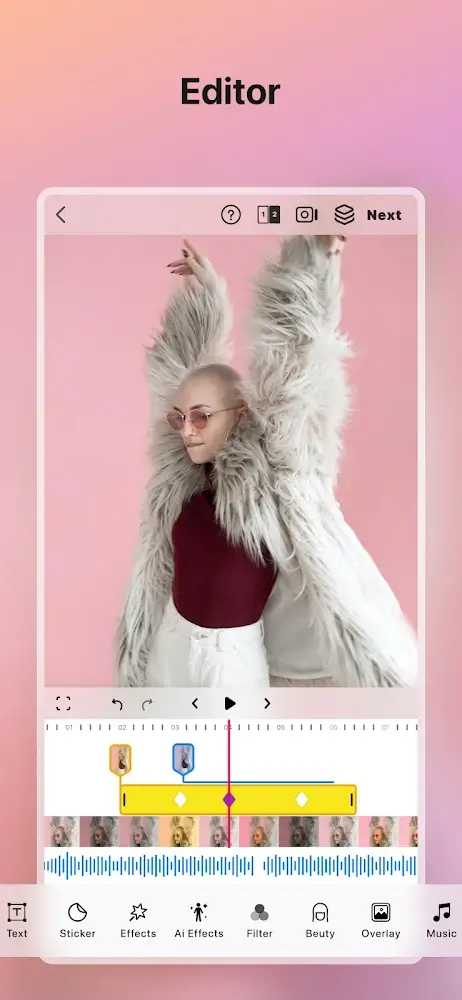
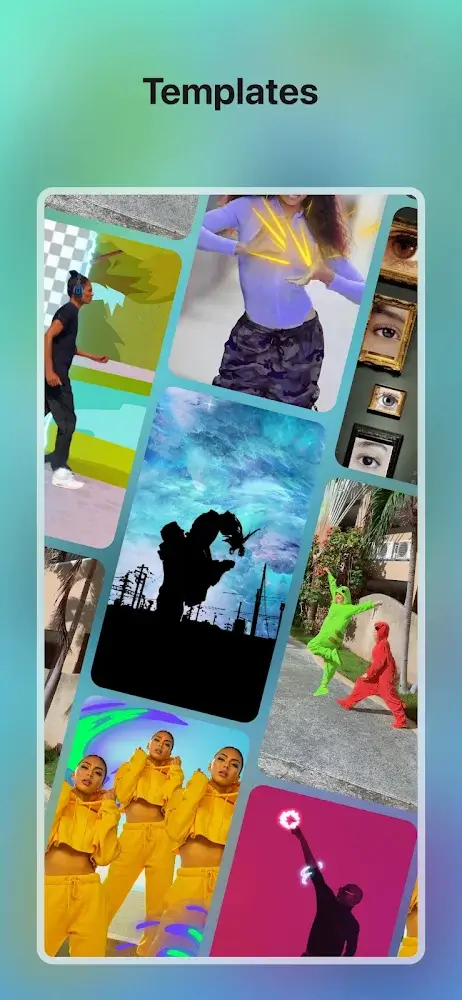
Zoomerang is a mobile video-editor designed for quick short-form clips and social posts, offering ready-made templates, one-tap effects, and guided tutorials. It streamlines creation for casual users and creators, combining intuitive controls with export options suited for TikTok, Instagram Reels and other platforms for fast sharing and polish.
This app places emphasis on speed and simplicity. Zoomerang brings a library of concise templates, a catalog of trending soundtracks, and a timeline editor that hides advanced controls until you need them. For creators who want fast turnarounds, the app includes automated beat-sync, pre-configured transitions, and batch export options.
The interface focuses on clear, gesture-driven actions: swipe to scrub, pinch to zoom on the timeline, and tap to apply effects. Zoomerang organizes assets into clips, music, and effects panels so the most-used tools are visible at a glance. The onboarding guide gets new users through a first edit in under two minutes, and undo/redo are available for safe experimentation.
Although lightweight, the editing suite is capable. You can trim and split clips, adjust speed ramps, and layer stickers or captions. The effects engine supports color filters, motion blur, and chroma-like cutouts. For emphasis, use one-tap effects to add stylized motion or glitch looks without manual keyframing. Audio editing includes volume envelopes and beat markers to align cuts precisely.
Templates are a major attraction: each template bundles timing, transitions, and an example clip to show how it should look. Zoomerang also offers step-by-step tutorials and inspiration reels so users can replicate popular formats. For those learning craft, the app breaks down more complex sequences into approachable steps and highlights which settings to tweak for different results.
Performance is tuned for modern mid-range devices, with background rendering to keep playback smooth during edits. Export presets include common social sizes and codecs, and there's a priority on maintaining quality while keeping file sizes reasonable. Zoomerang supports 720p, 1080p, and selective 4K export depending on device capability, and it handles aspect ratios for vertical and square formats automatically.
Users can save custom templates and apply branded watermark options for creator accounts. The app syncs projects across devices with an account sign-in, and offers cloud backup for active edits. Privacy settings let you control what data is stored in the cloud and whether exported media includes location or metadata.
Zoomerang fits creators who want a reliable, fast editing path without opening a complex desktop program. With a balanced set of creative tools, clear workflow, and built-in learning content, it helps accelerate idea-to-post cycles. For users prioritizing quick shareability and smart defaults, the app delivers a compact but capable mobile studio.