Arranger Keyboard
Version: 3.9.8
120.70MB
4
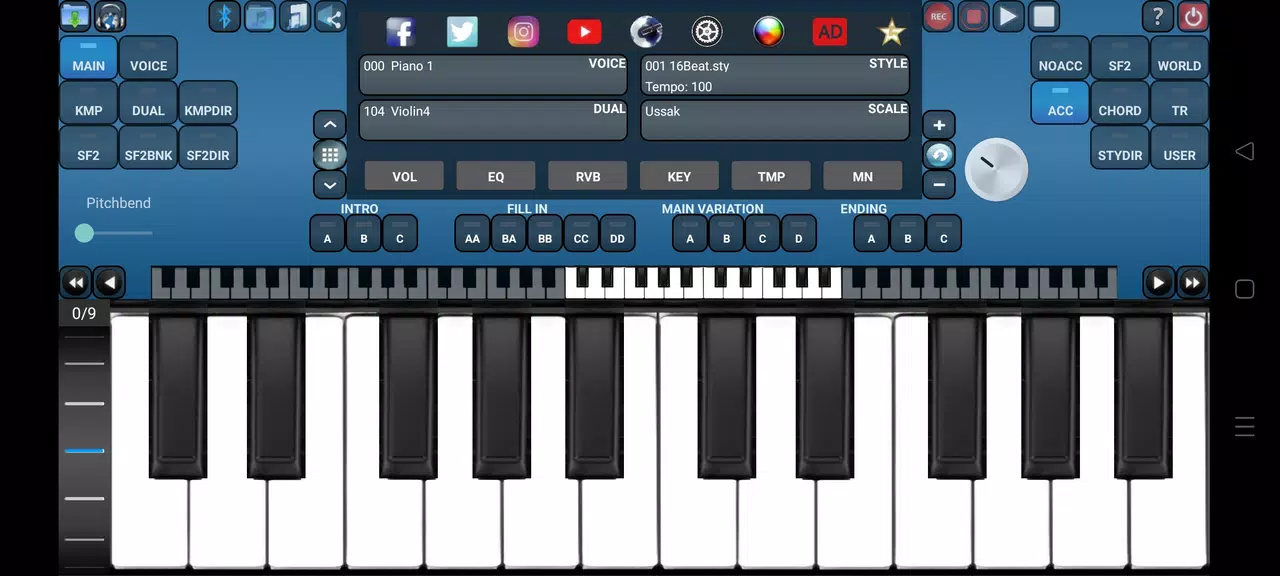
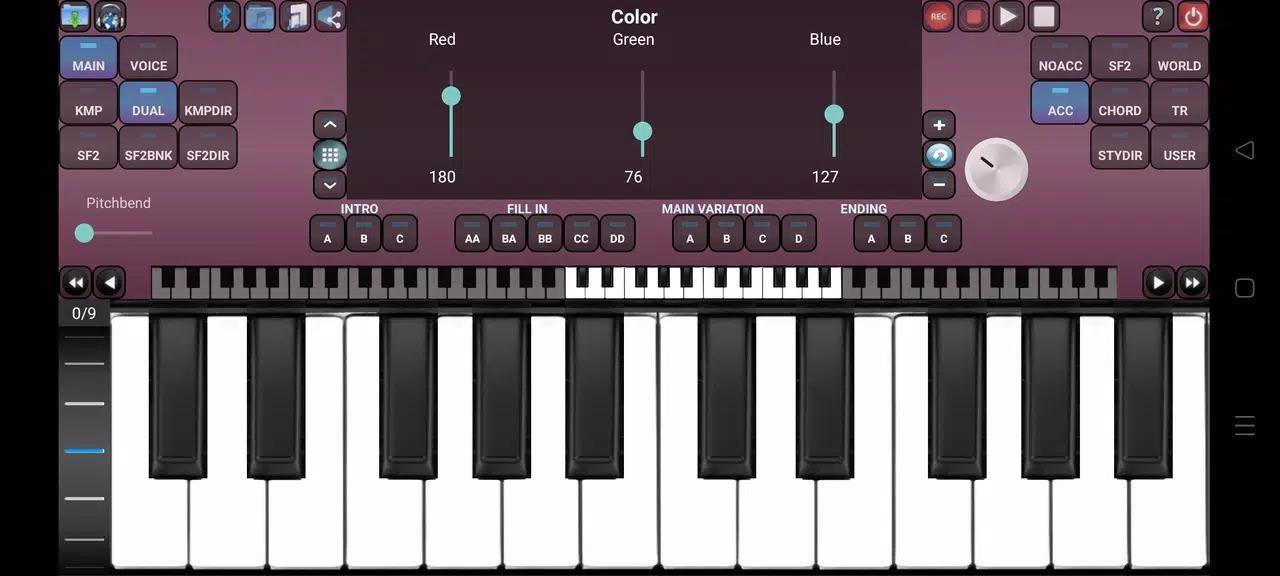
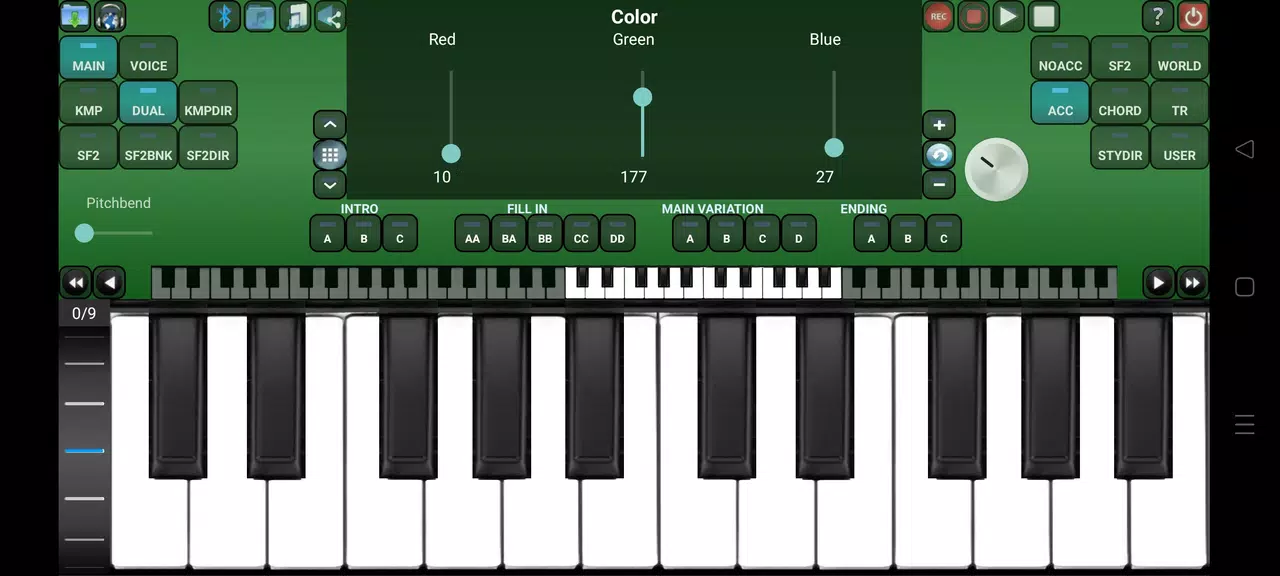
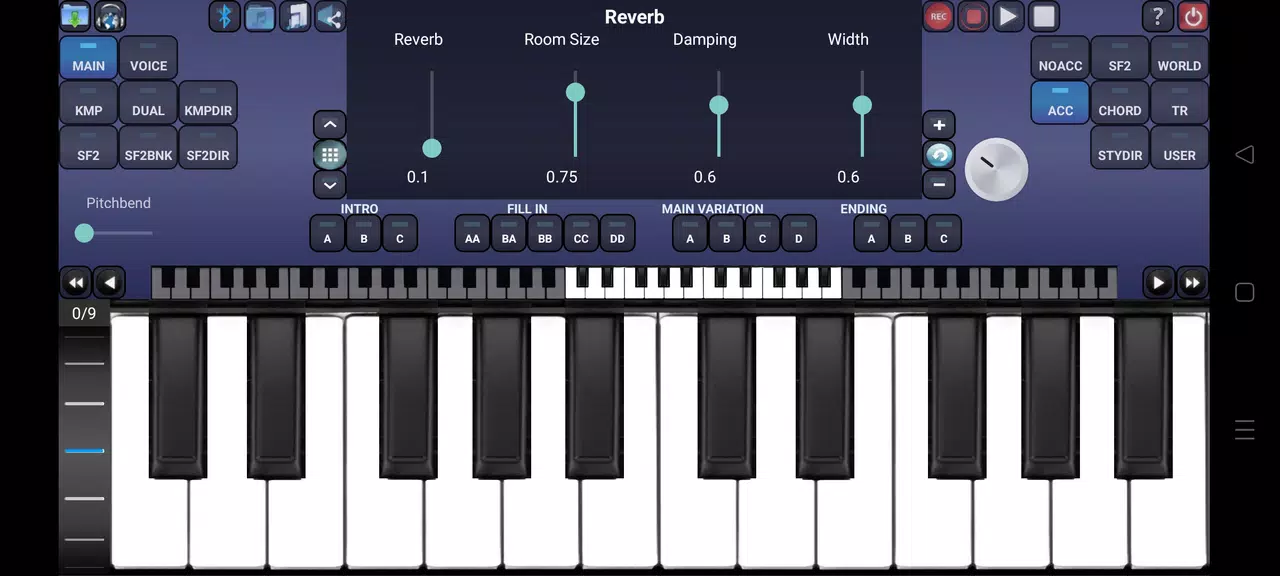
Arranger Keyboard is a versatile mobile app that transforms your Android device into a professional-style arranger workstation, blending touch-friendly controls, layered accompaniment, and real-time chord recognition for live performance and composition, suitable for rehearsals, songwriting, and stage use with customizable rhythms and instrument voicings.
The core of Arranger Keyboard centers on automated backing tracks driven by chords you play or input. It generates full arrangements — bass, drums, pads, and leads — from a single chord progression and switches styles on the fly so transitions between verse, chorus, and bridge feel natural. The app supports both on-screen keys and external MIDI controllers, allowing you to switch between practice mode and performance mode without losing your setup.
Arranger Keyboard uses a clear layout optimized for touch. The top area provides style selection and tempo while the center shows piano keys or chord panels. A dedicated section for sections and fills lets you trigger intros, endings, and transitions with a single tap. Settings are grouped logically so adjustments to swing, reverb, or instrument balance don’t interrupt a practice session.
Sound customization is where the app shines. Each style can be customized by swapping instrument patches, adjusting ADSR envelopes, and layering samples. Users can import custom soundfonts and map them to different parts of the arrangement. The mixer gives precise control over levels, panning, and effects per part; saved presets allow quick recall of favorite sounds for live gigs.
Designed with stage use in mind, Arranger Keyboard includes a low-latency audio engine and an easy-to-read mode for use on dimly lit stages. You can assign footswitch controls to change sections or trigger backing loops. The app also supports synchronized tempo changes and click tracks for band use, allowing a tight performance even when backing tracks are complex.
For writers and learners, the app provides loop sections and tempo ramping so you can slow down complex passages without altering pitch. The chord editor enables quickly testing progressions and saving them as song files. Loop export and stem rendering let you move arrangements into desktop DAWs to continue production or mix final tracks.
Arranger Keyboard is optimized for a wide range of Android devices. It scales resources based on CPU and memory, enabling smooth playback on mid-range phones while taking advantage of high-end devices for richer samples. Bluetooth MIDI and USB host support are included, and the app supports common audio interfaces for low-latency soundcard routing.
Arranger Keyboard puts a compact yet powerful arranger engine in your pocket, making it a practical choice for performing musicians, composers, and teachers who need flexible backing arrangements and hands-on customization. Its balance of intuitive layout, deep sound-shaping tools, and performance-focused features helps you move from idea to polished playback with minimal setup.