Spotify Music
Version: 8.9.68.456
88.10MB
4.2
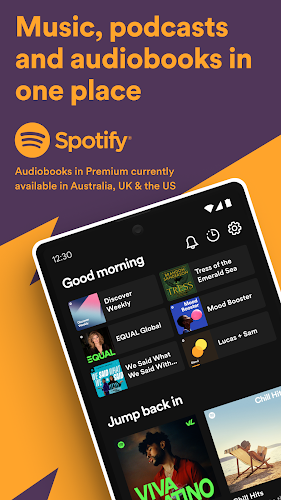
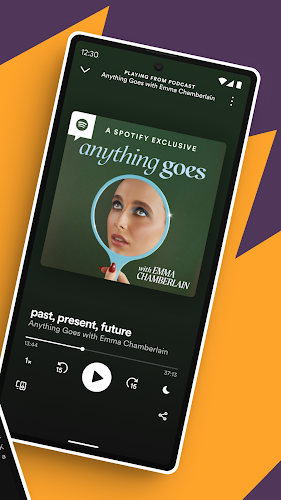
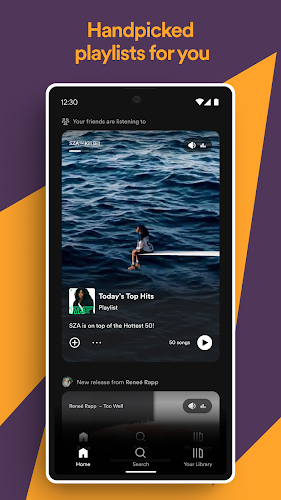
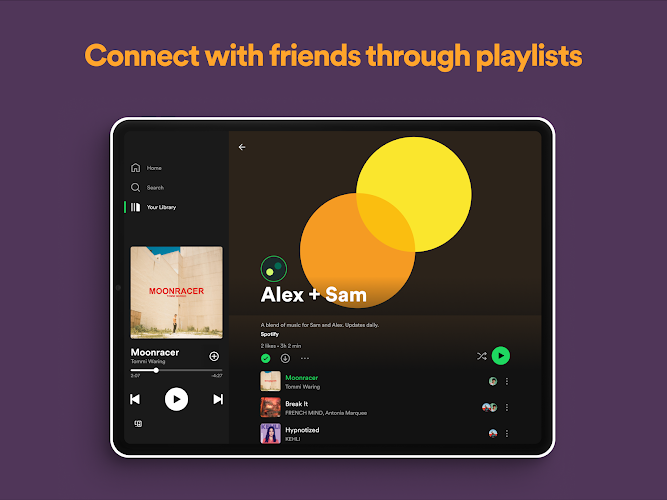
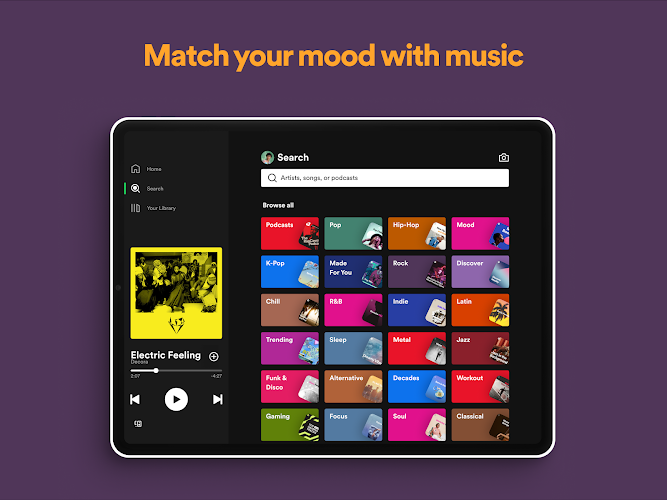
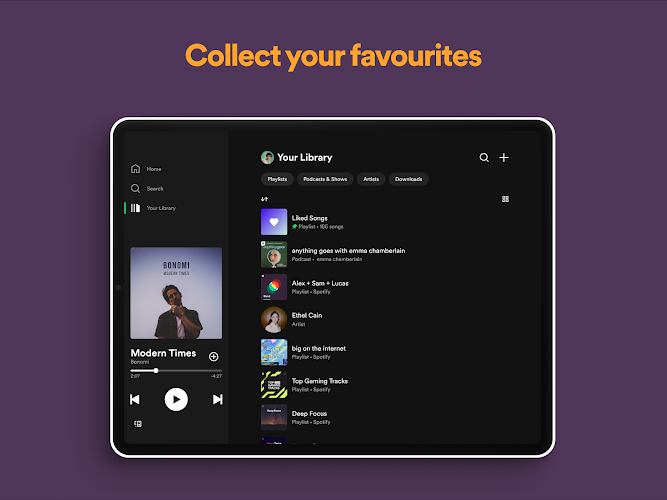
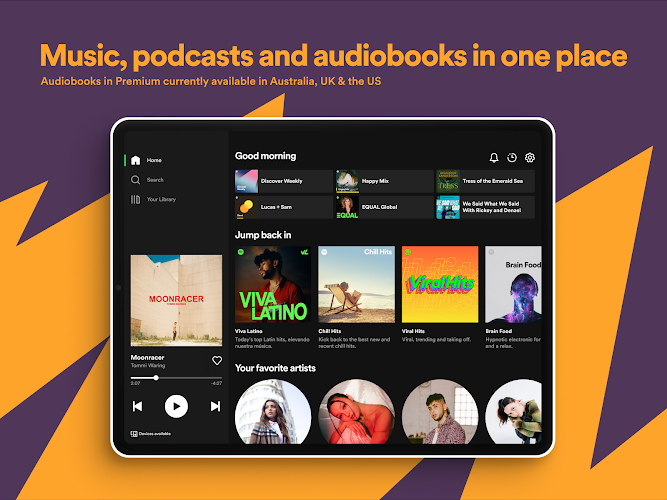
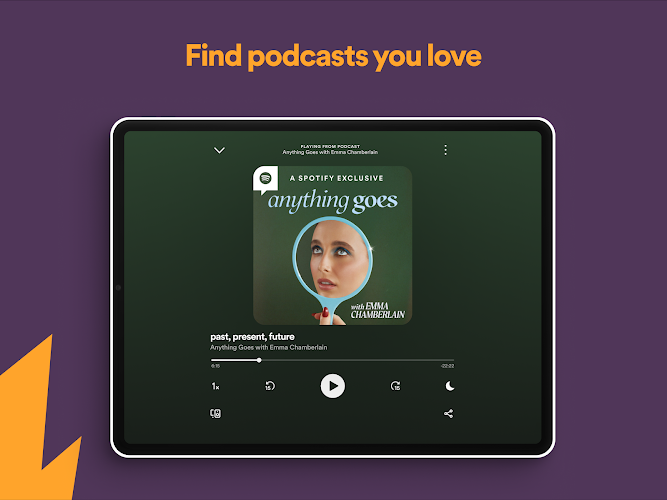
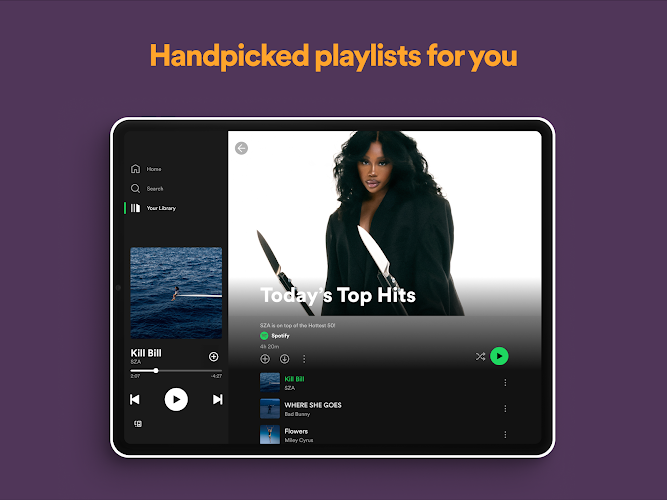
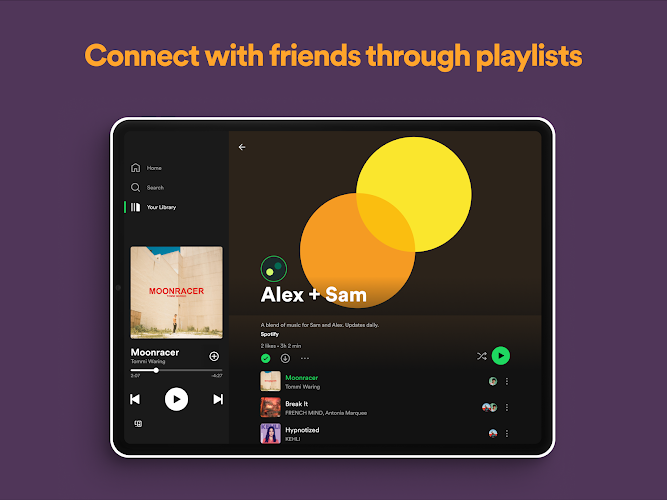
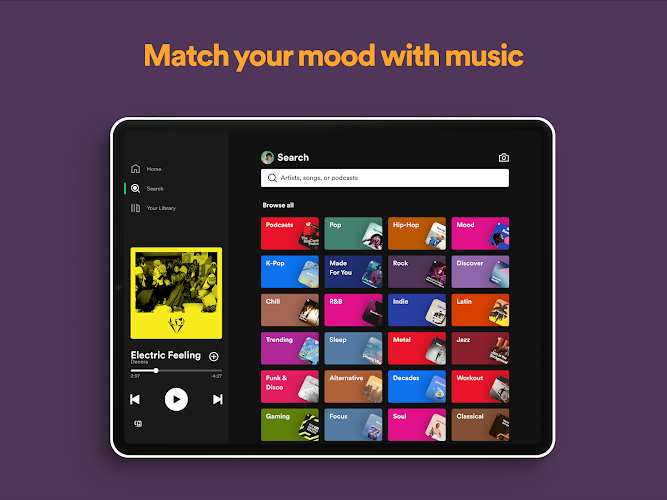
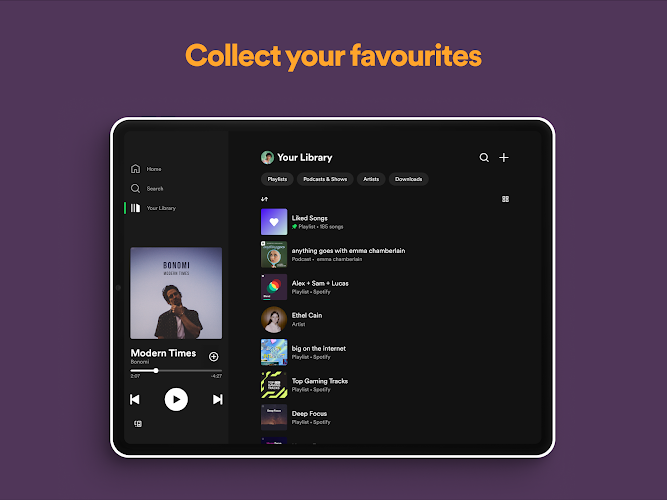

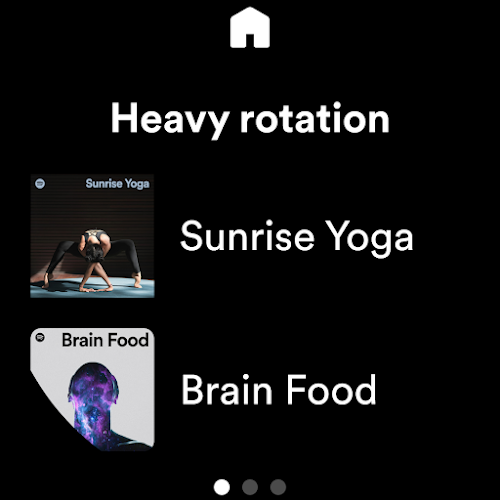
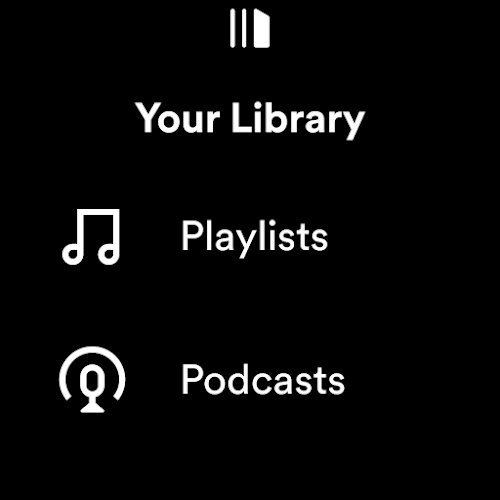
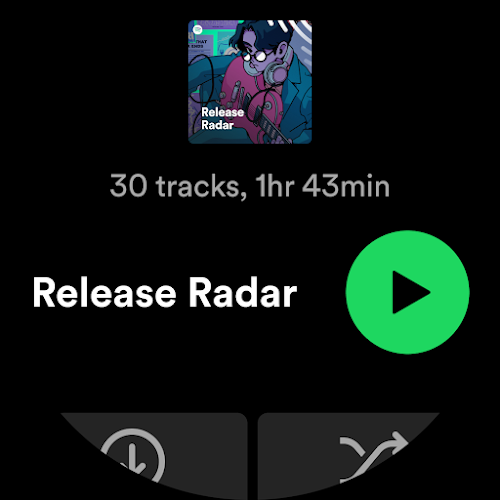

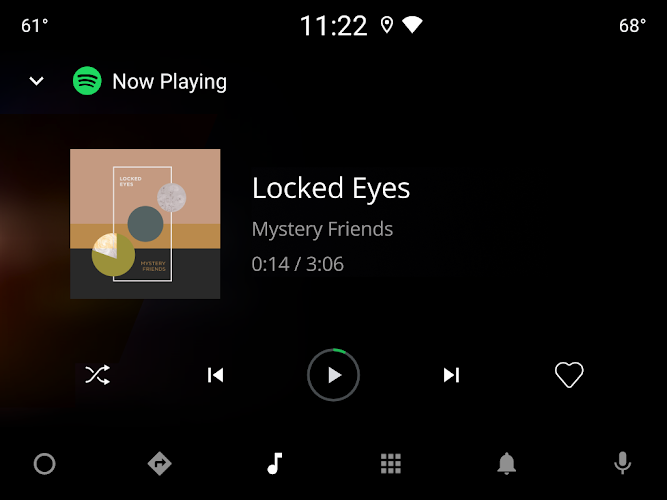
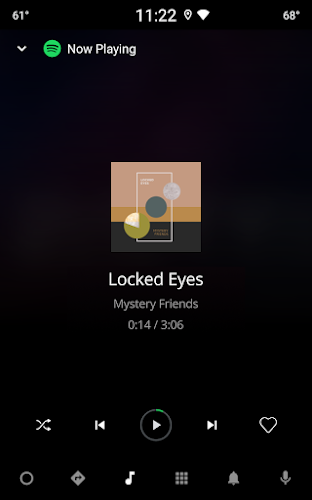
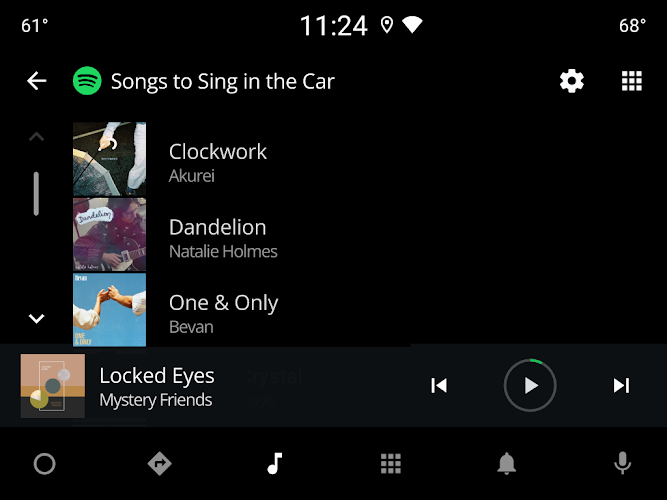
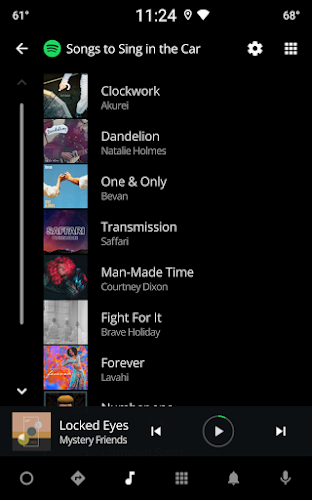
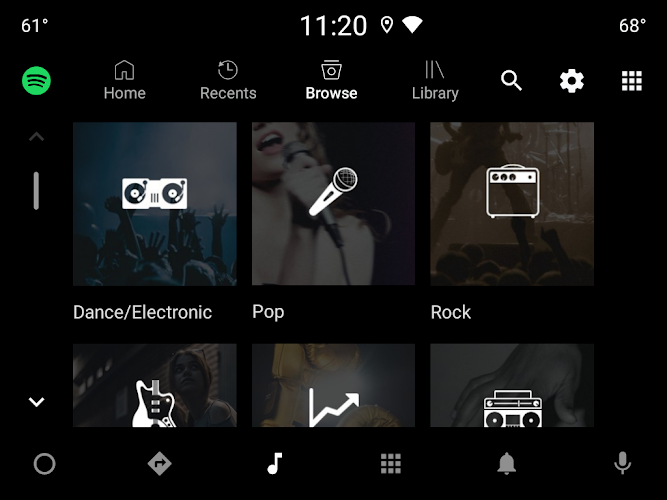
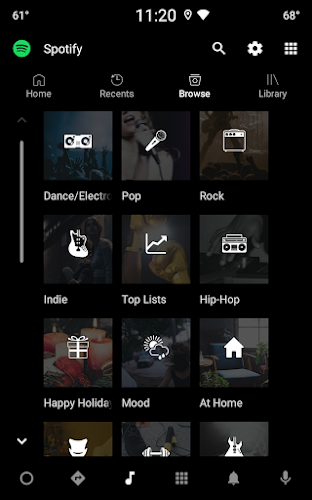
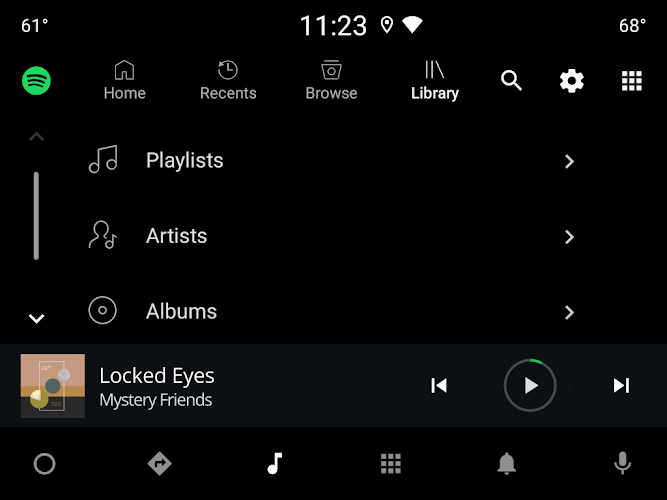
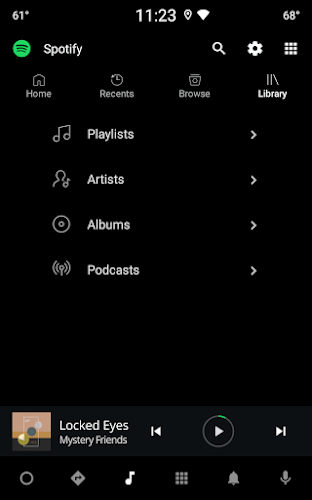
Spotify Music delivers a powerful music streaming experience with personalized recommendations, robust playlist management, and reliable offline playback. Designed for listeners who want both simplicity and depth, Spotify Music blends an intuitive interface with advanced discovery tools to keep your favorite tracks and new finds within easy reach.
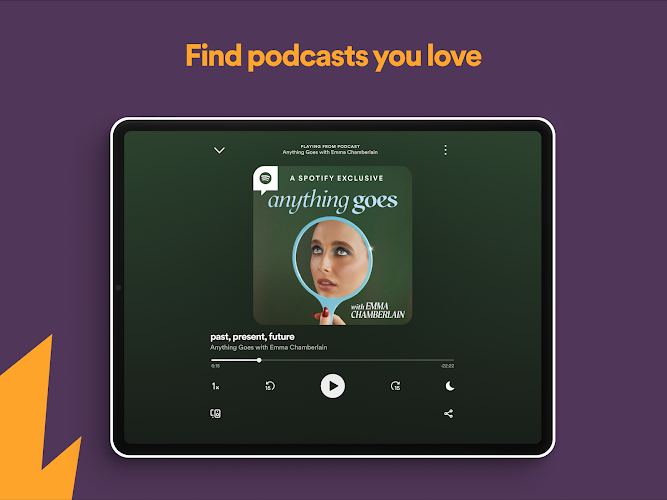
Spotify Music brings a comprehensive set of tools for listening and discovery. Search and browse millions of songs, curated playlists, and podcasts. Smart recommendations adapt to your tastes, while collaborative playlists let friends add tracks. The app also supports high-quality streaming, crossfade and gapless playback options, and an integrated lyrics viewer for many tracks.
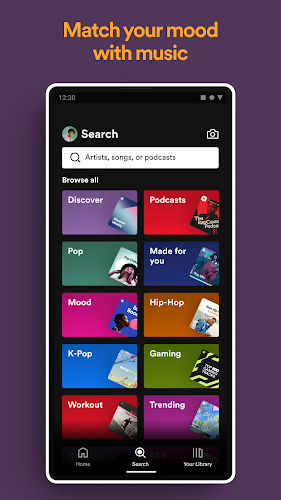
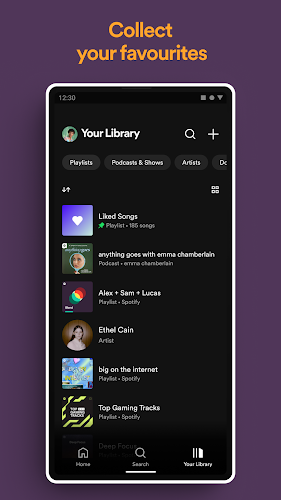
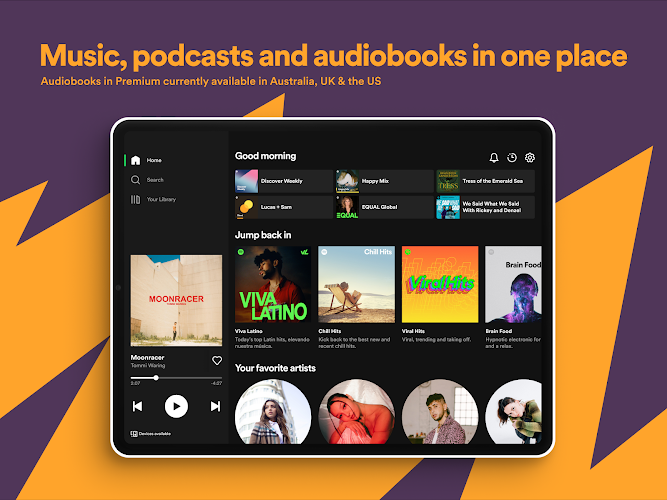
The interface emphasizes quick access and minimal friction. A clear bottom navigation bar maps core areas like home, search, library, and recently played items. Search is fast and forgiving, returning artists, albums, playlists, and individual tracks in a single list. Album and artist pages include related content and suggestions, making it easy to expand your listening without leaving the current context.
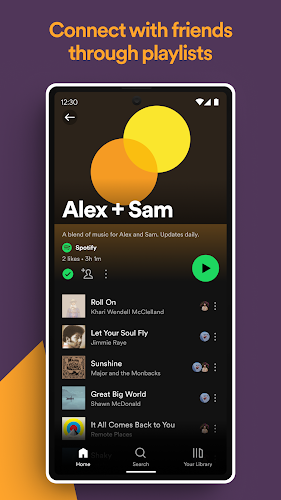
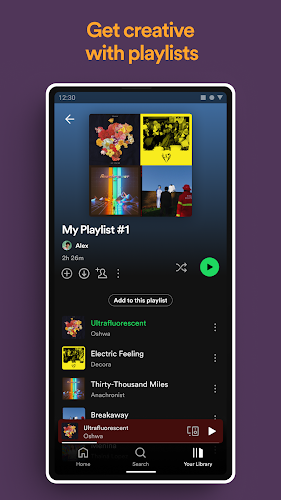
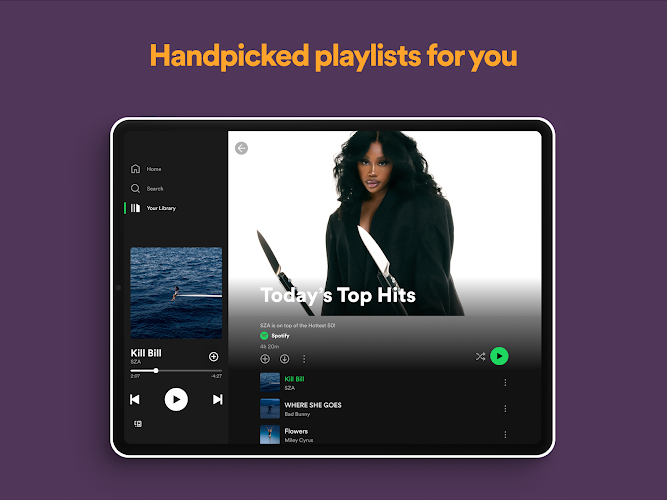
Playlists are a central element of Spotify Music. Create, rename, reorder, and organize playlists into folders or collections to suit your workflow. The app suggests tracks to add and can build dynamic playlists such as Daily Mix or Discover Weekly based on listening patterns. Collaborative playlists support shared curation between friends, and playlist folders help keep large libraries tidy.
For times when connectivity is limited, Spotify Music lets you download playlists, albums, and podcasts for offline playback. Download controls are granular so you can manage storage, choose download quality, and clear cached content quickly. The app also features a data saver mode to reduce bandwidth usage and options to restrict downloads to Wi-Fi only.
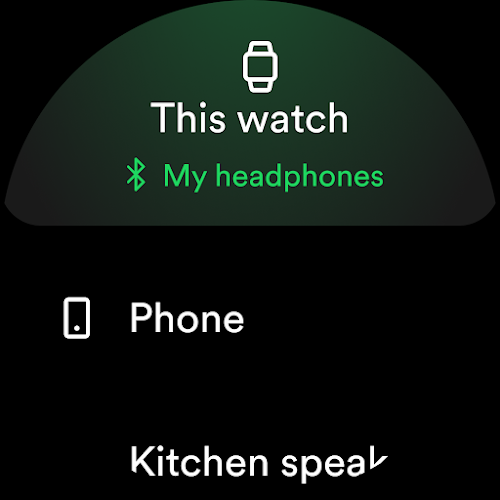
Spotify Music works across phones, tablets, desktops, smart speakers, and web browsers. The app integrates with casting technologies and streaming devices for seamless playback between systems. Performance is optimized to minimize battery drain while keeping playback stable even on large libraries. Regular updates improve compatibility and introduce new features for supported devices.
To begin, install Spotify Music from your device store, sign in or create an account, and grant any requested permissions. Start by following a few favorite artists or selecting genres you enjoy; the app will immediately begin curating suggestions. Create a first playlist by adding a handful of tracks, try the radio feature to discover similar songs, and enable downloads for any content you want available offline.
Whether you prioritize exploration, playlist management, or offline convenience, Spotify Music offers a balanced set of capabilities to match different listening habits. Regular feature additions and personalized recommendations keep the experience fresh while maintaining a straightforward, responsive interface that fits daily use.