Ringtone Maker: Music Cutter
Version: 1.01.61.0819.1
17.30MB
4.3
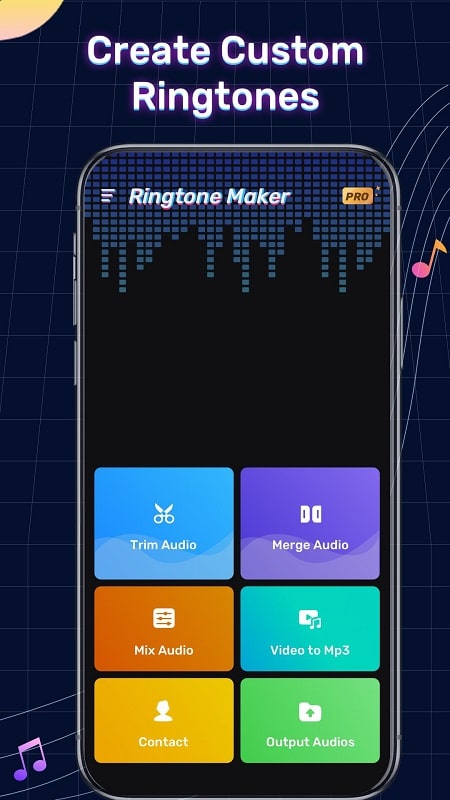
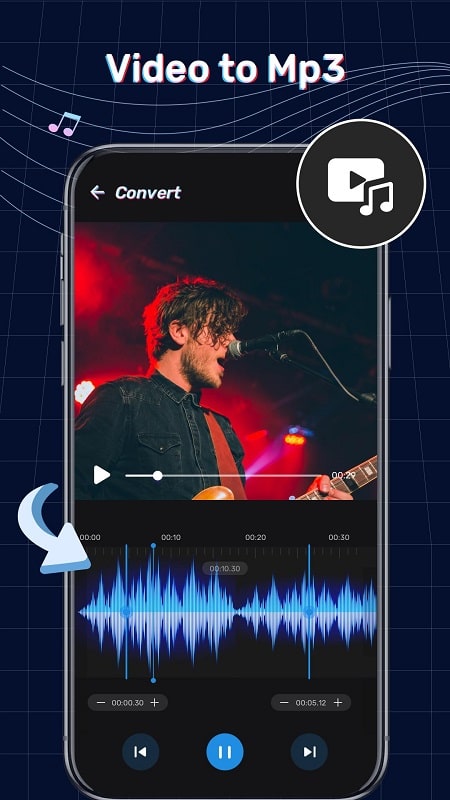
Ringtone Maker: Music Cutter puts a compact but capable ringtone editor on your Android device, letting you transform songs and other audio files into custom ringtones, contact tones and notification alerts in seconds. The app focuses on a short, straightforward workflow: import a track from your device, select the exact section you want using a clear waveform view, apply simple fades or volume adjustments, preview the result and save or assign it without leaving the app. This description explains how the editor works, what controls you can expect and how it fits into everyday use while keeping the interface approachable for new users.
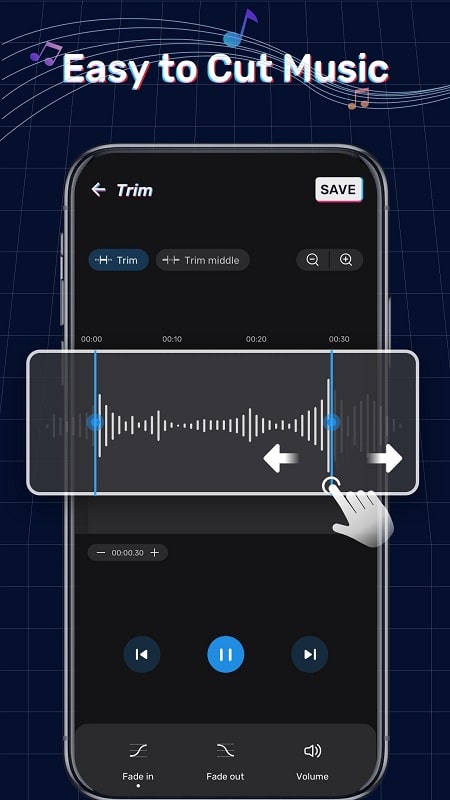
The core editing tools include precise trimming using drag handles on a visual waveform, an auto-trim option to remove silence at the start and end, and fine-grain selection by zooming into the waveform for millisecond accuracy. You can preview edits in a loop so you can hear exactly how a short clip will sound when used as a notification. Basic effects include fade-in and fade-out and an adjustable output volume control so your new tone is neither too quiet nor too loud against incoming alerts. The app respects the files stored locally on your device rather than requiring uploads, so you can work offline and keep your media private. Fast export and assignment options make setup quick; in testing a few taps will save a clip and either write it to your ringtone folder or assign it to a contact for immediate use, and the Fast setup with Ringtone Maker: Music Cutter option streamlines the most common actions.
The editing interface is built around a central waveform display with easy-to-reach controls: tap to play or pause, drag the start and end markers to define a selection, and pinch to zoom when you need greater precision. On-screen hints guide first-time users through common steps, and an undo function helps you experiment without losing earlier work. When your selection is ready, choose save to store the clip in the app’s library, export to your phone’s ringtone folder, or directly assign the clip to a contact or as the default ringtone. Ringtone Maker: Music Cutter keeps the steps simple so you can create multiple variations of the same song — short beeps for notifications, longer snippets for calls — without navigating complex menus.
As you create tones you can build a small library of saved clips to reuse and refine. The app encourages iterative editing: make a short clip, listen, then adjust the cut or volume and save a new version. Over time this lets you develop a personal catalog of tones tailored to different contexts, such as work, family or travel. That progression — improving precision with zooming, learning where natural loop points sit in songs, and experimenting with subtle fades — provides replay value beyond a single edit, because refining a tone is quick and low-friction.
The visual design favors clarity over clutter: a readable waveform, clearly labeled controls and large touch targets for trimming and playback. Color contrasts and simple iconography help make the editor accessible to users with different levels of dexterity or visual ability. On-screen guidance and an intuitive layout reduce the learning curve so people who have never edited audio before can produce acceptable results quickly. All editing happens locally, so you don’t need a persistent internet connection to create or use tones.
The app performs all edits on-device and does not require uploading personal audio to external servers, which helps protect privacy. Because it works with audio files stored on your phone, you can create and assign tones while offline or on the go. The export process writes clips into standard locations used by Android for ringtones and notifications so the files are available to system settings and contact assignments without additional steps.
This tool is designed for quick, single-track ringtone and alert creation rather than for advanced multi-track production or professional mastering. If you require studio-level editing, mixing multiple tracks or applying sophisticated mastering effects, a dedicated desktop digital audio workstation would be more suitable. For everyday personalization — making unique contact tones, short notification sounds and simple edits of music files stored on your device — the app provides a fast, reliable solution that balances simplicity and control.
Whether you want a subtle notification tone or a distinctive ringtone for a favorite contact, this editor makes the core tasks straightforward and repeatable, and the local workflow ensures edits remain on your device for privacy and convenience.