Quizlet
Version: 9.2
46.00MB
4.1
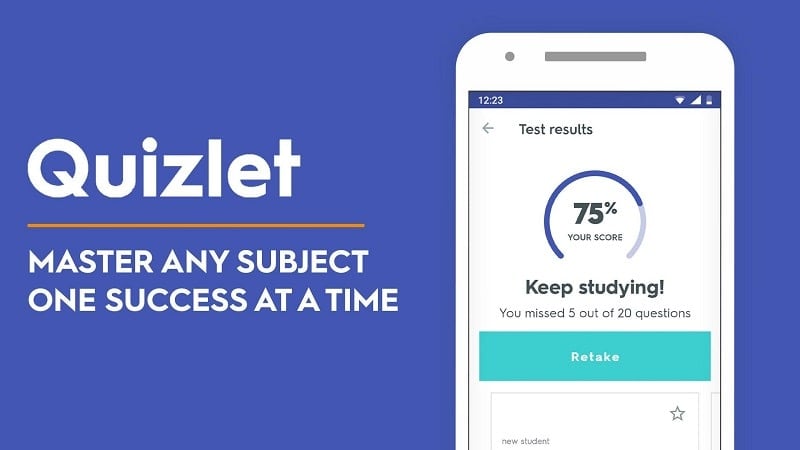
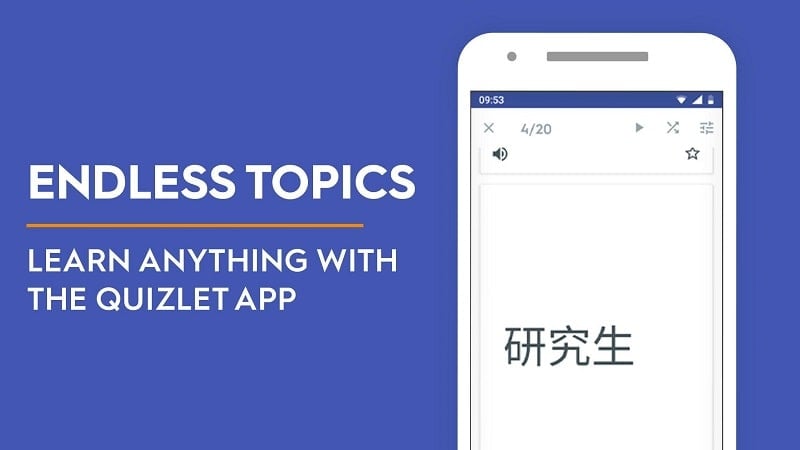
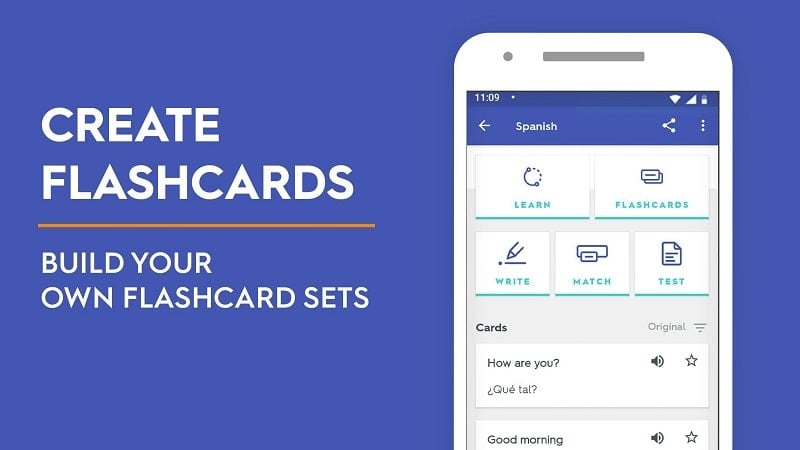
Quizlet is a versatile study app that helps learners create, share, and practice flashcards and study sets across subjects. It combines spaced repetition, active recall, and collaborative tools to turn note review into focused practice sessions optimized for retention and test preparation.
Designed for students, educators, and self-directed learners, Quizlet streamlines study workflows by providing a suite of learning modes, easy content creation, and classroom management tools. The interface centers on sets of digital cards but expands into practice tests, timed games, and audio-assisted review for diverse study habits.
The app emphasizes adaptable study with features that support efficient memorization. Key elements include flashcards for basic review, a learn mode that adapts to your progress, and a test generator that creates written, multiple-choice, and true/false quizzes from your material. Audio playback, image insertion, and customizable card layouts make sets richer and more usable for visual or auditory learners.
Quizlet applies repetition scheduling to prioritize items you struggle with while reducing exposure to cards you already know. Select a study set, choose a mode, and the app tracks correct and incorrect responses to build a tailored review path. The result is shorter, more focused sessions that aim to improve long-term recall rather than rote short-term memorization.
Groups and class features let teachers distribute sets, monitor progress, and set deadlines. Students can join shared classes to access curated material and sync study lists across devices. For quick, engaging group review, interactive formats encourage healthy competition and peer learning.
The interface keeps common actions visible: create a new set, browse public libraries, or jump straight into study modes. Navigation is straightforward on phones and tablets, with large touch targets for flipping cards and marking answers. Dark mode and adjustable text sizes help reduce eye strain during long sessions.
Quizlet performs smoothly on most modern Android devices. Offline access allows previously opened sets to remain available without a network connection, which is helpful for commuting or studying in low-connectivity areas. Sync automatically updates progress when you reconnect.
Power users can import lists from CSV files, attach images, and add custom audio to enhance learning. Integration with classroom management platforms simplifies distribution and grading. A search-friendly public library lets you leverage community-created content to jumpstart study materials in new subjects.
While the basic functionality covers flashcards and several study modes at no cost, a paid tier unlocks advanced features like enhanced customization, ad-free study, richer image options, and deeper performance analytics. Those who need frequent offline usage or teacher management tools may find the subscription worthwhile.
Quizlet is particularly useful for language learners, exam candidates, and professionals refreshing technical terms. It adapts equally well to quick vocabulary drills or systematic review schedules for certification study. Educators appreciate how sets can be shared and tracked across a classroom.
Download the app, sign in, and create your first set by entering terms and definitions or importing an existing list. Spend a few minutes customizing cards with images or pronunciations to maximize effectiveness. Regular, short practice sessions will quickly show improvements in recall and confidence.
For learners who want a compact, modern study toolkit, Quizlet provides a flexible balance of creation tools, adaptive practice, and collaborative features that fit both individual and classroom needs.