
Talkpal
Version: v1.19.5
78.62MB
4.5
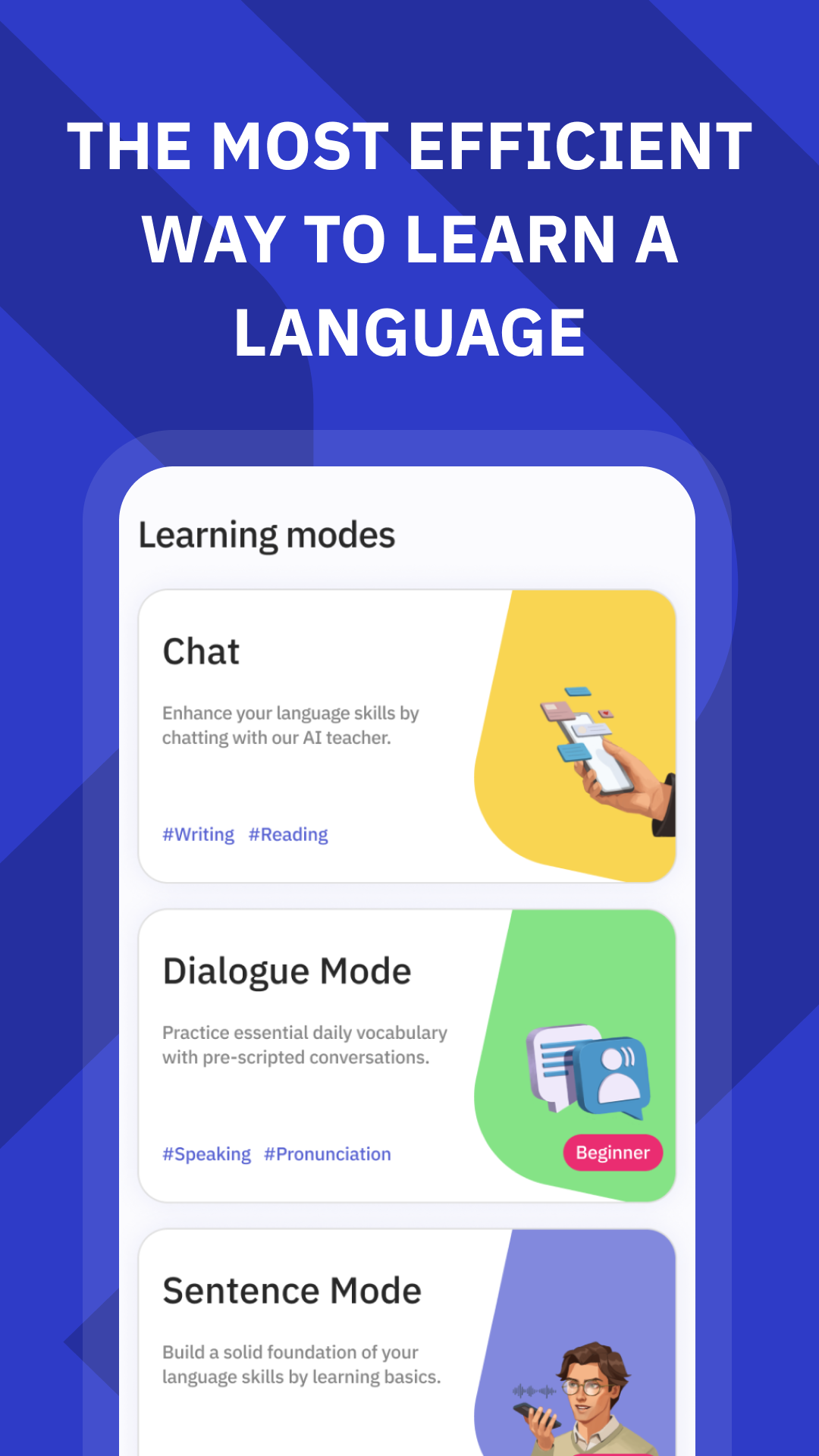
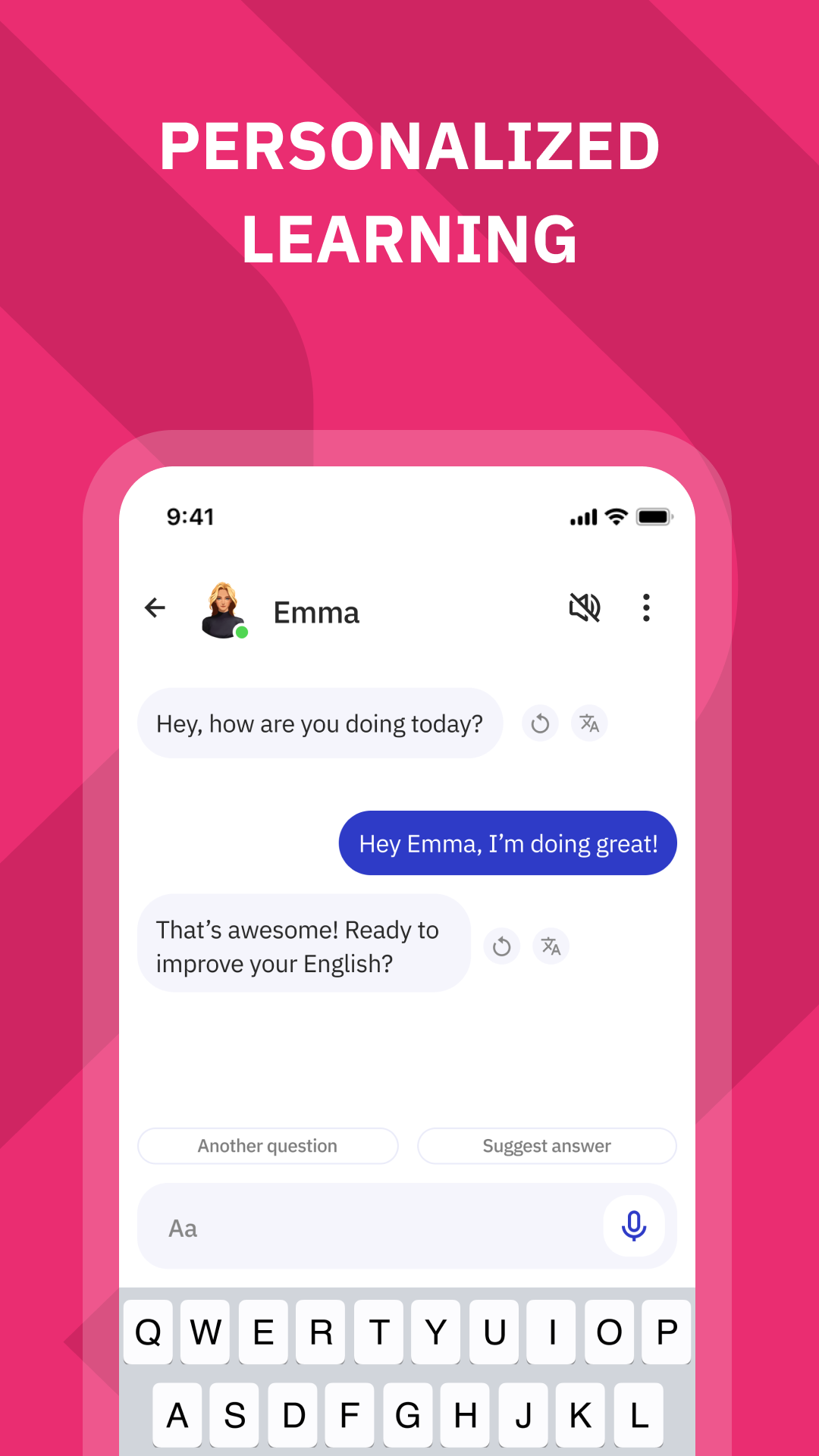


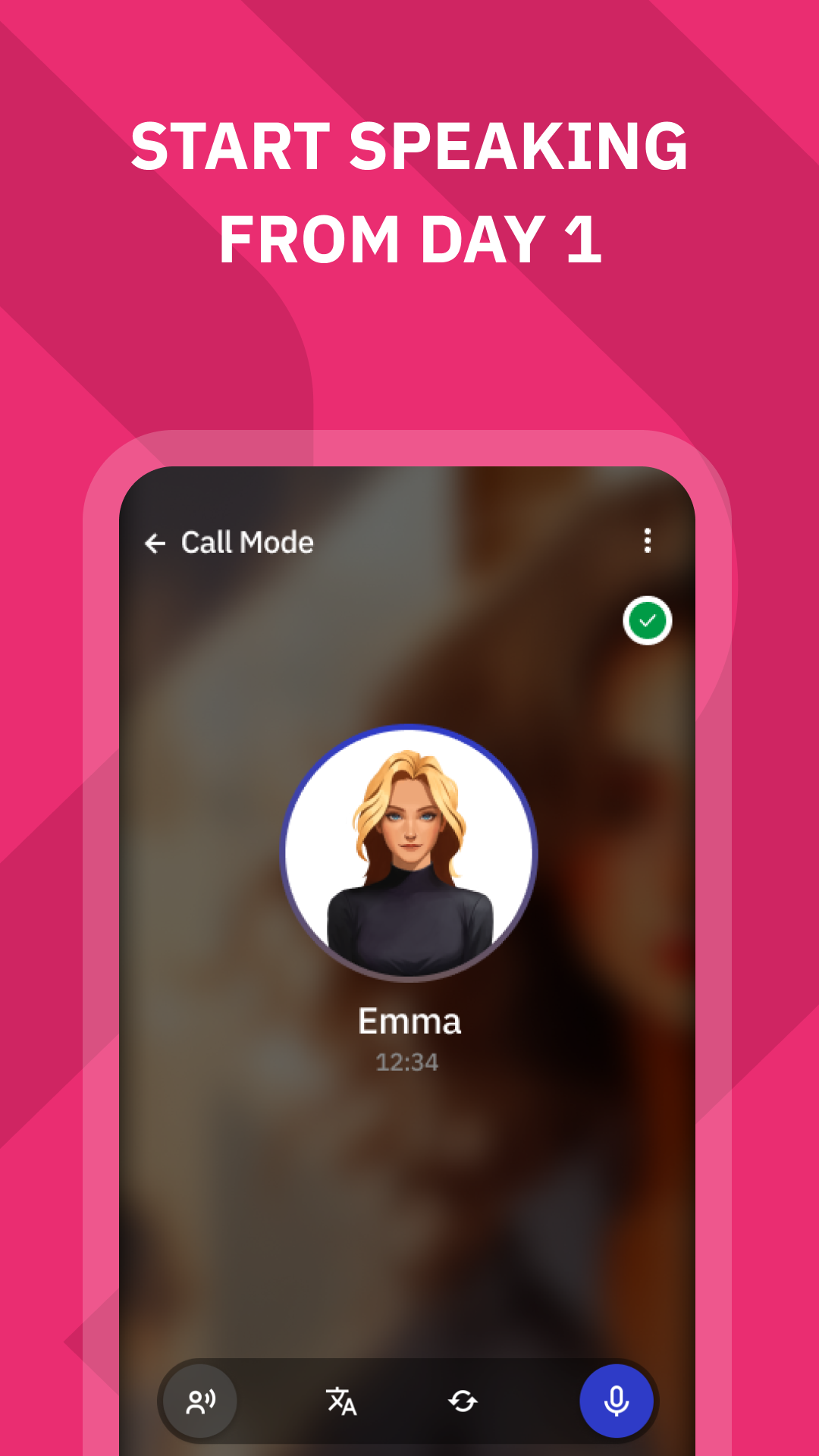
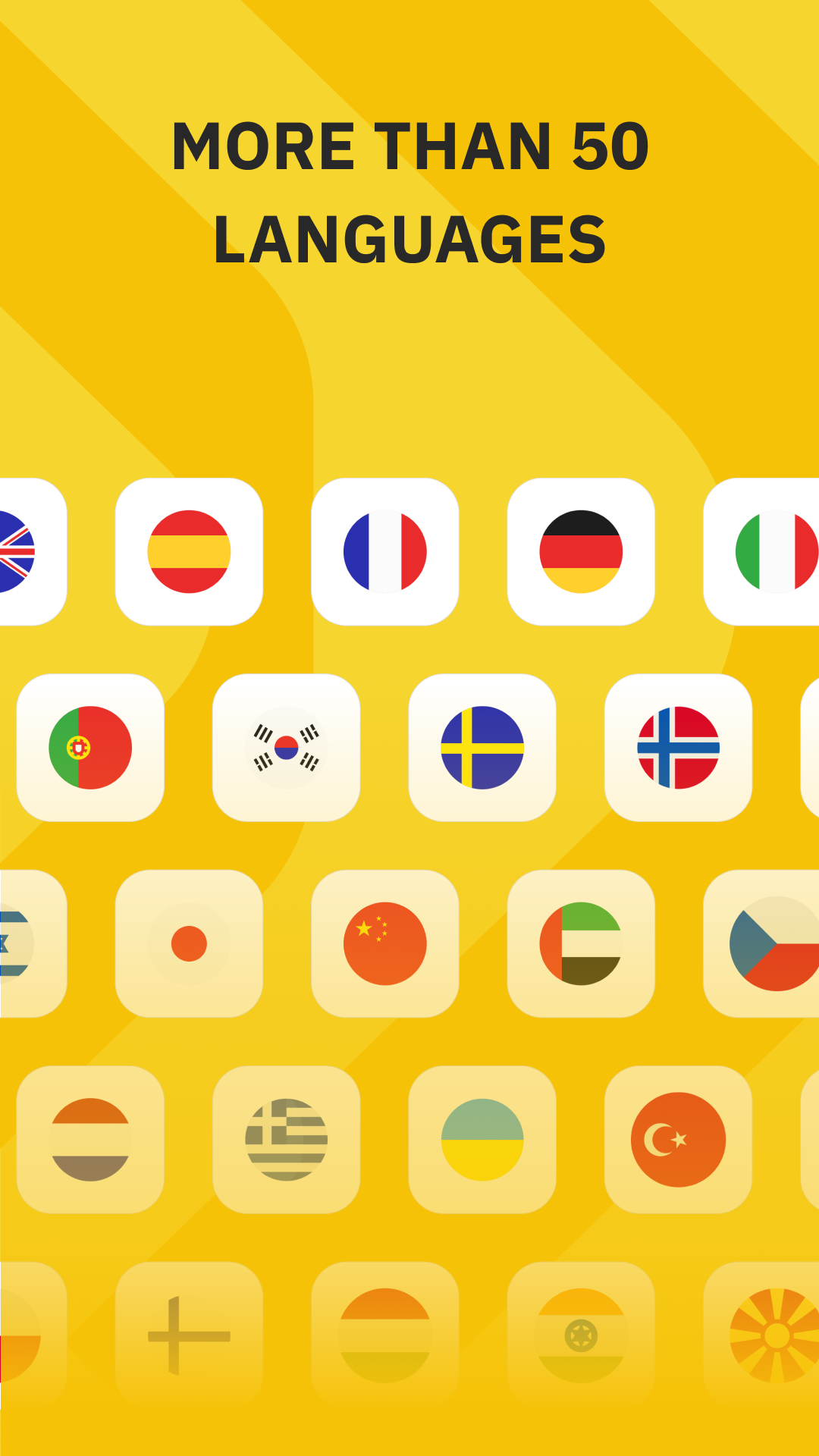

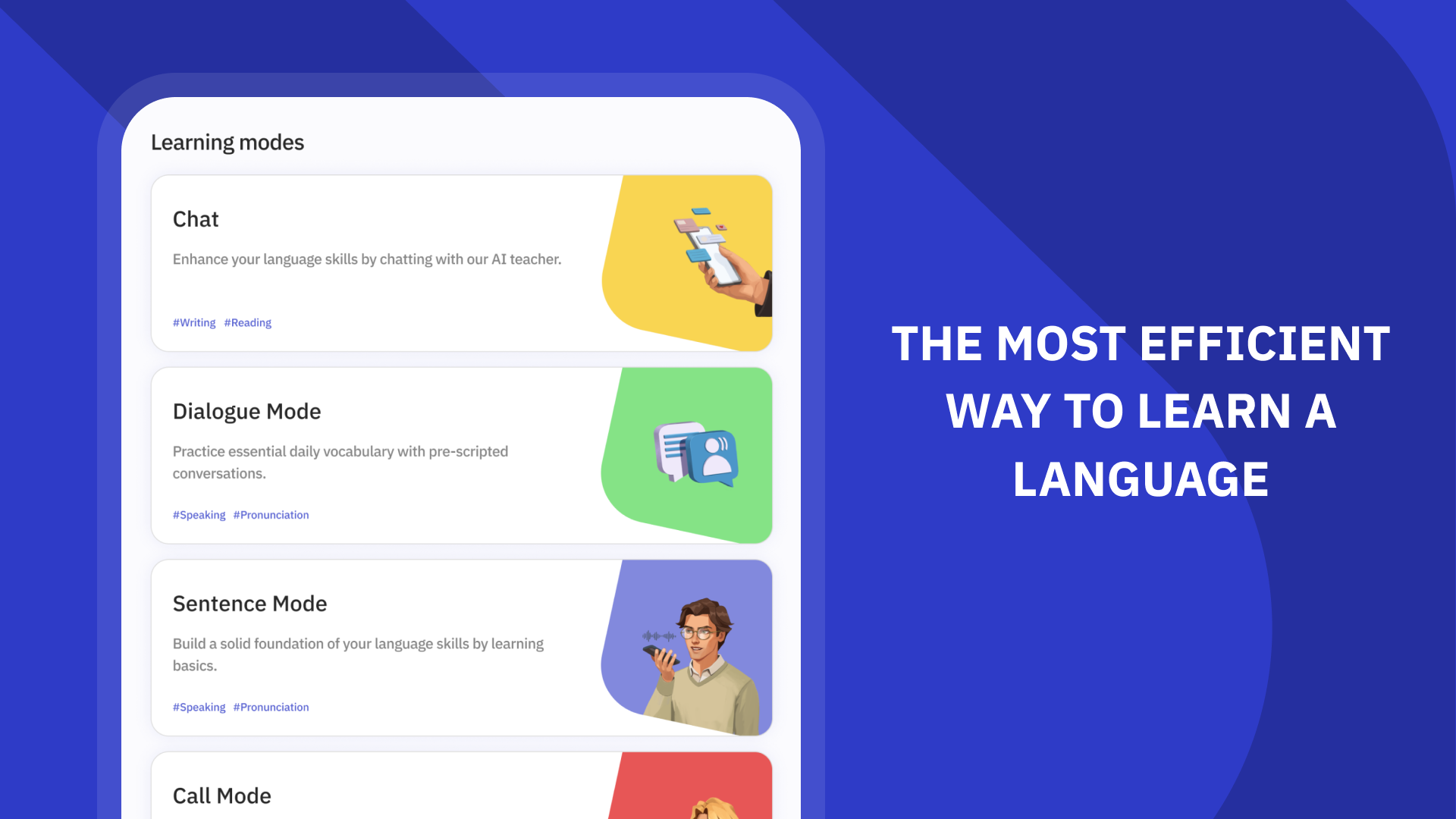
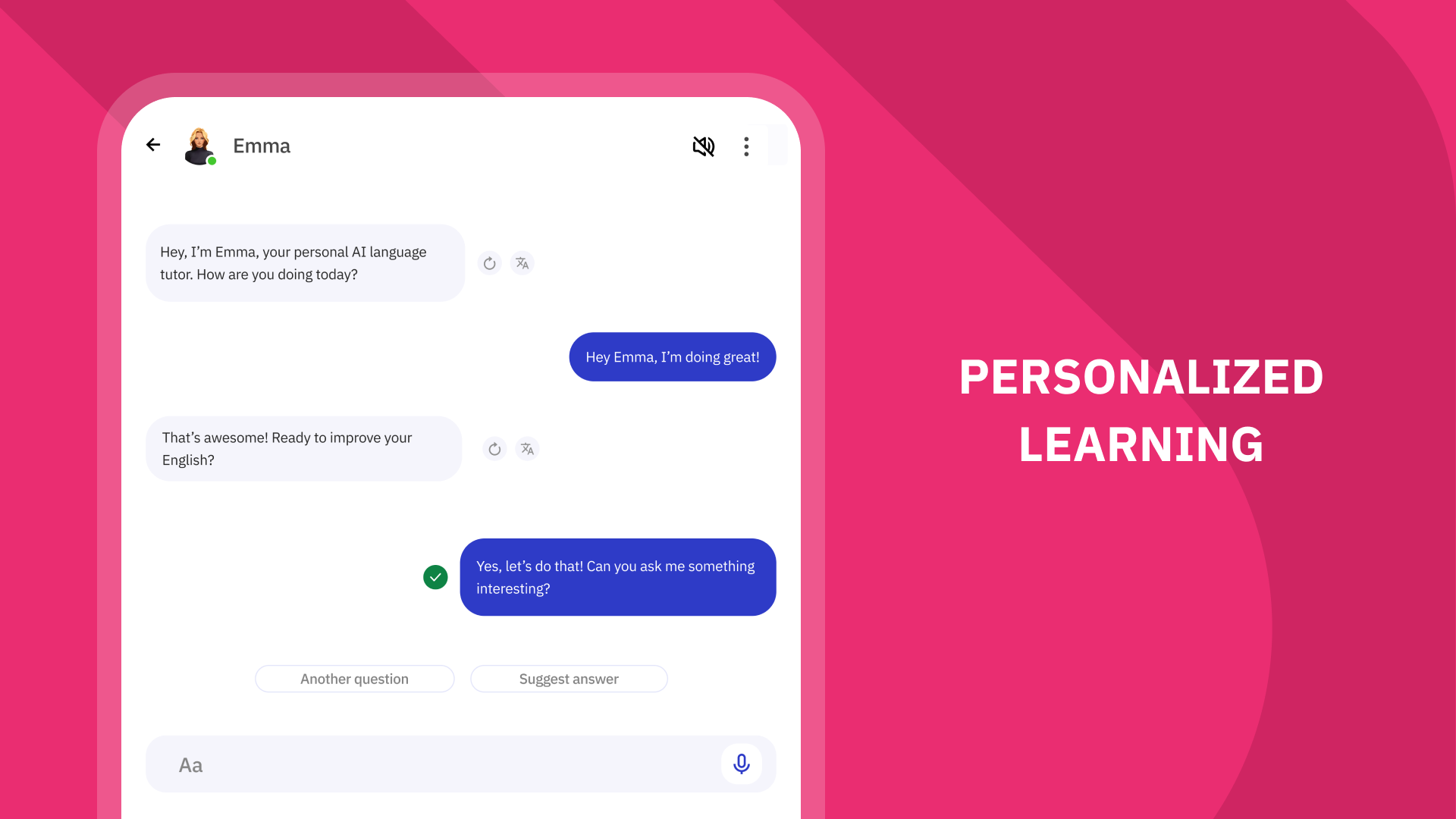
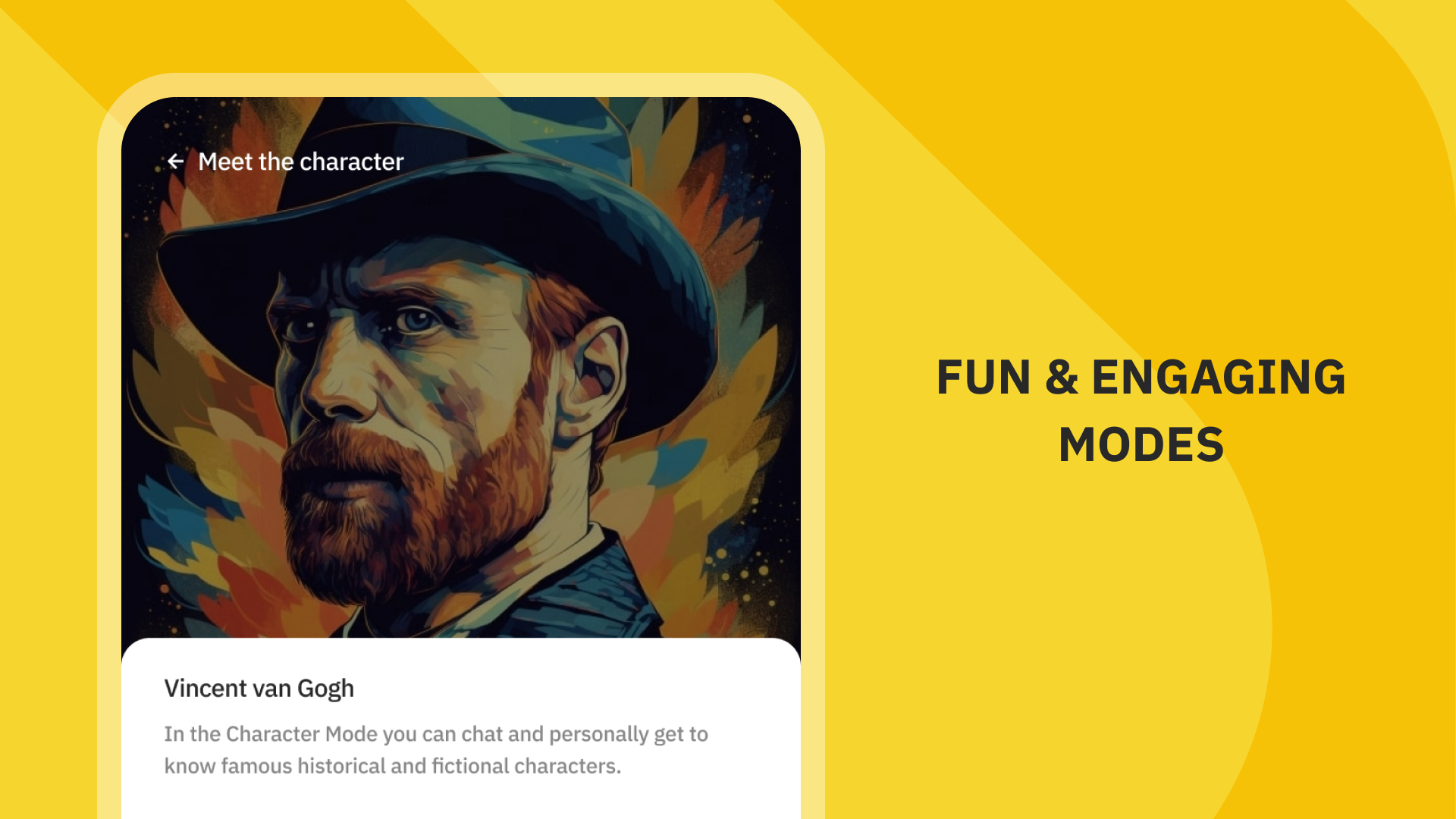

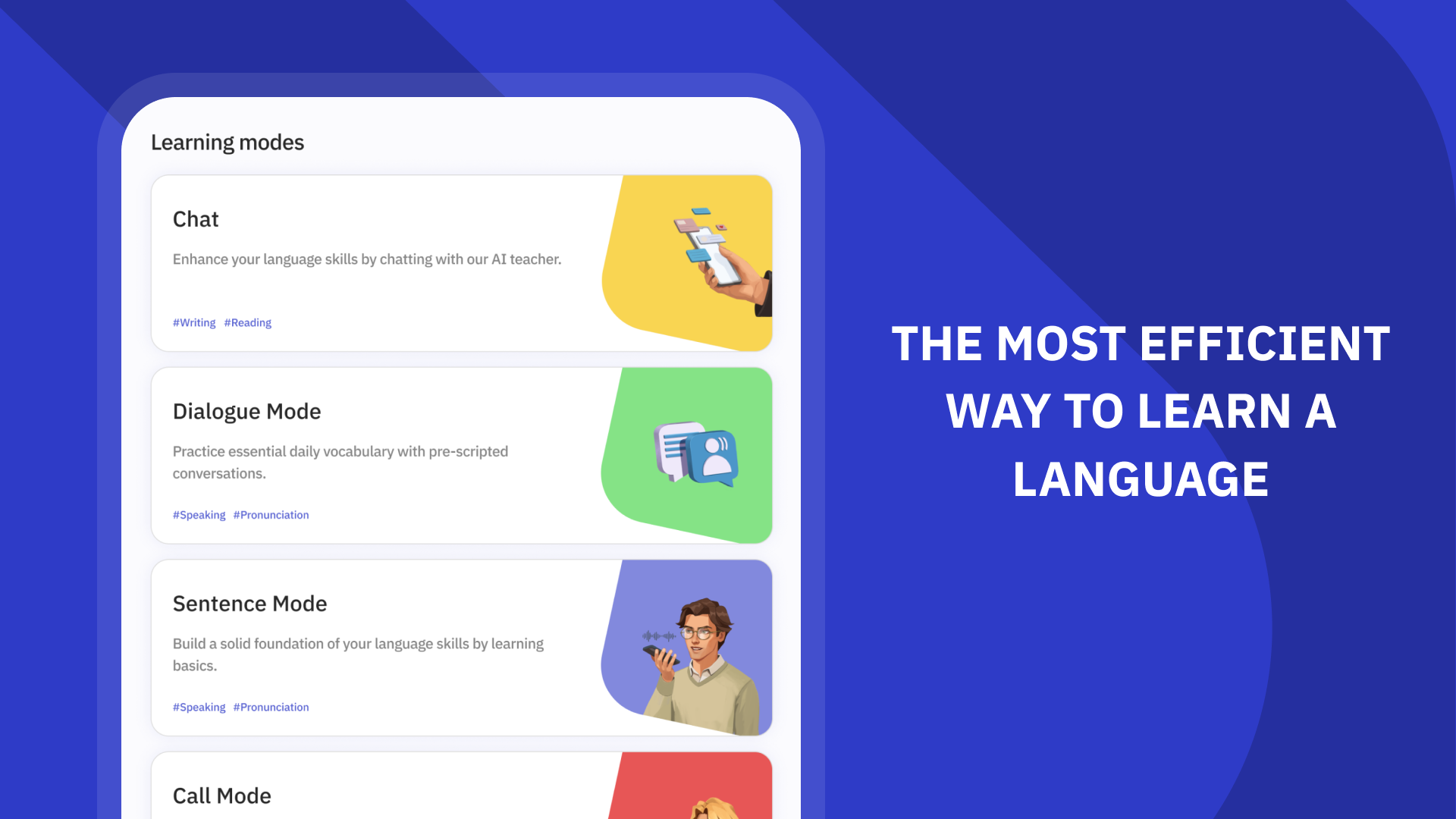
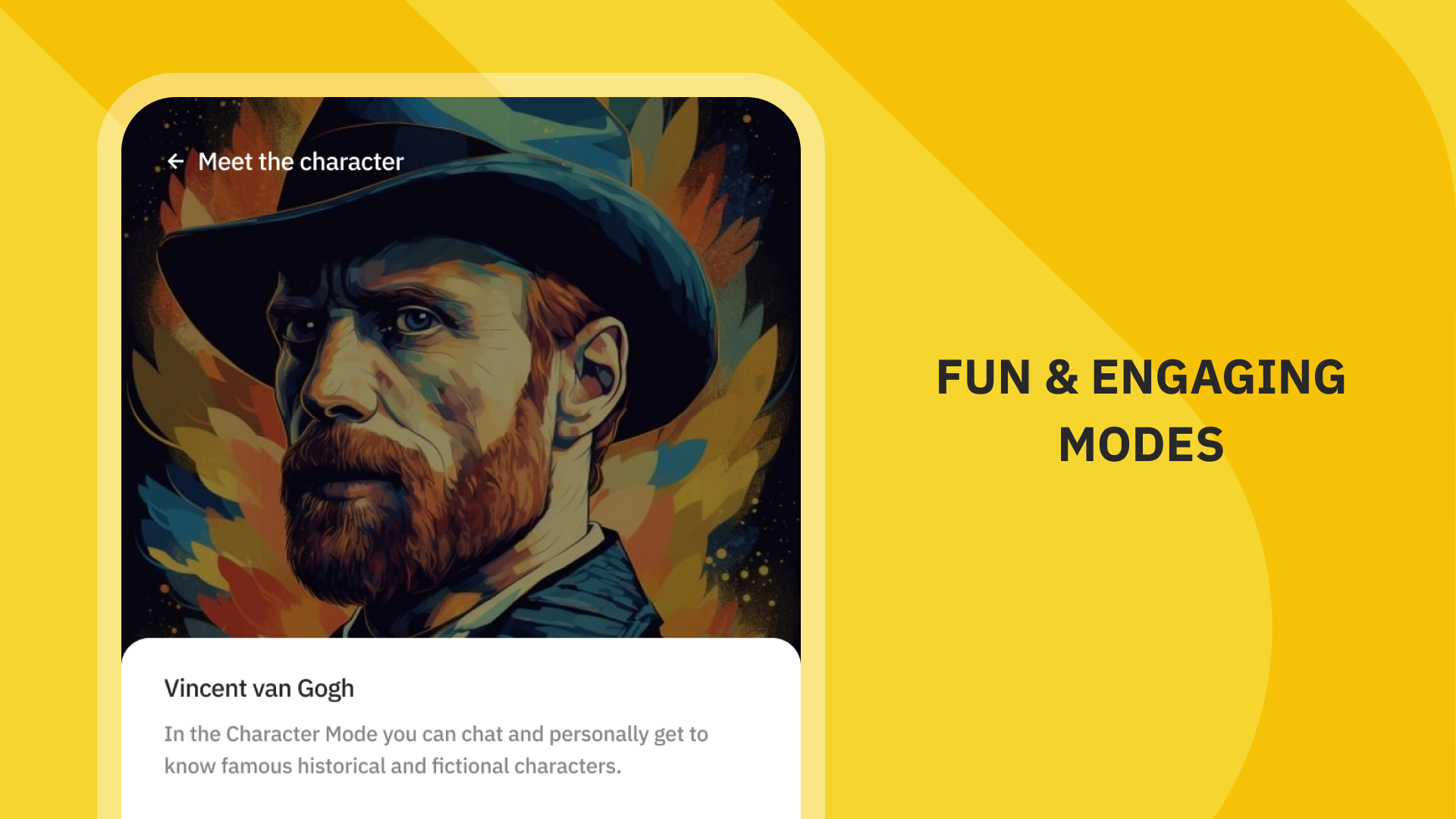

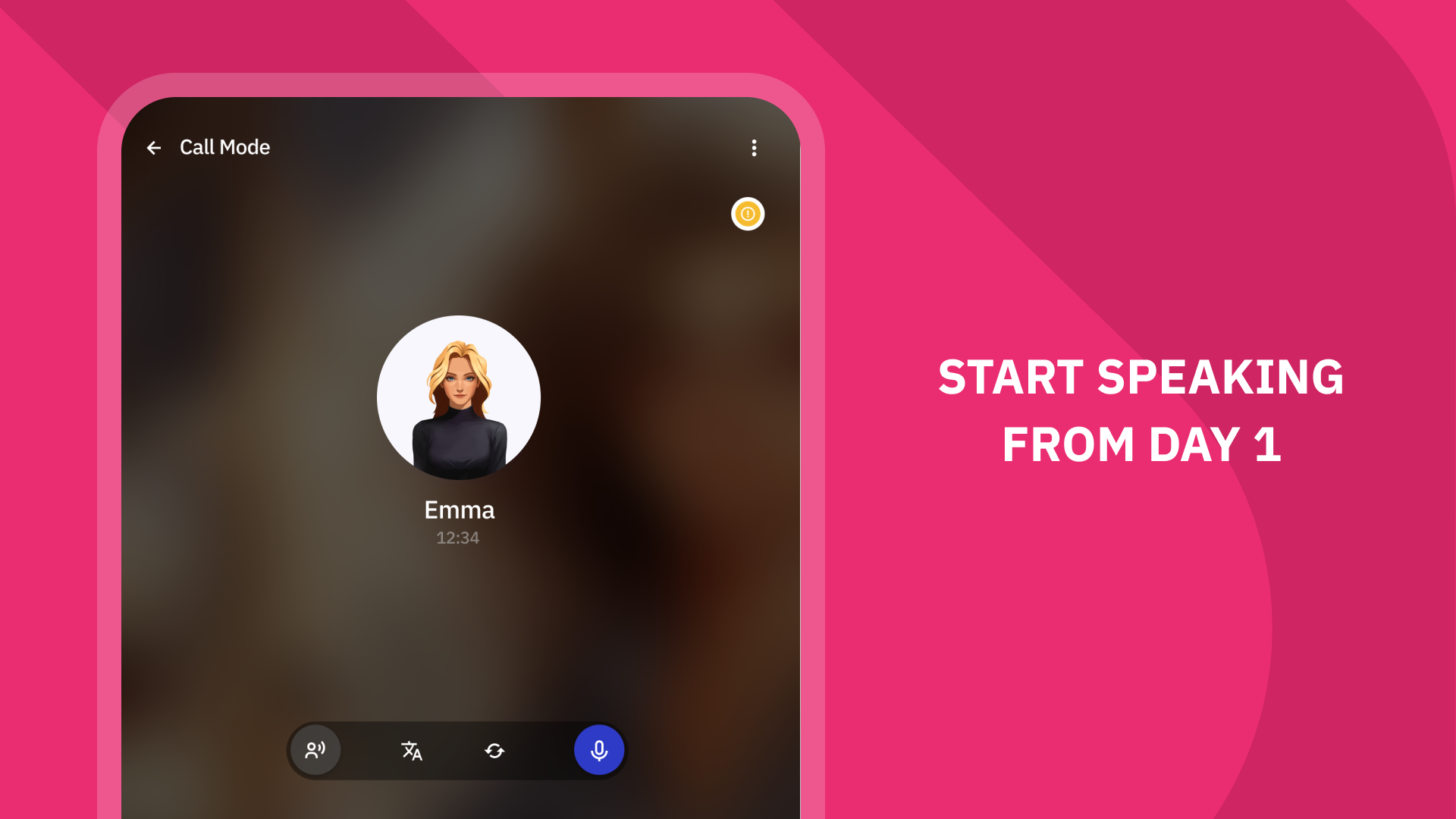
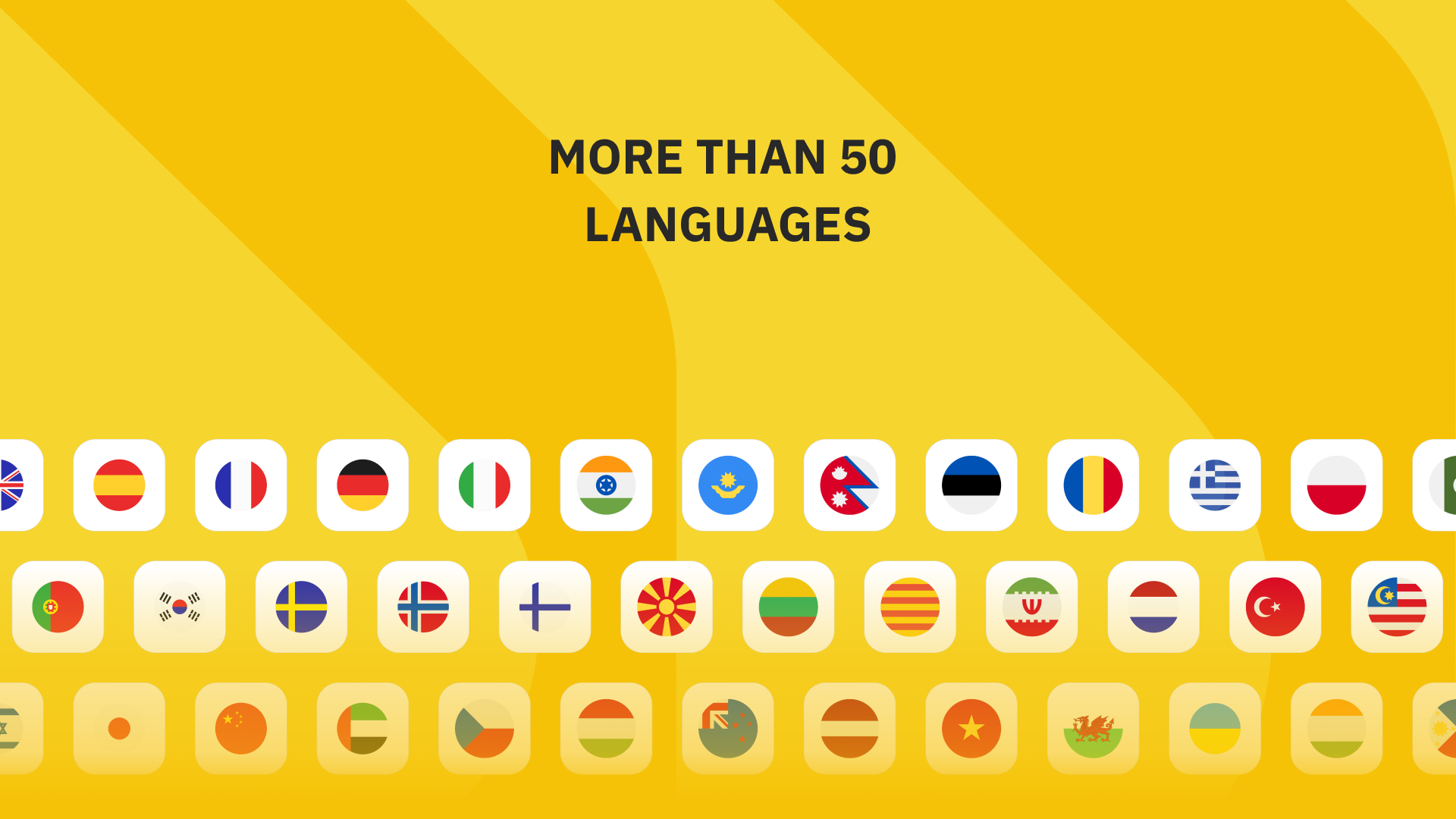
Talkpal is a versatile communication app designed to simplify conversations, language practice, and team coordination through text, voice, and smart tools. It blends a clean interface with practical features that help users communicate faster, organize chats, and learn through casual exchanges, making it useful for daily messaging and focused collaboration.
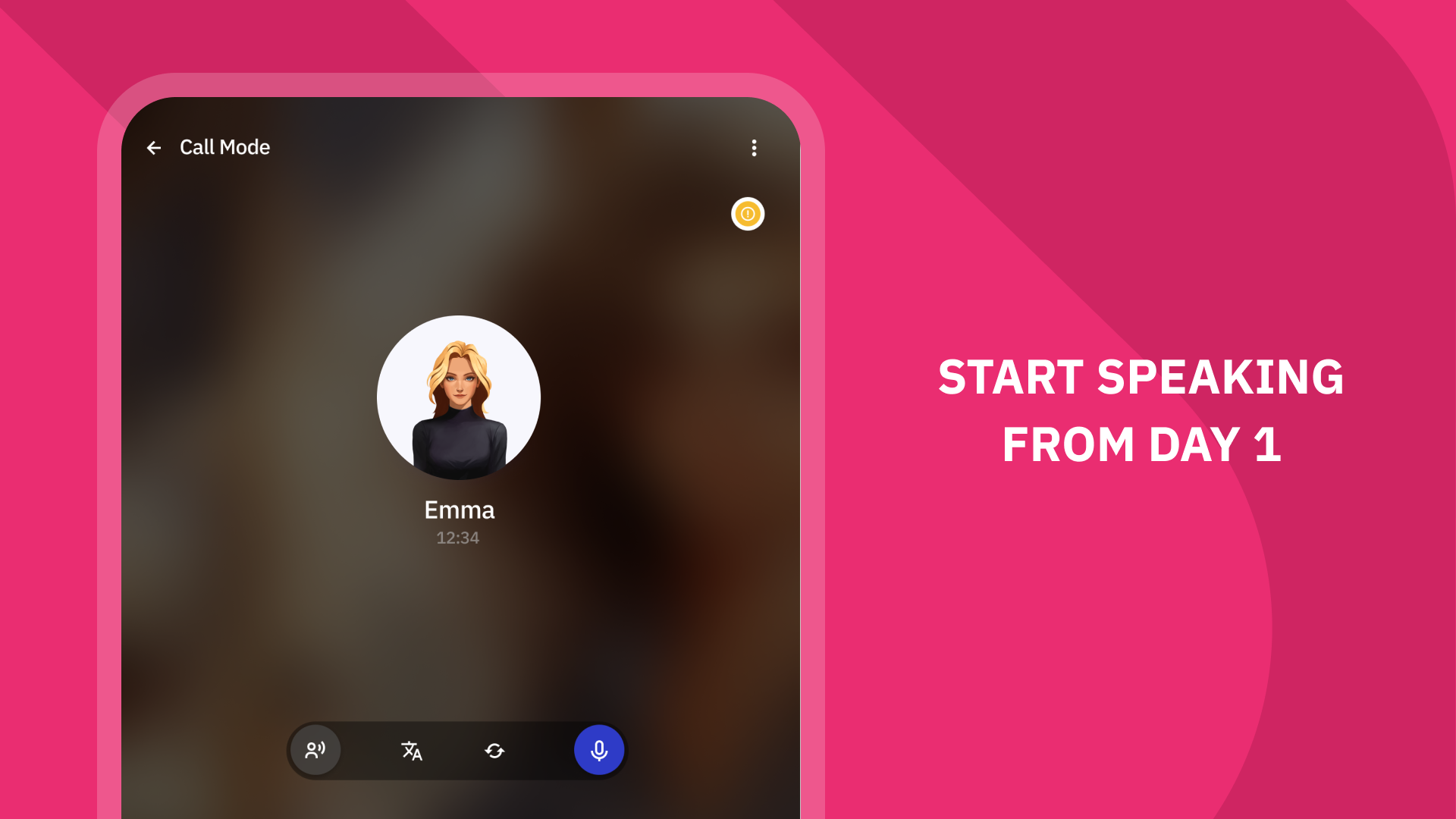
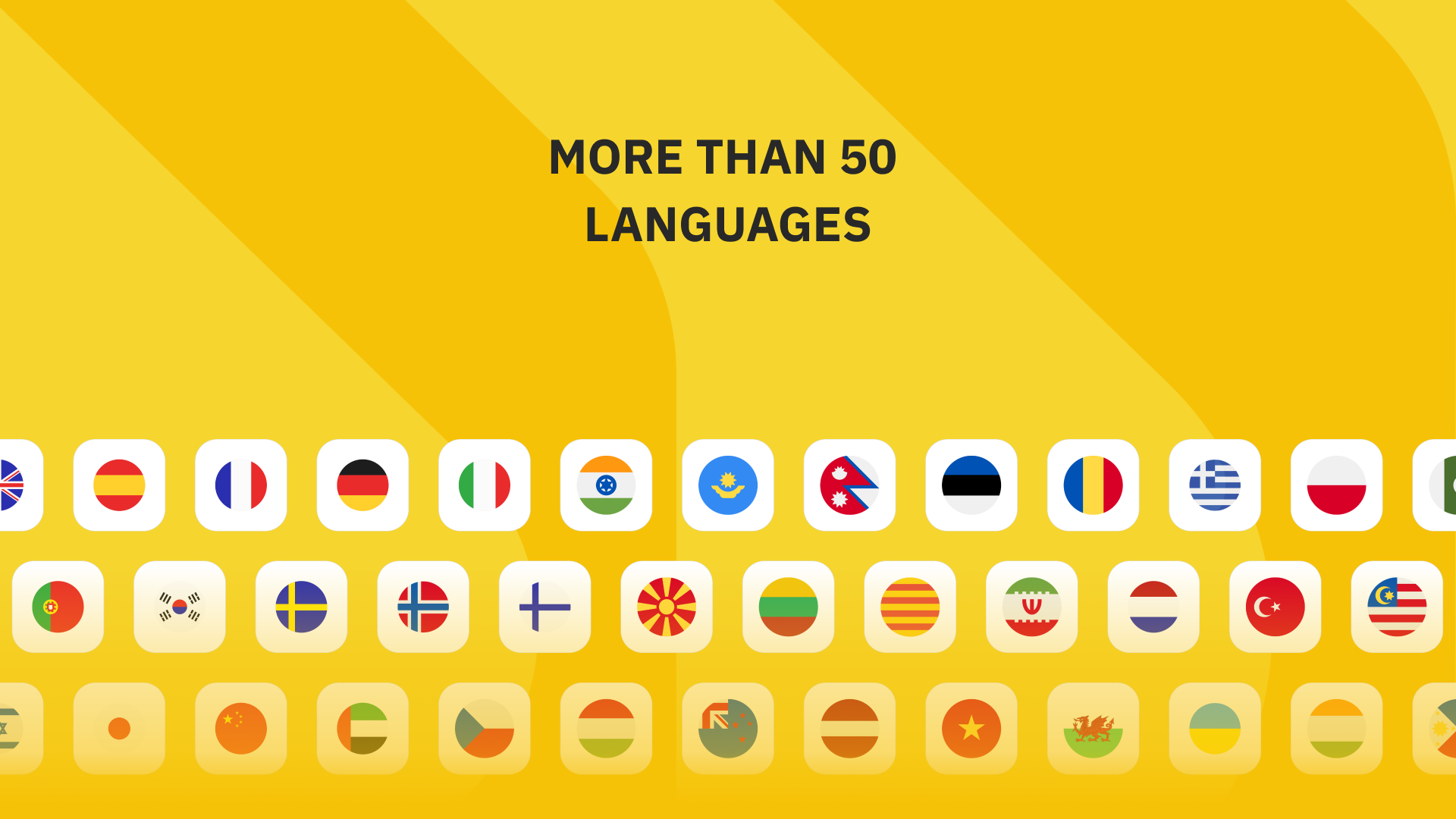
As a cross between a messenger and productivity companion, Talkpal focuses on reducing friction in conversations. It supports instant messaging, voice notes, and integrated translation so users can switch between casual chats and structured workflows without changing tools. The design keeps frequently used actions within reach while offering deeper functionality for advanced users.
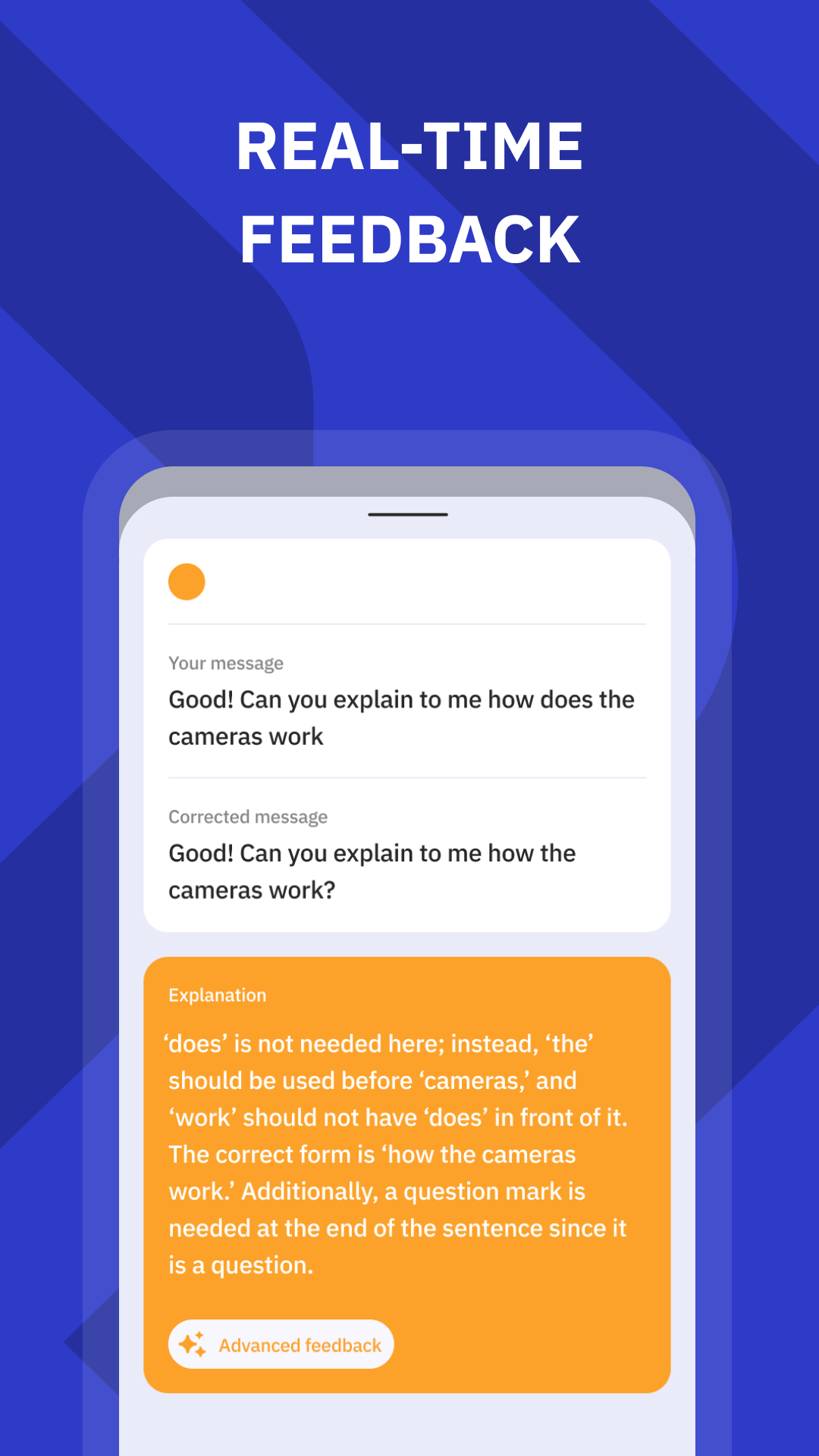
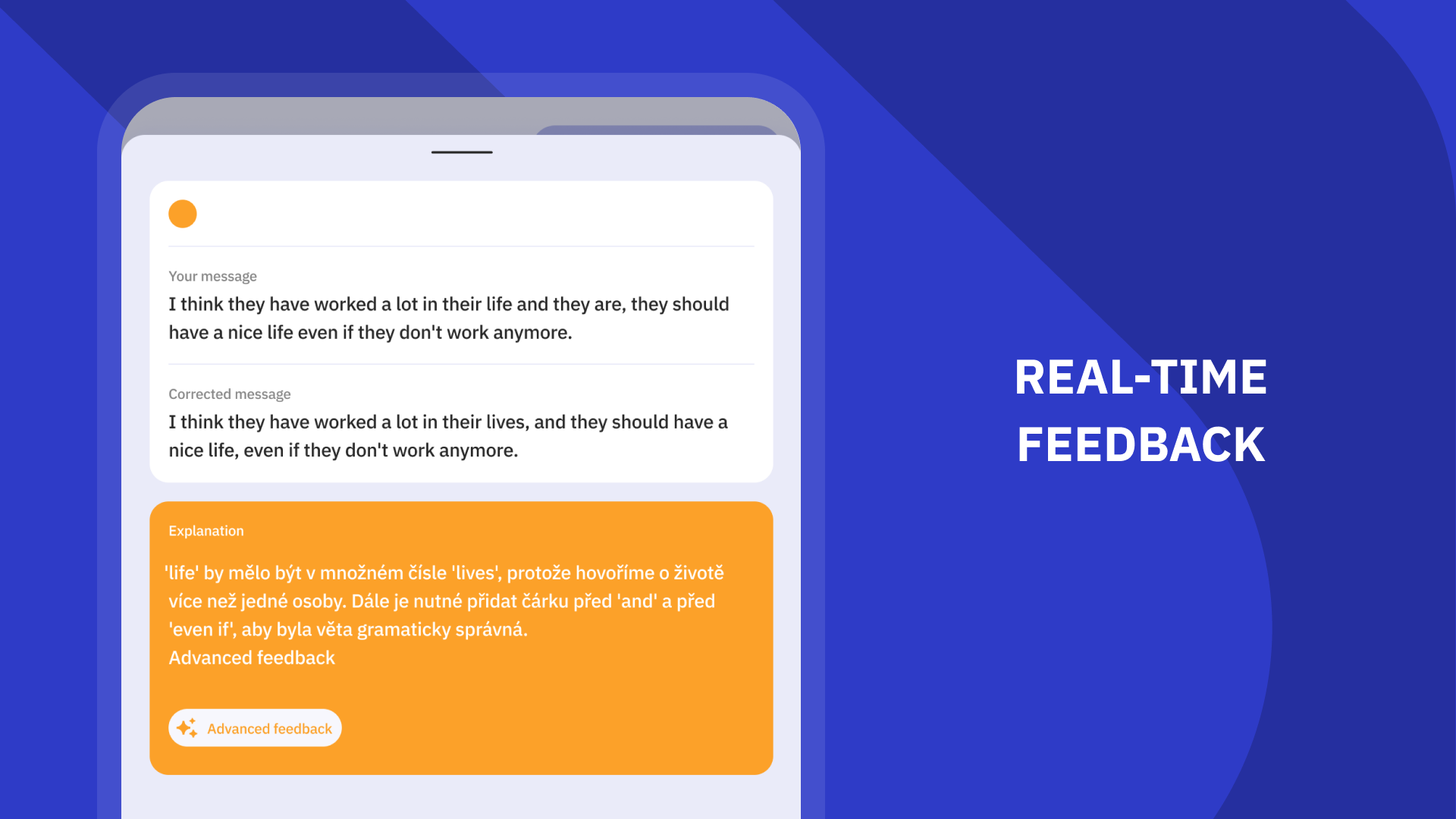
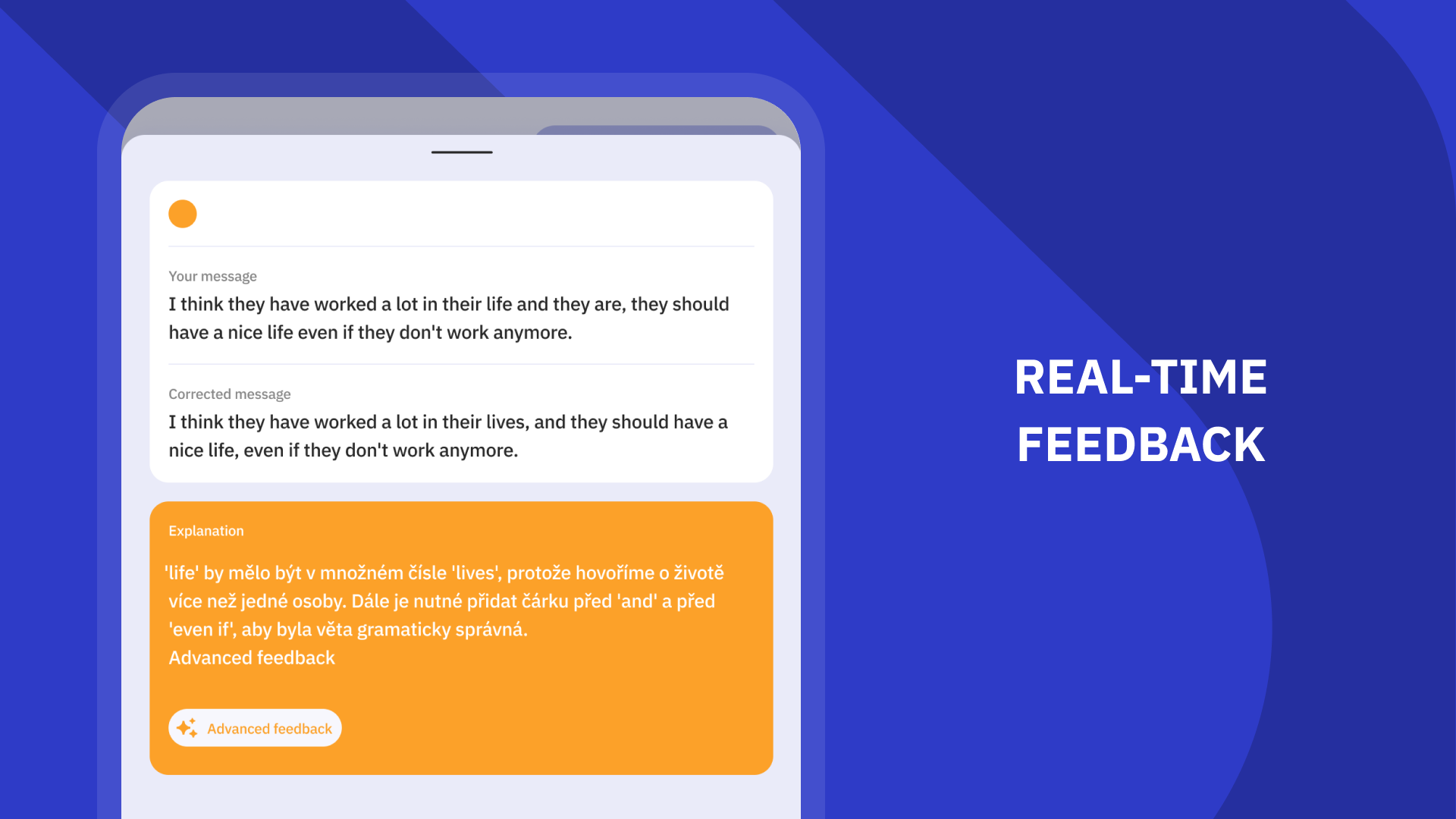
Talkpal adapts to several workflows: casual social chat, language practice sessions, and small team coordination. For language learners, the app’s practice mode provides sentence suggestions, pronunciation tips, and flashcard creation from chat snippets. For teams, calendar linking and task reminders can be attached to messages, turning discussions into actionable items.
The interface is intentionally uncluttered. Primary actions live in a bottom navigation bar while conversation tools expand in context. Animations are subtle and help signal state changes without distracting. On modern devices the app runs smoothly, with fast message loading and low battery impact; older devices get a lightweight mode that reduces animations and background syncing frequency.
Talkpal includes familiar privacy controls such as end-to-end encryption for one-on-one chats, message expiration timers, and per-channel access settings. Users can connect to calendar apps, cloud storage, and third-party bots to automate common tasks like file archiving or meeting notes generation. Admins can set retention policies and export logs when necessary for compliance.
Customization options let users tailor the experience: theme selection, compact or spacious message layouts, and custom notification profiles for different channels. Keyboard shortcuts and gesture controls speed up navigation for power users. The app also supports custom stickers and reusable message templates for repetitive replies.
Getting started with Talkpal is straightforward: create an account, invite contacts or teammates, and set channel permissions. The setup wizard helps link calendars and storage services. A built-in tour highlights core controls and suggests initial settings based on your usage preferences.
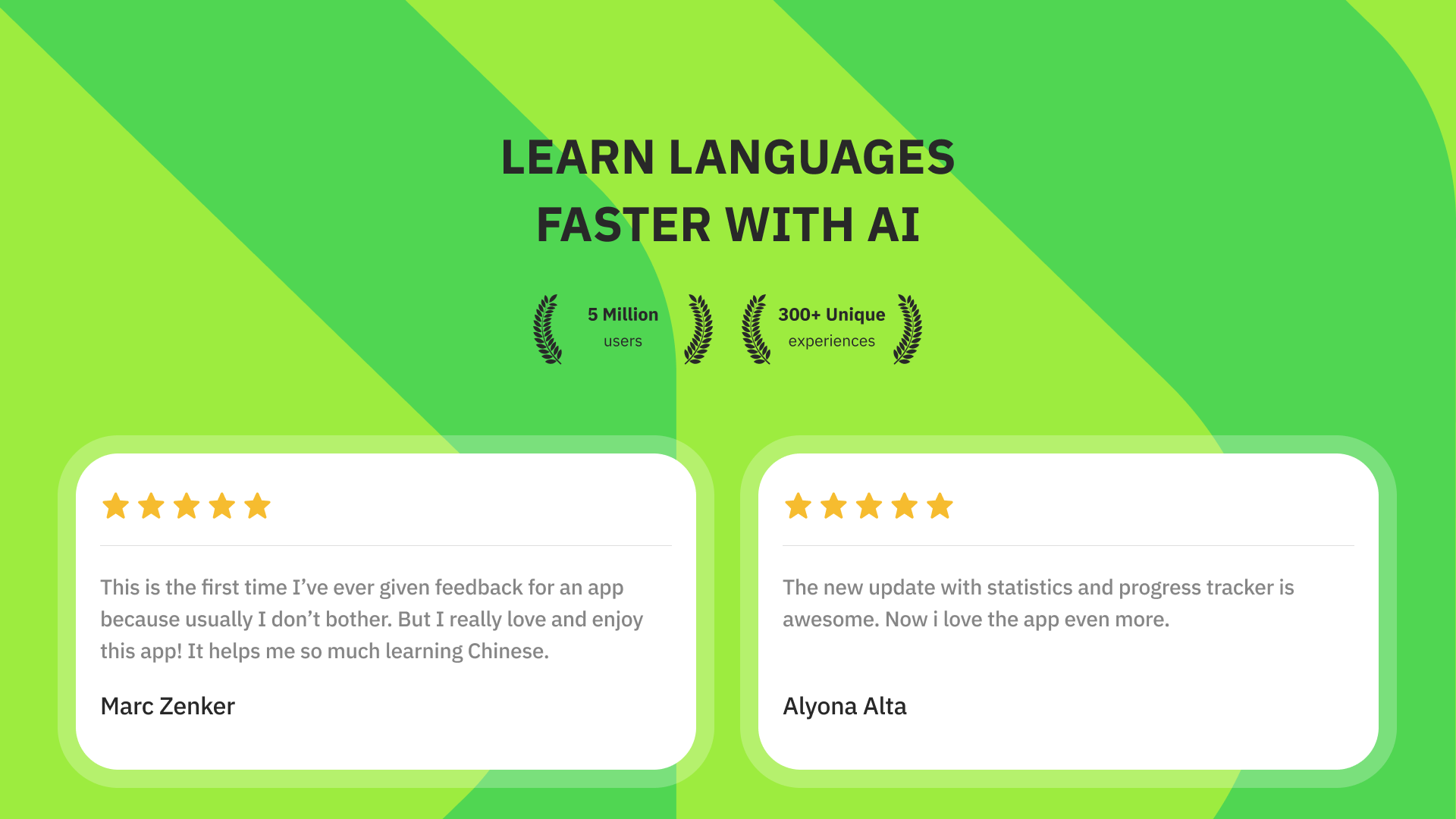
Users often choose Talkpal for its balance of messaging and productivity features. It reduces context switching by consolidating tools that teams and individuals usually rely on separately. Language learners appreciate the practice and feedback capabilities, while managers value the message-to-task conversions that keep projects moving without an additional task app.
For anyone who needs an efficient, privacy-conscious communication tool with productivity add-ons, Talkpal presents a pragmatic alternative to heavy, fragmented platforms. Regular updates add incremental improvements, and detailed settings let both casual users and organizations tune the app to their needs.