TestMaker
Version: 8.3.0
49.00MB
4.3
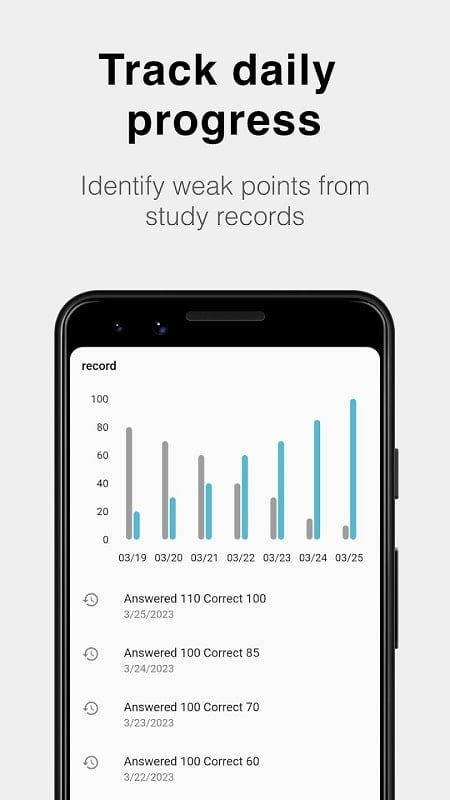
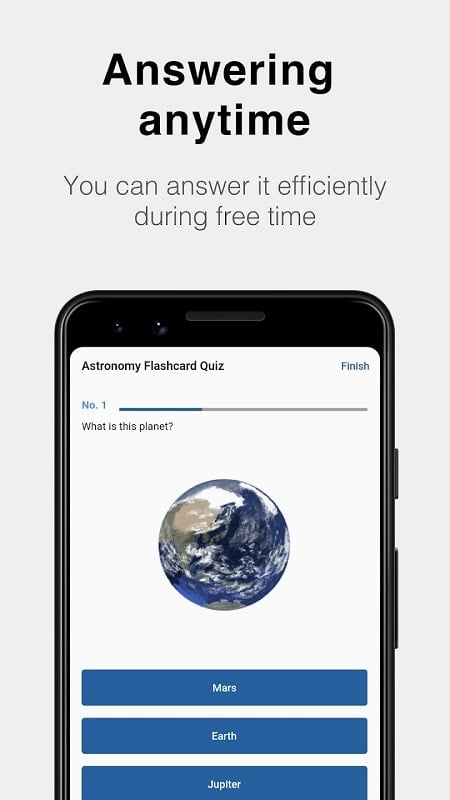
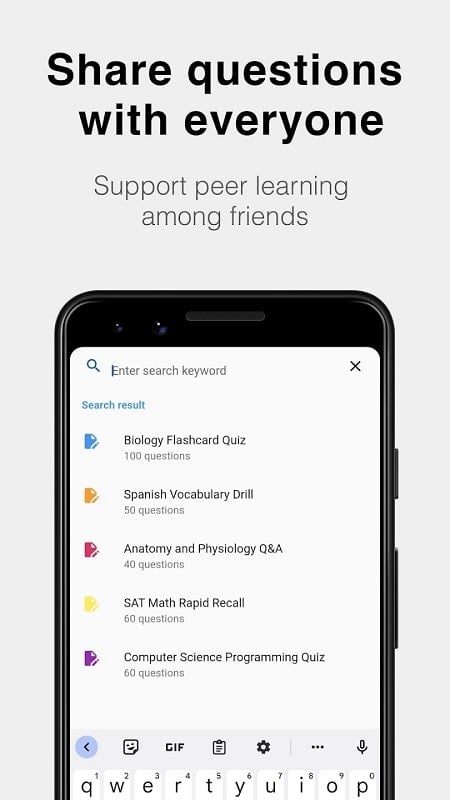
TestMaker is a versatile Android app for building, managing and delivering online exams quickly and with minimal overhead. TestMaker puts a compact editor on your mobile device so teachers, trainers and HR professionals can design customized assessments, control timing and scoring, and deliver remote evaluations without a desktop computer. Whether you work with short quizzes, long-form essays or mixed-format assessments, this editor aims to balance power and simplicity for everyday test creation.
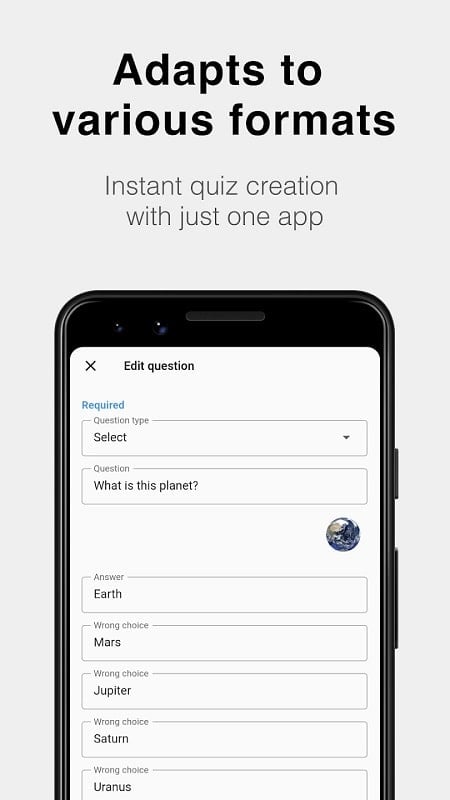
The app supports a wide range of question formats, including multiple choice, short answer, fill-in-the-blank, essay prompts and drag-and-drop interactions. You can attach images or audio to individual questions to clarify what is asked or to assess listening and visual skills. Scoring options include per-question weights and negative marking if needed, and the automatic grading engine handles objective items so instructors receive immediate scores and item-level feedback.
Templates and reusable question banks let you build collections of questions grouped by topic, difficulty or learning objective. These banks speed up test assembly by allowing you to pull items into a new assessment, randomize question order for each attempt, and set per-question time limits or an overall exam timer. For instructors who need repeatable structure, the editor supports saving drafts and versioned copies so you can iterate on content without losing earlier versions.
On mobile, the editor is arranged for touch-first controls: tap to add or edit a question, drag to reorder items within a test, and use the inline keyboard for text entry. For drag-and-drop question types, the touch targets are sized for reliable placement on phones and tablets. Progression through test creation follows a straightforward workflow: create a question bank, assemble an exam from saved items or new entries, configure timing and scoring, preview the exam, then export or share the finished file. The preview mode shows candidate view and allows creators to check navigation, timers and media playback before distribution.
Test creation also includes basic progression systems for learners and testers: you can set allowed attempts per candidate, define passing thresholds, and weigh sections differently so the same app works for low-stakes practice quizzes as well as formal evaluations. Because grading of objective items is automatic, you can deliver instant results for practice while reserving manual review for essays and subjective responses.
The mobile interface emphasizes clarity: legible typography, clear contrast between question text and background, and an uncluttered editor pane that keeps controls within thumb reach. Visual style is neutral and functional to suit classroom and corporate settings alike. Accessibility considerations include adjustable font sizes and straightforward navigation so creators with differing abilities can work on content comfortably. Media attachments are handled inline so images and audio appear next to the relevant question during both editing and preview.
Offline editing is supported so you can build or modify tests without a network connection and export them later when you are online. Autosave behavior minimizes data loss in case you switch apps or lose connectivity, and local storage of draft exams makes it easy to resume work on the go. For distribution, the app relies on standard export formats and sharing workflows rather than platform-specific online services, which keeps control of assessment files in the hands of the instructor or administrator.
Export options include common formats such as Excel, Word and PDF so tests and results can be archived, printed or imported into other systems. Sharing is flexible: send exported files by email, upload them to cloud storage, or transfer them via local file sharing. Because direct LMS synchronization may require additional steps, the export/import route supports integration with a wide range of learning platforms when administrators perform the necessary uploads.
Typical use cases for TestMaker include classroom quizzes, certification-style assessments, corporate hiring tests and remote training checks. The app is particularly useful for situations where quick turnaround is important: assemble a short skills check during a workshop, distribute a take-home assessment for remote learners, or prepare a hiring screening that candidates can complete on their own devices. The combination of multimedia support, reusable banks and automatic grading streamlines both creation and evaluation.
Working with very large question banks is more convenient on a desktop, and advanced integrations like direct LMS syncing are not provided as built-in features; administrators will often use exported files to move content between systems. Some third-party tools require specific file formats, so you may need to convert exports for full compatibility. The editor is designed to be pragmatic and mobile-first, so users who require enterprise-level automation should plan for manual steps when integrating with complex workflows.
Overall, TestMaker provides a practical, mobile-centered solution for test creation and delivery that emphasizes flexible question types, straightforward controls and robust export options to fit a variety of educational and professional assessment scenarios.