
Aloha
Version: 6.6.0
64.30MB
4.3
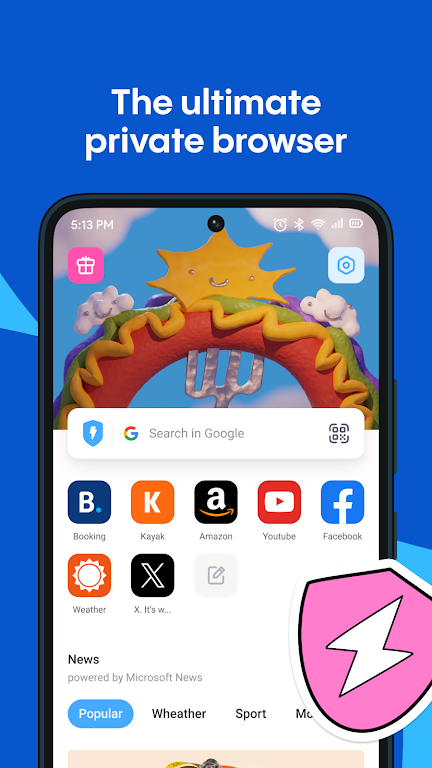
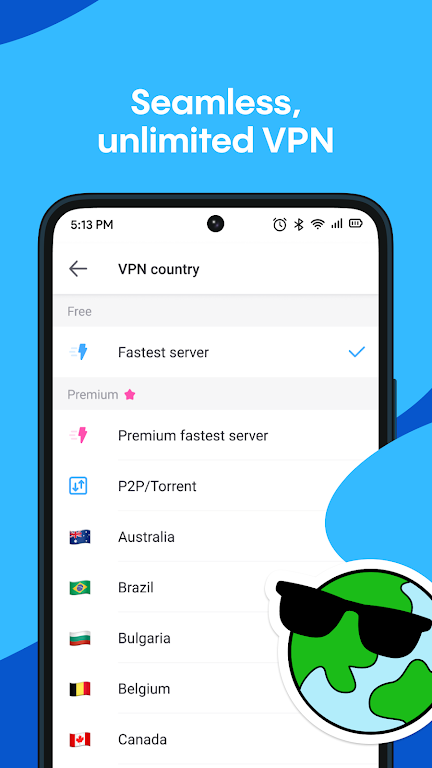
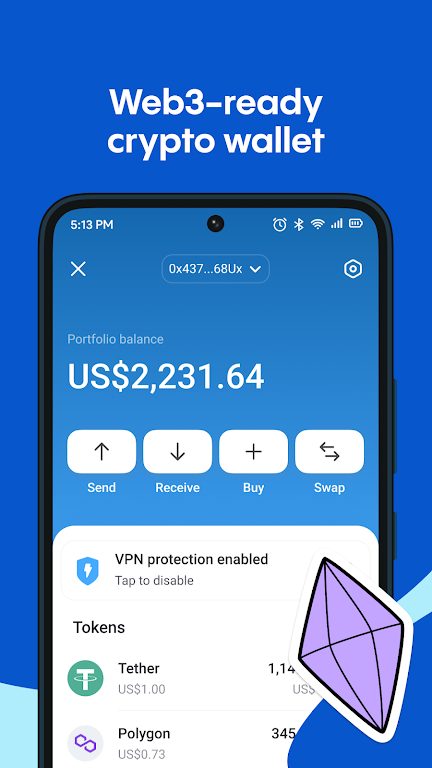
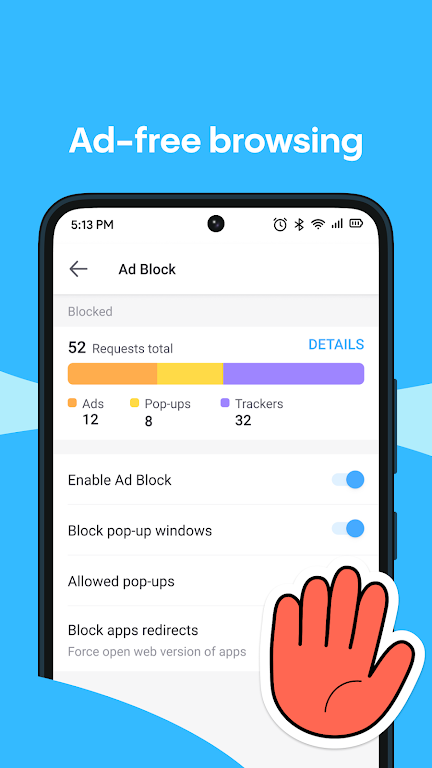
Aloha is a fast, privacy-focused mobile browser that combines secure browsing, a free built-in VPN, ad blocking and a compact crypto wallet into one convenient app. In everyday use Aloha aims to give you speedy page loads, an intuitive tab and download workflow, and simple tools for saving media and managing files without sacrificing privacy. The first impression is a clean interface that puts essential controls within reach, while additional options let you fine-tune browsing behavior and content handling to match how you work online.
The core browsing engine is designed for speed and low resource use: pages render quickly, tabs switch smoothly and the integrated ad blocker helps reduce unnecessary network requests. A built-in express VPN encrypts traffic for basic privacy and can help bypass simple geo-restrictions for sites and streaming content; it is convenient for casual use and travel situations. A compact crypto wallet and Web3 support are included for users who need to interact with blockchain sites or manage small on-device assets, with clear prompts around private key handling. The downloads manager is engineered for media-heavy use, providing a mini player so you can preview saved videos and music, and a file browser for organizing offline files and transferring them over Wi-Fi.
Beyond the headline features, Aloha offers a secure vault for storing passwords and sensitive notes locally, private or incognito tabs that isolate sessions from your regular browsing, and a downloads history that keeps media accessible even when you’re offline. These building blocks are combined so that common tasks—saving a video, sharing a file, initiating a wallet transaction—can be completed without jumping between separate apps.
Navigation in Aloha is straightforward: a single omnibox handles search and URLs, gestures allow fast tab switching, and long-press context menus provide options for links, images and downloads. Tabs can be grouped, pinned or closed with a swipe, and the bookmark manager supports folders and import/export for easy data migration. Settings are organized by category so users can quickly toggle privacy features, change the default download location, or adjust the wallet preferences without hunting through nested menus.
Aloha focuses on efficient performance for both modern phones and older devices. Ad blocking and resource optimizations reduce CPU and data usage, which helps pages load faster and saves battery life. The offline media player supports common formats so you can watch saved videos or listen to music while offline, and the file browser keeps downloads accessible for later playback or transfer. These capabilities make Aloha useful when you travel, lose connectivity, or want to build a local media library on your device.
Privacy is central to Aloha’s design: private tabs do not save history, the vault is password-protected and stored locally, and the built-in VPN encrypts traffic between your device and the VPN servers. The app gives clear information about what is protected locally versus what is transmitted externally, and it encourages responsible handling of private keys for the integrated wallet. For advanced users with specialized security needs, a dedicated paid VPN or separate hardware wallet may still be preferable; Aloha provides a balanced set of protections for general and everyday browsing.
Users can personalize their experience with theme choices, adjustable font sizes and a reader mode that strips clutter from articles for easier reading. Accessibility options include high-contrast mode and scalable text, and the interface supports larger touch targets for easier navigation. File sharing over Wi-Fi and export options for bookmarks and downloads make it easier to move content between devices or back up important data.
Rather than levels or missions, progression in Aloha comes from personalization and accumulated content: your bookmarks, saved pages, curated downloads and wallet addresses form a tailored environment that improves with continued use. Replay value is realized through daily browsing routines, offline media playback, and periodically revisiting saved content. Typical users include privacy-conscious commuters, travelers who need offline access, and people exploring blockchain sites who want a single app combining browsing, downloads and a wallet.
While the built-in VPN is handy for casual privacy and regional access, it may not replace a dedicated paid VPN for users requiring advanced features or the highest levels of anonymity. The ad blocker greatly reduces intrusive content but some complex site elements or scripts may still bypass filtering on occasion. Wallet functionality requires users to understand private keys and backup procedures; losing access to keys can result in irreversible loss of assets. For a smooth experience, keep the app updated and back up important wallet credentials externally.
The Aloha development team focuses on combining privacy and utility in a compact package and releases regular updates that address performance, compatibility and security. Release notes typically highlight optimizations, bug fixes and incremental feature improvements, and the team provides guidance on safe use of the wallet and VPN. If you rely on Aloha for daily browsing, checking updates and backing up critical data will help maintain a reliable and secure experience.