Birthday Photo Frame Maker App
Version: 66
15.30MB
4.1
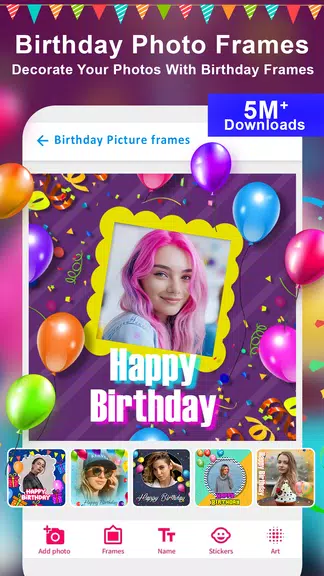
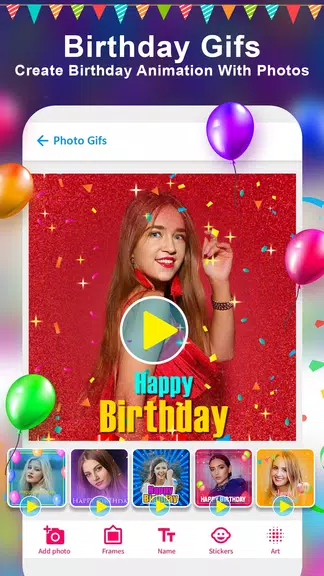
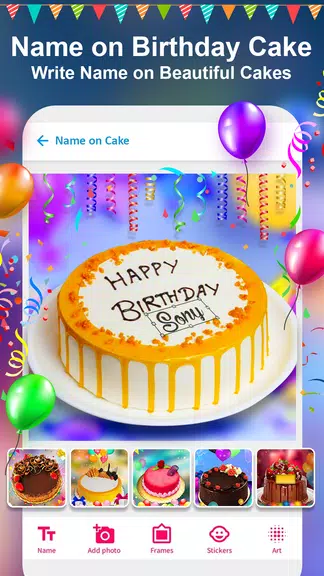
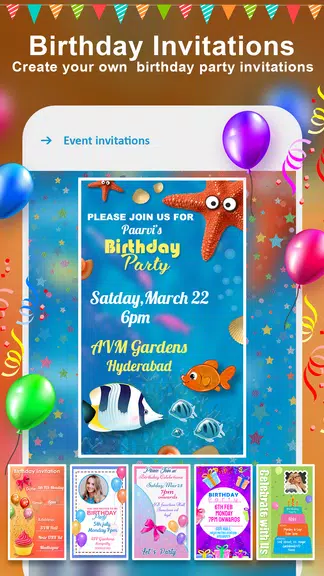
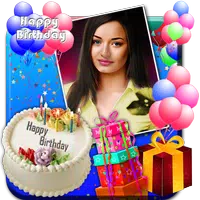
Birthday Photo Frame Maker App helps you create polished birthday collages and framed portraits quickly with intuitive tools, themed templates, and stickers. Ideal for casual users and small businesses, it streamlines photo editing, adds festive decorations, and exports print-ready images for invitations and social posts.
Designed for straightforward photo enhancement, the Birthday Photo Frame Maker App focuses on speed and usability. It brings together common editing needs—cropping, color adjustment, filters—and pairs them with birthday-specific assets so you can produce a shareable image in minutes. The workflow is linear and predictable, reducing friction when you need to create multiple designs.
Start by choosing a template or an empty canvas. Import photos from your device, then drag and drop frames and decorations into place. The app snaps elements to guides for better alignment and offers undo/redo controls for non-destructive editing. When you’re satisfied, use the export menu to select resolution and file type. The process is approachable for first-time users while still catering to more detail-oriented workflows.
Customization is where the Birthday Photo Frame Maker App shines. Each template is fully editable: swap backgrounds, recolor frames, resize stickers, and apply text with a variety of fonts. Advanced options include shadow controls, blend modes for stickers, and preset filter stacks to give your images a consistent look across multiple designs. You can also save favorite combinations as custom templates to speed up future work.
The interface emphasizes clarity. Large icons and labeled tools reduce the learning curve. Performance is smooth on modern devices; rendering of high-resolution exports is handled in the background so you can continue designing while assets finalize. Memory-friendly operations minimize lag when working with several images and layered decorations.
Casual creators who want attractive birthday images without a steep learning curve will find this app helpful. Small business owners producing event-related graphics or digital invitation creators will appreciate the time savings. Photographers who offer client birthday sessions can produce ready-to-print framed photo setups directly from their phones.
Download and open the app, sign up if you want cloud backups, and review starter templates provided on the home screen. The Birthday Photo Frame Maker App includes a guided walkthrough for first-time users that highlights the essential tools. Most users can complete a simple birthday invite in under five minutes after the walkthrough.
The app balances convenience with creative flexibility. It offers clear tool labels, predictable behavior, and enough advanced options for users who want to refine their designs. Regular updates add seasonal templates and new sticker packs, so the creative options continue to expand. If your goal is fast, attractive birthday images with minimal fuss, this app provides a dependable solution.