
HTC Video Chat Enhance
Version: 1.0.844352
1.60MB
4.1

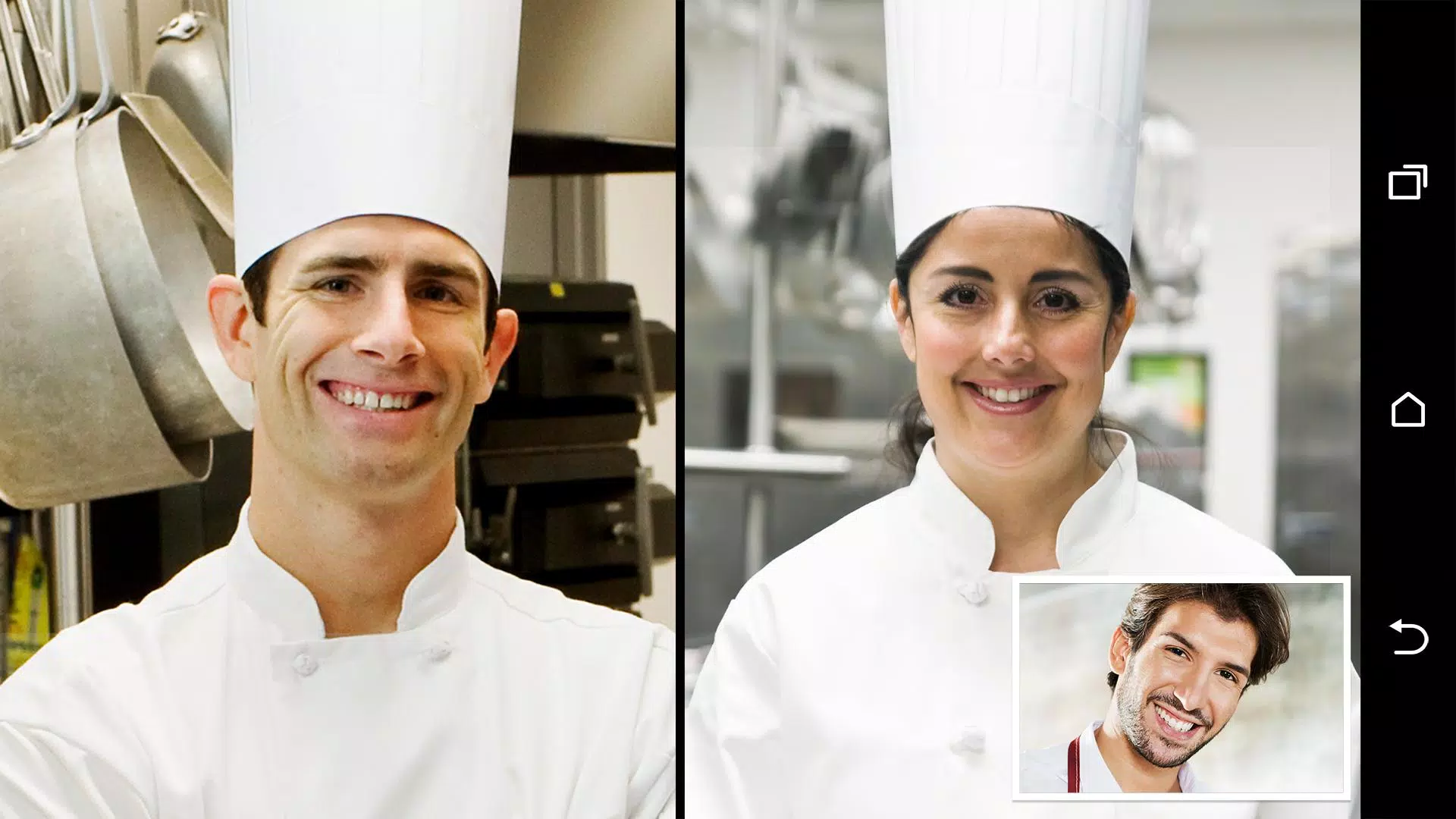
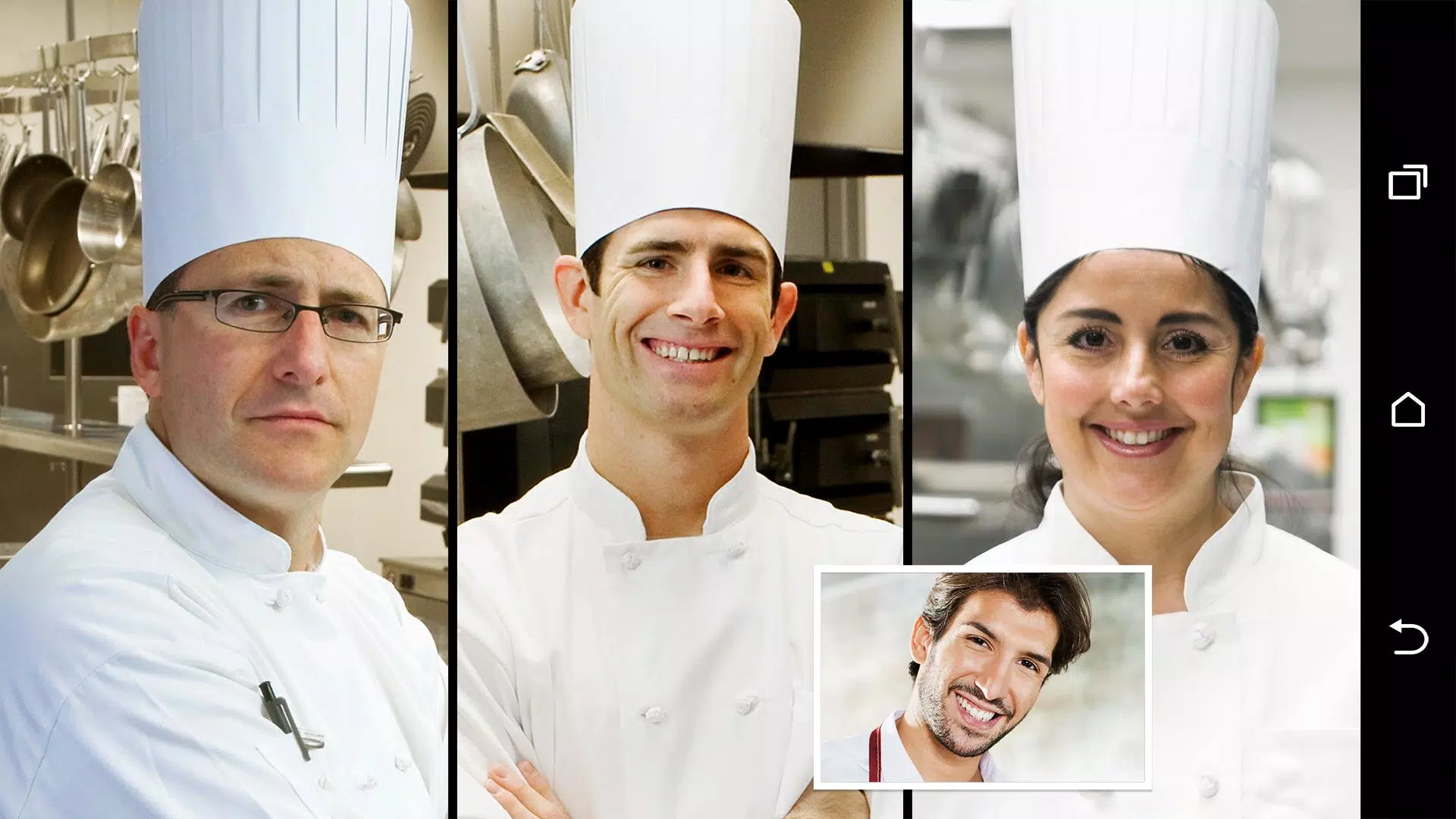
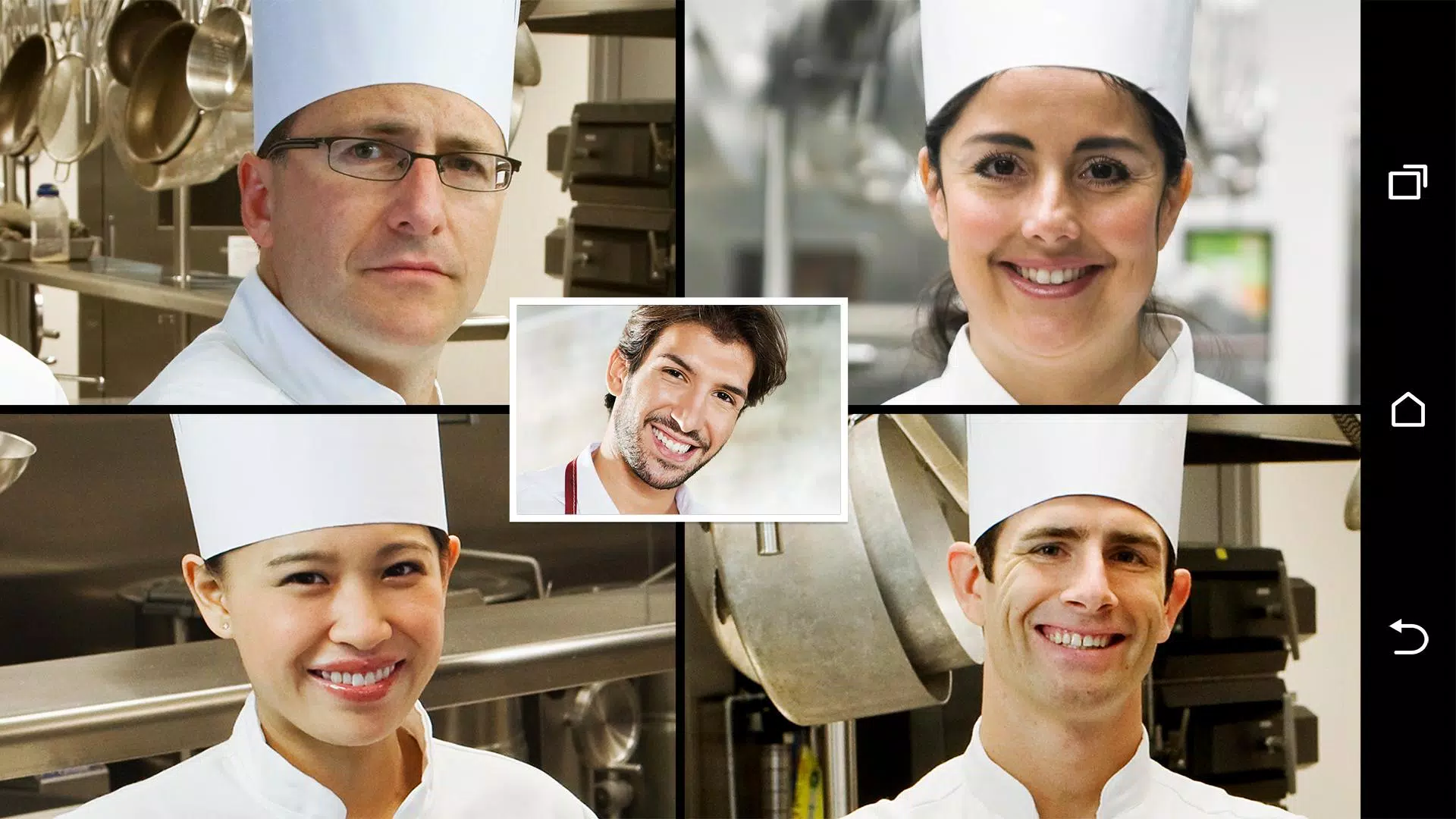
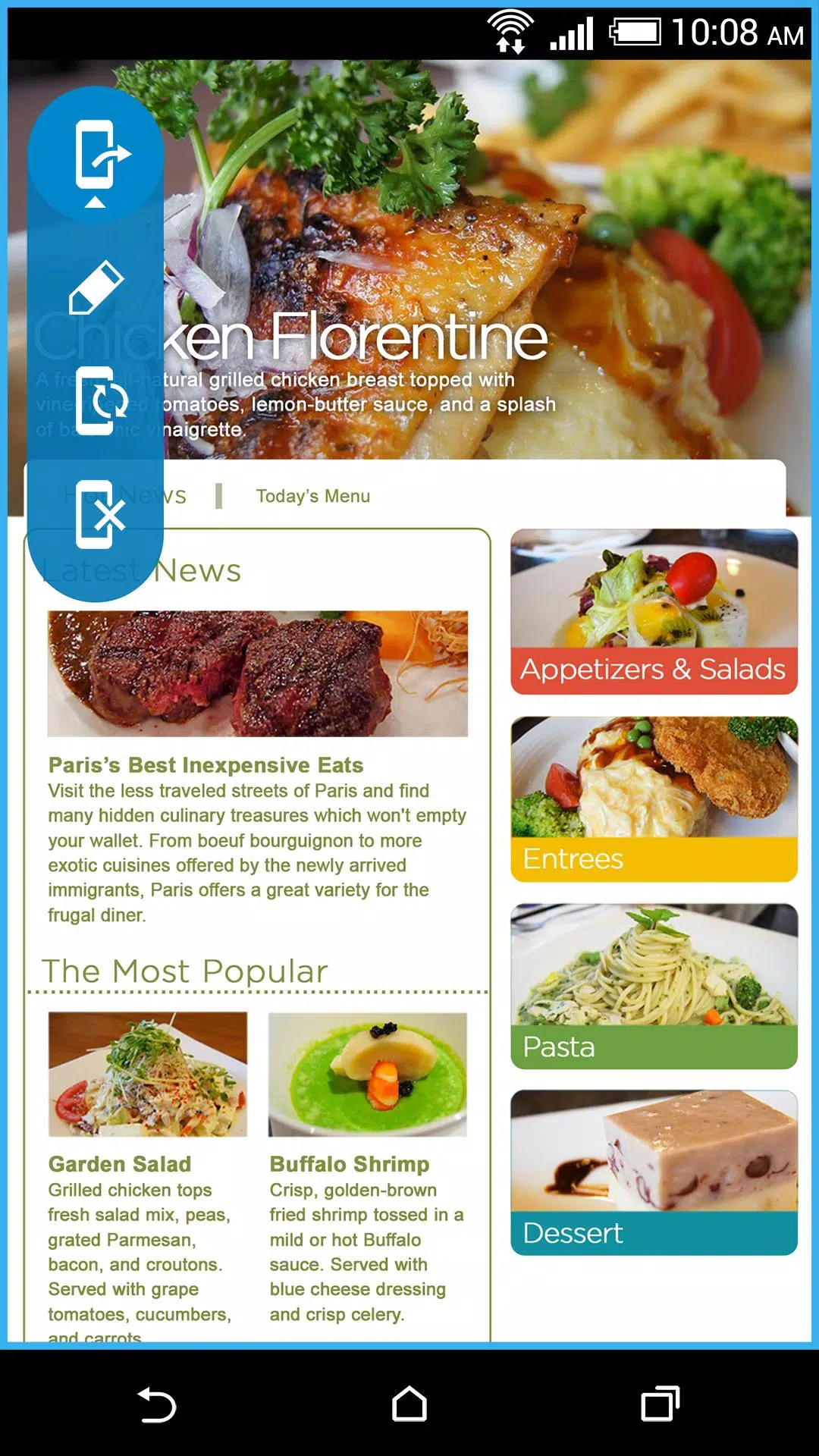
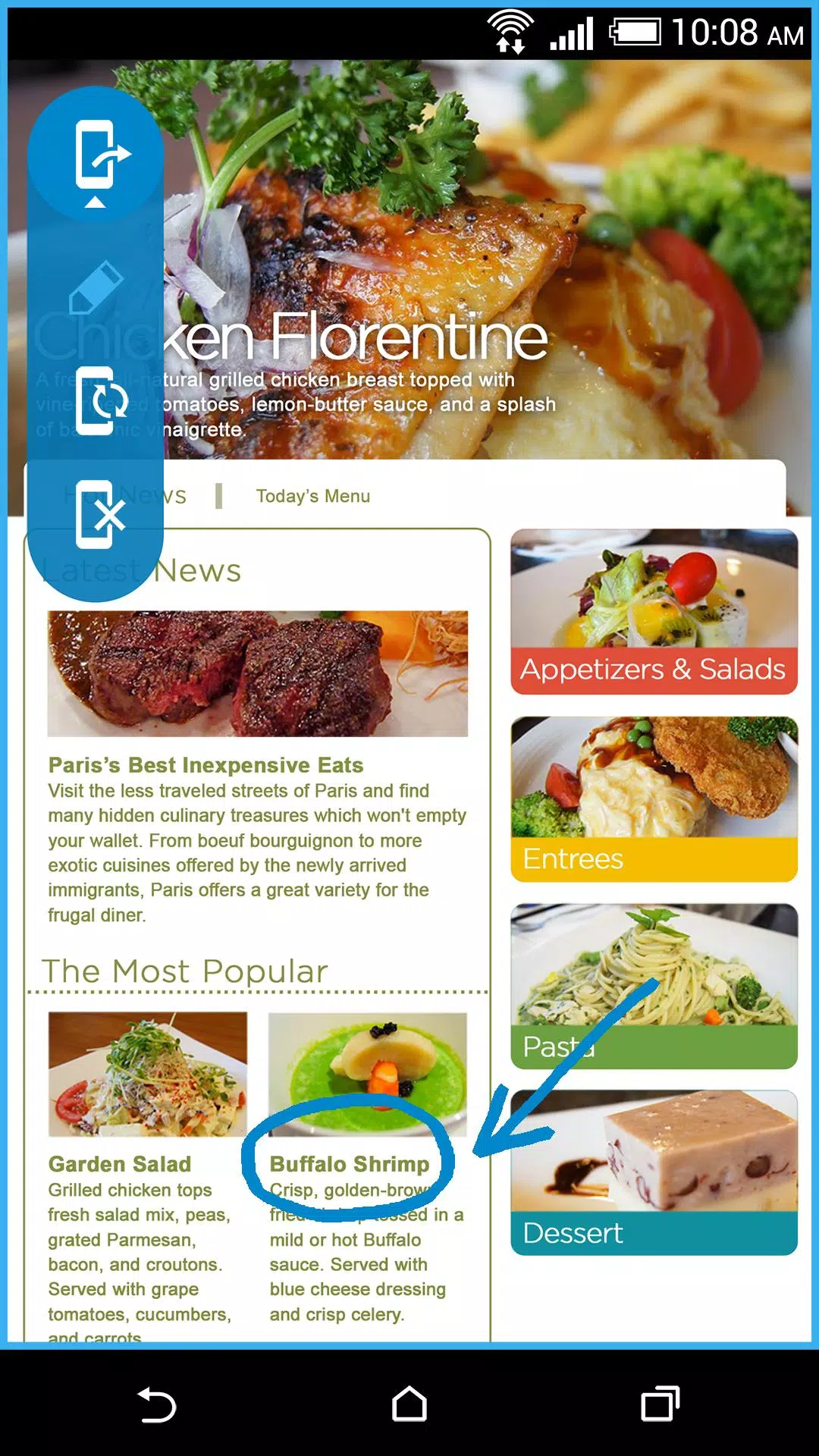
HTC Video Chat Enhance brings smarter tools to your video calls: HTC Video Chat Enhance centers your face while you move, HTC Video Chat Enhance lets you share screens and draw on them, and it works inside the calling apps you already use. Designed as a lightweight companion for Android video apps, this toolset keeps camera framing steady, enables direct presentation of documents and slides from your device, and layers simple annotation controls on top of any shared view so conversations stay visual and focused.
Advanced face tracking smoothly repositions the camera crop to keep the speaker centered as they move, reducing awkward framing and helping viewers maintain eye contact. Screen sharing sends an app window, document or presentation from the device so participants see the exact content you intend to show. The on-screen drawing tool supports freehand marks, arrows and highlighting so presenters can point out details in real time. Integration is built to work alongside your existing video clients rather than replace them, so the tools appear in-call as a simple overlay or companion window depending on the host app’s capabilities.
Controls are organized to minimize distraction during a call: a compact floating toolbar provides a single tap to toggle face tracking, a dedicated button to start or stop screen sharing, and a drawing mode you enable when you need to annotate. Drawing controls include selectable brush sizes, color selection and an eraser action, all operable with touch or a stylus. You can reposition the toolbar and pin the overlay out of the way, and most actions are reversible so accidental marks or shares can be undone quickly without interrupting the conversation.
Rather than a leveling system, progression here means personalization: create named presets for camera framing, drawing preferences and sharing quality that match different use cases—for example, “Lecture,” “Team Review,” or “Family Chat.” Presets allow you to switch behavior with one tap when moving between contexts. The app stores these settings locally, preserving your preferred balance of performance and visual fidelity without requiring an account or cloud sync.
The interface is intentionally unobtrusive, using transparent overlays and compact controls that adapt to portrait and landscape orientations. Rendering prioritizes smooth video and low latency: face tracking calculations and annotation rendering are optimized for common Android chipsets, and the app adjusts capture resolution to preserve battery life and CPU headroom during longer calls. Visual feedback is clear and high-contrast so marks remain visible across a variety of screen sizes and ambient lighting conditions.
HTC Video Chat Enhance is useful in recurring scenarios—remote lessons, quick design reviews, family photo walkthroughs, product demos and troubleshooting sessions—where the ability to point, frame and focus improves clarity. Because the tools live alongside your existing video app, the value compounds over repeated use: once presets and gestures are configured, call setup becomes faster and you spend more time communicating and less time fiddling with camera placement or screen mirroring.
Accessibility features include large-touch targets for the main controls, high-contrast drawing colors, and compatibility with Android accessibility services such as TalkBack so the app can be navigated by users relying on spoken feedback. Core features operate locally on the device; face tracking and annotation do not require a server connection, so basic functionality is available even if only the host call transports audio and video. Supported behavior may vary by Android version and device performance; the app aims to run on a broad range of handsets but scales settings to match available hardware.
Because HTC Video Chat Enhance extends its features through integrations, the available functionality depends on the host video app’s support for overlays and screen capture. Some video services restrict third-party overlays or limit shared-resolution, which can prevent certain features from working in every call. Users should expect occasional differences in behavior between host apps and may need to enable permissions for screen capture and overlay access. The app is focused on enhancing live, local presentation and does not introduce remote recording, cloud collaboration, or server-side processing, keeping privacy and performance under the user’s control.