
Fora Mikro
Version: 3.20.20
41.70MB
4.4
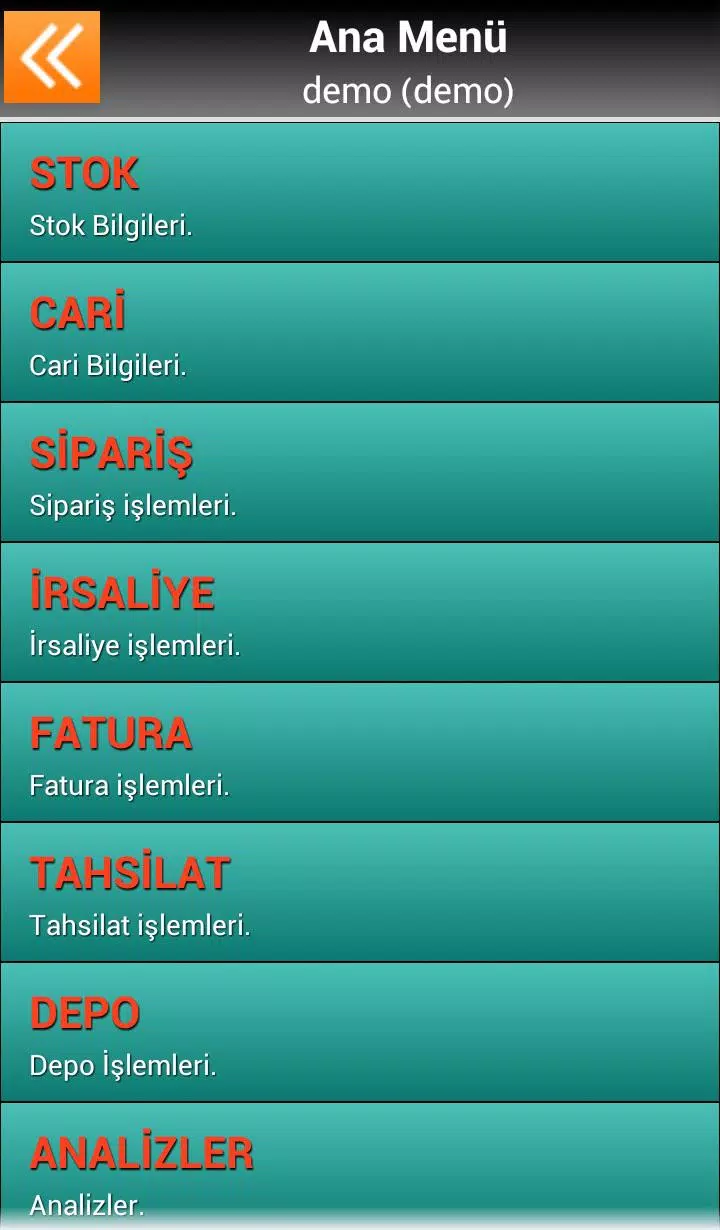
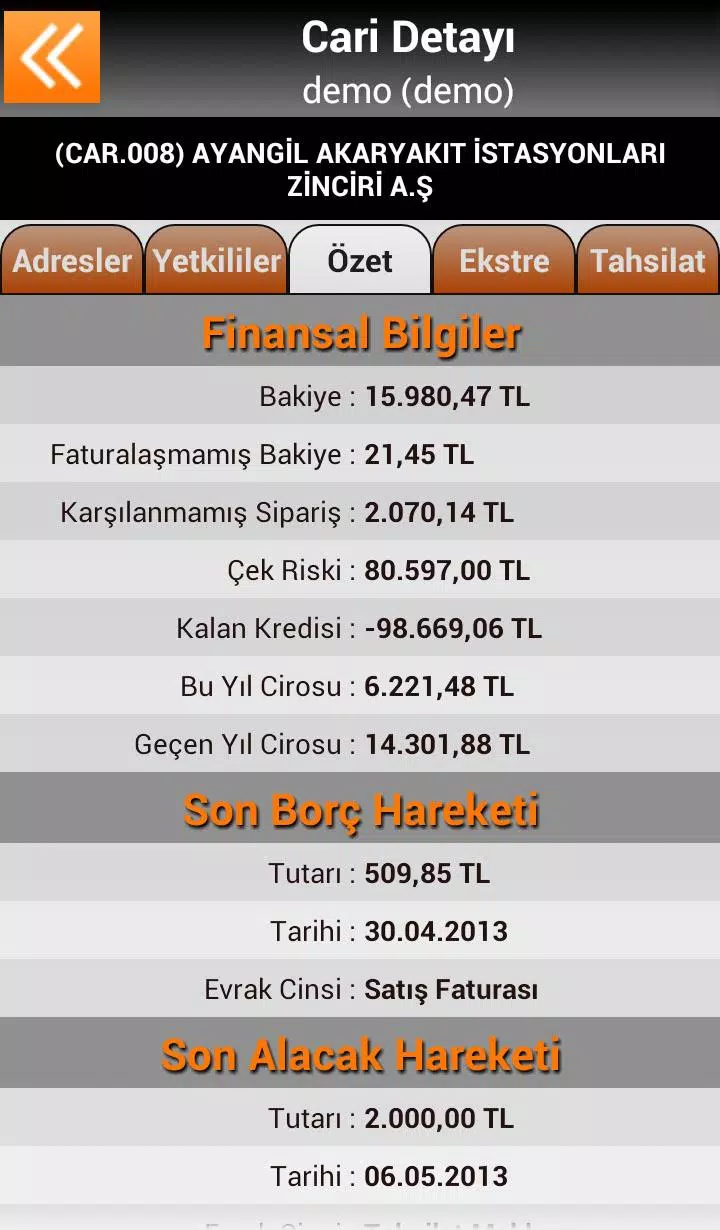
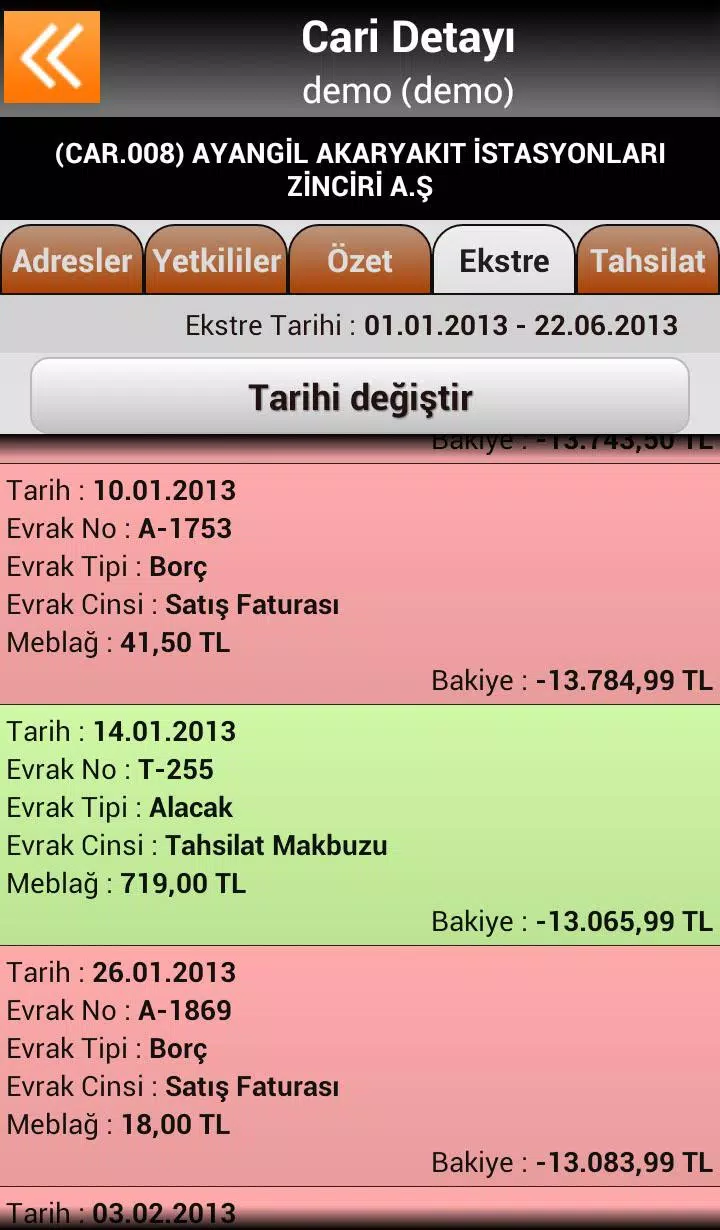
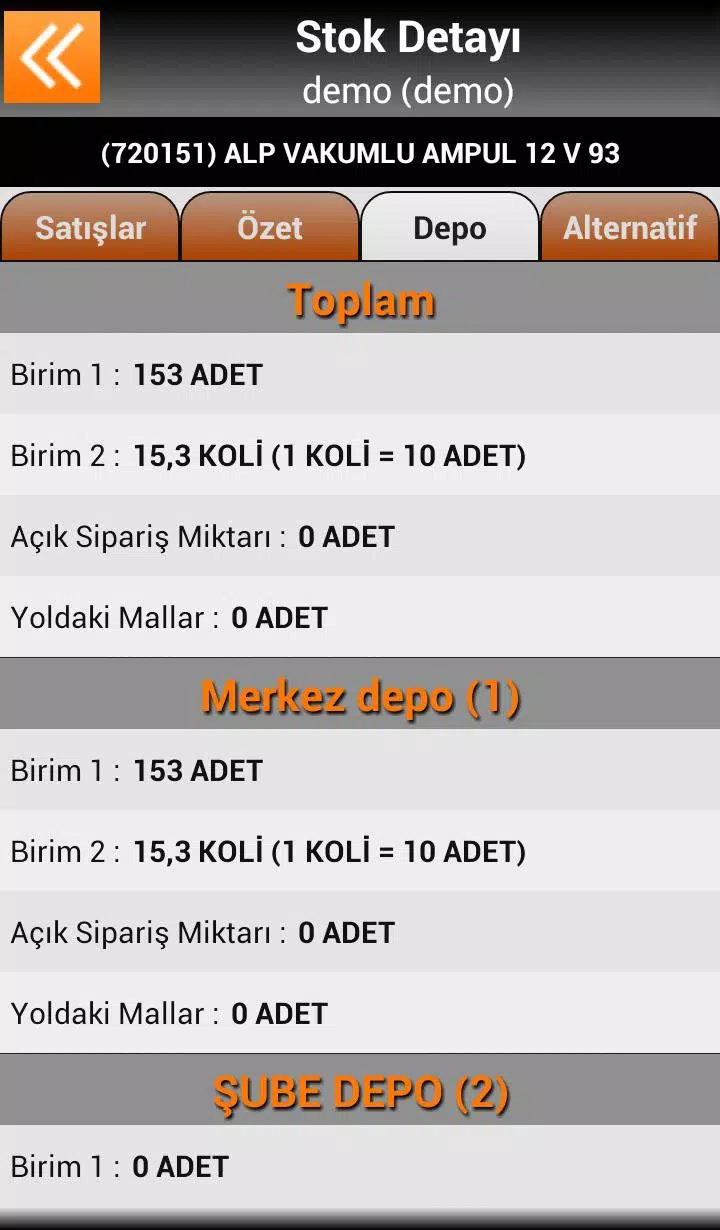
Fora Mikro is a mobile companion app that connects directly to the Mikro micro-accounting system (compatible with Mikro V14 and V15), giving sales representatives and field staff a native tablet, smartphone and handheld terminal interface to synchronize customers, stock and documents with a central accounting database. Fora Mikro offers a demo mode and a simple route to a free 15-day trial: call 0 212 213 80 20 to arrange a trial activation and an overview of local deployment steps. The app is designed for teams that capture orders, process collections and review customer statements while working away from the office.
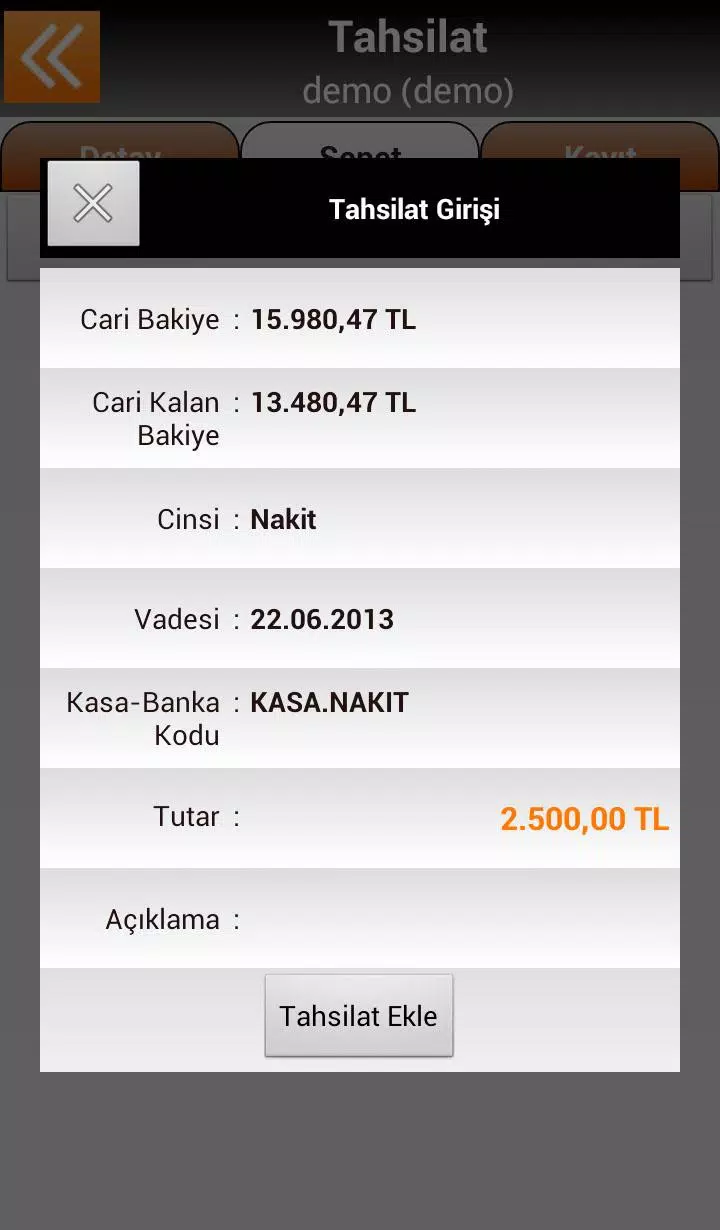
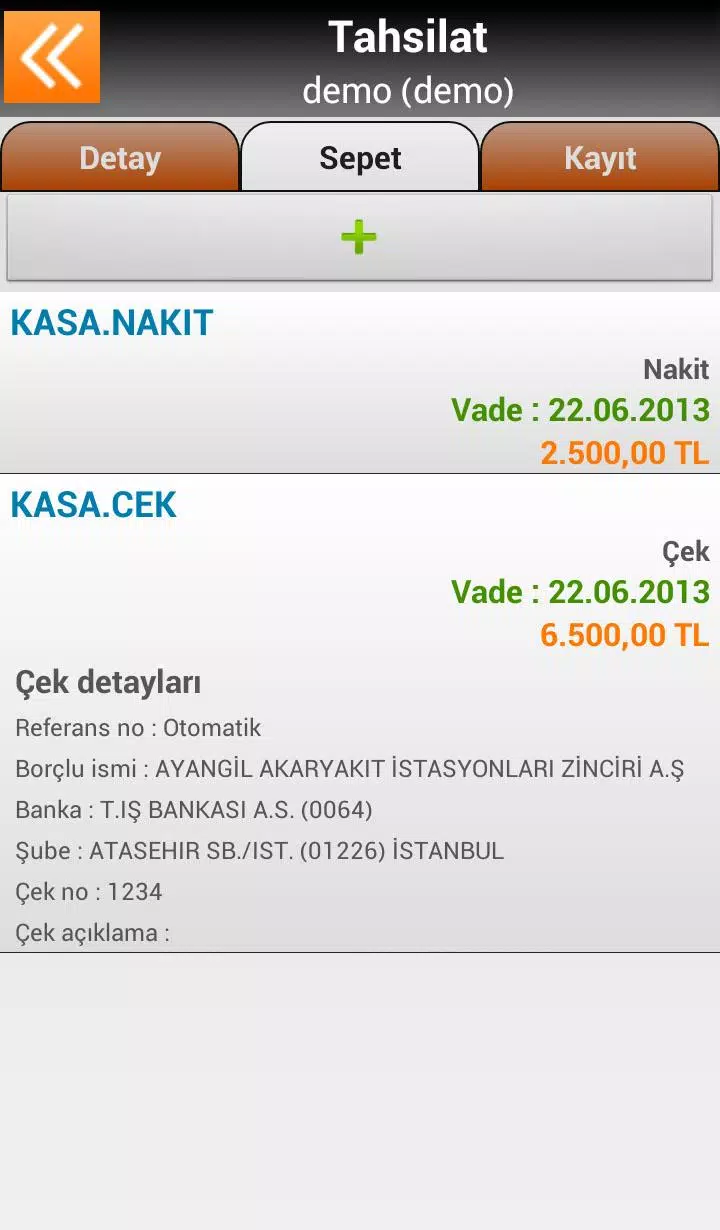
The core integration synchronizes two-way stock levels, customer records and invoices with Mikro V14/V15 so field data flows back to the head office without manual re-entry. Offline-first local storage lets users continue taking orders, registering payments and updating customer notes when there is no network; data queues automatically and synchronizes once connectivity returns. The application handles large product catalogs and long sales histories using efficient local indexing and compact document formats to reduce processing times on mobile devices. Document and collection workflows support multiple payment methods and selectable banking details, and administrators can enable demo mode to let staff train without affecting live records.
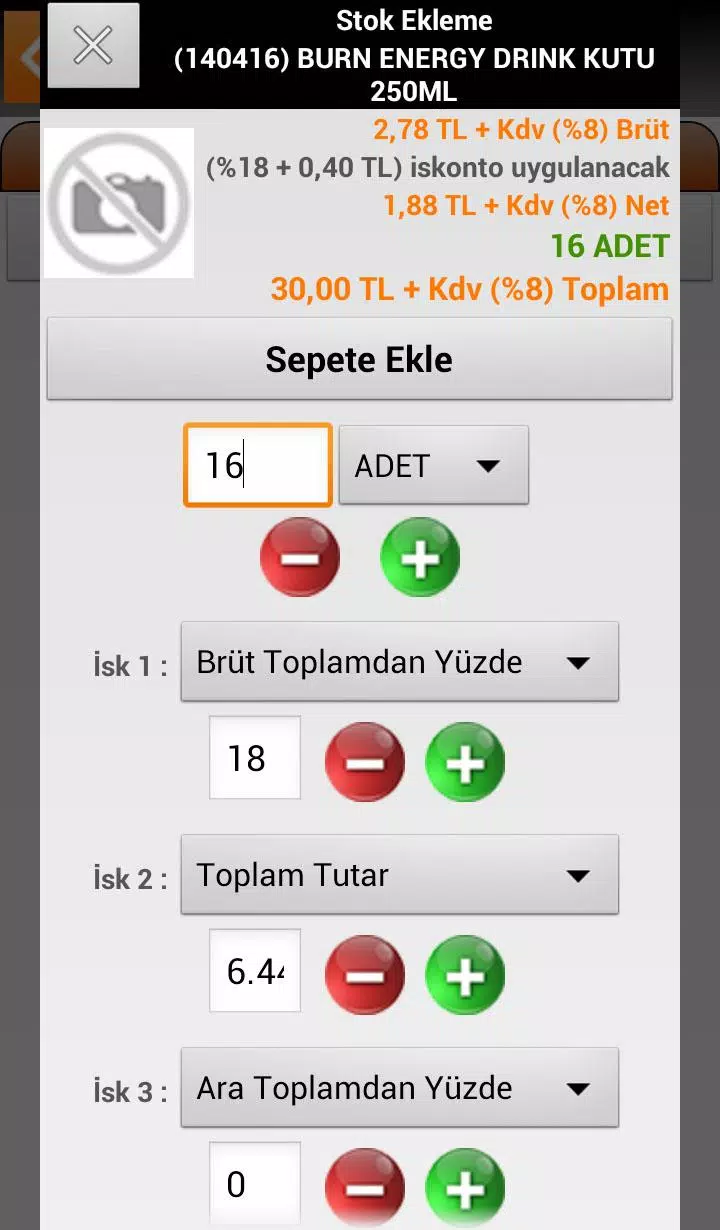
Fora Mikro presents task-oriented screens for common field actions: create an order, register a payment, view customer balance or print a delivery note. The interface relies on straightforward touch inputs and context-sensitive menus adapted for both full-screen tablets and compact handheld terminals with physical keys. Data entry forms use predictable patterns—searchable product fields, quantity and discount inputs, and clear validation messages—so users move quickly from lookup to order confirmation. The app also supports barcode-assisted processes where the hosting device exposes scanner input as simple keyboard entries, enabling faster product selection on supported terminals.
Rather than a game-style progression, Fora Mikro structures work through configurable workflows and document states: draft, confirmed, delivered and paid. Teams progress by completing these stages for each customer visit, and managers can define task lists or route sequences to guide reps through recurring rounds. Activity logs and timestamping help supervisors monitor completion rates and follow up on outstanding collections or unprocessed orders, creating a measurable field workflow that improves over time with consistent use.
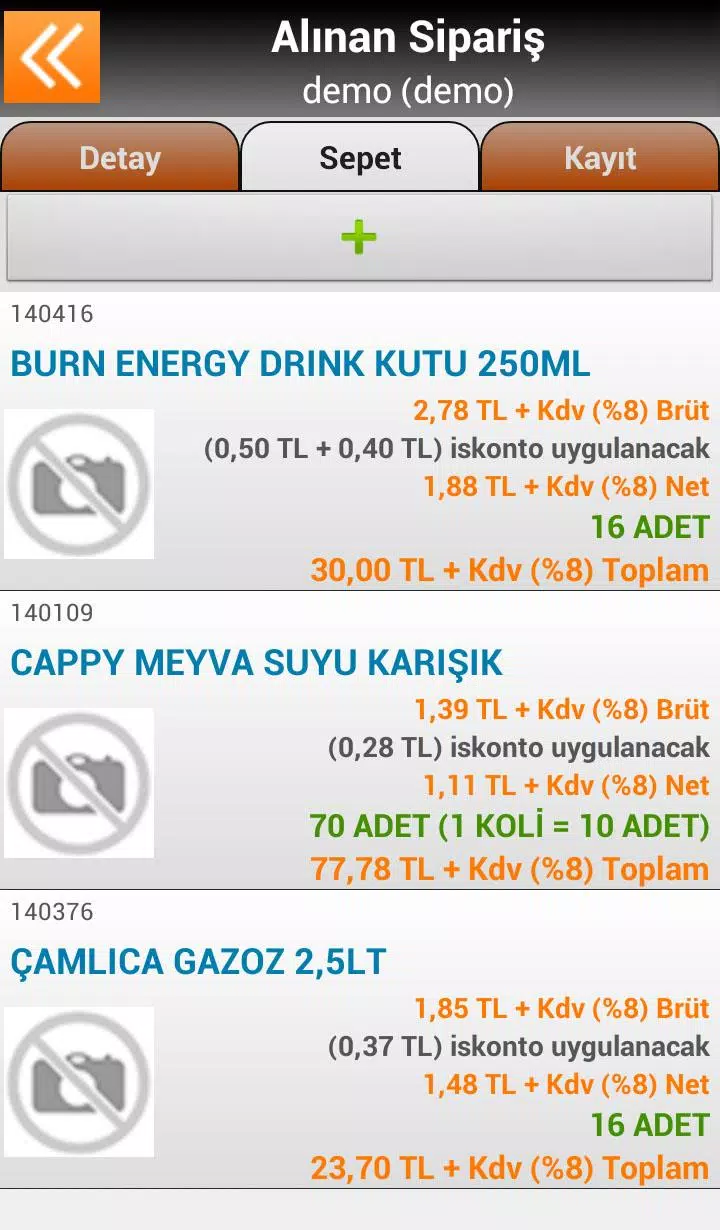
The visual design prioritizes clarity for busy field users: medium-contrast text, large tappable controls and compact but legible lists that show product codes, descriptions and key pricing at a glance. Forms are optimized to minimize typing and reduce error; commonly used actions are surfaced on primary screens while advanced options remain in secondary menus. Configurable display density lets organizations tune the interface for smaller handheld displays or larger tablet canvases, helping users maintain accuracy in both cramped delivery vans and warehouse environments.
Offline play is a fundamental part of the user experience: transactions are written to local storage and queued for upload when the device detects a reliable connection. The synchronization engine performs incremental updates to avoid transferring whole catalogs repeatedly, and it includes simple conflict handling rules so most mismatches resolve automatically; administrators can review exceptions in the central system. For networks that are intermittent, the app retries uploads intelligently and provides clear status feedback so field staff understand whether a document is pending, synced or requires attention.
Administrators can tailor the application with granular authorization parameters—hundreds of settings control access to functions such as price overrides, credit limits, and document deletion—allowing role-based configurations for sales reps, collectors and regional managers. Customizable document templates and parametric grouping enable reports by salesperson, warehouse, project or month, giving teams flexible visibility into performance without heavy development work. These tools let organizations adapt the app to local commercial rules and reporting needs.
Full deployment typically involves an initial configuration phase to align codes, pricing lists and user permissions; administrative users should plan familiarization sessions for staff. Fora Mikro is specifically engineered to work within the Mikro accounting environment (V14/V15), so standalone use with other accounting systems is limited and may require integration work. For trial activations, setup assistance or to request the 15-day demo, contact the vendor at 0 212 213 80 20 to schedule guidance on installation, data mapping and recommended device profiles.










