Quick Launcher for Android 17
Version: 11.8.1
35.10MB
4.2
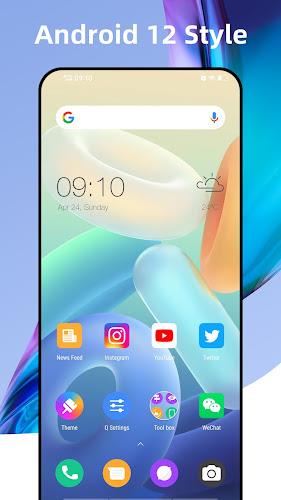
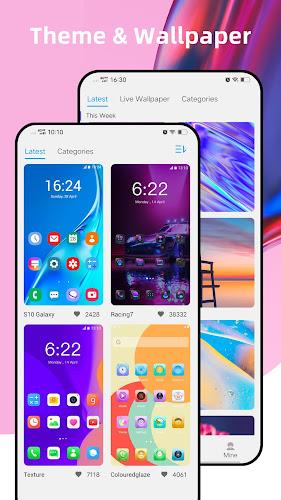
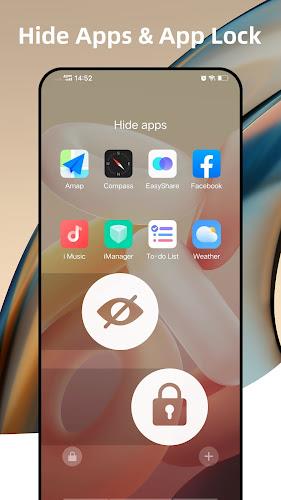
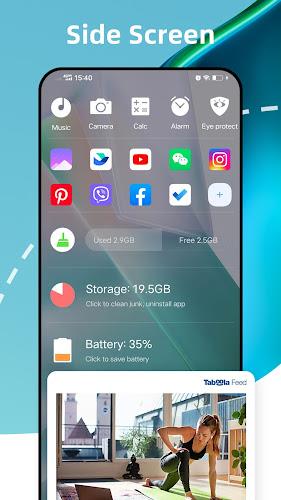
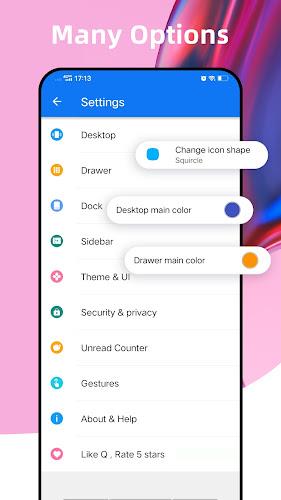
Quick Launcher for Android 17 is a lightweight, fast launcher designed to bring a clean, gesture-driven home screen experience to modern devices. It simplifies navigation, boosts responsiveness, and offers essential customization without clutter, making it ideal for users who want speed and efficiency on Android 17-powered phones and tablets.
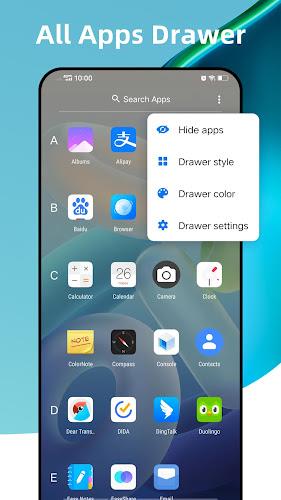
The interface puts core actions within easy reach. Quick Launcher for Android 17 uses a minimalist grid, compact app drawer, and customizable gestures so you can swipe, pinch, or double-tap to open apps and tools. Animations are subtle to keep transitions snappy, while icon sizing and label visibility are adjustable to match different screen sizes and visual preferences.
The app focuses on features that improve daily productivity without overwhelming the user. Notable elements include:
Navigation centers on a responsive home screen and an intelligently organized drawer. The app drawer supports alphabetical and frequency sorting, with folders created by drag-and-drop. Quick Launcher for Android 17 also offers a persistent search bar and a recent apps row for fast multitasking. If you prefer, you can hide labels for a more streamlined visual approach.
Customization balances flexibility with simplicity. You can adjust grid dimensions, change icon packs, or alter folder behavior. Widgets resize automatically to fit different layouts, and dedicated controls let you tweak the dock and notification badge style. For advanced users, there are options to export and import layout backups so you can restore a favorite setup after a reset or across multiple devices.
Speed is a priority. The launcher is built to minimize memory consumption while keeping launch times low. Background services are kept to a minimum, and regular updates address compatibility with new Android builds. On mid-range devices Quick Launcher for Android 17 maintains fluid animations and consistent response times, with an emphasis on minimizing jank during heavy use.
Day-to-day use emphasizes convenience. The homescreen supports quick widgets for calendar, email summaries, and weather, helping reduce the need to open full apps. Notifications are accessible with a swipe, and contextual suggestions surface frequently used actions based on time and location. This helps create a predictable workflow that saves taps and time.
Getting started is straightforward: install the launcher, set it as the default home app when prompted, and choose a layout template. Allow the necessary permissions for notifications and shortcuts to get full functionality. If you switch from another launcher, use the import tool to bring over icon positions and folders to preserve your existing arrangement.
Begin by choosing a grid size that matches your screen: larger grids fit more icons, while smaller grids keep elements accessible with one hand. Experiment with two or three custom gestures to speed common tasks. For users who value battery life, limit background widgets and disable unnecessary animations within settings. Those new to custom launchers will find the default preset a solid baseline to explore further personalization.
Many users pick Quick Launcher for Android 17 because it combines a light footprint with practical features. It keeps the interface uncluttered while still allowing meaningful customization. Regular updates, straightforward settings, and a predictable learning curve make it suitable for both casual users and power users seeking a reliable daily driver.
Before finishing setup, check backup options and grant notification access so badges and suggestions function correctly. Adjust performance settings if you experience lag, and periodically clean unused shortcuts for a tidy home screen. With a few simple tweaks, Quick Launcher for Android 17 can dramatically reduce the time you spend navigating your device and make everyday tasks feel faster and more focused.