
Watch32
Version: 1.0.3
112.53MB
4.5
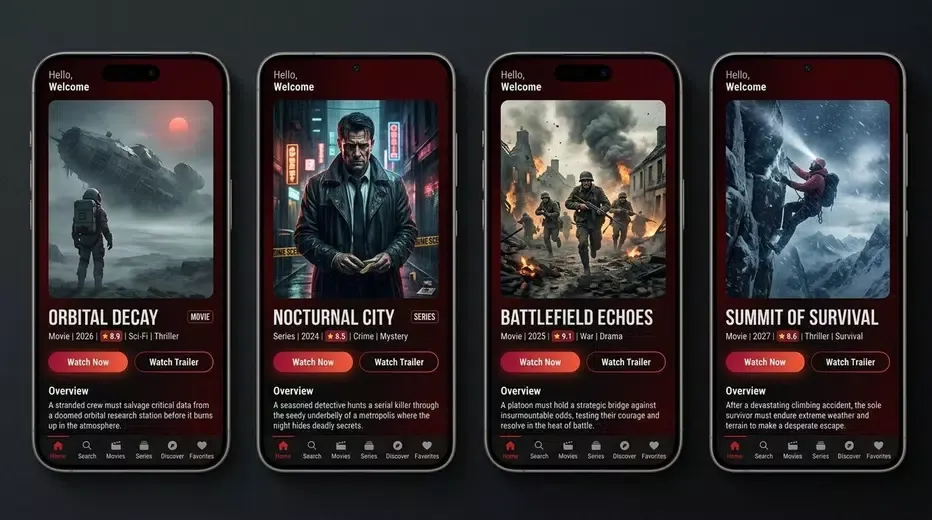
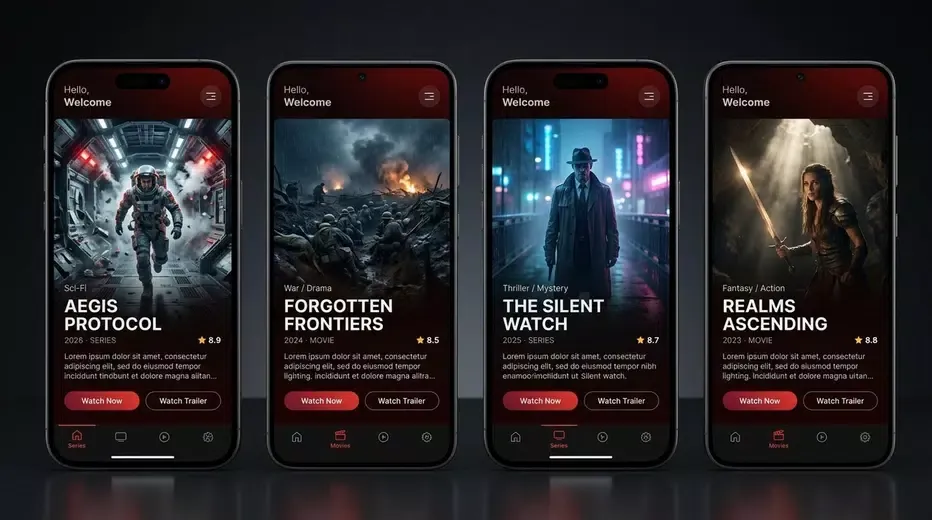
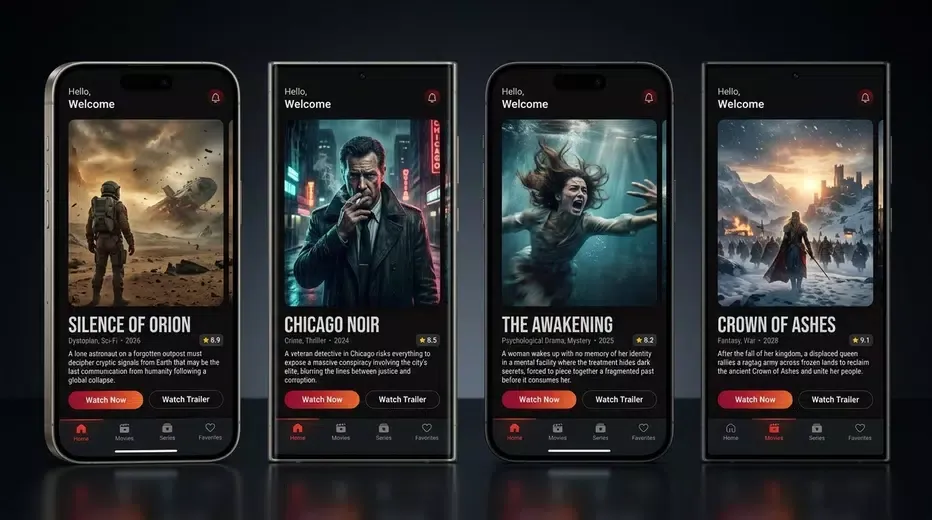
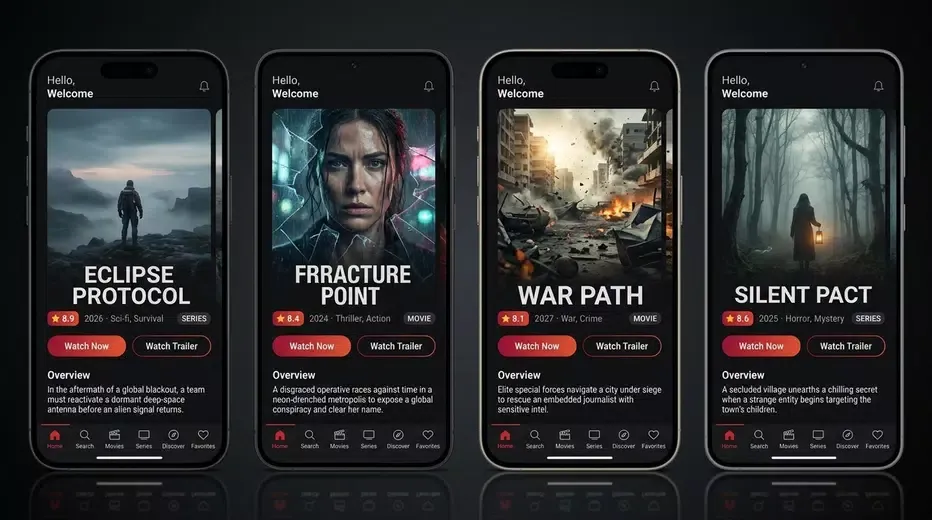
Watch32 is a lightweight Android app that organizes and plays video content with a focus on fast navigation, adaptive streaming and offline viewing. Designed for users who want a dependable media experience, Watch32 combines smart library management, subtitle support and casting to deliver reliable playback across a wide range of devices.
Watch32 acts as a versatile media hub for local and online content. It scans storage for video files, indexes metadata automatically, and presents a clean interface where movies, shows and clips are grouped by title, genre and date. The app supports multiple formats and adapts quality to network conditions to reduce buffering.
The interface emphasizes clarity and speed. Watch32 uses a tab-driven layout with quick-access filters for unwatched items and recent additions. Playback controls are reachable with single taps, and gestures allow easy scrubbing, brightness, and volume adjustments. Menus are minimal yet offer deep configuration options when needed.
Performance is a key focus: Watch32 employs hardware acceleration where available, reducing battery draw and ensuring fluid frame rates for high-resolution files. Its buffering engine caches strategically to prevent stutters while keeping memory usage modest. The result is reliable playback for long sessions and varied file types.
Organizing content is straightforward. The app groups episodes into seasons, supports playlists, and allows manual editing of titles and release dates. Multiple sorting modes—by name, size, or date—help maintain a tidy collection. Watch32 also lets users exclude folders from scanning to avoid cluttered libraries.
Watch32 is compatible with a broad set of devices and codecs. It supports common containers like MP4, MKV and AVI, and integrates with external storage and network locations through SMB and FTP. The casting functionality works with most DLNA devices and Chromecast models, so playing a video on a larger screen is fast and painless.
Customization options let users tailor the app to their habits. Choose default subtitle sizes and colors, set preferred audio tracks for multilingual files, and configure autoplay behavior for queued episodes. The app also provides power-saving options to limit background activity when not in use.
Watch32 respects local privacy by keeping indexing and playback data on the device. Optional PIN lock can restrict access to the app or specific playlists. For online features like metadata lookup, the app uses anonymous requests and lets users disable network access entirely if they prefer offline operation.
Begin by granting storage access so Watch32 can scan for media. Use the guided setup to choose folders for the library and enable preferred features like subtitle download and casting. Playback settings can be adjusted later in the settings menu to match device performance and user preferences.
Watch32 suits anyone seeking a dependable, no-frills media player on Android: people with extensive local libraries, users who often download content for offline viewing, and those who need a light but capable playback tool that integrates with home streaming devices. Its combination of performance, file compatibility and practical features makes it a solid choice for everyday media consumption.