Photo Lab PRO Picture Editor
Version: 1.0
40.51MB
4

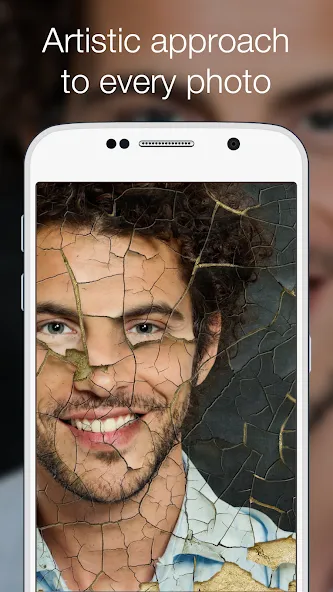
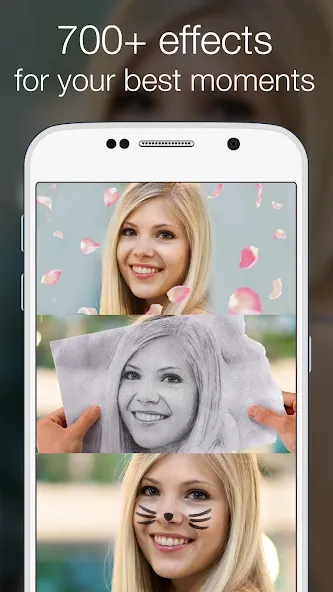
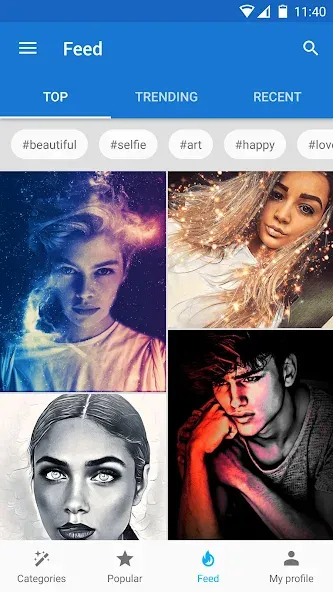
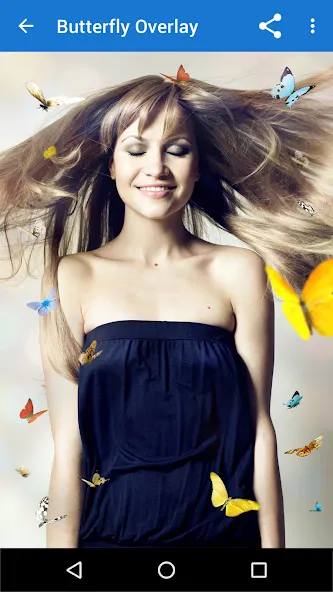
Photo Lab PRO Picture Editor is a compact, user-friendly photo editor that turns ordinary photos into polished visuals with minimal effort. Photo Lab PRO Picture Editor puts hundreds of ready-made filters, frames and montage templates at your fingertips so you can create vintage postcards, magazine-style covers, playful face swaps and themed collages in seconds. Designed for casual creators and social sharers, Photo Lab PRO Picture Editor balances one-tap convenience with a small set of manual adjustments so you can get great-looking results quickly without a steep learning curve.
The app offers a wide variety of artistic treatments, from retro-film and black-and-white presets to colorful cartoons and surreal backgrounds. Photomontage templates place your portrait onto scenes such as postcards, cakes or dreamy landscapes, while decorative frames and borders let you build themed compositions for holidays or announcements. The built-in text editor includes magazine-cover and greeting-card templates so you can add headlines, captions and stylized typography before sharing or printing. Collage layouts range from simple 2- or 3-photo grids to more complex multi-photo arrangements, giving you flexible visual structure for events, portfolios or social posts.
The core editing mechanics emphasize speed and predictability. One-tap effects apply layered treatments automatically; after applying an effect you can make modest manual tweaks such as intensity, crop, rotation and basic color balance. The app’s controls are designed as a short workflow: select a template or filter, import or take a photo, apply the effect and make light adjustments, then export or share. While the interface favors presets and templates, the available sliders and text controls let you refine placement, font size and contrast for a more tailored final image.
Rather than levels or progress bars, progression in Photo Lab PRO Picture Editor comes through an expanding creative library. Regular updates add new frames, montage styles and seasonal templates so your creative options grow over time. You can save edited projects as drafts to return to later, duplicate a template to try alternate looks, and export multiple variations to compare different color casts or text treatments. Customization centers on combining frames, stickers and text with your chosen filter; this creates strong replay value because the same photo can yield many distinct results simply by varying a few elements.
The app emphasizes straightforward usability: large preview thumbnails make effect selection visual and immediate, and sharing tools are integrated for common social platforms and messaging apps. Accessibility features include readable fonts in templates and simple iconography for primary tools, making basic editing approachable on both phones and tablets. Most common filters and collage operations run locally on the device for quick edits without a network connection; some complex montages or high-resolution exports may take longer to render and can benefit from a stable connection or more processing time on high-resolution images.
Photo Lab PRO Picture Editor trades advanced pixel-level control for speed and simplicity. It has limited manual retouching, no layer-based editing, and lacks precision color grading and advanced healing brushes; users who require professional-level retouching may need a dedicated desktop editor. Some montage styles and artistic effects are computationally intensive and can pop up longer render times on older devices. For creative challenge, users can explore themed templates and try iterative edits — for example, adjusting intensity, swapping frames, or reworking typography — to practice composition and develop a consistent visual style.
The app is updated regularly with new filters, vintage-card looks and seasonal content to keep the creative library fresh. The PRO edition removes ads and watermarks for cleaner results and streamlines export options for prints or professional use. Integrated sharing features simplify posting to social media, sending images to contacts, or saving high-quality files for printing. If you prefer quick, repeatable workflows for social posts or occasional print projects, Photo Lab PRO Picture Editor provides a compact toolkit focused on creativity and ease of use.