Fake GPS Location Spoofer Go
Version: 1.0.16
13.92MB
4.2
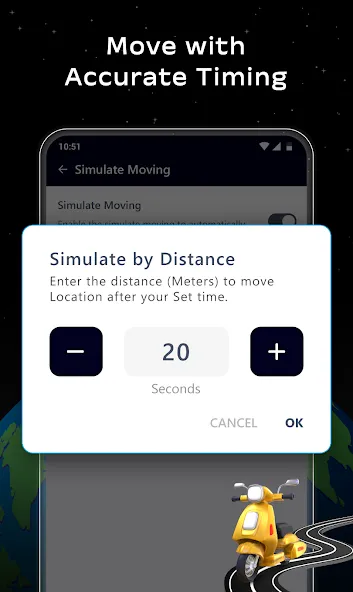
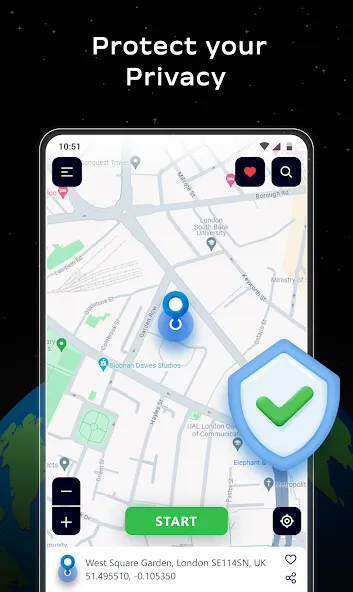
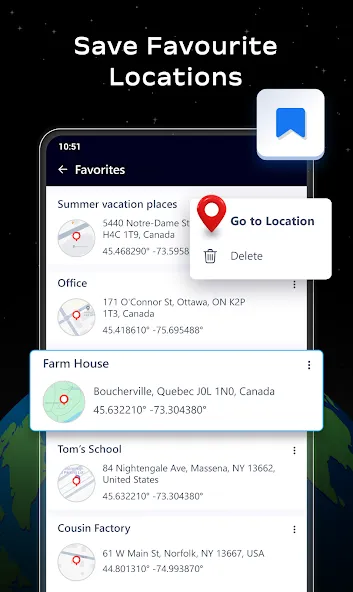
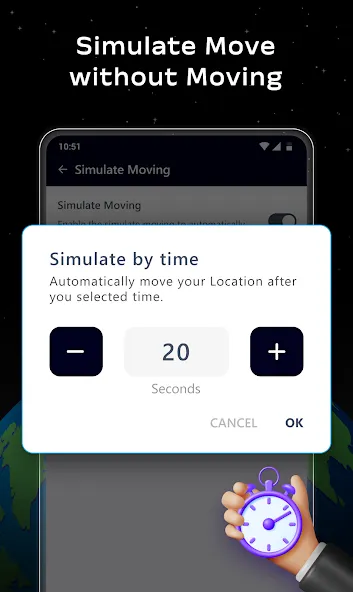
Fake GPS Location Spoofer Go is a lightweight Android utility that lets you set a virtual location on your device for testing, privacy, or location-based customization. With simple controls and developer-friendly options, it enables you to simulate GPS coordinates quickly without draining battery or altering system settings permanently.
At its core, Fake GPS Location Spoofer Go intercepts the location reported by your phone and replaces it with coordinates you choose. Developers use it to test geo-aware features, content creators use it to preview location-based filters, and privacy-conscious users employ it to limit precise location sharing with apps. The interface focuses on speed and clarity, offering a fast route to switch positions without navigating deep system menus.
After enabling developer options and selecting Fake GPS Location Spoofer Go as the mock location app, the tool starts supplying chosen coordinates system-wide. Apps that request location data will receive the spoofed position instead of your real GPS fix. The process is reversible with the app able to clear mock locations and restore actual GPS reporting when you need accurate positioning again.
Legitimate scenarios for using a location spoofer include quality assurance, app development, mapping demos, or protecting your exact whereabouts when using social apps. It’s also helpful for travelers who want to prepare region-specific app behavior before they arrive in a new country. The app is not intended for evading location-based restrictions or committing fraud; use it responsibly and within platform terms of service.
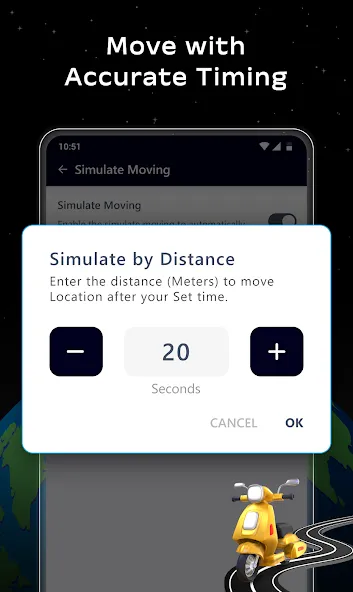
Fake GPS Location Spoofer Go provides several customization options so you can tailor location simulation to your workflow. Choose between single-spot mode for testing a specific coordinate, or simulated movement where the app animates a route between two points. You can control the simulation speed, loop behavior, and smoothing to make the movement appear natural for apps that track motion.
The UI is organized to minimize clicks: search for places, tap to set, and toggle simulation with a prominent button. The map loads quickly and supports satellite and standard map layers. Performance remains consistent even on older devices because the app avoids heavy background services and only interacts with system location when active.
If an app still sees your real location, confirm that Fake GPS Location Spoofer Go is selected under mock location settings and that location permissions are granted. Restarting the target app often forces it to re-request location data. For mapping inaccuracies, ensure network-based location services are disabled while testing GPS-only scenarios.
Installation is straightforward from an Android app store or an APK. After installing Fake GPS Location Spoofer Go, enable developer options, set the app as your mock provider, and begin by selecting a test point on the map. The learning curve is short, and most users can switch virtual locations in seconds.
For anyone building or testing location-aware services, Fake GPS Location Spoofer Go offers a practical, easy-to-use toolkit. Its balance of precision controls and lightweight design makes it a solid choice for developers, testers, and privacy-minded users who need reliable mock location capabilities.