Sleep Monitor
Version: v2.7.7.1
45.80MB
4.1
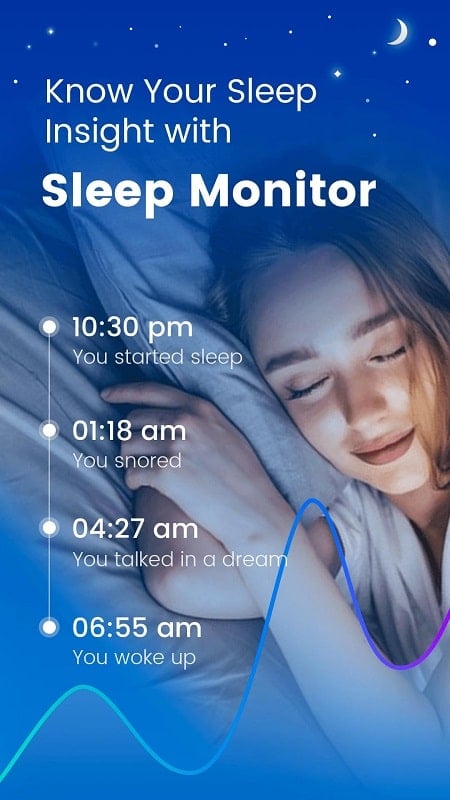
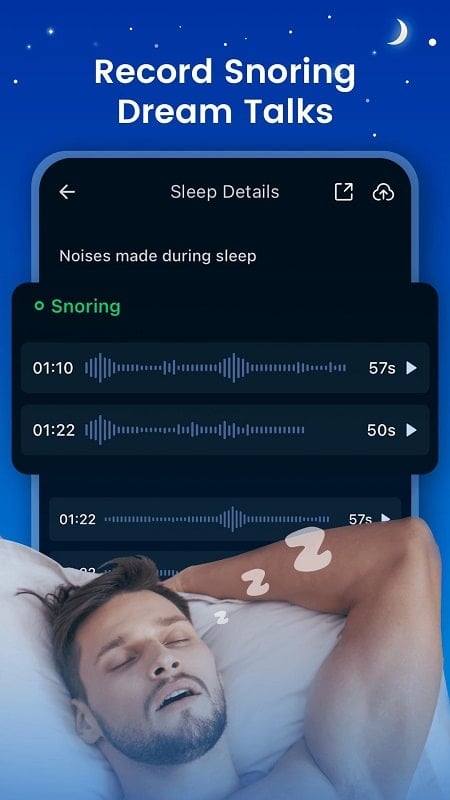
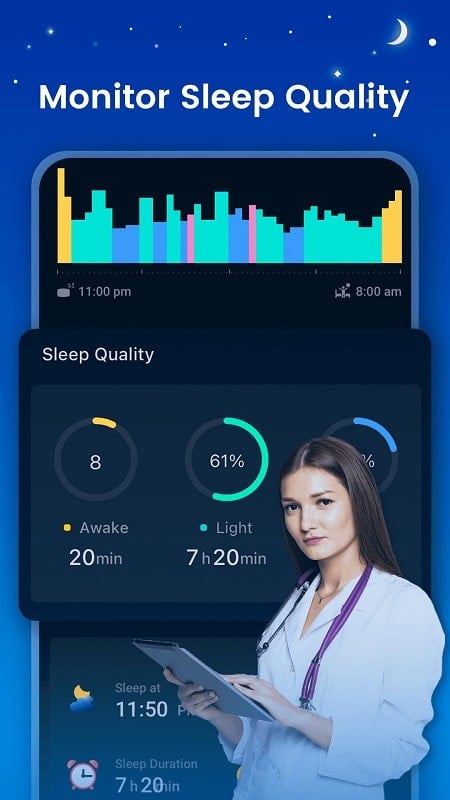
Sleep Monitor helps you track and improve nightly rest using your phone’s sensors and clear visual reports. The app records sleep stages, detects movement and sound events, and includes a smart alarm to wake you during light sleep, delivering straightforward insights without needing extra wearable devices.
Sleep Monitor collects sleep data automatically and displays it in an accessible dashboard. Core tools include sleep stage detection (light, deep, REM), motion and snore detection, nightly score summaries, and trends over time. A smart alarm window helps you wake more naturally, while exportable reports let you share patterns with a clinician or coach.
The app uses the phone’s microphone and accelerometer to observe breathing sounds and bedside movements. Recordings are processed locally to identify periods of restlessness and potential snoring episodes. Sleep Monitor avoids intrusive background processes and provides clear indicators of when recordings were active, so you can review what the device captured each night.
One of Sleep Monitor’s most useful tools is its adaptive alarm. Instead of a fixed wake time, the alarm operates within a chosen window and selects a moment when your movement and sleep stage suggest lighter sleep. You can configure alarm tones, vibration patterns, and repeat schedules to suit weekday routines and weekend flexibility.
The app transforms raw data into easy-to-read charts that highlight sleep duration, sleep efficiency, and wake-after-sleep onset. Nightly cards summarize events like awakenings or snoring spikes, and a weekly overview shows trends so you can spot improvements or recurring problems. Reports are designed for quick scanning and longer-term comparison.
Sleep Monitor offers multiple customization options: sensitivity levels for movement and sound detection, privacy settings to control data retention, and thresholds for what counts as a snore or arousal. You can mute automatic recording when you travel or schedule do-not-disturb periods to prevent interruptions while using other apps.
User privacy is central to the design. Audio snippets used for analysis are processed on the device unless you opt into cloud backup. Sleep Monitor provides clear permissions prompts and a local data export feature so you stay in control of what is stored and shared.
The app is optimized to minimize battery drain by limiting high-frequency sampling and pausing nonessential operations during daytime. Sleep Monitor runs efficiently on a broad range of Android devices; recommended settings are provided to balance accuracy and power use depending on phone model and nightly habits.
Most modern Android phones support the app’s sensor and microphone features. For best results, place the phone on a bedside table or nightstand with the microphone facing toward you. Avoid covering the device with cushions or blankets. If you use a case, test placement to ensure clear sound pickup and stable movement detection.
Sleep Monitor is useful for people who want to understand sleep patterns without buying additional devices. It helps users identify inconsistent bedtimes, frequent awakenings, and potential snoring events. The app’s nonmedical feedback can support lifestyle adjustments, such as optimizing bedtime routines or consulting a healthcare professional when patterns suggest persistent disruption.
Installation is straightforward: allow the requested permissions for microphone and motion sensors, set your typical sleep and wake windows, and run a test recording. Sleep Monitor includes a first-night guide that explains indicators and shows where to find trend reports. Regular use improves the value of weekly and monthly insights.
With clear visuals, configurable alerts, and efficient local processing, Sleep Monitor provides practical tools for anyone aiming to better understand nightly rest. The app emphasizes ease of use and privacy while offering actionable feedback to help refine sleep habits over time.